
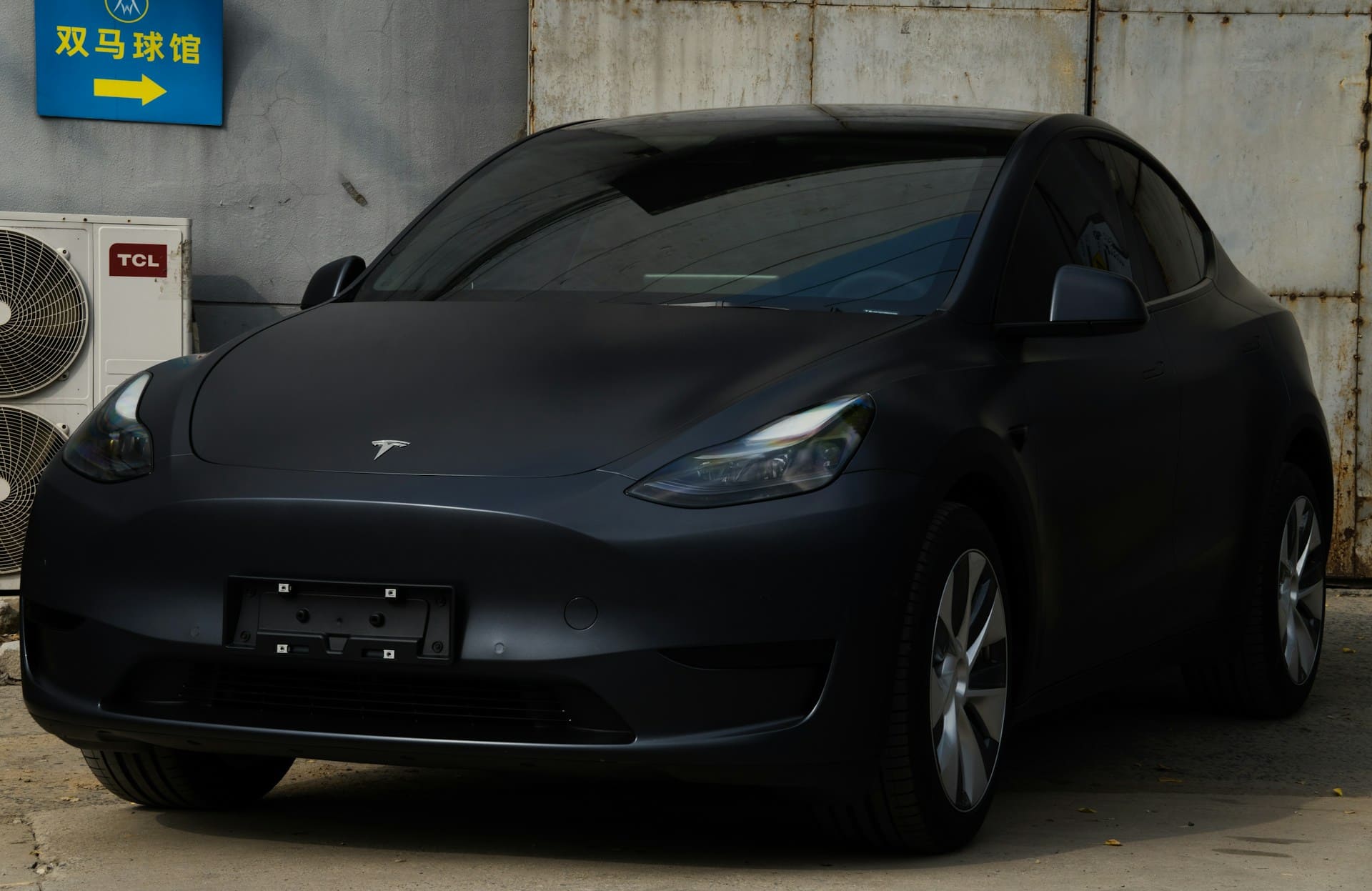
If your Tesla jump start is not working, it’s often because the 12-volt battery needs a specific procedure or professional assistance to safely activate the main systems. Unlike traditional vehicles, Teslas rely on this small battery to power critical components before the larger battery takes over. Simply jump-starting it like a gas car may not always engage the electric parking brake or open the contactors in the main battery.
You might find that your Tesla won’t respond after replacing or jump-starting the 12V battery. This is because Tesla’s systems require precise handling to avoid damage or lockouts. Knowing the right steps can save you time and frustration, and understanding why the jump start doesn’t work as expected helps you troubleshoot effectively or decide if you need expert help.
Getting stuck with a Tesla that won’t start can feel confusing since it doesn’t follow the usual jump-start rules. Learning how Tesla’s unique electrical system operates gives you an advantage when dealing with a dead battery or a no-start scenario. For detailed instructions on safely managing this, see the comprehensive Tesla jump-start guides available online.

Best Bluetooth OBD2 Scanner
Detect 39,000+ Issues With Enhanced Codes. Save $1000s on car repairs & buying used vehicles by diagnosing problems yourself.
Shop on Amazon
Critical Steps to Take When Your Tesla Jump Start Fails
When your Tesla jump start does not work, it’s essential to methodically check connections, confirm correct terminal locations, and interpret vehicle alerts accurately. Small mistakes in setup or oversight of dashboard warnings can prevent successful power transfer from a portable jump starter or another vehicle.
Verify Jump Start Connections and Equipment
First, ensure that all cables and clamps are securely connected. The positive clamp should be attached firmly to the Tesla’s positive terminal. Loose connections often cause failure in jump starting. Check that the portable jump starter or donor vehicle battery has adequate charge and is functioning properly.
Avoid reversing the polarity—connecting positive to negative, or vice versa—as this can damage the car’s electrical system. Use a clean, unworn jumper cable designed for low-voltage systems. If using a portable jump starter, confirm it is fully charged and rated for Tesla’s 12-volt battery. Always maintain good contact between clamps and terminals to allow smooth current flow.
Check the Positive Terminal and Ground Locations
The positive terminal in a Tesla is usually marked and located under the hood, but it may not be immediately obvious compared to traditional cars. Locate the exact positive terminal; this is critical for effective jump-starting.
For grounding, Tesla vehicles generally expose a specific metal point in the chassis as the negative connection. Avoid attaching the negative clamp directly to the battery’s negative terminal. Instead, use the designated ground location on the car’s frame or body to reduce spark risks and electrical faults.
Using the manufacturer’s guide to confirm these points ensures you are connecting properly, protecting the vehicle’s sensitive electronics and improving jump start success Jumpstarting the Low Voltage Battery – Tesla.
Review the Vehicle’s Display and Warning Messages
After attempting a jump start, check your Tesla’s touchscreen and instrument cluster for any warning or error messages. The car may provide specific indicators like “12V battery fault” or “Powertrain offline” that guide you toward the next actions.
Ignoring these messages can lead to repeated failed attempts or further battery drain. If the vehicle refuses to start despite proper connections, alerts may suggest a deeply discharged 12-volt battery or another electrical issue.
Take note if the display is completely dead, which may indicate a need for professional service or component replacement instead of an immediate jump start attempt. Monitoring your vehicle’s messages helps ensure you address the root problem effectively Can You Jump Start a Tesla? The 2025 Truth Revealed.
Common Reasons a Tesla Won’t Start After Jump Starting
If your Tesla still won’t start after jump-starting, specific electrical or battery issues are often the cause. Problems with the 12-volt battery, its connections, or critical components like the starter can prevent the vehicle from powering on, despite your jump-start attempt.
Dead or Faulty 12V Battery
The 12V battery in your Tesla powers essential systems that allow the car to operate. Even though the main high-voltage battery drives the motor, the 12V battery activates systems like the touchscreen, locks, and sensors.
If this battery is dead or faulty, your Tesla won’t start properly. Jump-starting sometimes fails if the 12V battery is too damaged or has internal failures like bad cells. Repeated jump attempts won’t revive a battery that has reached the end of its lifespan. In such cases, the battery usually needs full replacement.
You can often spot failing 12V batteries by diminished responsiveness or warning messages on your display. Tesla recommends using a compatible charger or professional replacement instead of relying on jump-starts for consistent recovery.
Loose or Corroded Battery Terminals
A common but easy-to-overlook issue is loose or corroded battery terminals at the positive terminal or ground points. Poor connections reduce the flow of electricity even after a jump-start, blocking critical power from reaching the car’s systems.
Checking the battery terminals for tightness and corrosion is essential. Corrosion appears as white or bluish deposits and can be cleaned with a battery terminal cleaner or a simple baking soda solution. Always disconnect the negative terminal first before cleaning.
Improperly connected cables or damaged terminals might cause intermittent starting failures or a no-start condition after an attempted jump. Ensuring a secure, clean connection is fundamental when diagnosing a Tesla jump start failure.
Faulty Starter or Electrical Components
While Teslas don’t have a traditional starter motor, their electrical system includes modules that handle startup commands. Faults in these components can prevent the car from recognizing a jump start or powering on.
Starter-related issues may involve internal relay failures, software glitches, or damaged control modules. These faults often trigger warning lights or error codes on your touchscreen.
If jump-starting doesn’t work and the 12V battery and terminals are good, suspect an electrical fault beyond simple battery problems. Diagnostics by Tesla service or a qualified technician can pinpoint and fix these complex startup failures.
Recommended Troubleshooting Steps and Next Actions
If your Tesla jump start isn’t working, correctly diagnosing the problem is crucial. Focus on charging time, the condition of cables and clamps, and the suitability of your jump-starting equipment. These factors often determine success or failure in restoring power.
Allow More Charging Time with Donor or Jump Starter
When jump-starting your Tesla’s 12V battery, the time connected to the donor vehicle or portable jump starter matters significantly. Even if the connector lights up, the battery may need several minutes to accumulate enough charge to power the systems that release the electric parking brake.
Donor batteries and jump starters vary in strength. You should maintain a steady connection for at least 10 to 15 minutes. Disconnecting too early might leave the Tesla unable to start or engage contactors for the main battery. Patience here helps avoid repeated attempts that could damage electrical components.
Also, after charging, try entering the vehicle and placing it in neutral before attempting to drive off. This step ensures the 12V system has enough power to function properly.
Inspect Cables and Clamps for Issues
Faulty or poorly connected cables and clamps can prevent a successful jump start. Carefully check each connection point for corrosion, cracks, or dirt that might interfere with the electrical flow.
Make sure the clamps are tightly secured to the correct terminals: positive to positive, negative to a proper grounding point or negative terminal on the donor battery. Loose or swapped connections can cause sparks or fail to deliver power. Use cables specifically designed for EVs or Teslas to ensure compatibility and safety.
Visual inspection alone isn’t enough; test the cables using a multimeter if you have one. Low voltage or resistance in the cables might indicate replacement is necessary.
Use a Portable Jump Starter for Convenience
A portable jump starter designed for electric vehicles offers an easier and often safer alternative to using another car’s battery. These devices provide sufficient power to the Tesla’s 12V system without the complexities of cable management between vehicles.
Portable jump starters are compact and eliminate the need to find a donor vehicle, making them practical for emergencies. Before use, ensure the unit is fully charged and rated for the voltage and current required by Tesla’s 12V battery.
Connect the portable jump starter correctly following the manufacturer’s safety instructions. Many come with built-in safeguards against overcurrent or reverse polarity to protect your Tesla’s electronics. Using one reduces the risk of damage and can accelerate the jump-start process.
For detailed jump-start instructions specific to Tesla models, refer to Tesla’s jump-start guide.
Preventing Future Jump Start Problems with Your Tesla
To avoid recurring jump start issues, focus on maintaining your 12V battery’s health, protecting its terminals from damage, and adopting charging and storage habits that preserve battery power. These steps help ensure reliable performance and reduce the risk of battery failure.
Regular Maintenance of 12V Battery
Keep your Tesla’s 12V battery in good condition by checking its charge level periodically and scheduling replacements every 3 to 4 years or sooner if symptoms arise. Low voltage or degraded batteries often cause jump start failures.
Monitor voltage with a multimeter when possible; a healthy 12V battery should show around 12.6 volts when the car is off. If the voltage drops below 12.4 volts consistently, it may be time for service. Also, inspect for swelling or leaks, signs that the battery needs replacing.
If your Tesla frequently requires jump starts, ask a technician to test the battery under load to confirm its capacity. Avoid using the car’s main high-voltage battery alone to power accessories, as this puts extra strain on the 12V battery.
Protecting Terminals from Corrosion and Wear
Corrosion on the positive terminal can cause poor electrical connections, leading to jump start failure. Regularly inspect the battery terminals and cables for rust, white powder, or greenish deposits.
Clean terminals gently with a battery terminal cleaner, a wire brush, or a vinegar solution. Always disconnect the negative cable first to avoid short circuits. After cleaning, apply a thin layer of dielectric grease to the terminals, especially the positive terminal, to prevent future corrosion.
Check that the terminal connections are tight and secure but avoid over-tightening, which can damage the battery posts or cables. Loose or damaged cables can interrupt power flow during jump starting or normal use.
Tips for Proper Storage and Charging Habits
If you plan not to drive your Tesla for an extended period, keep the 12V battery charged to prevent deep discharge. Disconnecting or removing the battery is generally not recommended due to Tesla’s complex electrical systems.
Use the Tesla app or car settings to activate “Storage Mode,” which helps maintain battery health by managing power consumption while parked. Plugging in regularly provides the best way to keep both your high-voltage and 12V batteries charged.
Avoid leaving accessories like Sentry Mode on for days without charging, as these drain the 12V battery quickly. When jump-starting, carefully attach the red positive cable only to the designated positive jump post to prevent short circuits or damage.
Following these habits helps safeguard your Tesla’s battery system and reduces the chance of future jump start problems.
For detailed jump starting steps and precautions, review Tesla’s official Jumpstarting the Low Voltage Battery guidelines.