Lenovo Keyboard G and H Not Working (Here’s How to Fix It Fast)
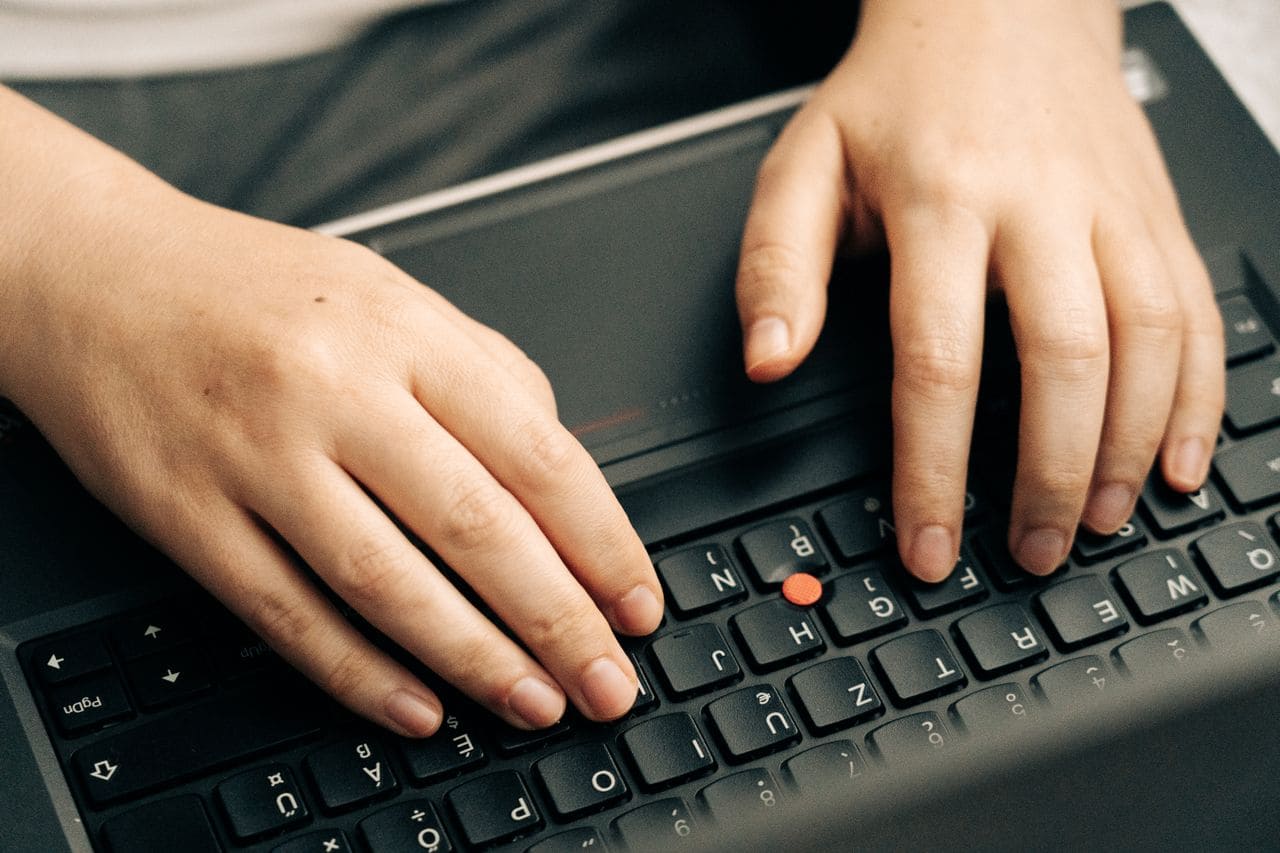
Fix Lenovo keyboard G and H not working with driver updates, cleaning, and hardware diagnostics. Complete troubleshooting guide inside.

Fix Lenovo keyboard G and H not working with driver updates, cleaning, and hardware diagnostics. Complete troubleshooting guide inside.

Lenovo keyboard Enter key not working? Try cleaning, driver reinstalls, or accessibility settings. Our guide covers 10+ fixes for ThinkPad, IdeaPad & Legion laptops.
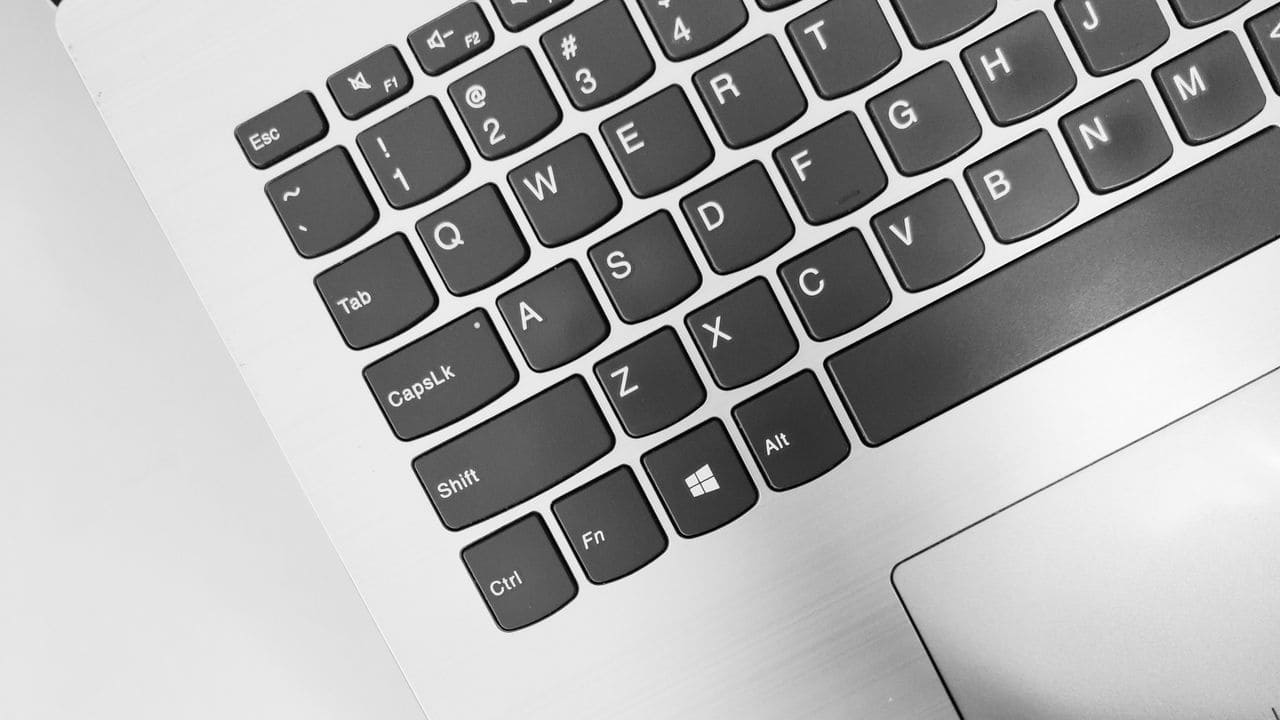
Fix Lenovo keyboard error codes in 10 minutes. Troubleshoot driver issues, BIOS settings, and hardware problems with step-by-step solutions.
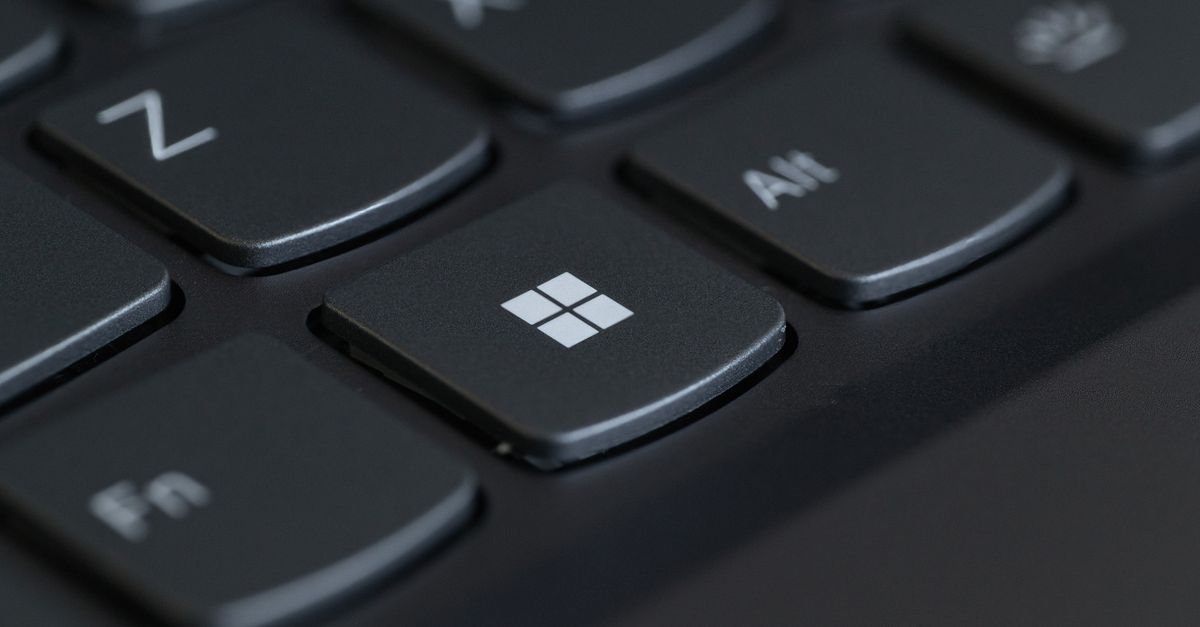
Fix Lenovo keyboard keys not working with easy troubleshooting steps. Learn to clean, adjust settings, update drivers, and determine when repair is needed.
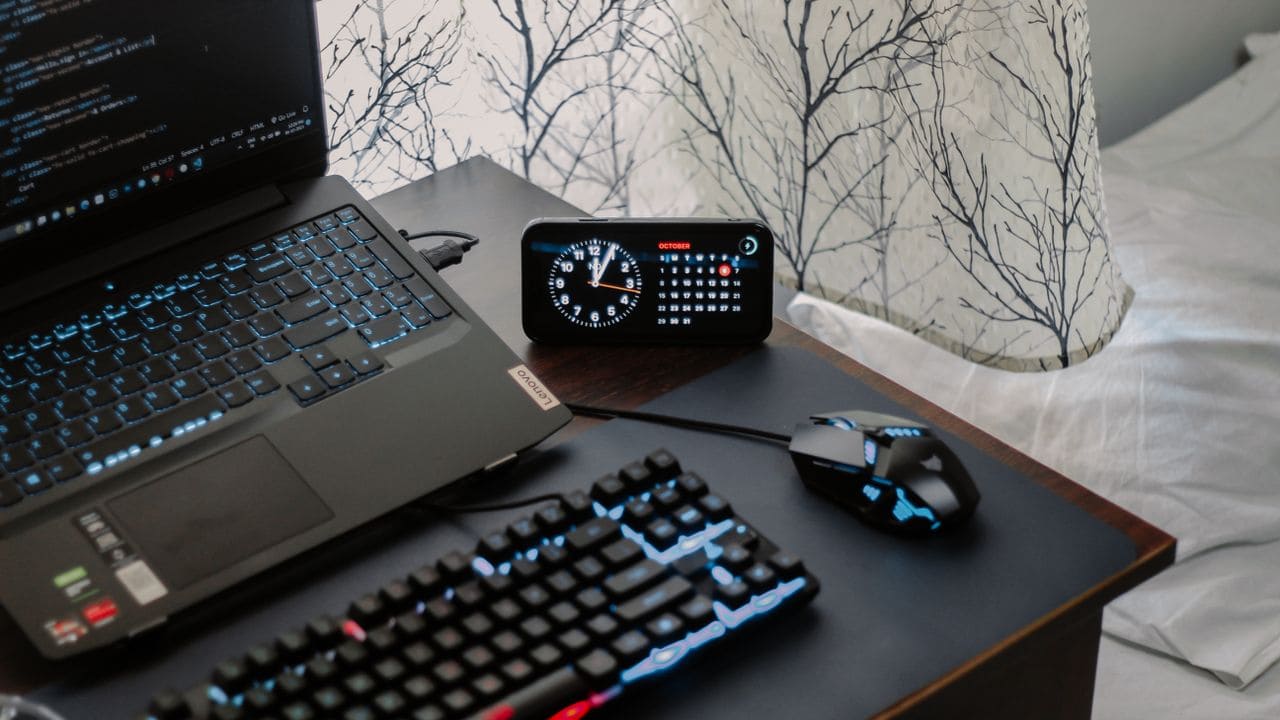
Fix Lenovo keyboard backlight not working in minutes. Try hotkey combos, adjust Vantage settings, update drivers, or perform a power drain reset.

Fix Lenovo ThinkPad keyboard not working with 5 proven steps—from static reset to driver updates. Most issues resolve for free.

Fix your Lenovo laptop monitor not turning on with 7 proven troubleshooting steps. Power, drivers, settings—quick solutions inside.
If your Lenovo laptop is not allowing you to sign in, there could be issues with your password, corrupted user profile, or problems with Windows services. The most common solution is to troubleshoot by verifying your keyboard input, resetting your password, or booting into safe mode to isolate the problem. These steps help you regain … Read more

If your Lenovo laptop won’t boot after a BIOS update, the cause usually lies in corrupted BIOS settings or a failed update process. The most effective way to fix this is to perform a power reset by unplugging your laptop, removing the battery (if possible), and holding the power button to drain residual power. This … Read more

If your Lenovo laptop is not accepting your PIN, it can prevent you from accessing your device efficiently. This issue often arises due to corrupted PIN data, TPM hardware problems, or changes in security settings after updates. Understanding why this happens helps you quickly apply the right solution. You don’t always need to reset the … Read more