
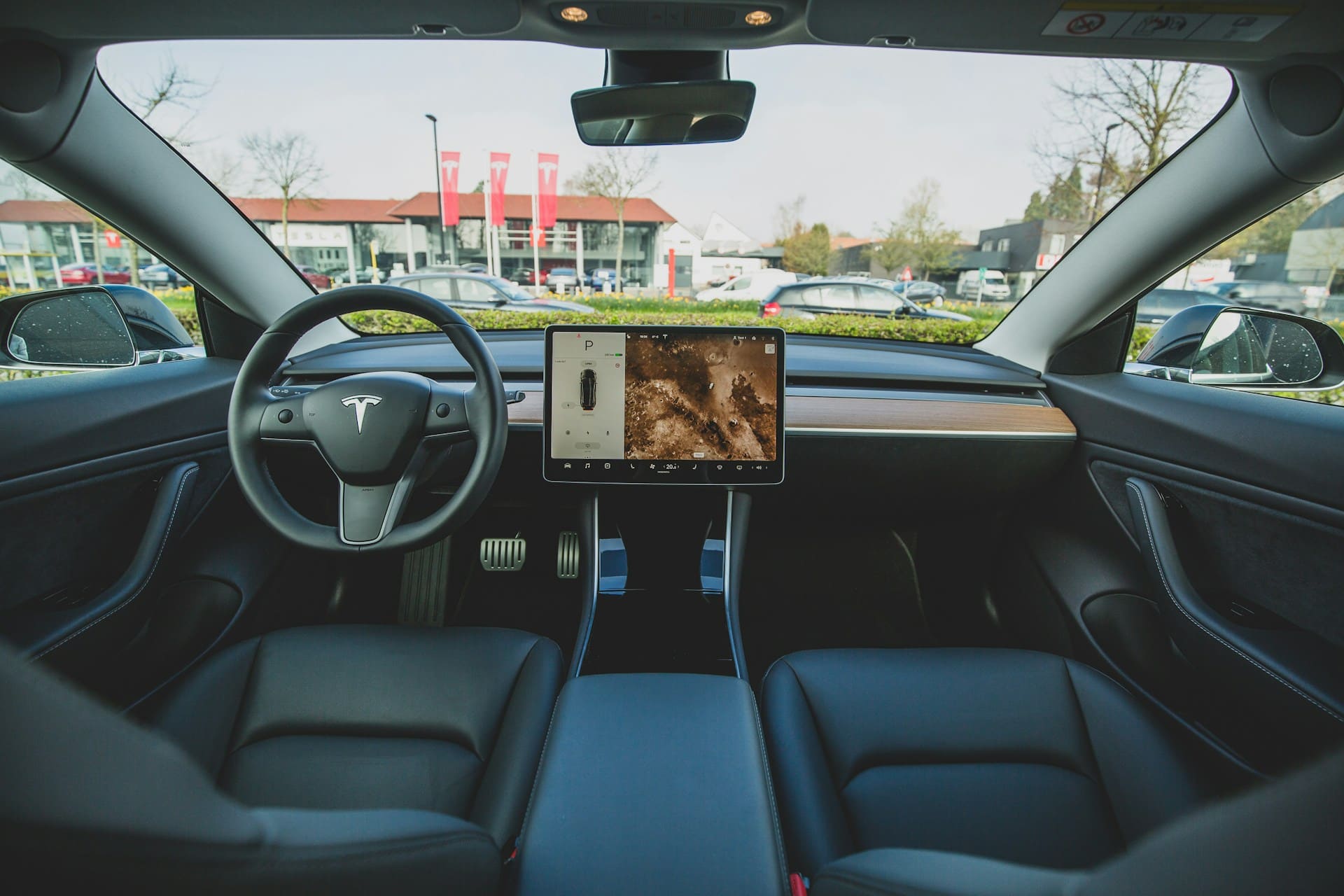
If your Tesla HomeLink is not working, it’s often due to programming errors, signal interference, or hardware issues. The most common fix is to reprogram HomeLink, replace your garage remote battery, and check for software updates to restore proper function. These steps address the majority of problems without the need for service visits.
Sometimes recent vehicle repairs or software updates can disrupt HomeLink’s connection. You might also face signal range problems caused by interference from Wi-Fi or construction materials around your garage. Understanding these causes helps you troubleshoot effectively and quickly regain convenient control of your garage door.
Knowing how to identify and fix these issues saves time and frustration. With the right approach, you can get HomeLink working smoothly again and avoid being stuck outside or relying solely on a manual remote. For a detailed guide on troubleshooting, see this Tesla HomeLink troubleshooting resource.

Best Bluetooth OBD2 Scanner
Detect 39,000+ Issues With Enhanced Codes. Save $1000s on car repairs & buying used vehicles by diagnosing problems yourself.
Shop on Amazon
Understanding Tesla HomeLink and Compatibility
Tesla HomeLink lets you control garage doors and gates directly from your vehicle. It relies on precise communication between your Tesla’s transmitter and the garage door opener system. Compatibility depends on supported frequencies and proper installation, which affects how smoothly your system will work.
How Tesla HomeLink Works
HomeLink is a built-in radio frequency transceiver in Tesla models like the Model S and Model X. It communicates with your garage door opener using a specific RF signal to trigger opening or closing. When you press the HomeLink button inside your Tesla, it sends the programmed radio signal that your garage door opener recognizes.
You program HomeLink by pairing it with your garage door remote, teaching Tesla the correct frequency and code. The transmitter is typically located in the front bumper area, so remote placement during programming is crucial. The system supports up to three devices, which can include garage doors, gates, or security systems.
Rigid adherence to the programming process ensures a strong signal match. Software updates in Tesla vehicles can also affect how HomeLink functions, so keeping your Tesla firmware current optimizes compatibility and performance.
Supported Garage Door Openers and Brands
Tesla HomeLink supports many popular garage door opener brands, including Chamberlain, LiftMaster, Genie, and Craftsman, especially models operating on standard frequencies around 300-400 MHz. However, incompatibility can arise with newer or higher-frequency openers unless a compatibility bridge or repeater kit is used.
Since 2019, Tesla removed HomeLink as a standard feature on Model 3 and Model Y, and for those models or unsupported door openers, you’ll need to purchase and install a retrofit kit.
Your garage door remote’s battery condition, compatibility with HomeLink’s learning system, and the specific opener model all affect success. If you have an older opener, HomeLink typically pairs easily, but newer smart openers may require additional setup or hardware adjustments.
Role of Transmitters and Garage Door Opener Systems
The HomeLink transmitter in Tesla is essential for sending RF signals to your garage door opener’s receiver. This transmitter is located inside the front bumper area, so any repairs or damage there can disrupt functionality.
Garage door opener systems must receive a clear, uninterrupted signal. Metal doors, concrete walls, or electronic interference like Wi-Fi routers can weaken the signal strength.
Some garage door motors use “learn” or “program” buttons to resync with HomeLink after resets or power loss. The transmitter’s position and secure wiring connections also impact performance. If your HomeLink stops working after repairs or software updates, reprogramming or inspection by Tesla Service may be necessary to restore communication.
Using a HomeLink repeater or compatibility bridge can expand range and resolve issues with certain older or incompatible garage door systems.
Common Causes of Tesla HomeLink Not Working
When your Tesla HomeLink system fails, the problem often lies in one of a few specific areas. These include how the system was programmed, the environment affecting signal transmission, compatibility with your garage door opener, or limitations in your vehicle’s software. Understanding these can help you quickly identify and resolve issues.
Incorrect Programming or Setup
Incorrect programming is a frequent cause of HomeLink issues. If you don’t follow the precise steps to pair HomeLink with your garage door opener, the system may not recognize the signal. For example, holding the remote 2-4 inches from the front bumper during setup is critical. Using incorrect timing or positioning disrupts communication.
Battery power in your garage remote can also affect programming success. Low power might weaken the signal and cause the process to fail. Replace your remote’s battery with a fresh CR2032 or CR2025 before attempting pairing.
Always check your Tesla’s software version. Older firmware may not support all garage door opener frequencies, especially for Teslas from 2017-2020. Updating your software can improve HomeLink functionality and compatibility.
Signal Interference and Obstructions
Signal interference can significantly reduce HomeLink’s reliability. Wireless devices like Wi-Fi routers and smart home gadgets near your garage door opener can disrupt the radio frequency HomeLink uses to communicate. Metal garage doors, concrete walls, or insulation can also block or weaken the signal.
Tesla’s HomeLink transmitter itself may lose effectiveness over time, diminishing the signal range. Position your vehicle correctly—sometimes even slight adjustments to your approach angle or distance (about 15-20 feet from the door) improve communication.
If you suspect interference, temporarily disable nearby electronics or extend the garage opener’s antenna. In persistent cases, adding a HomeLink repeater kit can boost range and signal strength for a more consistent connection.
Compatibility Issues with Garage Door Openers
Not all garage door openers work seamlessly with Tesla HomeLink. HomeLink supports frequencies roughly between 288 MHz and 434 MHz, but some international and newer openers may use frequencies outside this range. For example, HomeLink is not supported in Australia due to local frequency regulations.
Additionally, if your garage door opener recently reset after a power outage or manual reset, previously programmed codes may have been erased. This requires reprogramming your Tesla HomeLink profile.
Some garage door openers need manual activation of “Learn” or “Program” buttons during setup. Missing this step means HomeLink won’t sync with your opener. Confirm your opener’s model supports HomeLink and follow the manufacturer’s programming instructions closely.
Firmware and Software Limitations
Tesla periodically updates the vehicle’s firmware, which can impact HomeLink functionality. Major software updates sometimes reset HomeLink settings or alter compatibility with certain garage door models.
You should delete your existing HomeLink profile after a software update and then reprogram the system. This refresh ensures your Tesla adapts to changes in the firmware and maintains connectivity.
Hardware placement matters too. HomeLink’s transmitter is built into the front bumper area. Repairs or replacements to the bumper or sensors can disrupt wiring or signal alignment, causing the system to fail. After such repairs, always verify HomeLink is reinstalled and functioning properly.
If problems persist despite updates and reinstallations, Tesla Service can inspect the HomeLink module and wiring for faults.
Effective Troubleshooting and Fixes
Addressing Tesla HomeLink issues requires precise steps that target the common causes of malfunctions. You’ll focus on reprogramming the system, ensuring location data is accurate for auto-activation, keeping your car’s firmware updated, and verifying the remote transmitter’s condition.
Reprogramming HomeLink in Your Tesla
When HomeLink fails to operate your garage door consistently, reprogramming is often necessary. Begin by accessing the HomeLink menu on your Tesla’s touchscreen under Controls. Select “Create HomeLink” and enter a custom name for your device.
Next, hold the garage door remote close to the front bumper or windshield. Press and hold the remote button as your Tesla learns the signal. The system will confirm successful pairing, usually via a notification or indicator.
Adjust remote distance and angle during this process to improve signal strength. Avoid metallic obstructions and repeat programming if the door doesn’t respond. Deleting previous HomeLink entries before reprogramming can also clear corrupted settings.
Resetting GPS Location for Auto-Activation
Tesla’s HomeLink uses GPS location to trigger automatic garage door activation. If the door isn’t opening when you arrive, incorrect GPS data may be part of the problem.
Go to Controls > HomeLink and select the device you programmed. Use the option to reset or update the location setting. After resetting, physically drive your Tesla to the garage location to help recalibrate the GPS coordinates for accurate auto-activation.
This step is crucial because HomeLink relies on precise location awareness to engage at the right moment. Failing to reset location can prevent the system from recognizing when it’s near your garage door.
Updating Tesla Firmware and HomeLink Integration
Tesla regularly releases firmware updates that improve features and fix bugs—including HomeLink functionality. Ensure your vehicle is connected to Wi-Fi and check software updates from the Settings menu.
Installing the latest firmware keeps HomeLink performance optimized and resolves many glitches related to the system or touchscreen interface. Firmware updates can also expand compatibility with newer garage door opener models.
If you experience persistent HomeLink errors, a reboot after updating can help clear temporary software bugs. This involves holding the steering wheel scroll buttons until the screen goes black and the system restarts.
Addressing Remote Battery and Transmitter Issues
Many HomeLink problems stem from weak remote batteries or transmitter signal interference. Replace the battery in your original garage door remote with a fresh, compatible one to ensure strong signal transmission.
Weak batteries reduce the remote’s signal power, causing incomplete or failed programming attempts. Check that your remote is in good condition without visible damage.
Signal interference can come from nearby electronic devices or metal objects near the garage. Position your Tesla and remote away from these during programming. Small adjustments in placement often improve signal reception and lead to successful HomeLink operation.
For detailed step-by-step fixes, you can refer to a Tesla HomeLink troubleshooting guide.
Best Practices and Preventive Measures
Maintaining smooth operation of your Tesla HomeLink requires attention to setup details, system updates, and knowing when to get help. Proper configuration and minimizing signal disruptions are key to reliable performance. Staying aware of compatibility changes and knowing the limits of basic troubleshooting can save time and prevent frustration.
Optimizing Setup and Reducing Signal Interference
When programming HomeLink, ensure your Tesla is positioned close to the garage door opener, ideally near the front bumper or windshield. Hold the remote at different angles to improve signal reception. Avoid metal objects, wireless routers, cordless phones, and other electronics nearby, as they can block or weaken the radio frequency signals HomeLink relies on.
Clear the area of possible interference sources during both setup and regular use. Check the batteries in your original remote often and replace them every 6 to 12 months. This maintains a strong signal during programming and operation. You can also reset your HomeLink system and perform a hard reset of your vehicle’s touchscreen to clear glitches that might arise from software issues or temporary signal disruption. Monitoring for these factors regularly helps ensure consistent control.
Maintaining Compatibility with New Garage Door Openers
Garage door openers evolve, and not all models are fully compatible with Tesla’s HomeLink system. Before programming, verify that your opener supports HomeLink or can operate in one of the required modes such as Standard, D-Mode, or UR-Mode. Older or non-standard devices might cause erratic behavior or fail to pair properly.
Keep your Tesla’s firmware up to date through regular software updates. Tesla frequently releases improvements that enhance HomeLink functionality and device compatibility. Staying current with these updates addresses bugs and introduces support for newer garage door technologies. Document your receiver’s model and firmware requirements before setup to avoid repeated programming attempts caused by incompatibility.
When to Seek Professional Assistance
If repeated resets, reprogramming, and interference reduction do not restore HomeLink function, professional help may be necessary. Complex issues like corrosion in wiring, damaged connectors, or hidden hardware faults require an expert eye.
Tesla service centers can diagnose advanced software bugs or hardware malfunctions beyond routine maintenance. Additionally, if your garage door opener is not officially supported or is custom-modified, consulting a professional installer ensures HomeLink can be integrated properly. Avoid extended troubleshooting on your own, as improper handling may worsen issues or cause delays in restoring your system’s functionality.