Hyundai Sonata CarPlay Not Working (Expert Fixes for ccNC)
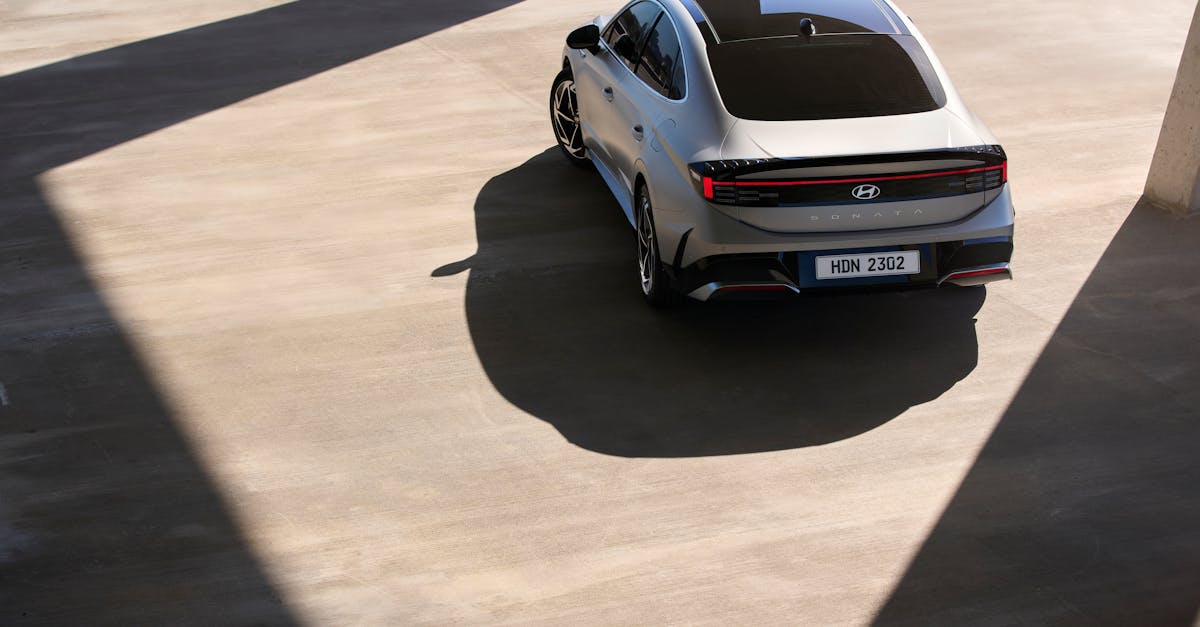
Fix Hyundai Sonata CarPlay not working with DIY solutions. Reset infotainment, swap cables, and troubleshoot wireless issues.

Fix Hyundai Sonata CarPlay not working with DIY solutions. Reset infotainment, swap cables, and troubleshoot wireless issues.
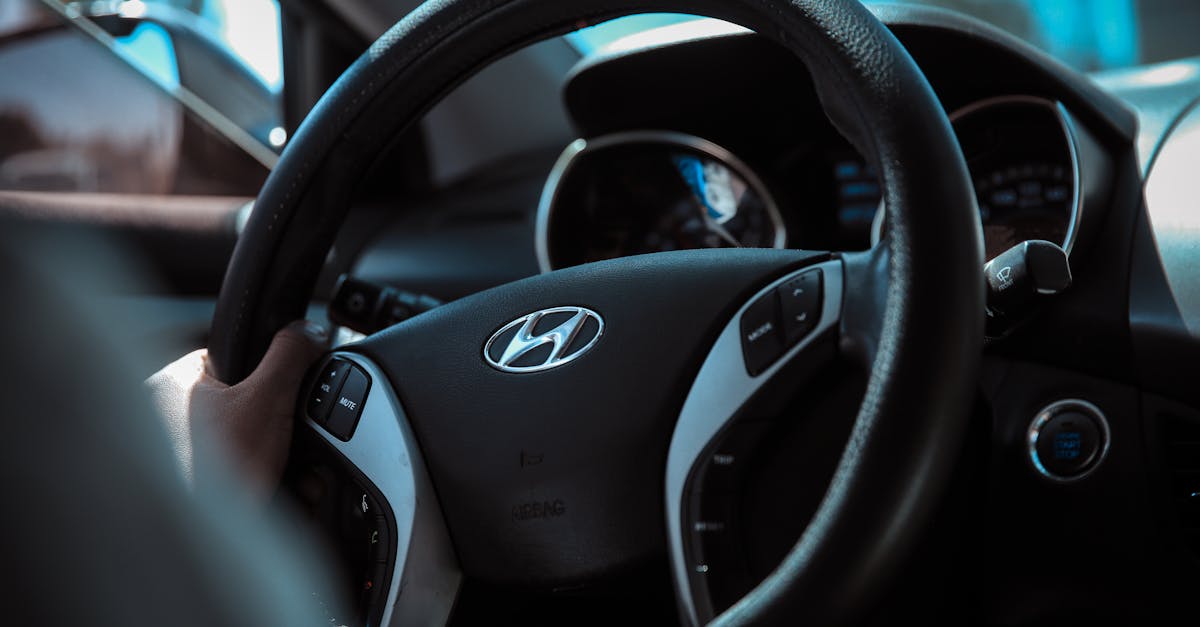
Fix Hyundai Santa Fe CarPlay not working with DIY soft resets, cable swaps & profile deletion. Skip the dealership—try these proven solutions first.
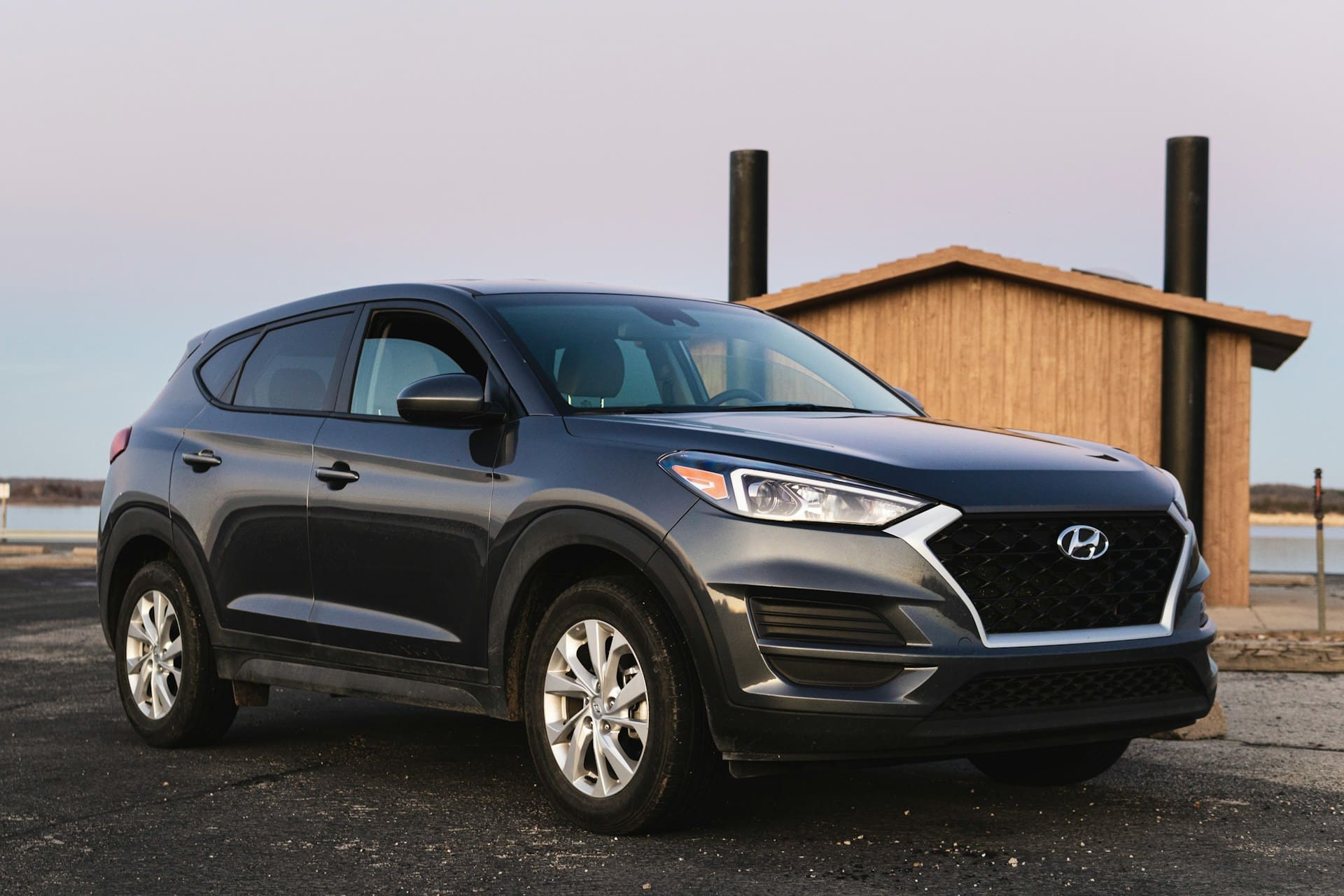
If your Hyundai Tucson Apple CarPlay is not working, the issue is often caused by faulty cables, software glitches, or connection problems between your phone and the car. The simplest way to fix this is by checking your USB cable, ensuring your iPhone and vehicle software are up to date, and reconnecting the device properly. … Read more
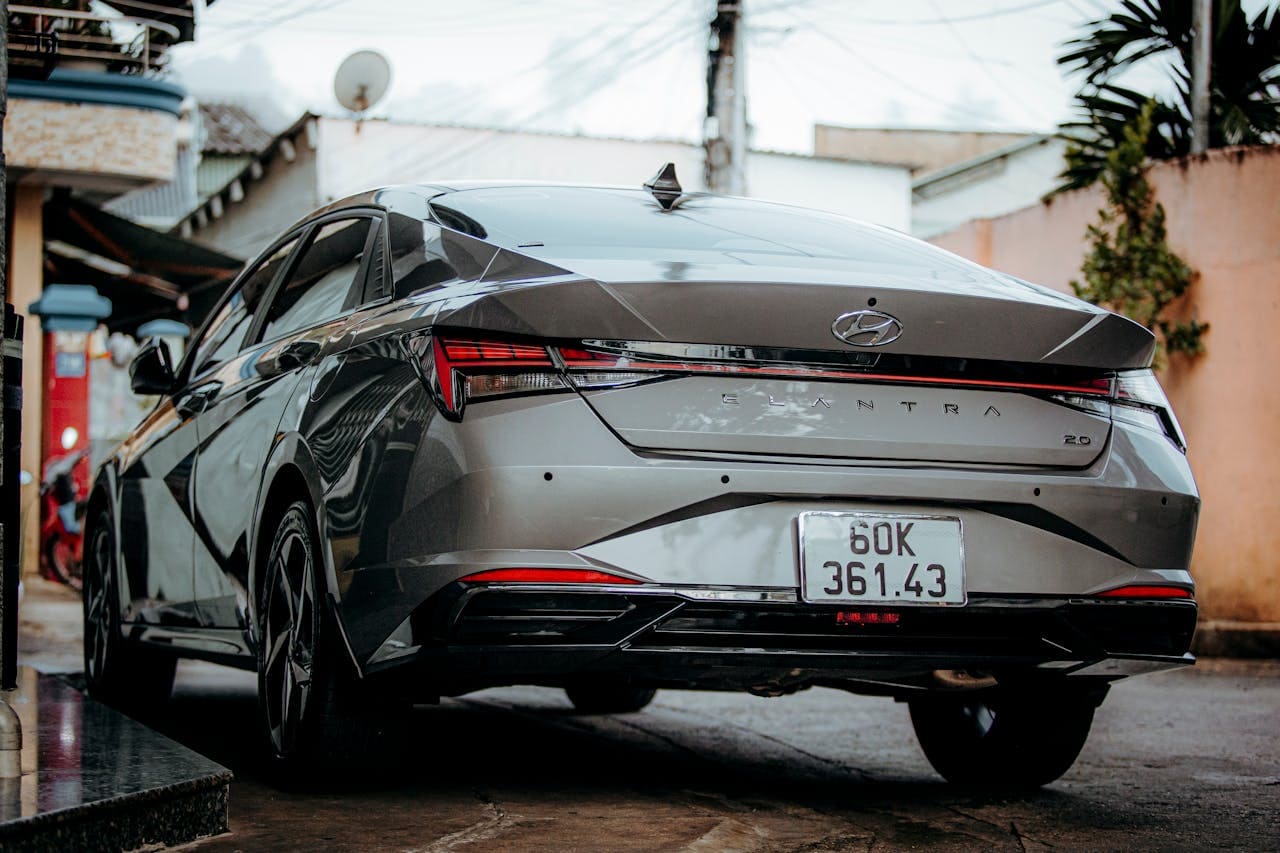
Experiencing CarPlay issues in your Hyundai Elantra can be frustrating when you depend on seamless iPhone integration for navigation and entertainment. Elantra CarPlay problems typically stem from software glitches, cable issues, or compatibility settings. Most issues resolve through iPhone restart, cable replacement, or infotainment system reset. Check iOS compatibility, update software, and verify CarPlay settings … Read more