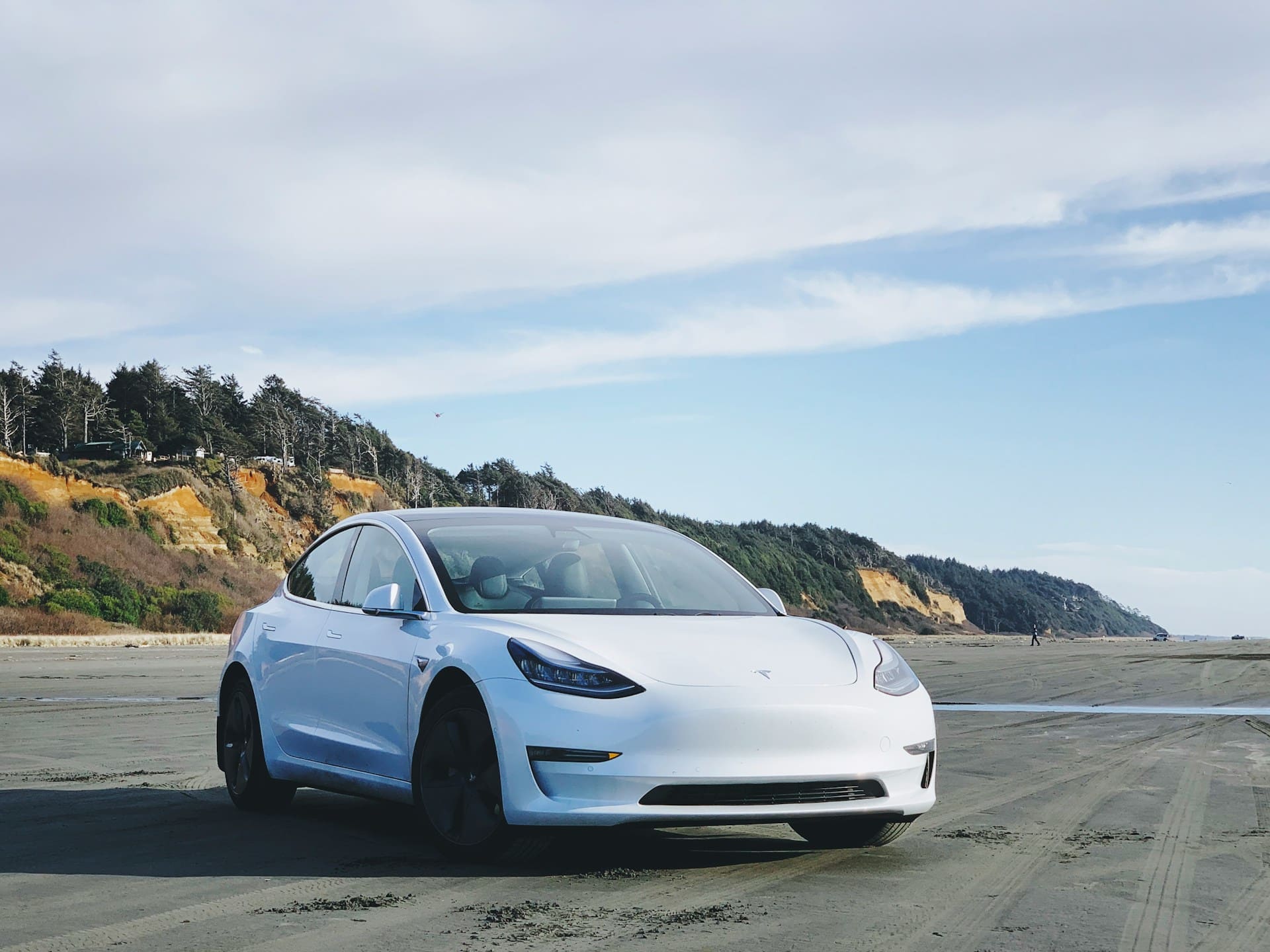
Tesla Battery Not Charging (Causes, Fixes, and Prevention)

tesla

If your Tesla battery is not charging, the issue often lies in connection problems, battery temperature, or charger faults. Ensure the charging cable is fully plugged in, the connectors are clean, and the battery is within the optimal temperature range for charging. These steps can solve most common charging interruptions quickly. Sometimes, charging won’t start … Read more

Tesla Apple Music Not Working (Complete Solutions)

apple music

If you’re experiencing issues with Apple Music not working properly in your Tesla, you’re not alone. The problem often stems from software glitches, unstable internet connections, or account authorization errors. The most effective way to fix this is by rebooting your Tesla’s system, ensuring your software is up to date, and reauthorizing your Apple Music … Read more

Tesla Emergency Brake Not Available (Causes and Solutions)

tesla

If you see a message that your Tesla’s emergency braking is not available, it usually means the system is temporarily disabled rather than completely broken. This alert often appears briefly after software updates or when the cameras need recalibration, but the automatic emergency braking will typically start working again shortly. You might notice this message … Read more

Tesla App Not Showing on Apple Watch (Causes and Fixes)

tesla

If the Tesla app is not showing on your Apple Watch, it usually means there’s a problem with syncing, software compatibility, or app installation. To fix this, you need to ensure your devices are updated to the latest iOS and watchOS versions, confirm the Tesla app supports your watchOS version, and check your network settings. … Read more

Tesla Autopilot Not Working (Causes, Fixes, and Next Steps)

tesla

If your Tesla Autopilot is not working, the most common causes are sensor calibration issues, hardware malfunctions, or software glitches. Ensuring your cameras and sensors are clean and properly calibrated is critical for Autopilot to function correctly. Sometimes, a simple software update or system reset can also restore Autopilot’s capabilities. Environmental factors like bad weather … Read more

Tesla AC Not Working (Causes, Fixes, and Expert Tips)

tesla

If your Tesla’s air conditioning isn’t working, it’s often due to outdated firmware, incorrect AC settings, or mechanical issues like a faulty compressor or low refrigerant. The most effective way to fix the problem usually starts with updating your vehicle’s software and checking the climate control settings carefully. Sometimes, the cause may be less obvious, … Read more

Tesla Connectivity Not Working (Causes and Solutions)

tesla

If your Tesla connectivity is not working, it can disrupt features like live navigation, streaming, and real-time traffic updates. Most connectivity problems are caused by expired subscriptions, weak LTE signals, software bugs, or temporary server outages. Identifying the root cause lets you restore your car’s connection without waiting for service. You rely on Tesla’s connected … Read more

Tesla Bluetooth Not Working (Complete Troubleshooting Guide)

tesla

If your Tesla Bluetooth isn’t working, the issue usually comes down to software glitches, outdated firmware, or connection settings on your phone or vehicle. The most effective way to fix Tesla Bluetooth problems is to update both your car’s and phone’s software, then unpair and re-pair your devices carefully. This approach resolves most common connection … Read more

Tesla Spotify Not Working (Troubleshooting and Reliable Fixes)

tesla

If you’re experiencing Tesla Spotify not working, it’s usually due to common issues like poor internet connection, outdated software, or login problems. The most effective solution often involves checking your network, ensuring your Tesla’s software and Spotify app are up to date, and logging out and back into your account. These steps resolve most disruptions … Read more