Logitech Folio Touch Not Working? Here’s the Fix That Saves You
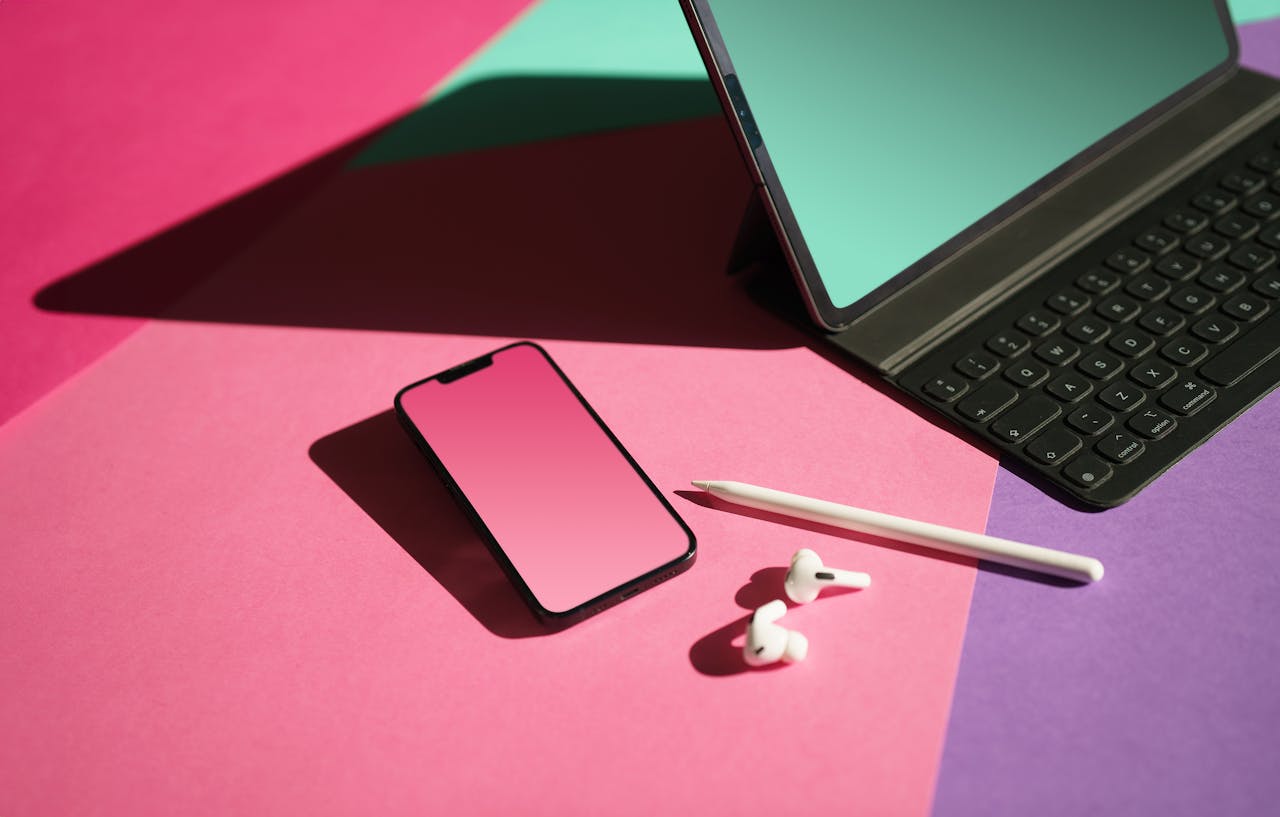
Fix Logitech Folio Touch not working: Clean Smart Connector pins, force restart, verify software. 60–70% of issues resolve with these simple steps.

Fix Logitech Folio Touch not working: Clean Smart Connector pins, force restart, verify software. 60–70% of issues resolve with these simple steps.

Fix Logitech iPad keyboard connection issues: re-pair Bluetooth, clean Smart Connector pins, update firmware. Most issues resolve in minutes—no support call needed.

Discovering that only certain keys on your laptop keyboard have stopped functioning creates frustration and disrupts productivity immediately. The primary solutions include cleaning debris from under affected keys, updating keyboard drivers through Device Manager, running Windows keyboard troubleshooter, checking for stuck keys or damaged keycaps, disabling filter keys in accessibility settings, performing registry cleaning, and … Read more

Your Lenovo laptop keyboard has suddenly gone silent, leaving you staring at an unresponsive machine that won’t let you log in, type documents, or complete essential work tasks? This maddening situation strikes thousands of Lenovo users daily, transforming their trusted ThinkPads and IdeaPads into digital paperweights that threaten deadlines and productivity goals. Your Lenovo laptop … Read more
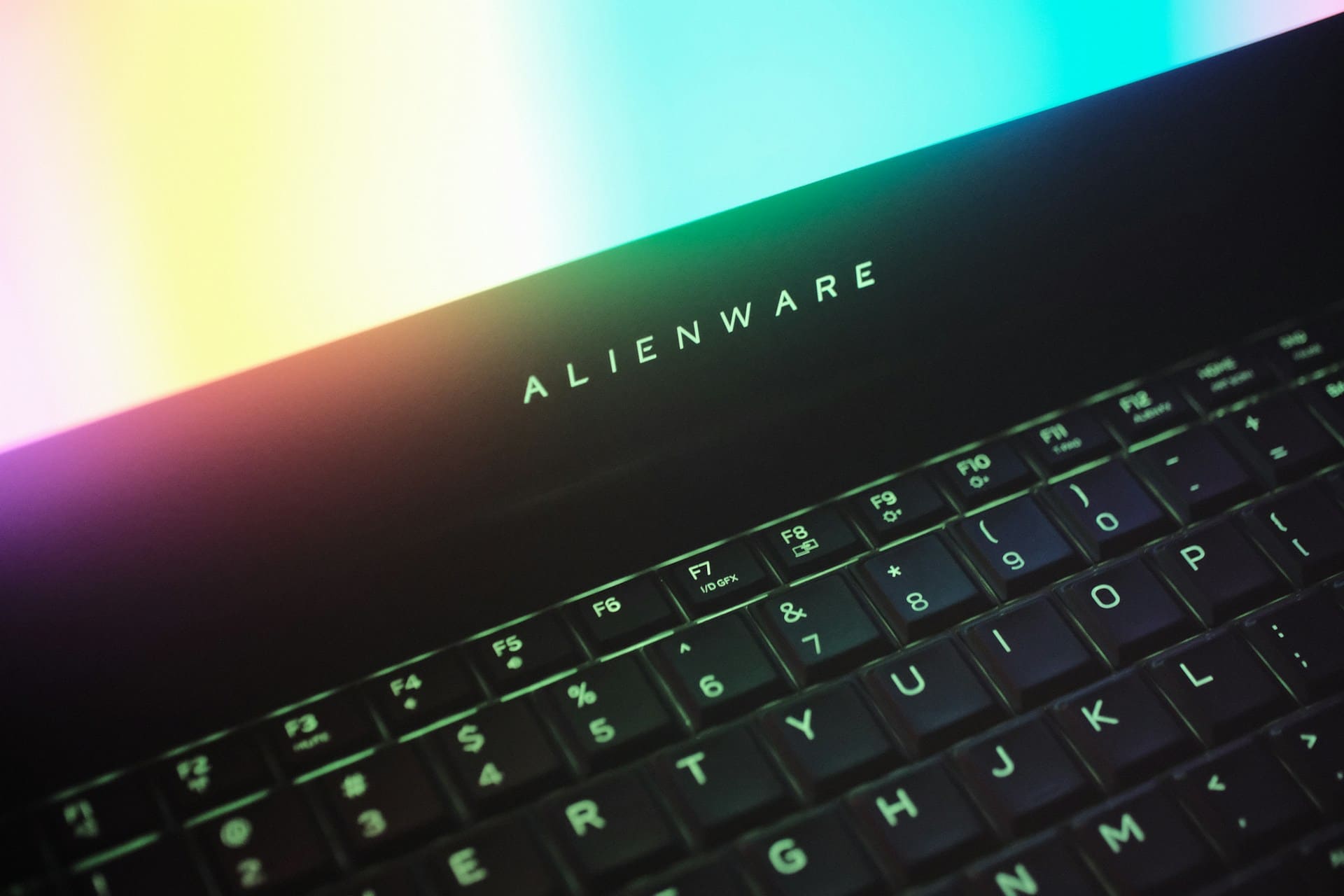
Your high-performance Alienware laptop keyboard suddenly dying can crush gaming sessions and productivity in seconds flat. The most effective solutions include performing an Alienware hard reset by holding power for 20 seconds, updating Alienware Command Center and keyboard drivers, disabling Windows gaming mode conflicts, checking AlienFX lighting software interference, running Dell SupportAssist diagnostics, cleaning mechanical … Read more

Your Dell Inspiron laptop keyboard suddenly stopped working and now you can’t log into Windows or type anything? This frustrating issue affects thousands of Dell Inspiron users daily, but most keyboard problems have straightforward solutions you can implement immediately without expensive repairs. Your Dell Inspiron keyboard isn’t working due to corrupted drivers, Windows 11 compatibility … Read more

When your laptop keyboard suddenly stops responding, panic sets in immediately. Whether you’re working on important documents, gaming, or browsing, a non-functional keyboard brings productivity to a complete standstill across all laptop brands and models. Your laptop keyboard isn’t working due to driver conflicts, Windows updates, software interference, or hardware problems. Most cases involve corrupted … Read more
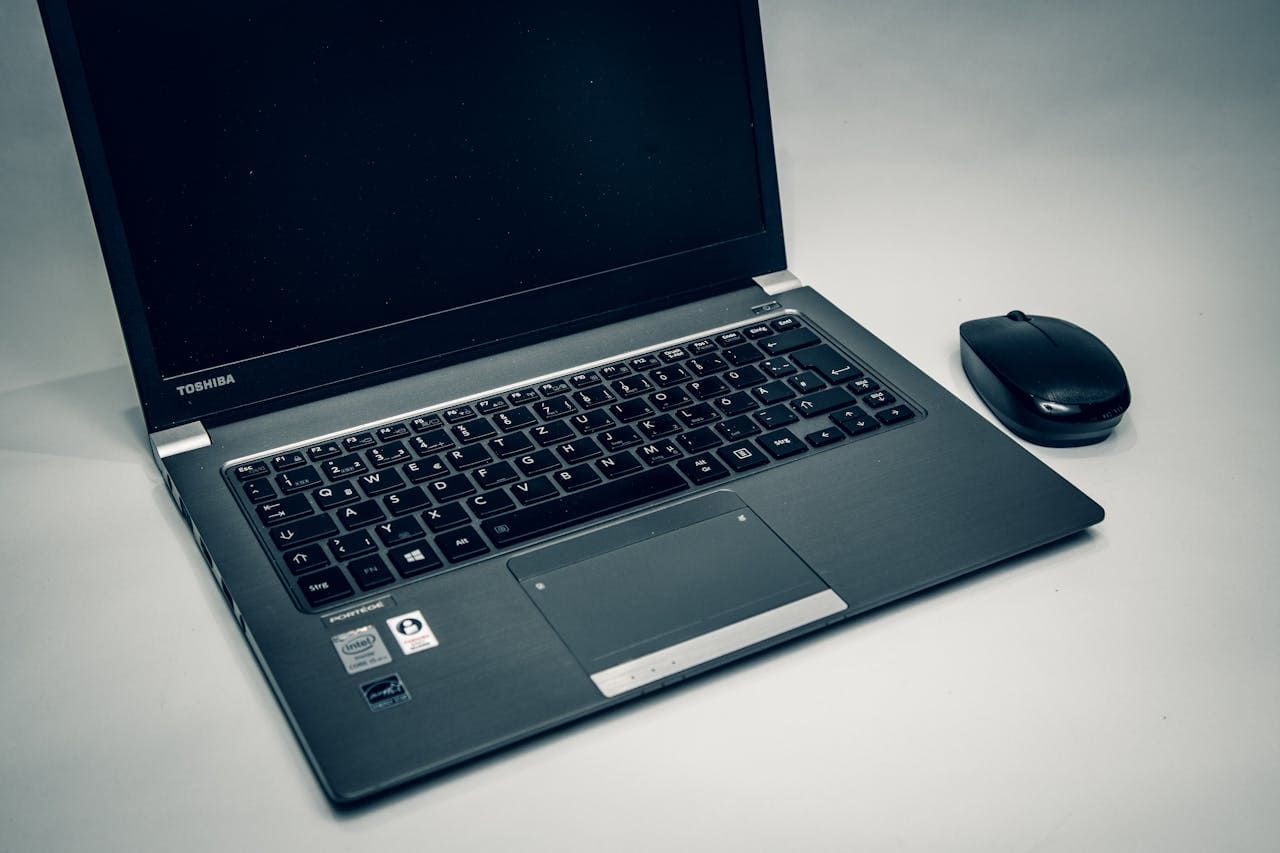
When your Toshiba Satellite laptop keyboard suddenly stops responding, the disruption to your workflow becomes immediately apparent. Whether you’re using a Satellite Pro, Satellite C-series, or newer Satellite models, keyboard failures can create significant productivity challenges that require immediate attention. Your Toshiba Satellite keyboard isn’t working due to outdated Satellite drivers, corrupted Toshiba System Settings, … Read more