Keyboard Laptop Not Working? A Step-by-Step Fix Guide
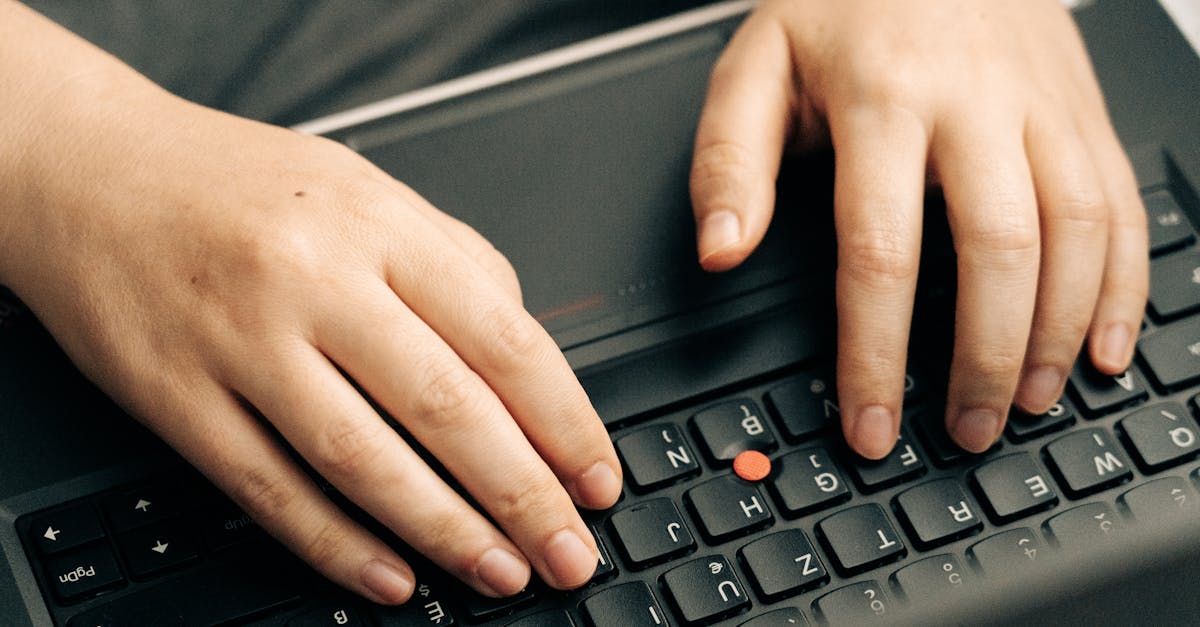
Fix a laptop keyboard not working with simple troubleshooting steps. Test in BIOS, update drivers, and check for hardware issues quickly.

Fix a laptop keyboard not working with simple troubleshooting steps. Test in BIOS, update drivers, and check for hardware issues quickly.
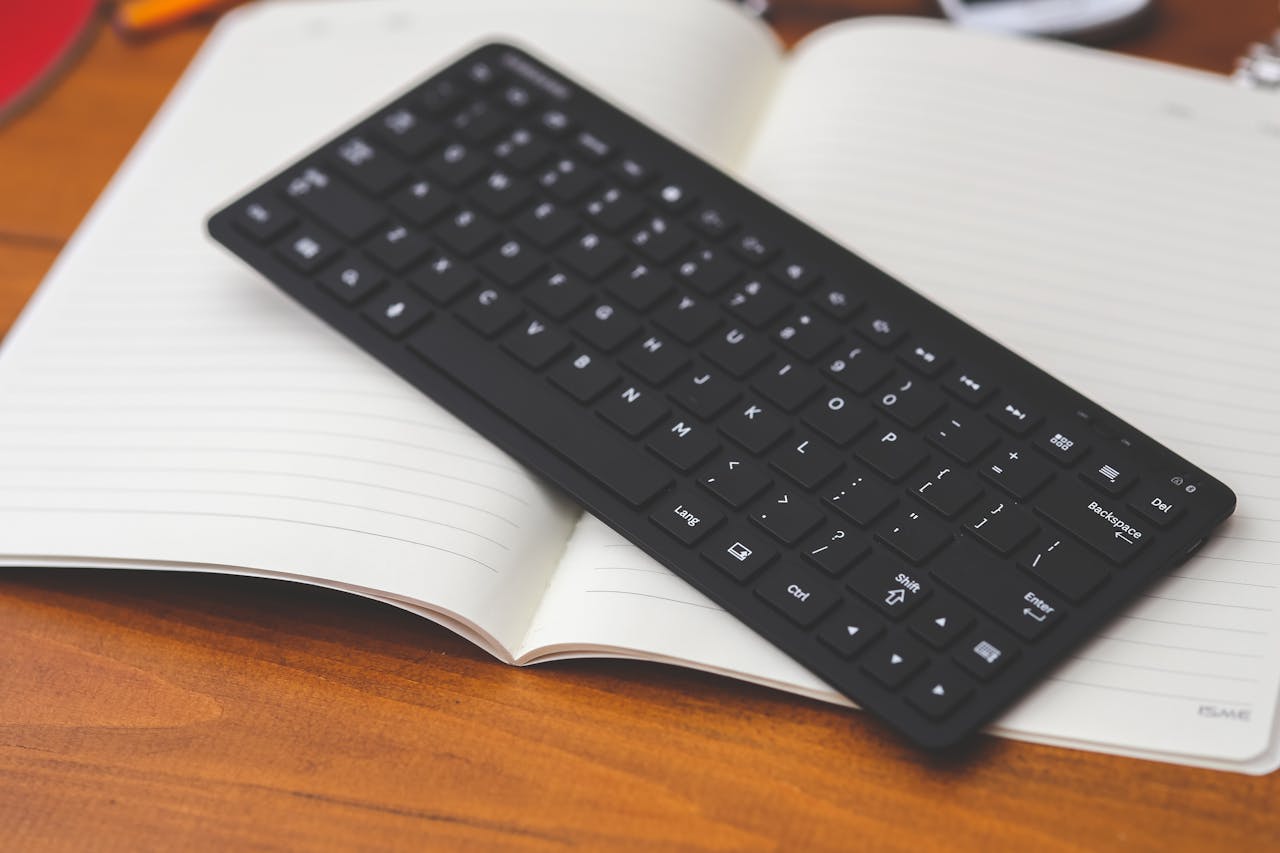
HP wireless keyboard not working? Try 7 proven fixes: replace batteries, reconnect USB receiver, re-pair Bluetooth, update drivers & more. Get typing again fast.
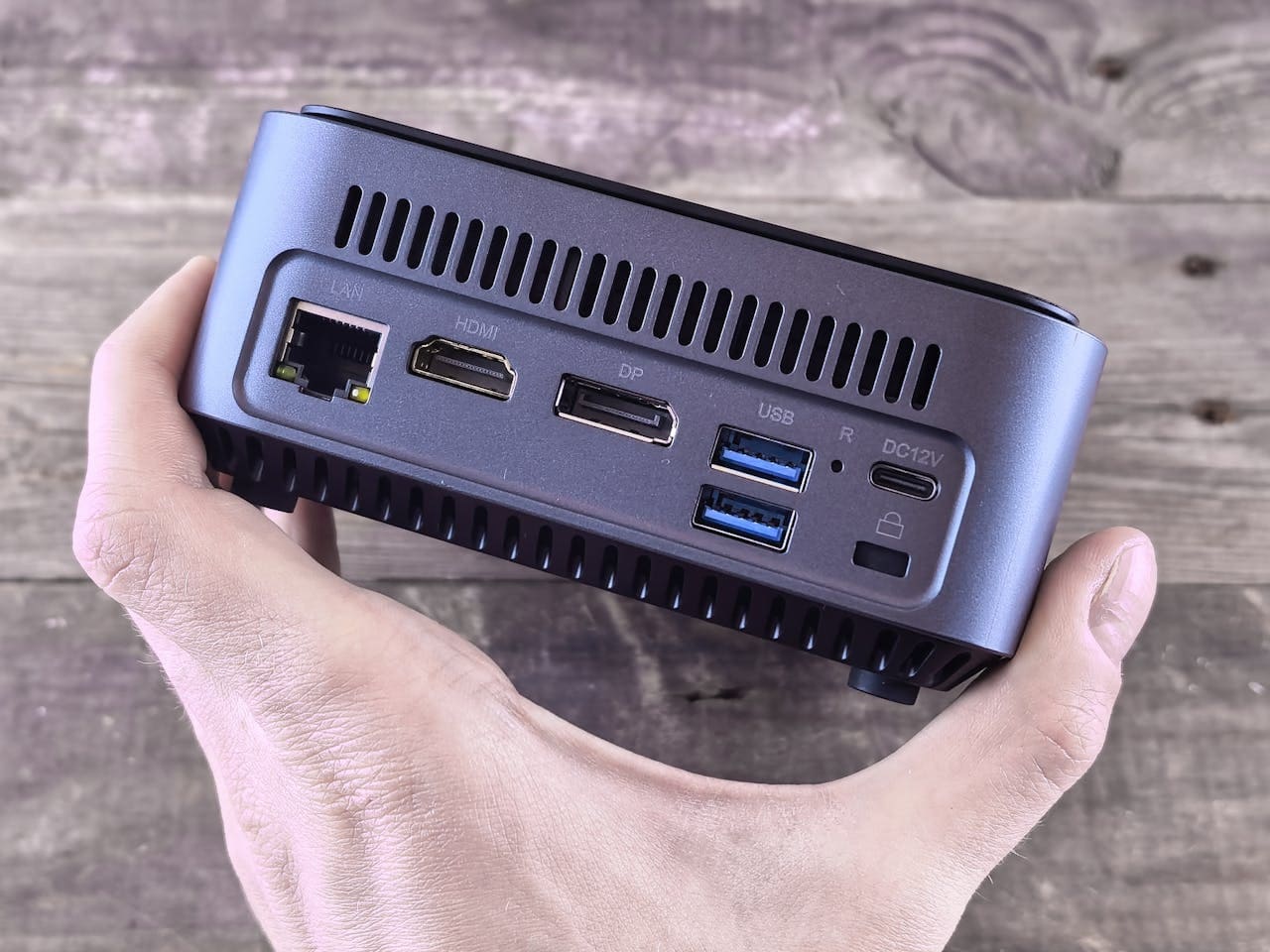
Your WiFi adapter suddenly stops working on Windows 11, and you’re left without internet access right when you need it most. This problem affects many Windows 11 users and can stem from outdated drivers, incorrect settings, or software conflicts after system updates. Most WiFi adapter issues in Windows 11 can be fixed through simple solutions … Read more

Fix on-screen keyboard not working in Windows 10/11. Enable services, run SFC scans, and resolve hardware conflicts with step-by-step solutions.
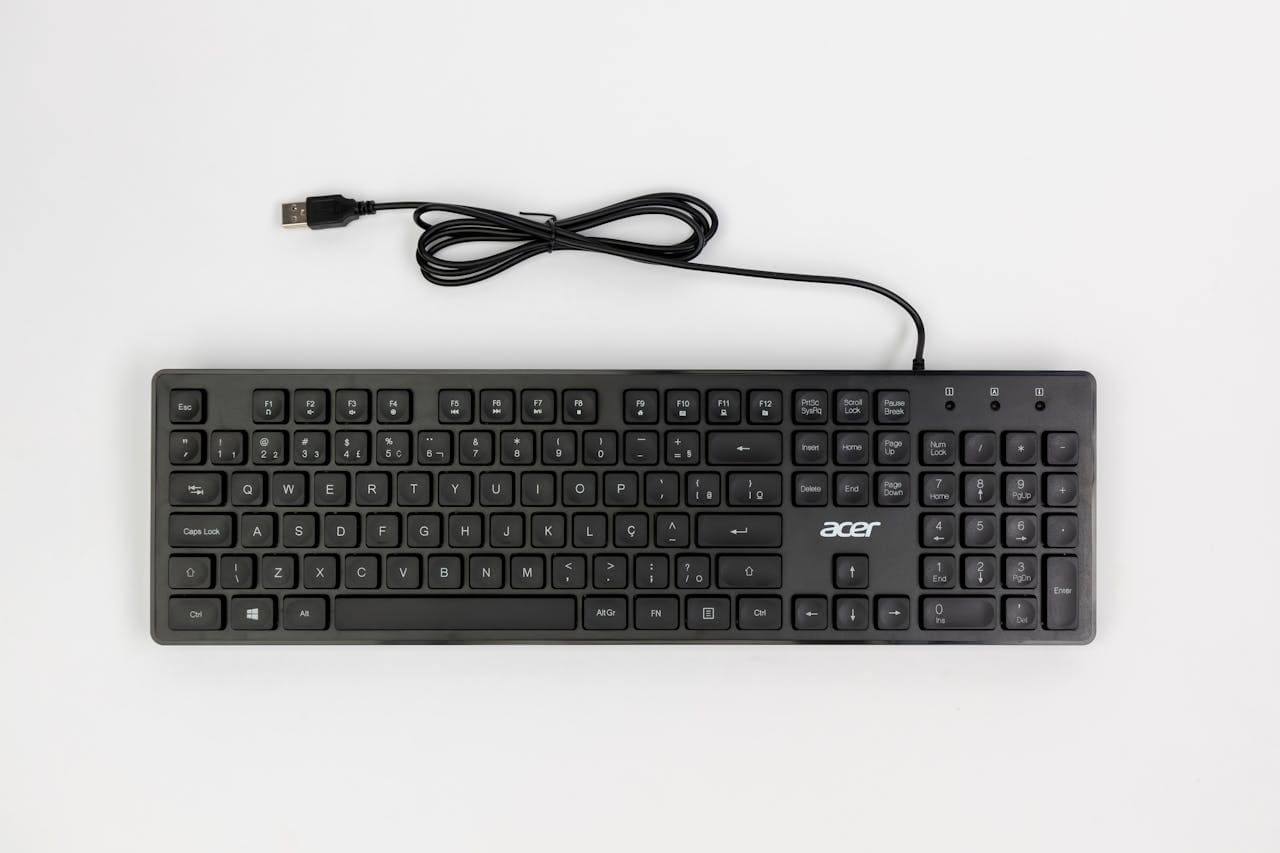
Fix USB keyboard not working with our step-by-step guide. Driver reinstalls, power settings & BIOS solutions get you typing again in minutes.
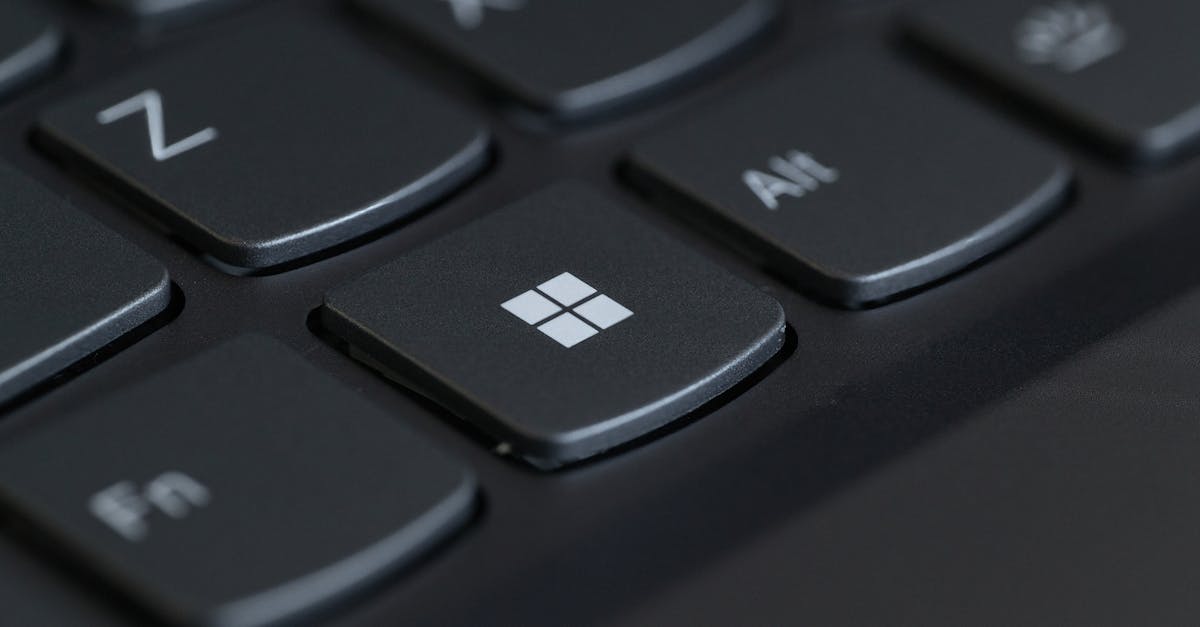
Fix keyboard volume button not working with 5 quick solutions. Troubleshoot HID Service, Fn Lock, drivers, and software conflicts in minutes.
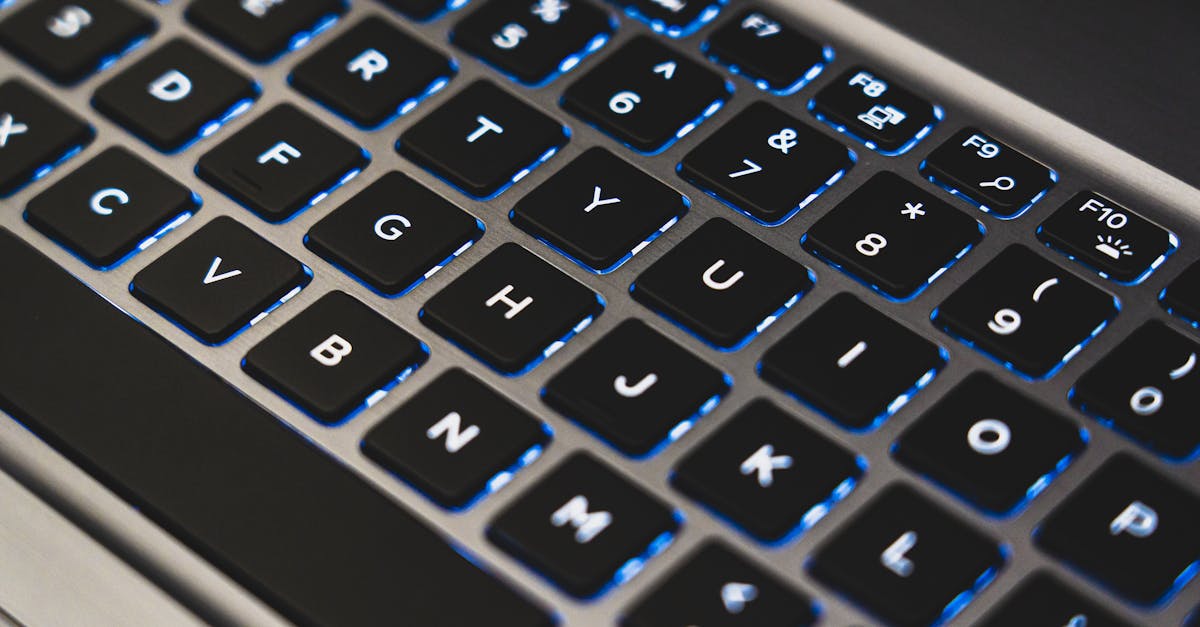
Fix keyboard number keys not working with Num Lock, driver updates, and troubleshooting steps. Most issues resolve in under 2 minutes.
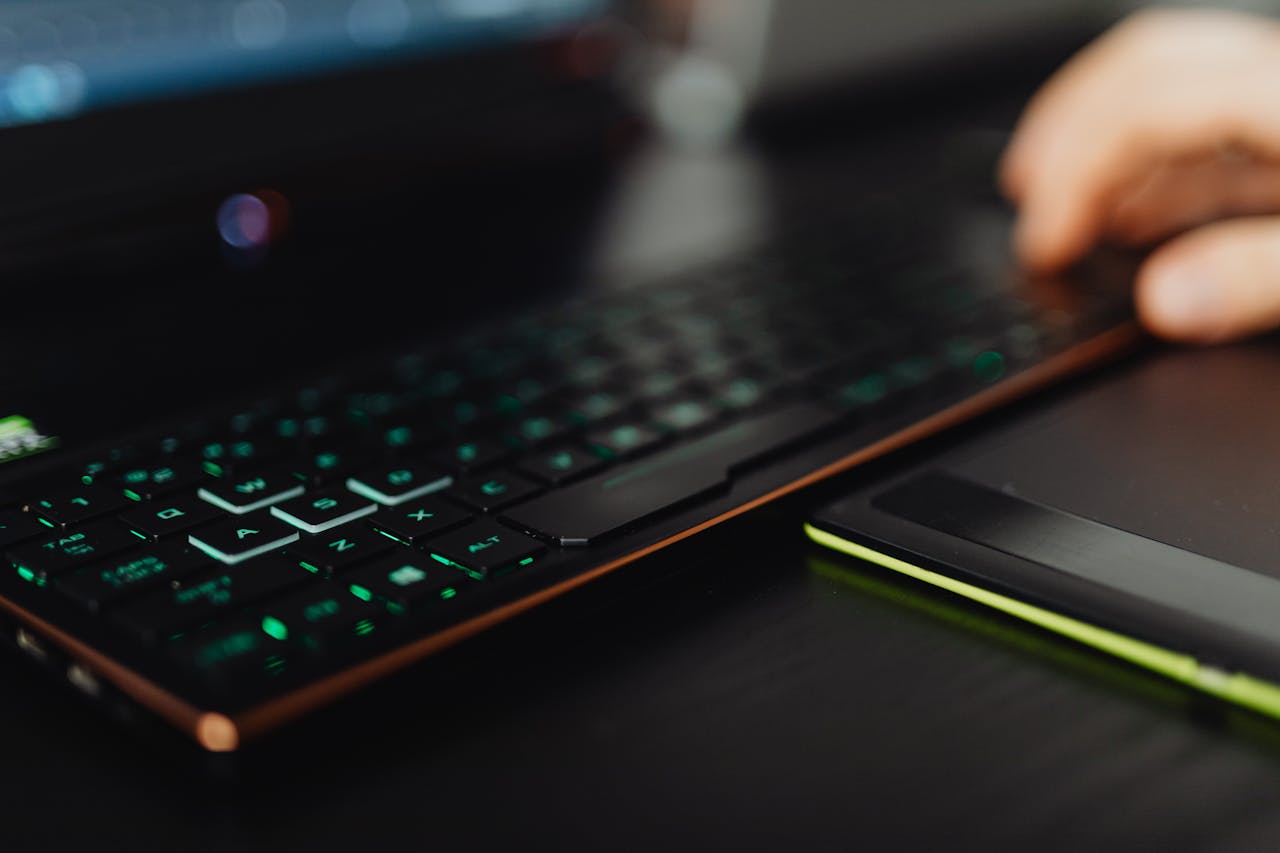
Fix letter keys not working on Windows, Mac, and laptops. Quick software fixes under 5 minutes, plus hardware diagnostics and replacement options.
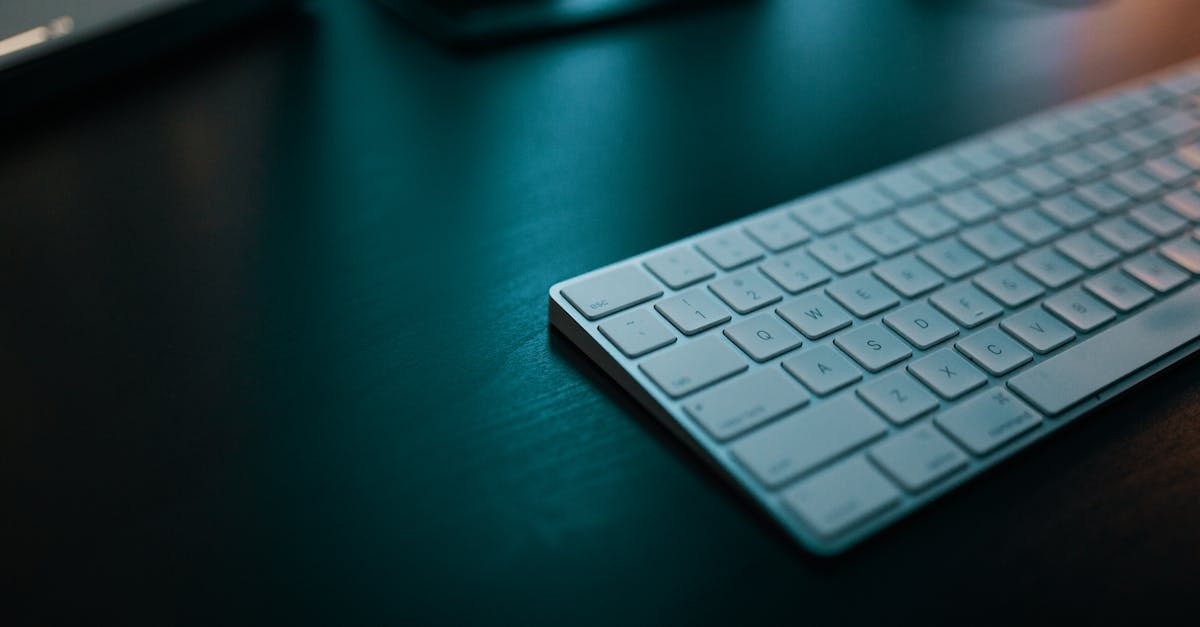
Fix your external keyboard not working with proven solutions. Disable USB Selective Suspend, update drivers, or reset wireless dongles—80% of cases resolved.
Fix Logitech Folio Touch not working: Clean Smart Connector pins, force restart, verify software. 60–70% of issues resolve with these simple steps.