HP Laptop Keyboard Not Working After Windows 11 Update?
HP laptop keyboard not working after Windows 11 update? Fix driver conflicts, rollback updates, disable Filter Keys—restore typing in minutes.

HP laptop keyboard not working after Windows 11 update? Fix driver conflicts, rollback updates, disable Filter Keys—restore typing in minutes.
Fix HP Chromebook keyboard issues fast. Try hard reset, EC reset, and keyboard settings—most problems are software, not hardware.
If your HP laptop keyboard is not working, it can stop you from getting important tasks done quickly. Understanding these causes will help you find the right fix and get your keyboard working again without hassle. The issue often comes from simple problems like driver errors, settings, or dust inside the keyboard that you can … Read more
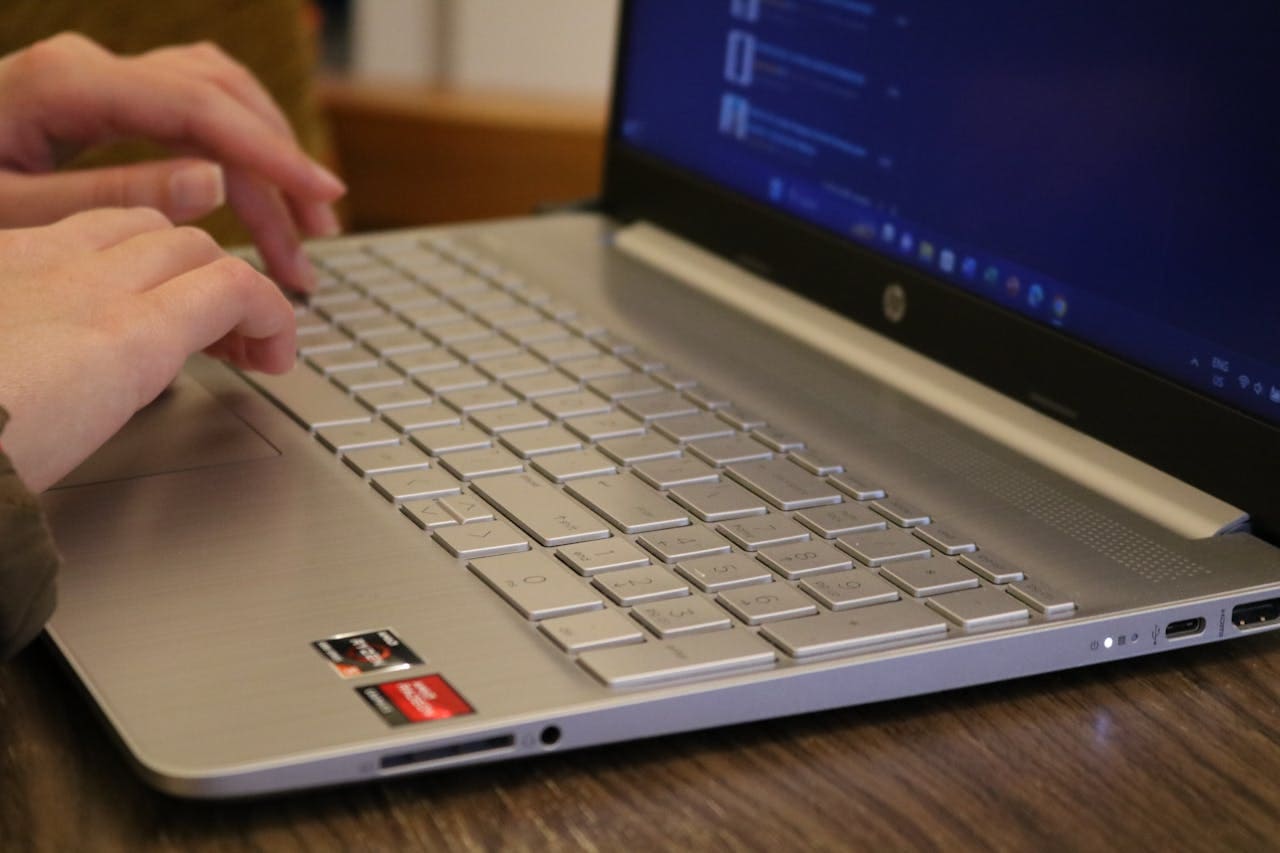
Few things kill productivity faster than an unresponsive keyboard on a premium laptop you rely on daily. If your HP Envy keyboard stopped working after a Windows 11 update, in tablet mode, or seemingly out of nowhere, you’re not alone. The most common reason your HP Envy keyboard stops working is a corrupted or outdated … Read more
Your HP Pavilion laptop keyboard suddenly stopped responding and you can’t access your favorite applications or complete important tasks? This common yet frustrating problem affects thousands of HP Pavilion users daily, turning your reliable everyday laptop into an unresponsive machine that blocks your productivity and digital activities. Your HP Pavilion keyboard isn’t working due to … Read more
Your HP laptop keyboard suddenly stopped responding and you can’t log into Windows or access your important files? This frustrating issue affects thousands of HP users daily, but most keyboard problems have straightforward solutions you can implement immediately without expensive repairs or technical support calls. Your HP laptop keyboard isn’t working due to Windows 11 … Read more