Nissan Pathfinder Key Fob Battery Replacement (Here’s the Quick DIY Guide)
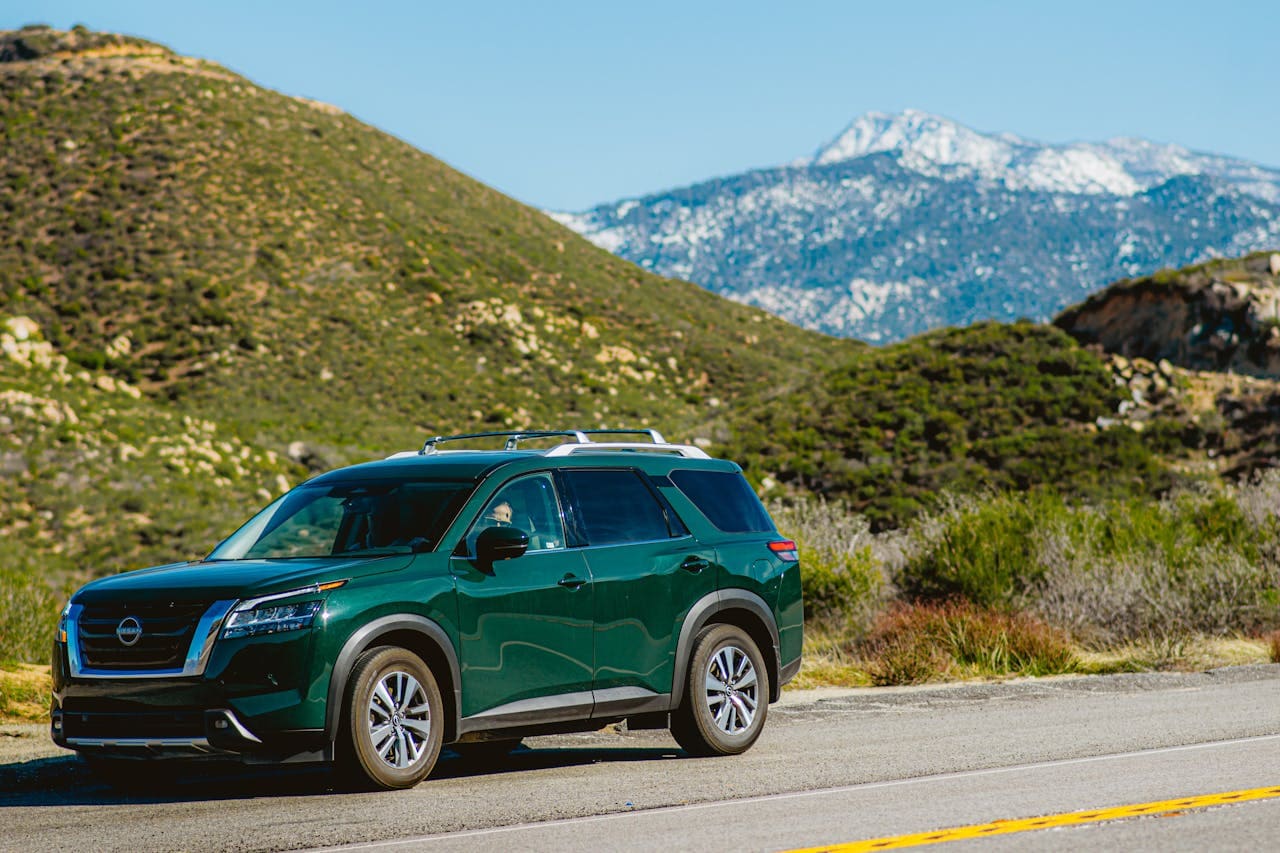
Replace your Nissan Pathfinder key fob battery in under 5 minutes with a CR2032 cell. Save on dealer fees with this simple DIY guide.

Replace your Nissan Pathfinder key fob battery in under 5 minutes with a CR2032 cell. Save on dealer fees with this simple DIY guide.
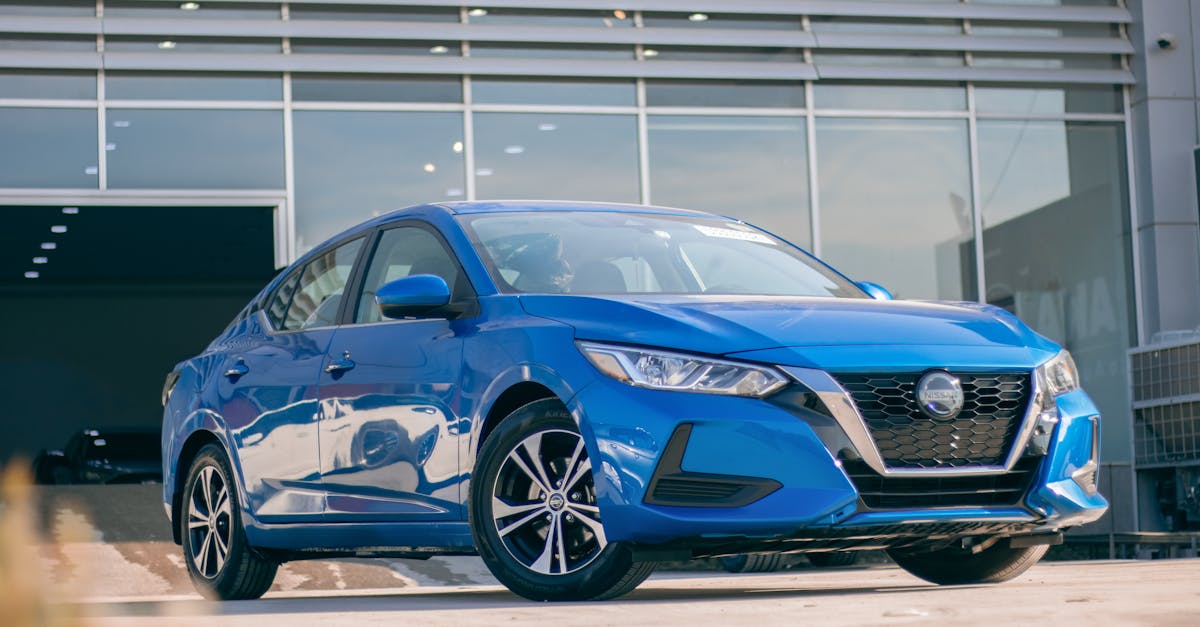
Replace your Nissan Sentra key fob battery in 5 minutes with a $2 CR2032 cell. Step-by-step guide, troubleshooting tips, and maintenance advice.
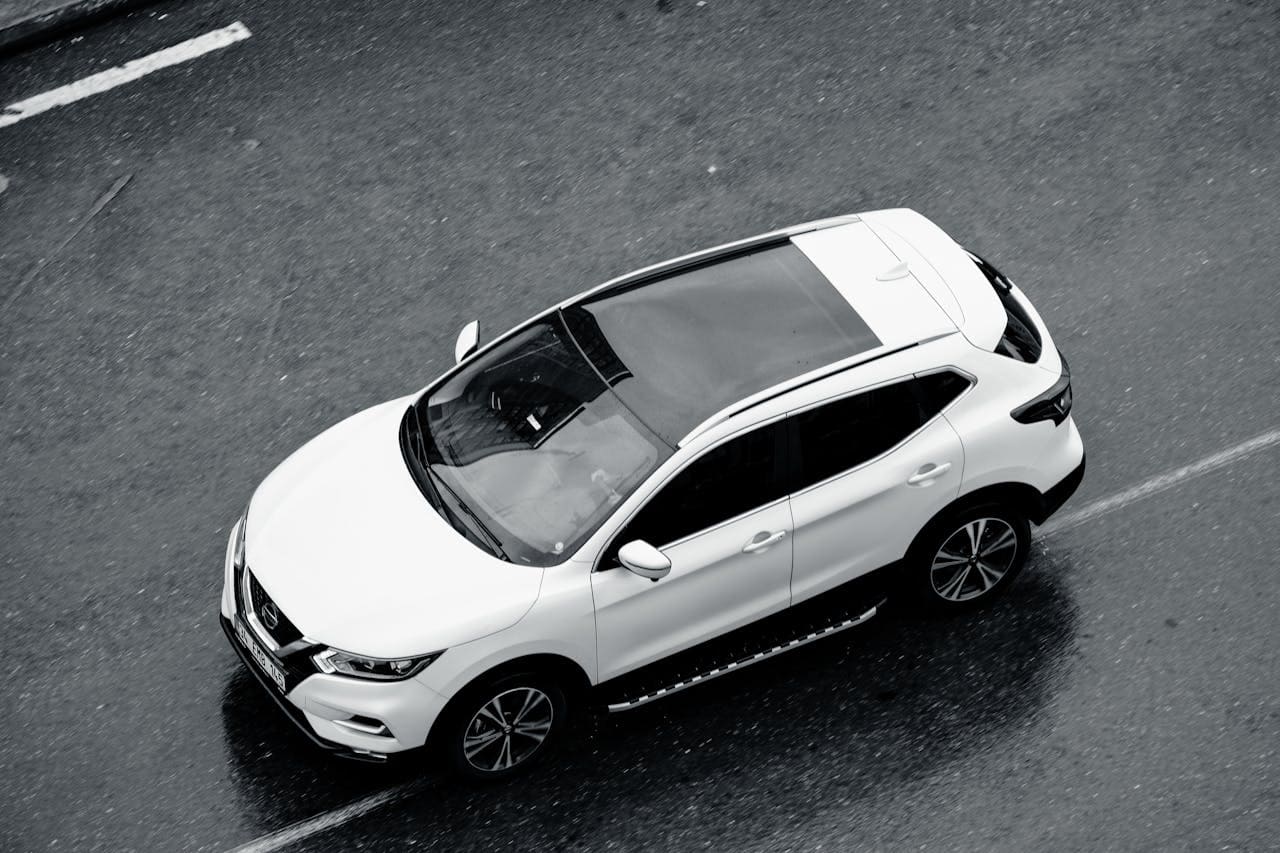
Replace your Nissan Rogue key fob battery in 5 minutes with a CR2032—no dealership needed. Step-by-step guide plus troubleshooting tips.

Replace your Nissan key fob battery in 2 minutes for under $3. Learn which battery size fits your model, step-by-step removal, and troubleshooting tips.

Nissan key fob not working? Learn why (dead battery, interference, damage), how to replace it in 3 minutes, reprogram it yourself, and when to call a dealer.

Nissan X-Trail CarPlay not working? Try these proven fixes: check cables, update software, restart systems, reset settings, and troubleshoot hardware issues quickly.

If your Nissan Rogue’s Apple CarPlay is not working, it can disrupt your ability to use navigation, music, and other apps while driving. The most common causes include connection issues, outdated software, or incorrect settings on your iPhone or car system. Fixing these problems usually involves simple steps like restarting devices, checking cables, or updating … Read more

If your Nissan Altima’s Apple CarPlay isn’t working, it could be due to a few common issues like connection problems, outdated software, or settings errors. The most effective way to fix this is by restarting both your iPhone and the car’s system, making sure your software is up to date, and checking your cable or … Read more