
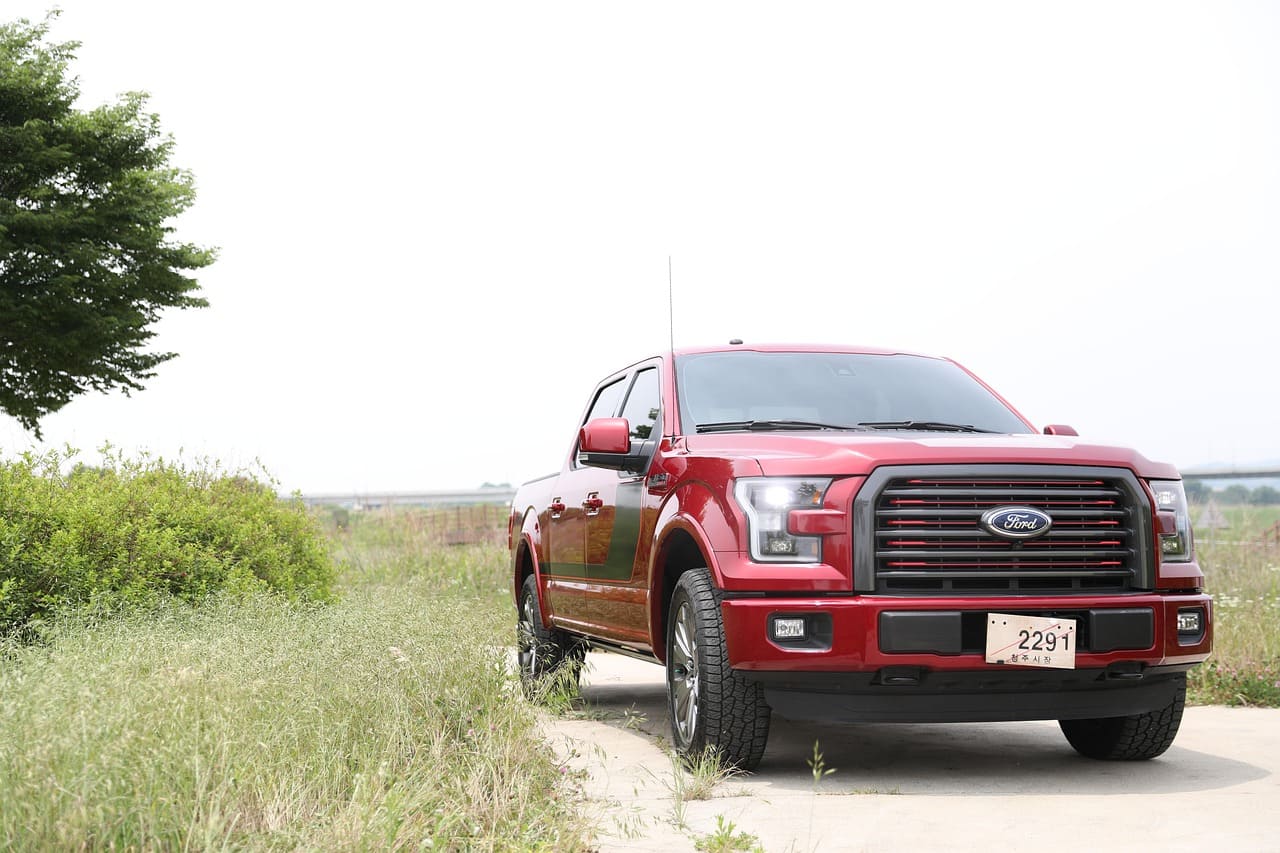
If your Ford F-150’s compass is not working or stuck on a single direction, the issue often comes down to calibration problems, interference from metal objects, or outdated navigation software. The compass relies on proper calibration, GPS data, and a clean electromagnetic environment to provide accurate readings. Without these, it can freeze, display incorrect directions, or stop working entirely.
You might also face issues due to power supply interruptions, faulty compass modules, or environmental factors like tall buildings blocking GPS signals. Simple steps like recalibrating the compass, updating your navigation system, or removing metal devices from the dashboard can often restore full functionality.
Understanding these common causes helps you quickly diagnose and fix the problem, saving you time and frustration on the road. If you want to troubleshoot effectively, knowing what affects the compass’ performance is key to getting reliable directional information while driving. For detailed fixes, see this guide on Ford F-150 compass not working.

Best Bluetooth OBD2 Scanner
Detect 39,000+ Issues With Enhanced Codes. Save $1000s on car repairs & buying used vehicles by diagnosing problems yourself.
Shop on Amazon
Common Causes of Ford F150 Compass Not Working
Several specific issues can cause your Ford F150 compass to malfunction or stop working altogether. These include electrical faults, the need for recalibration, problems with the overhead console or display, and magnetic interference from your environment or vehicle accessories.
Blown Fuse or Electrical Issues
A blown fuse is a common reason your F150 compass may fail to operate. The compass relies on your truck’s electrical system for power. When a fuse related to the instrument cluster or compass circuit blows, the compass display can go blank or freeze.
Other electrical issues like a weak battery, alternator problems, or faulty wiring can also cause power interruptions. It’s important to check the fuse box for any blown fuses and replace them promptly. Additionally, inspect battery connections and the vehicle’s general electrical system if you experience intermittent compass function. Addressing these electrical faults can restore power to your compass display and resume normal operation.
Compass Calibration Requirements
Your Ford F150’s digital compass requires regular calibration to maintain accuracy. Changes in the Earth’s magnetic field and surrounding electromagnetic influences can cause the compass to display wrong directions or become stuck, often showing only “N” (north).
To recalibrate, use the truck’s settings menu or follow a physical reset process. This typically involves pressing and holding the reset button until a calibration message appears, then driving the truck in circles to complete the procedure. Calibration errors are frequent when you drive in new areas or encounter magnetic disturbances, so performing this step after moving locations or after repair work on the vehicle is essential.
Overhead Console and Display Problems
The compass sensor is usually housed in the overhead console near the rearview mirror. Damage or poor electrical connections here can lead to your compass not working or displaying inaccurate readings.
Issues in the overhead console, such as loose wiring, corrosion, or water damage, often affect sensor sensitivity and communication with the vehicle’s system. Additionally, faults in the compass display component itself—part of the digital instrument panel—can cause the compass to freeze or show no directions.
You should inspect the overhead console for visible damage and test connections if your compass intermittently fails. Replacing a faulty compass module or repairing the overhead console wiring may be necessary if other fixes don’t work.
Magnetic Interference Factors
Your F150 compass works by detecting the Earth’s magnetic field, so nearby magnetic interference impacts its readings significantly. Metal devices like phone holders or unusual dashboard installations can distort compass signals.
Strong electromagnetic fields from power lines, large metal objects, or even active electronic devices such as mobile phones and laptops inside your vehicle can cause false or stuck readings. Parking near high-voltage power lines or other strong magnet sources might make your compass temporarily stop working.
To minimize interference, remove or relocate metal mounts and electronic devices away from the compass sensor area, and avoid parking near sources of high magnetic disturbance. Limiting these influences helps maintain accurate compass functionality.
Learn more about the causes and fixes of Ford F150 compass issues.
How to Diagnose and Fix Compass Issues
If your Ford F150 compass is not working properly, several specific checks and resets can help identify and address the problem. You’ll focus on power supply verification, electronic sensor recalibration, and potential hardware faults in key components.
Locating and Inspecting the Fuse Box
Start by locating the fuse box in your F150, usually found under the dashboard or in the engine compartment. Find the fuse related to the electronic compass or overhead console—this information is in your owner’s manual or the fuse box cover.
Check the fuse for signs of damage or a blown filament. If damaged, replace it with a fuse of the same amperage to restore power to the compass system. A blown fuse can cause the compass display to remain blank or frozen, so this step often solves simple power issues.
Always disconnect the battery or turn off your vehicle completely before handling the fuses to avoid electrical shorts or shocks.
Resetting the Electronic Compass
Resetting the compass helps fix calibration errors or software glitches that cause incorrect direction readings or a stuck display. In most Ford F150 models, you can reset the compass via the vehicle’s settings menu or by using a physical reset button near the compass display.
To manually recalibrate, hold the reset button until the display shows a calibration prompt, then drive your truck in a slow, full circle. This process recalibrates the compass sensor to the Earth’s magnetic field and removes magnetic interference effects.
If your compass constantly shows “Circle Slowly to Calibrate,” performing a full reset and recalibration is essential to restore correct function.
Addressing Overhead Console Failures
The overhead console houses the compass sensor in many Ford F150 models. If the compass is still unresponsive after fuse and reset checks, inspect this console for loose wiring, damage, or water exposure.
Remove the console carefully using trim removal tools. Check electrical connectors for corrosion or loose pins and reseat them securely. Water damage or physical blows can cause faults inside this module, requiring replacement.
If the console’s compass sensor or connected wiring is faulty, the compass display will not update correctly. Replacing the overhead console sensor module often solves persistent compass failure issues in your vehicle.
For detailed steps, review this guide on how to fix the compass on your F150.
Compass Calibration and Adjustment Procedures
To keep your Ford F150 compass accurate, it’s essential to properly calibrate and adjust it, especially after magnetic disturbances or a fuse replacement. This involves using the recessed button to initiate calibration, understanding the difference between true north and magnetic north, and avoiding interference from nearby metal objects or electrical sources.
Calibrating the Compass with the Recessed Button
Start by finding an open area away from metal structures and power lines. Close all doors and turn off the overhead console lights to prevent interference. Locate the small recessed button on your Ford F150’s rearview mirror where the compass display is.
Use a pointed tool like a paperclip to press and hold this button until the display shows “CAL.” Release it, then slowly drive your vehicle in a circle at speeds below 3 mph (5 km/h). Continue until the “CAL” indicator disappears, signaling that calibration is complete.
This method resets the compass’s internal sensors, compensating for any magnetic shifts in your vehicle’s environment. If you don’t perform this step, the compass may continue to give inaccurate direction readings.
True North vs Magnetic North Adjustment
Your Ford F150 compass aligns with magnetic north by default, but this isn’t the same as true north—the geographic north pole. Since magnetic north shifts over time and location, you might need to adjust your compass’s “variation.”
After calibration, access your vehicle’s settings to find the true north adjustment option. You can then set the offset for your region by increasing or decreasing the degrees until the compass matches known directional landmarks or GPS data.
This adjustment ensures the compass readings reflect your actual geographic direction rather than just the magnetic field, which enhances navigational accuracy while driving.
Avoiding and Correcting Magnetic Disturbances
Magnetic interference is a common cause of compass errors in your Ford F150. Nearby steel objects, high-voltage lines, or even electronic devices can disrupt the compass’s sensor and cause erratic readings.
Park your truck away from bridges, buildings, or large metal objects before calibrating. Also, avoid placing magnetic devices, like cell phone holders with magnets, near the rearview mirror where the compass is housed.
If you notice persistent issues after calibration, inspect the compass module’s circuit board for loose or detached resistors that can cause electronic faults. Re-soldering these components or replacing a blown fuse (typically 10A in the passenger fuse panel) can restore proper function.
Following these procedures will help maintain the reliability of your Ford F150’s electronic compass. For more detailed guidance, visit the Ford truck compass calibration resource.
Additional Tips and Model-Specific Considerations
You may encounter different challenges depending on the year of your Ford F150, as hardware and software updates affect compass performance. Understanding these differences can help you troubleshoot more effectively. Also, some compass issues appear in similar vehicles from brands like GM and Lincoln, which share technology or design elements with Ford trucks.
Unique Issues in Different Ford F150 Model Years
Certain Ford F150 models, particularly from 2021 onward, have reported compass problems linked to software glitches or faulty modules. For example, the 2021 and 2022 models can experience the compass getting stuck on “N” due to issues with the APIM (Accessory Protocol Interface Module) or outdated firmware.
In earlier models, such as 2017-2020, calibration and electromagnetic interference tend to be more frequent causes. You should always check if your truck’s software is current and perform a compass recalibration through the settings menu.
If your model uses an integrated GPS or navigation system, keep map data regularly updated. Some owners also found that disconnecting the battery briefly or updating the infotainment system software resolves inconsistent compass behavior. These year-specific nuances mean you should refer to your model’s manual or online forums like the Ford F150 Forum for precise fixes.
Similar Compass Problems in GM and Lincoln Vehicles
You might find compass issues in GM and Lincoln trucks and SUVs that resemble those in Ford F150s. These vehicles often use digital compass modules sensitive to magnetic interference and calibration errors. Similar to Ford, loss of GPS signal or outdated software can cause the compass to freeze or display incorrect directions.
GM vehicles, like Sierra trucks, also experience compass malfunction when exposed to strong electromagnetic fields from power lines or metal objects inside the cabin. Lincoln vehicles, sharing platforms with Ford, report comparable problems tied to sensor faults and power supply irregularities.
If you own a GM or Lincoln vehicle and face compass glitches, consider calibration, software updates, or sensor checks. Techniques proven on Ford trucks, such as moving away from metal obstructions or resetting the battery, often apply. Awareness of these shared issues helps you understand that compass malfunctions stem from common hardware and environmental factors across these brands.