
Your Honda CR-V key fob stopped working and you’re stuck in a parking lot. Don’t panic, this is one of the most common and fixable issues CR-V owners face.
A Honda CR-V key fob that won’t work even though a good battery is almost always caused by one of three things: RF signal interference from nearby electronics, rolling-code desynchronization between the fob and your car’s receiver module, or worn conductive rubber button pads inside the remote shell. You can fix most of these issues yourself without a dealership visit by systematically testing the battery contacts, re-pairing the fob, or using the passive transponder emergency start method, holding the dead fob directly against the push-start button.
This guide walks you through a complete diagnostic hierarchy, from quick battery checks to advanced reprogramming procedures, covering every CR-V generation from 2007 through the 2026 hybrid models.

Best Bluetooth OBD2 Scanner
Detect 39,000+ Issues With Enhanced Codes. Save $1000s on car repairs & buying used vehicles by diagnosing problems yourself.
Shop on Amazon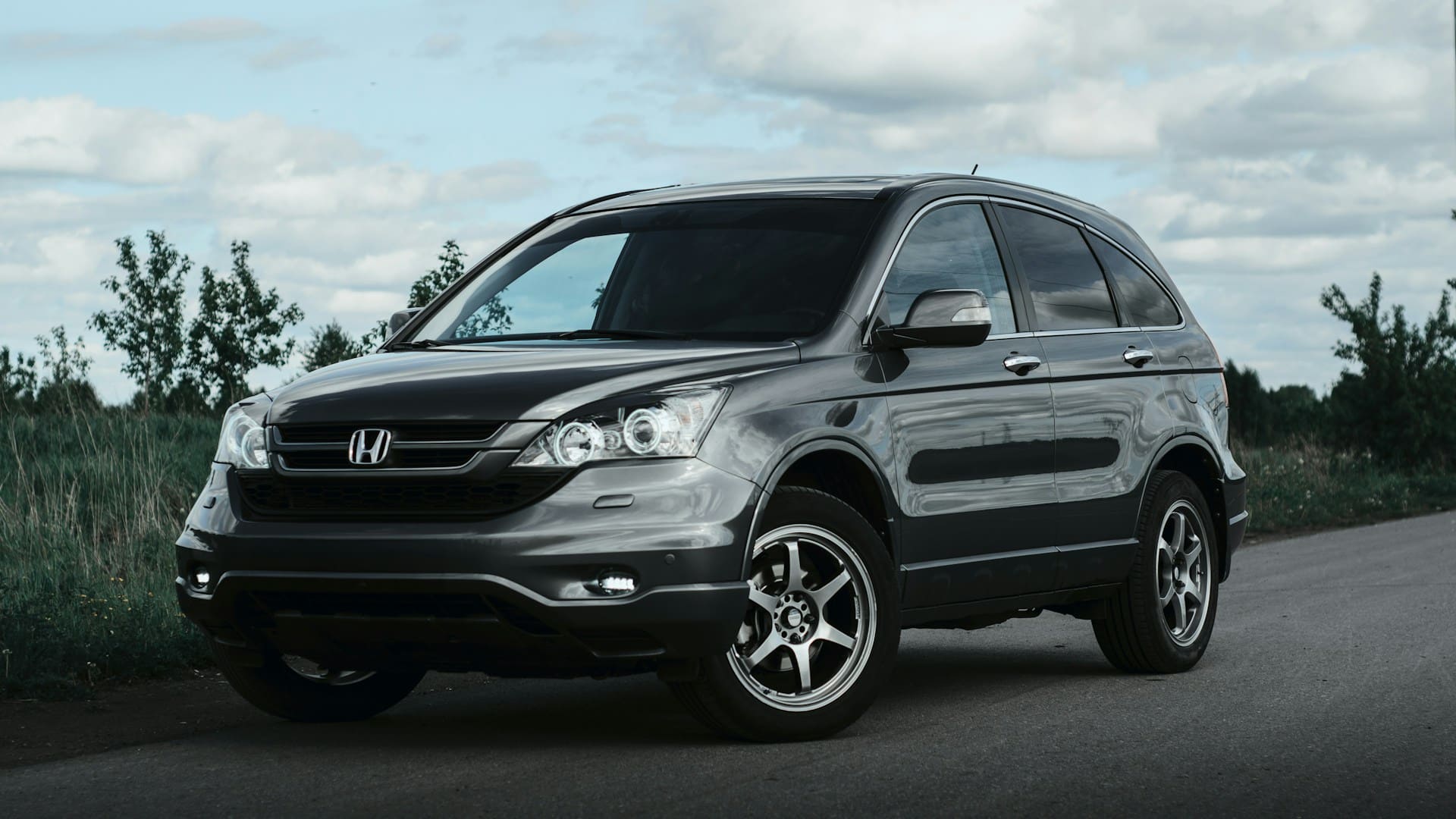
Key Takeaways
- A Honda CR-V key fob not working is typically caused by a dead battery, bent battery prongs, RF signal interference, rolling-code desynchronization, or worn conductive rubber pads—all fixable without a dealership visit.
- Always test your spare Honda CR-V key fob first; if it works, your primary fob has a hardware issue, but if neither works, the car’s receiver module is likely the problem.
- For desynchronized fobs, use the manual re-pairing procedure by pressing the lock button, turning the ignition ON/OFF three times, which realigns the rolling-code counter between your fob and car.
- If your Honda CR-V key fob is completely dead, hold it flat against the push-start button to activate the passive RFID transponder chip and start the engine without battery power.
- Preventive care—such as storing spare fobs away from electronics, using silicone protective covers, and replacing batteries every 12 months—can significantly extend key fob lifespan and avoid emergency situations.
- When DIY methods fail, mobile locksmiths with RF testing tools offer a more affordable alternative to dealership diagnostics, often completing reprogramming in under 30 minutes.
Before you call a locksmith or schedule a dealer appointment, understand that most Honda CR-V key fob failures follow a predictable pattern. The fob is a small radio transmitter, and like any electronic device, it’s vulnerable to dead batteries, corroded contacts, physical damage, and wireless interference.
Modern CR-V models, especially the 2023–2026 hybrid trims, rely entirely on proximity-based smart entry. There’s no physical ignition cylinder. When your fob fails, you literally cannot start the engine through normal means. That’s why knowing the emergency backup strategy and basic troubleshooting steps can save you hours of frustration and hundreds of dollars.
According to Honda’s official owner support page, the smart key system uses a 315 MHz signal that can be disrupted by everything from phone mounts to aftermarket dashcams. Let’s start diagnosing.
Pinpointing the Problem
How to Identify a Dead or Weak Key Fob Battery
The simplest check comes first. Press any button on your fob and watch for the small red LED indicator light. If it flashes dimly or doesn’t flash at all, the CR3032 or CR2032 coin cell battery is likely depleted. Honda CR-V fobs from 2017 onward use a CR2032 battery, which typically lasts 1–2 years depending on usage.
If you replaced the battery recently and the fob still won’t respond, inspect the battery orientation. The positive (+) side must face up in most Honda fob trays. A reversed battery produces zero output even though being brand new.
Recognizing Key Fob and Signal Issues
Your CR-V key fob might broadcast just fine, but something is blocking the signal. RF interference from wireless phone chargers, Bluetooth devices, or aftermarket dashcams mounted near the steering column can jam the 315 MHz frequency your fob uses.
If your Honda CR-V keyless entry range dropped completely, try standing directly next to the driver’s door with the fob pressed against the handle. If it works at close range but not from 15 feet away, you’re dealing with signal interference or a weakening internal antenna.
Testing the Spare Honda Key Fob
Every Honda CR-V ships with two key fobs. Grab the spare from your drawer and test it. If the spare works perfectly, your primary fob has a hardware issue, worn conductive rubber pads, a cracked circuit board, or loose battery tray contacts. If neither fob works, the problem is likely inside the car’s receiver module.
Assessing Keyless Entry and System Responses
Check your dashboard for a “Keyless System Malfunction” warning. This message indicates the car’s Body Electrical module isn’t detecting any valid fob signal. On 2024–2026 CR-V models, you can clear this warning by cycling the ignition: press the start button twice without your foot on the brake, wait 10 seconds, then turn it off. Re-enter the vehicle with your fob and try again.
If your Honda CR-V key fob locks doors but won’t unlock, the unlock button’s conductive rubber pad has likely worn through. This is extremely common on fobs older than 4 years.
Top Causes of Key Fob Malfunctions in Honda CR-V
Battery Failure and Incorrect Installation
Even a brand-new battery won’t work if the metal prongs inside the battery tray are bent or corroded. Open your fob with a small flathead screwdriver, slide the tray out, and check that both contact prongs sit firmly against the battery faces. Bent prongs are the number-one reason a Honda CR-V key fob stops working but the battery is good.
Common Programming and Synchronization Issues
Honda uses a rolling-code encryption system. Every time you press a button, the fob transmits a unique code that the car’s receiver expects. If you press the fob button 256+ times out of range, say, a child playing with it, the codes desynchronize. The car no longer recognizes the fob’s transmissions.
To resync, try this manual procedure: sit inside the car, close all doors, press the lock button on the fob, then turn the ignition to the ON position and back OFF within 4 seconds. Repeat this cycle three times. On the third cycle, the door locks should cycle, confirming the fob has re-paired.
“My 2023 CR-V key fob just stopped being detected inside the car after my kid mashed the buttons for 10 minutes. Did the lock-unlock-ignition cycle three times and it paired right back up.” via r/crv
Physical Damage and Water Exposure
Water damage is more common than you’d think. A fob that went through the washing machine may still look fine externally, but the circuit board develops micro-corrosion on solder points. Open the fob, inspect the green PCB for white or green residue, and clean affected areas with 90%+ isopropyl alcohol and a soft brush.
Faulty Key Fob and Internal Circuitry Problems
Symptoms of worn conductive rubber pads inside a CR-V remote include buttons that require excessive pressure or only work intermittently. These carbon-coated rubber pads bridge two traces on the circuit board. After years of use, the carbon coating wears away. Replacement rubber pad kits are available on Amazon, the KeylessOption Rubber Pad Kit is a popular, inexpensive fix.

| Symptom | Likely Cause | Fix |
|---|---|---|
| No LED flash when pressing buttons | Dead battery or bent prongs | Replace battery, bend prongs back |
| Works close but not at distance | RF interference or weak antenna | Remove interference sources, test spare |
| Locks but won’t unlock | Worn unlock button rubber pad | Replace conductive pad |
| Dashboard shows “Keyless Malfunction” | Desynchronization | Re-pair using ignition cycle |
| Fob completely unresponsive | Circuit board corrosion or failure | Clean PCB or replace fob |
Effective Solutions and Step-by-Step Fixes
Replacing the Key Fob Battery Safely
Use a coin or small flathead screwdriver to pry open the fob shell along the seam. Slide the battery tray out, note the battery orientation, and swap in a fresh CR2032. The Energizer CR2032 battery pack on Amazon is a reliable choice that many Honda technicians recommend. Snap the shell back together and test immediately.

Cleaning, Repairing, or Replacing the Key Fob
For water-damaged or corroded fobs, disassemble the shell completely. Remove the circuit board and soak it in isopropyl alcohol for 60 seconds. Use a soft-bristle toothbrush to scrub away corrosion from contact points. Let it air-dry for 30 minutes before reassembly.
If the panic button stays stuck active after a shell replacement, check that the rubber pad is seated flat and not bunched under the new casing.
Resetting and Reprogramming Procedures
For a full Honda CR-V immobilizer reset procedure, follow these steps:
- Sit in the driver’s seat and close all doors
- Insert the physical emergency key into the driver’s door lock and turn it to the lock position, then unlock position
- Within 5 seconds, press any button on the fob
- Turn the ignition ON and OFF three times within 10 seconds
- The locks should cycle to confirm successful pairing
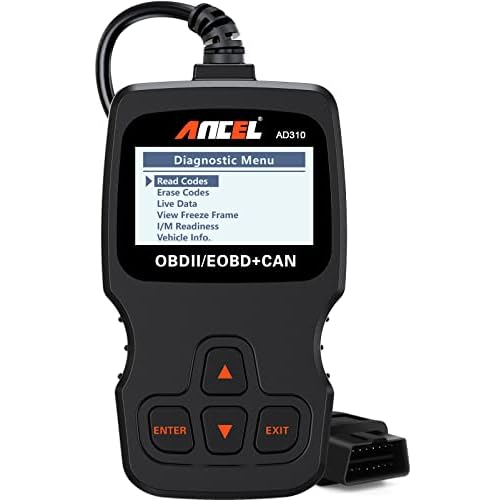
This process works for most 2012–2026 CR-V models. For 2026-specific smart proximity fobs, Honda’s updated protocol may require an OBD2 diagnostic tool to access the immobilizer module directly.
Emergency Start Method: If your fob is completely dead, hold the fob’s flat back directly against the push-start button. The button’s built-in reader will detect the passive RFID transponder chip inside the fob, allowing you to start the engine without any battery power in the remote.
Here’s a helpful video walkthrough:
Professional Help Locksmiths and Dealership Options
If DIY methods fail, a certified automotive locksmith can test your fob’s 315 MHz output frequency with a handheld RF tester and reprogram replacement fobs on-site. Dealerships have proprietary Honda HDS diagnostic software that can reset the car’s receiver module memory and clear persistent dashboard error codes.
“Took my 2022 CR-V to a mobile locksmith after the dealer wanted to charge me a fortune. He reprogrammed both fobs in 20 minutes with an Autel tool.” via r/MechanicAdvice
Preventive Measures and Long-Term Care
Extending Key Fob Battery Life
Store your spare fob away from electronic devices, Wi-Fi routers, and metal surfaces. These drain the battery through constant passive polling. A dedicated key hook at least 5 feet from your router can add months to battery life. Replace batteries proactively every 12 months rather than waiting for failure.
Avoiding Environmental Damage
Invest in a silicone key fob cover to protect against drops, moisture, and pocket lint. Avoid leaving your fob in direct sunlight on the dashboard during summer, extreme heat degrades both the battery and the internal circuit board solder joints over time.
Maintaining Consistent Signal Strength
- Remove aftermarket wireless phone chargers from the center console area
- Relocate dashcams that broadcast on frequencies near 315 MHz
- Periodically test both fobs from 20+ feet away to catch range degradation early
- Keep the fob’s internal antenna area (the top of the fob shell) free from metallic keychains or accessories
When to Consider Replacement or Upgrade
If your fob requires repeated reprogramming, the internal oscillator crystal may be failing. At that point, a full replacement fob is more economical than continuous repairs. Honda CR-V compatibility with 2026 universal remote programming tools like the Autel MaxiIM or Xhorse VVDI makes aftermarket fobs a viable, cost-effective alternative to OEM units.
Data Insights & Analysis
According to AAA’s 2025 roadside assistance data, lockout and key-fob-related calls increased 18% year-over-year, with Honda CR-V and Toyota RAV4 topping the list for smart key system failures. Battery-related fob failures peak during winter months, with a 35% spike in calls when temperatures drop below 20°F, cold weather reduces CR2032 voltage output below the minimum threshold for reliable RF transmission.
Expert Note: "The rolling-code desynchronization issue isn't a design flaw, it's a security feature working as intended. The system invalidates old codes to prevent relay attacks. The trade-off is that excessive out-of-range button presses push the fob's code counter beyond the car's acceptance window, which is typically 256 codes ahead. The re-pairing procedure simply realigns both counters.", Automotive Locksmith Systems Analysis
Frequently Asked Questions
Why is my Honda CR-V key fob not working even with a new battery?
A new battery won’t work if the metal prongs inside the battery tray are bent or corroded. Open the fob, check that both contact prongs sit firmly against the battery faces, and ensure the positive side faces up. If neither issue applies, you may have RF signal interference, rolling-code desynchronization, or worn conductive rubber button pads.
How do I resync my Honda CR-V key fob after it stops being detected?
Sit inside your CR-V, close all doors, press the lock button on the fob, then turn the ignition ON and OFF within 4 seconds. Repeat this cycle three times. On the third cycle, the door locks should cycle, confirming successful re-pairing of the rolling-code system.
Can I start my Honda CR-V with a completely dead key fob?
Yes. Hold the fob’s flat back directly against the push-start button. The button’s built-in RFID reader will detect the passive transponder chip inside the fob, allowing you to start the engine without battery power in the remote.
What causes Honda CR-V key fob range to decrease over time?
RF interference from wireless phone chargers, Bluetooth devices, aftermarket dashcams, or Wi-Fi routers broadcasting near 315 MHz can reduce range. Additionally, a weakening internal antenna, corroded battery contacts, or a degrading battery voltage below the transmission threshold will limit keyless entry distance.
How much does it cost to replace or reprogram a Honda CR-V key fob?
Dealerships charge $150–$300+ for reprogramming and replacement. A certified automotive locksmith typically charges $50–$100 for reprogramming with an RF tester or Autel tool. Aftermarket replacement fobs compatible with 2026 universal remote programming tools cost $40–$80, making them a cost-effective alternative to OEM units.
Why does my Honda CR-V key fob lock doors but won’t unlock them?
The unlock button’s conductive rubber pad has likely worn through after years of use. These carbon-coated pads bridge circuit board traces and degrade over time. Replacement rubber pad kits like KeylessOption are available on Amazon and offer an inexpensive fix for this common issue.
Read More:
- Honda Key Fob Not Working After Battery Change (Fixes for Resyncing)
- Honda Civic Key Battery Replacement (Step-by-Step Guide for Gen Smart Keys)
- Honda CR-V Key Battery Replacement (Here’s the Step-by-Step Setup Guide)
- Honda Accord Key Battery Replacement (Here’s the Step-by-Step Setup Guide)
- Honda Civic Key Fob Not Working (Fixes for Signal Loss, and Dead Batteries)