Logitech Folio Touch Not Working? Here’s the Fix That Saves You
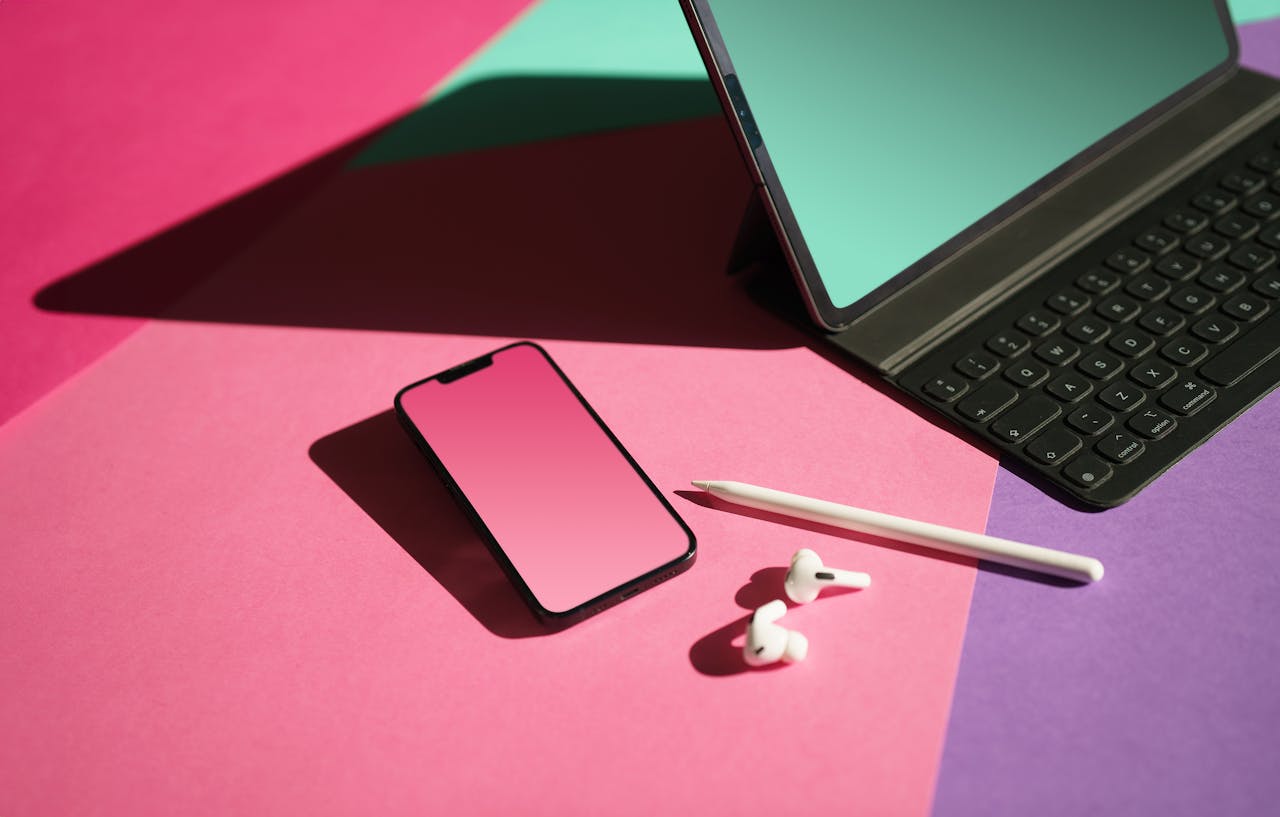
Fix Logitech Folio Touch not working: Clean Smart Connector pins, force restart, verify software. 60–70% of issues resolve with these simple steps.

Fix Logitech Folio Touch not working: Clean Smart Connector pins, force restart, verify software. 60–70% of issues resolve with these simple steps.

Fix Logitech iPad keyboard connection issues: re-pair Bluetooth, clean Smart Connector pins, update firmware. Most issues resolve in minutes—no support call needed.