Laptop Not Booting Into Windows (Causes and Quick Fixes Explained)
Fix laptop not booting into Windows with proven diagnostic steps and recovery techniques. Troubleshoot hardware issues, corrupted files, and boot errors.

 Thomas Owen
 Fix laptop not booting into Windows with proven diagnostic steps and recovery techniques. Troubleshoot hardware issues, corrupted files, and boot errors.
Laptop not automatically connecting to WiFi? Try 7 proven fixes: enable auto-connect, update drivers, disable fast startup, and reset network profiles.
Fix laptop not asking for password after sleep. Enable sign-in on wake, adjust power settings, and secure your device with step-by-step Windows and Mac instructions.
Fix laptop PIN errors in minutes. Corrupted NGC files, TPM conflicts, or Windows updates? Step-by-step solutions for Windows 11/10 without data loss.
Laptop not charging? Discover 12 diagnostic steps to fix “plugged in, not charging” issues—from port cleaning to driver updates and battery health checks.

Laptop not accepting your password? Fix Caps Lock, keyboard layout, sync errors & corrupted cache. Step-by-step recovery for Windows & Mac.
Laptop not responding to clicks? Fix cursor vs. click issues with driver updates, Safe Mode tests, and hardware diagnostics in our expert troubleshooting guide.
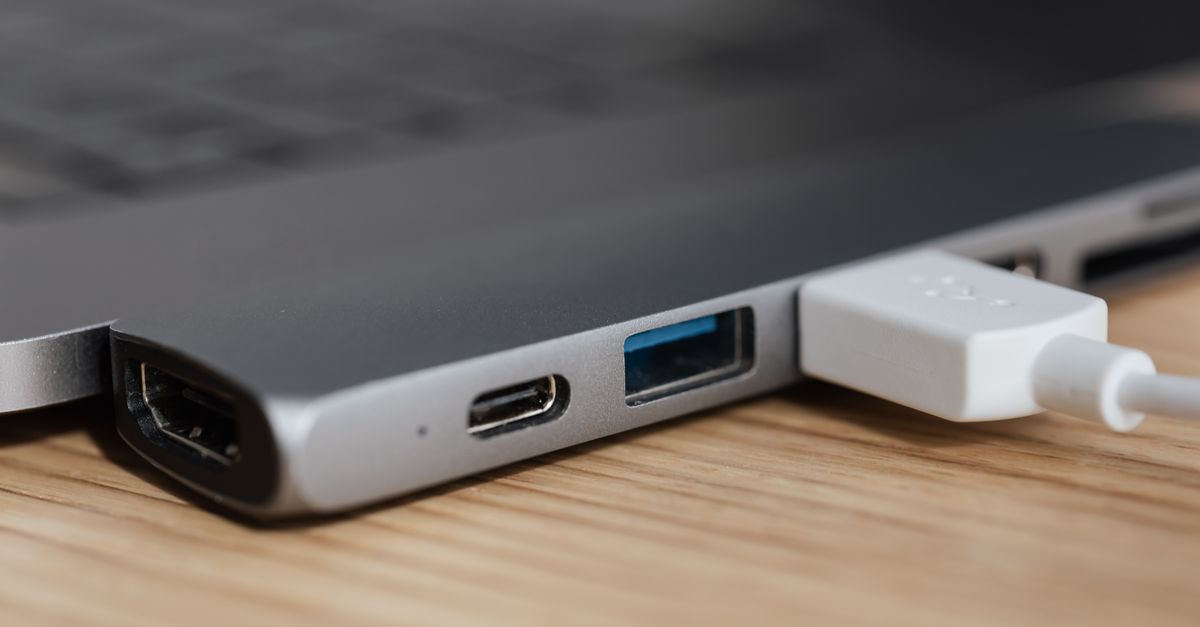
Laptop not connecting to docking station? Learn why—outdated drivers, power issues, or Thunderbolt authorization. Complete troubleshooting guide with step-by-step fixes.

Laptop won’t turn on without battery? Learn why this happens, test if your model supports AC-only operation, and fix power delivery issues with expert troubleshooting steps.
Laptop won’t turn on with no lights? Most cases are fixable in minutes. Diagnose AC adapter, charging port, and battery issues before assuming motherboard failure.