

You want a TV that makes streaming, smart home control, and apps easy and fast. Samsung’s Tizen platform usually offers a smoother interface, more apps, and better smart-home integration, while Hisense’s VIDAA gives solid core apps at lower cost.
That means if you value a polished smart experience and wider app support, Samsung often has the edge. If you want basic streaming and value, Hisense can serve you well.
This article will compare how the platforms feel to use, which apps and voice assistants they support, and how well they link with other devices. You’ll also see how smart features stack up alongside picture, sound, gaming, design, and overall value so you can pick the TV that fits your priorities.
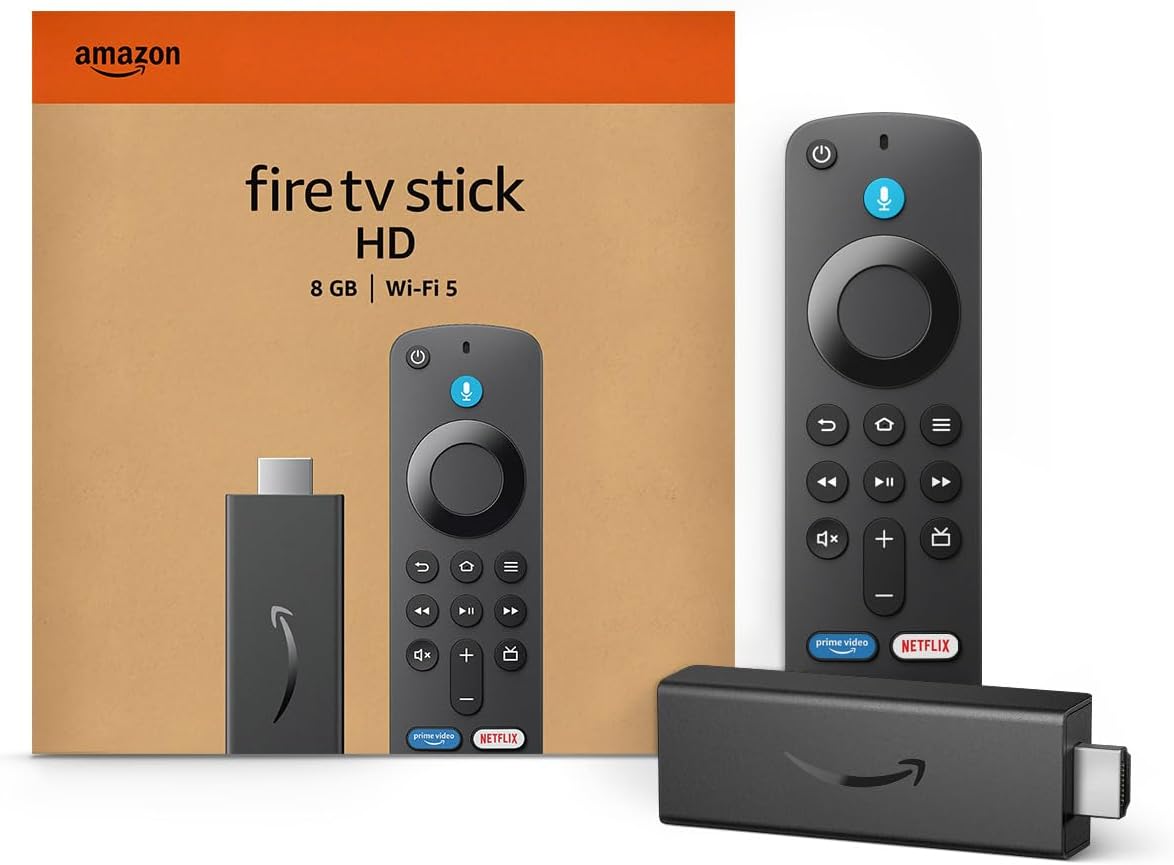
Amazon Fire TV Stick HD
Turn Any TV to a Smart TV. Stream Netflix, Prime Video & More. Alexa Voice Remote Included. Easy Plug & Play Setup.
Shop on Amazon
Smart Features and User Experience
You’ll get a cleaner, faster menu and more apps on some TVs. Other models trade breadth for simplicity and lower cost.
Expect differences in app selection, voice control options, update frequency, and how the TV links to other smart devices.
Tizen OS vs VIDAA OS
Tizen OS on Samsung TVs focuses on polish and regular updates. The interface responds quickly, menus are consistent across models, and Samsung pushes features like Vision AI and game-focused settings to mid and high-end sets.
Tizen also supports features such as Dolby Atmos passthrough and advanced picture presets you can tune.
VIDAA OS on Hisense TV models aims for simplicity and speed. It loads fast and puts major streaming apps on the home row for easy access.
VIDAA lacks some advanced customization and third-party integrations you’ll find on Tizen. However, it reduces clutter and can be easier for less technical users.
App Library and Streaming Apps
Samsung’s app library is wider. Tizen operating system supports most major streaming services, niche apps, and frequent app updates.
You’ll find Netflix, Disney+, Prime Video, Apple TV, and many regional apps on Samsung TVs, plus regular security and feature updates.
Hisense’s VIDAA U includes the big streaming names you likely need, including Netflix and Prime Video. Some models use Android TV or built-in Roku for extra apps.
If you need smaller or specialty apps, check the specific Hisense model because VIDAA’s catalogue can be smaller than the Tizen platform.
Voice Assistants and Voice Control
Samsung offers Bixby built-in and also supports Amazon Alexa and Google Assistant on many models. That gives you multiple voice choices for searching, controlling playback, or adjusting settings.
Voice recognition on Tizen is mature, and Samsung links voice commands to features like Vision AI and smart home routines.
Hisense supports Alexa and Google Assistant on many newer models and sometimes includes its own voice shortcuts in VIDAA. Hands-free options vary by model—some Hisense TVs include far-field mics; others rely on the remote’s mic.
If you plan to use voice frequently, verify which assistants a specific Hisense or Samsung model supports.
Ecosystem and Smart Home Integration
Samsung ties TVs into SmartThings and a broad smart-home ecosystem. You can mirror phone screens, control compatible lights and cameras, and use the TV as a control hub.
This works best if you already own Samsung phones, soundbars, or appliances, because integrations tend to be deeper.
Hisense connects to Alexa and Google Home and can display camera feeds or accept routine triggers. It won’t match SmartThings’ depth on Samsung, but it covers common use cases like casting, Bluetooth device pairing, and basic smart-home control.
Choose based on the devices you already own and which ecosystem you want to expand.
Picture Quality and Display Technologies
You’ll want to know how displays differ in core tech, color, HDR formats, and contrast. These affect real viewing: blacks, bright highlights, game performance, and how colors look without calibration.
Panel Technologies: QLED, OLED, ULED
Samsung focuses on QLED and QD‑OLED panels. QLED uses quantum dots on an LCD backlight to boost color volume and peak brightness.
QD‑OLED adds self‑emitting OLED pixels with quantum dots for wider color and better viewing angles than traditional LCDs. Samsung’s Neo QLED models use dense mini‑LED zones behind an LCD layer to raise contrast and brightness without OLED burn risk.
Hisense uses ULED as a marketing name for upgraded LCDs, often with mini‑LED backlights and quantum dot layers. Models like the Hisense U8N use many local dimming zones to improve black levels and HDR highlights.
ULED can match mid‑range QLED brightness but won’t reach the infinite black of true OLED panels.
Choose OLED when you want the deepest blacks and best viewing angles. Pick mini‑LED QLED/ULED when you need higher peak brightness for bright rooms or very punchy HDR highlights.
Color Accuracy and Quantum Dot Performance
Quantum dots increase color gamut and color volume by converting backlight wavelengths into purer colors. Samsung’s QLED and QD‑OLED implementations deliver wide color coverage and strong out‑of‑box accuracy, especially on premium models.
That means vivid colors without extreme oversaturation on most content.
Hisense uses quantum dot layers in many ULED sets. Color accuracy can be very good after basic calibration, and some Hisense models offer wider gamut than budget Samsung sets.
However, Samsung’s image processors often produce more consistent color across different picture modes and content types.
If precise color is important for movies or photo work, look for independent color accuracy measurements. For typical TV watching, both brands can produce natural, punchy color — Samsung tends to be more consistent straight away, while Hisense can get there with settings tweaks.
HDR Support: HDR10, Dolby Vision, HDR10+
Samsung supports HDR10, HDR10+, and HLG. HDR10+ provides dynamic metadata similar to Dolby Vision but without Dolby’s licensing.
Samsung intentionally avoids Dolby Vision, so some Dolby‑mastered streaming content will be tone‑mapped rather than using Dolby’s scene‑by‑scene metadata.
Hisense often supports Dolby Vision plus HDR10 and HLG on many mid and high models. That gives you compatibility with the largest selection of Dolby Vision content on streaming services.
If you watch a lot of Dolby Vision titles, Hisense models with Dolby Vision provide a clearer path to native dynamic metadata.
For the best scene‑by‑scene HDR tones, Dolby Vision or HDR10+ matter. Check whether the exact model you’re buying includes Dolby Vision (Hisense) or HDR10+ (Samsung) to match your streaming library.
Brightness, Contrast, and Local Dimming
Peak brightness governs HDR punch and glare handling in bright rooms. Samsung’s high‑end QLED and Neo QLED models push very high peak nits, which helps highlights pop and combats reflections.
Hisense mini‑LED ULED sets like the U8N also hit strong peak brightness, making them useful in sunny living rooms.
Contrast depends on black level control. OLED panels deliver the best true black and infinite contrast, improving shadow detail.
Mini‑LED with many local dimming zones narrows the gap by reducing blooming and deepening blacks, though some haloing can remain around bright objects. Local dimming quality varies by model. Samsung’s zone control tends to be refined on flagship Neo QLEDs.
Hisense implements effective zone arrays for strong mid‑range performance, but zone count and algorithm quality determine how clean the image looks. If you need low bloom and solid HDR highlights in a bright room, prefer higher peak brightness and finer local dimming.
Audio Performance and Sound Features
You’ll find a trade-off between convenience and depth. Built-in speakers handle everyday shows fine, but advanced sound formats and speaker syncing matter if you want a home-theater feel.
Built-In Speakers and Sound Systems
Hisense and Samsung both use multi-driver speaker setups in many models. Hisense often tunes speakers for clear dialogue and decent mids, which works for news and sitcoms without a soundbar.
Higher-end Hisense sets may include better woofers, but low-end models usually lack bass depth.
Samsung tends to fit stronger built-in systems on its mid and premium models. Expect fuller bass, clearer highs, and more separation between instruments on Samsung’s better sets.
If you value out-of-the-box sound for movies and music, Samsung’s top lines perform better. Still, both brands recommend external soundbars or speakers for deep bass and cinematic impact.
Dolby Atmos, Q-Symphony, and Surround Sound
Dolby Atmos support appears on select models from both brands. When present, Atmos enables vertical sound effects and height cues that add a sense of space.
On Hisense, Atmos is typically virtualized through processing, giving the impression of height without dedicated upward-firing drivers.
Samsung pairs Dolby Atmos with its ecosystem features, and some Samsung TVs work with compatible Samsung soundbars to create real Atmos channels. Q-Symphony is a Samsung-specific feature that syncs the TV’s internal speakers with a Samsung Q-series soundbar.
That yields better channel separation and wider soundstage than TV speakers alone.
If you want true multi-channel surround, look for TVs that either include Atmos-capable hardware or clearly state compatibility with soundbars and receivers. For most living rooms, the best results come from combining the TV with a soundbar that matches the TV’s feature set.
Object Tracking Sound and Immersive Audio
Object Tracking Sound (OTS) is a Samsung feature that digitally moves sound to follow on-screen action. On TVs with the hardware and drivers, OTS gives a clear sense that sound comes from the actor or object location.
It works best on Samsung’s QLED and Neo QLED lines that have multiple speaker zones and beam-forming tech. Hisense offers immersive audio via processing like DTS Virtual and other virtual surround techniques. These create a wider sound field from standard speaker layouts.
They improve immersion for casual viewing but won’t match a true multi-driver system or Samsung’s OTS when it has proper hardware backing.
If you want sound that tracks action, prioritize Samsung models with OTS and pair them with a compatible soundbar. If you’re on a budget, Hisense’s virtual surround delivers good perceived width and height without extra gear.
Gaming Features, Design, and Value
Hisense and Samsung both pack useful gaming features, distinct designs, and clear value differences. One brand leans toward raw performance and premium finishes, while the other pushes high value and solid features for the price.
Gaming Performance and Input Lag
You want low input lag for fast reactions. Samsung’s mid and high-end models often reach input lag below 10 ms in Game Mode, which helps competitive shooters and fast-action games.
Some Samsung OLEDs and QLEDs also deliver faster pixel response times, reducing motion blur during quick camera pans.
Hisense offers low input lag on many models too, often in the 10–20 ms range for recent 120 Hz sets. That performance is good for most gamers, especially if you play casually or on consoles like PS5 and Xbox Series X. Expect some variation between Hisense’s budget VA-panel TVs and its higher-end ULED or QD models.
Both brands include a Game Mode to prioritize latency. If you use a gaming PC at high frame rates, check measured input lag for the exact model before buying.
Refresh Rate, VRR, ALLM, and HDMI 2.1
You should match TV features to your hardware. Samsung’s higher-end 2024–2025 models commonly offer native 120 Hz panels, Variable Refresh Rate (VRR), Auto Low Latency Mode (ALLM), and multiple HDMI 2.1 ports.
These features reduce screen tearing, allow smoother frame pacing, and auto-switch to low-latency settings when you plug in a console.
Hisense includes 120 Hz panels and VRR on many ULED and QD models as well. Some Hisense TVs have HDMI 2.1 inputs with 4K@120Hz support, but port counts and bandwidth can vary by model.
That makes them capable of smooth gaming and reduced tearing, though top-tier Samsung sets may offer more consistent HDMI 2.1 implementation and wider VRR support across their lineup.
Check the specs list for HDMI 2.1 full bandwidth, VRR standards (e.g., FreeSync / G-SYNC), and confirmed 4K@120Hz support if you plan to use next-gen consoles or high-refresh PC gaming.
Design and Build Quality
Your TV’s look and materials matter for a home theater setup. Samsung tends to use slimmer bezels, cleaner stands, and more premium finishes on flagship models.
Features like ultra-thin profiles, cable management, and brushed-metal accents are common on higher-end Samsung TVs. Hisense focuses on practical, clean designs with slimmer bezels on newer models too.
Build materials may be simpler on budget Hisense sets. The Hisense Canvas TV and higher ULED models offer improved chassis design and better remote ergonomics.
If you mount the TV, both brands support VESA mounts and offer reasonably flat backs. Samsung’s premium models often sit flush and feel more polished.
Inspect the TV in person when possible. Look at bezel thickness, stand stability, and port placement to avoid awkward cable runs behind cabinets or soundbars.
Price Range, Value for Money, and Warranty
You care about getting the most performance for your money. Hisense shines on value: many of its 4K 120 Hz TVs and models with VRR/ALLM cost significantly less than Samsung equivalents.
That makes Hisense a strong pick if you want gaming features without paying top-tier prices. Samsung commands higher prices for premium panels, refined software, and consistent HDMI 2.1 feature sets.
You pay extra for better motion handling, brighter panels for HDR, and often stronger long-term reliability in flagship lines. Warranty terms vary by model and region.
Samsung typically offers standard one-year limited warranties, with optional extended plans. Hisense also usually provides one-year warranties and sometimes promotional extensions.
Check the retailer and manufacturer warranty for coverage of panel issues and backlight problems before you buy.
Read More:
- Is Samsung TV Better Than Hisense? In-Depth Brand Comparison
- Is Hisense TV Better Than Samsung in Picture Quality?