

Last updated on April 5th, 2026 at 09:41 am
You want the best picture for movies, games, and sports. Samsung generally delivers higher peak brightness, more accurate color, and advanced local dimming.
If absolute picture quality matters most, Samsung usually outperforms Hisense, but Hisense often gives very good image performance for a much lower price.
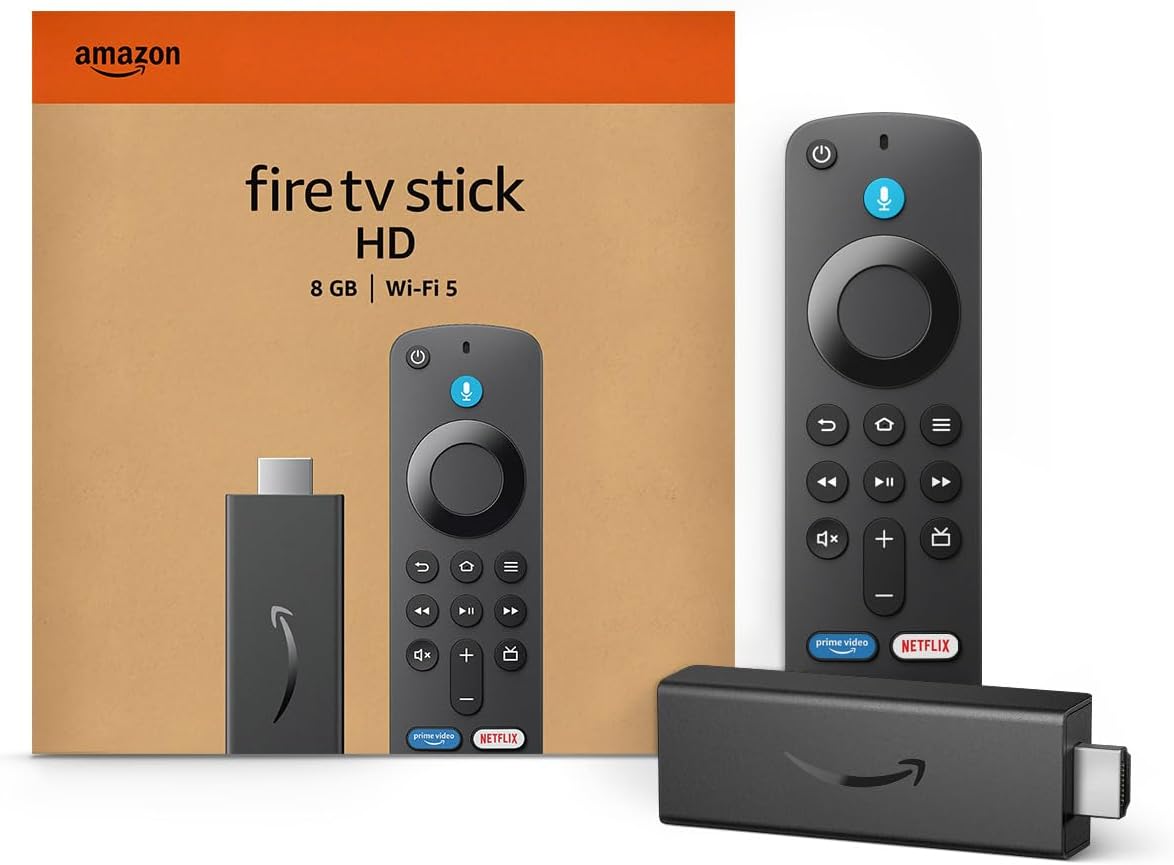
Amazon Fire TV Stick HD
Turn Any TV to a Smart TV. Stream Netflix, Prime Video & More. Alexa Voice Remote Included. Easy Plug & Play Setup.
Shop on AmazonThis post will compare color accuracy, HDR performance, contrast, and motion handling so you can see where each brand wins and where it compromises. You’ll also get a look at smart TV platforms, gaming performance, and how build quality and price affect value.

Picture Quality Comparison: Hisense vs Samsung
You’ll see differences in panel type, color handling, contrast control, and HDR performance. These affect blacks, bright highlights, color accuracy, and how well the TV works in bright or dark rooms.
Display Technologies and Panel Types
Samsung sells QLED and OLED models. QLED uses quantum dot technology layered over an LCD to boost color and brightness.
Samsung’s OLED sets deliver true blacks and wide viewing angles on their OLED line. Hisense mostly uses ULED, which is a marketing name for advanced LCDs that combine quantum dots, wide color gamut, and improved processing.
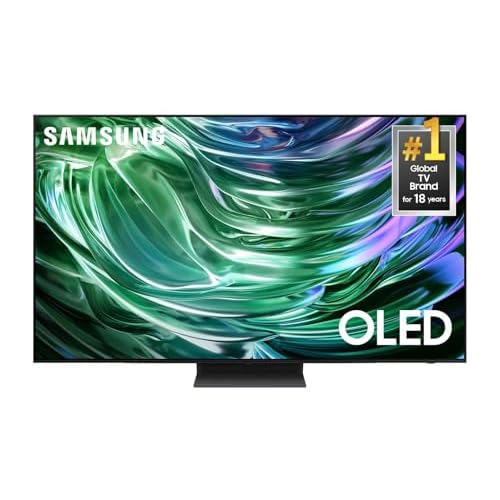
For those who want absolute peak performance, the Samsung S90D OLED offers near-infinite contrast and per-pixel lighting, ensuring that there is zero ‘blooming’ or haloing around bright objects—a feat that even the best LCDs can’t quite match.
Many Hisense models use VA panels for deep native contrast but narrower viewing angles. Higher-end Hisense sets add mini‑LED backlights for denser local dimming zones.
If you want wider viewing angles and uniform color, Samsung OLED or QLED with IPS-like tech helps. If you want strong contrast for dark-room movies at lower price, Hisense ULED with VA panels performs well.
Color Accuracy and Processing
Samsung often tunes TVs for vivid, accurate color out of the box and uses strong color processing and AI upscaling to clean low-resolution content. Their QLED models show wide color gamut thanks to quantum dots, so HDR colors pop without looking oversaturated when properly calibrated.
Hisense also uses quantum dots in many ULED models, giving a wide color gamut at a lower cost. Calibration may be needed to match Samsung’s factory accuracy.
Hisense’s color processing has improved and can deliver very natural skin tones, but aggressive picture modes on both brands can push saturation. For straighter color out of the box, compare measured color accuracy on the exact model you plan to buy.
Contrast, Black Levels, and Local Dimming
Black level depends on panel type and backlight. Samsung OLED produces near-perfect blacks because pixels emit their own light.
Samsung QLED with full-array local dimming (FALD) improves blacks over edge-lit LCDs, but can show haloing around bright objects. Hisense ULED with VA panels naturally gives deep blacks and strong native contrast.
When Hisense adds mini‑LED FALD, it narrows blooming and raises local-dimming precision for better shadow detail. Neither brand’s midrange LCDs match OLED blacks, but Hisense VA panels plus local dimming often feel darker in typical HDR scenes.
Look for mini‑LED and more dimming zones if black precision matters to you.
The Hisense U8 Series Mini-LED is the standout example here; it uses over 1,000 local dimming zones to achieve deep blacks that rival much more expensive sets, making it a favorite for dark-room movie watching on a budget.

Brightness and HDR Capabilities
Samsung QLED and some high-end OLEDs hit high peak brightness, which helps HDR highlights and glare handling in bright rooms. Quantum dot layers in both brands improve peak brightness and color volume for HDR10 and HLG content.
Hisense often pushes brightness on value models and its mini‑LED sets can rival Samsung’s mid-to-high tier HDR output. Dolby Vision support varies by model: Samsung historically avoids Dolby Vision but supports HDR10 and HDR10+; Hisense includes Dolby Vision on many models.
If you need the brightest highlights for HDR highlights or a bright living room, compare measured peak brightness and HDR format support on the exact models you’re choosing.
Smart TV Features and User Experience
Samsung tends to offer a more polished, consistent interface and deeper ecosystem ties. Hisense gives you multiple OS choices and better format support on many models, often for less money.
Operating Systems and App Support
Samsung uses the Tizen operating system across most models. Tizen gives you a smooth, responsive menu and wide app selection like Netflix and YouTube.
If you want a uniform experience across sizes and years, Tizen is predictable and well maintained. Hisense ships TVs with Google TV, VIDAA U, or Fire TV depending on the model.
Google TV delivers strong app discovery and Google Assistant integration. VIDAA U is lightweight and fast, but has fewer niche apps.
Fire TV mirrors Amazon’s layout and supports Alexa. If you need a particular app or easy updates, check the exact model’s OS before buying.
App availability and update cadence can vary between VIDAA, Google TV, Fire TV, and Tizen.
Voice Control and Smart Home Integration
Samsung integrates Bixby and full SmartThings support, plus Google and Alexa on many models. That means you can control smart lights, thermostats, and other Samsung-compatible devices directly from the TV.
The One Remote works well with multiple devices and reduces clutter. Hisense models with Google TV give you Google Assistant and broad compatibility with Google Home and many third-party smart devices.
Fire TV models favor Alexa, which is strong for voice shopping and routines. VIDAA U offers voice features on some sets but less deep smart-home control.
For reliable voice use, test the remote mic and latency. Also verify which assistants the exact TV model supports so it fits your existing smart home setup.
Streaming Services and Media Compatibility
Both brands support major streaming services like Netflix, YouTube, Disney+, and Prime Video on most modern models. Hisense often includes Dolby Vision support on mid and high models, which matters for content mastered in that format.
Samsung does not support Dolby Vision but supports HDR10 and HDR10+ on many sets. If you use casting or screen mirroring, Samsung supports SmartThings and native casting from many Samsung phones.
Hisense with Google TV supports Chromecast built-in for easy phone-to-TV streaming. Check codec support (like HEVC) if you play local files or use niche apps.
Before you buy, confirm the exact model’s app list, HDR formats, and casting options so the TV matches your streaming habits and media library.
Gaming and Performance Metrics
You’ll want low input lag, high refresh rates, and HDMI 2.1 features for smooth, responsive play. These three areas most affect how a TV feels when you game and how well it handles modern consoles and PC graphics cards.
Input Lag and Response Time
Input lag measures the delay between your controller and the action on screen. Aim for TVs under 20 ms for console gaming at 60–120 fps.
Many Samsung models hit single-digit input lag in Game Mode. Some Hisense sets also reach low input lag, but results vary by model and firmware.
Response time is how fast pixels change color. Faster response times reduce motion blur in fast games.
Samsung’s higher-end QLED and OLED models typically show quicker pixel transitions. Hisense can be competitive on midrange and gaming-focused models, but VA panels may show slower gray-to-gray times than OLEDs.
Check third-party measurements for the exact model you plan to buy. Firmware updates and specific picture settings (like turning off motion smoothing) can improve both input lag and response time.
Refresh Rates and VRR Capabilities
Higher refresh rates make motion smoother and reduce tearing when frame rates are high. Look for 120 Hz panels if you play fast-paced shooters or racing games.
Samsung often offers 120 Hz and higher refresh support on many models, which helps with fluid gameplay. Variable Refresh Rate (VRR) keeps the TV’s refresh rate synced to the game’s frame rate.
FreeSync and other VRR technologies cut tearing and stutter. Samsung uses its own VRR solutions and supports common VRR standards on many sets.
Hisense models increasingly support FreeSync and HDMI Forum VRR on midrange and gaming lines. Confirm the TV’s supported VRR range and whether it works on all HDMI inputs.
Some TVs enable VRR only on specific ports or only with certain HDMI versions.
HDMI 2.1 and Gaming Features
HDMI 2.1 brings features you’ll use with PS5, Xbox Series X, and high-end PCs: 4K@120Hz, ALLM (Auto Low Latency Mode), and eARC. Samsung includes HDMI 2.1 on many recent models, but port counts and full 2.1 bandwidth can vary by year and tier.
Hisense has added HDMI 2.1 to several newer models, especially those marketed for gamers. Check whether the TV supports full 48 Gbps bandwidth or a limited implementation (often called “HDMI 2.1 features” but not full spec).
Also verify support for ALLM, VRR, and 4K@120Hz on the specific HDMI ports you plan to use. Beyond ports, look for gaming extras like a dedicated Game Mode, on-screen FPS counters, and low-latency HDR processing.
These features can matter more than raw specs for real-world performance.
Design, Build Quality, Value, and Market Position
You can expect clear trade-offs: Samsung emphasizes premium materials, refined design, and an established ecosystem, while Hisense focuses on modern looks and strong features at lower prices.
Both brands offer thin bezels and contemporary styling, but they differ in fit-and-finish, price tiers, and after-sale assurance.
Aesthetics and Build Quality
Samsung TVs usually use higher-grade plastics and metal trims. Their high-end QLED and OLED models have very thin bezels, slim profiles, and sturdy stands that feel durable when mounted or handled.
Samsung often adds refined touches like ambient backlighting and glass-like finishes on mid and top models. Hisense designs follow current trends with thin bezels and clean lines, especially on newer ULED and QLED sets.
Lower-cost Hisense models may use lighter plastics and simpler stands that feel less solid. Still, mid-range Hisense models often match Samsung’s look at a lower price, giving you modern design without the premium materials.
Pay attention to connection placement and stand stability. Samsung generally routes ports better for wall mounts.
Hisense sometimes places ports in awkward spots on cheaper models, which can complicate cable management.
Pricing, Value for Money, and Model Selection
Samsung targets a wide price range but charges premiums for its top-tier picture tech and smart platform. If you want flagship features—advanced processing, superior upscaling, and brighter panels—Samsung places those in pricier lines.
Hisense focuses on value. You’ll find similar feature sets—QLED panels, local dimming, and variable refresh rates—at lower price points.
That makes Hisense a strong choice when you want better value per dollar, especially in the budget and mid-range segments. When choosing, compare specific model specs—not just brand.
Look at panel type, brightness (nits), local dimming zones, and HDR performance. A mid-range Hisense can outperform an entry-level Samsung in concrete picture measures while costing less.
Warranty and Brand Reputation
Samsung maintains a strong market position and a long track record for reliability in many regions. Warranties and customer support tend to be consistent, with wide service networks and easier access to repairs or replacement parts.
Hisense offers competitive warranty terms, but experiences vary more by region and model. Some buyers report quicker value-focused replacements, while others note variability in long-term reliability for lower-end sets.
Check the exact warranty length, labor coverage, and local service availability before you buy. If warranty and brand trust matter to you, factor in service availability in your area and read local reviews for the specific model you’re considering.
Read More:
- Hisense vs Samsung (Which TV Has Better Smart Features)
- Is Samsung TV Better Than Hisense? In-Depth Brand Comparison
- Is Samsung TV Better Than Sony? In-Depth Brand Comparison