
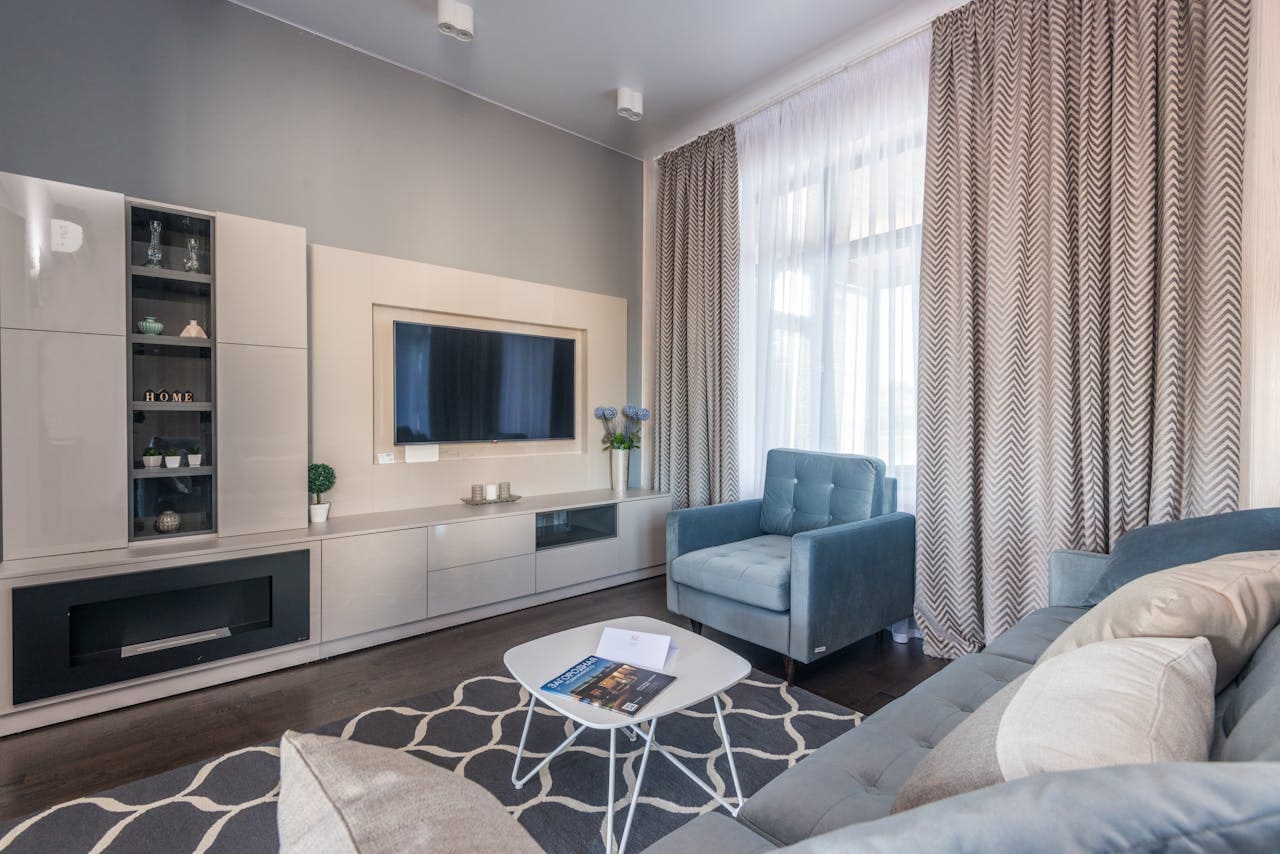
A burning plastic smell from your Insignia TV is a serious safety concern that requires immediate attention.
When your Insignia TV smells like burning plastic, this typically indicates overheating internal components, failing capacitors in the power supply, or electrical circuit problems that can potentially lead to fire hazards if not addressed promptly. The burning plastic odor often stems from overheated electrical components, degrading insulation materials, or faulty capacitors within your TV’s power board or main circuit board.
Immediate Safety Actions
When you detect a burning plastic smell from your Insignia TV, your first priority must be ensuring safety for yourself and your home. These immediate steps can prevent potential fire hazards and electrical damage.
Amazon Fire TV Stick HD
Turn Any TV to a Smart TV. Stream Netflix, Prime Video & More. Alexa Voice Remote Included. Easy Plug & Play Setup.
Shop on AmazonTurn Off and Disconnect Power Immediately:
The moment you smell burning plastic, stop using your TV and disconnect it from all power sources. Turn off the TV using the power button, then unplug the power cord from the wall outlet. Do not attempt to investigate the source while the TV remains connected to power.
Clear the Area Around Your TV:
Remove any flammable materials, papers, or decorations near your television. Ensure adequate ventilation around the TV and check for any visible signs of smoke, melting plastic, or unusual discoloration on the TV casing.
Assess the Severity of the Situation:
Electrical fires can start small but spread rapidly, making immediate action crucial for preventing property damage and ensuring personal safety.
If you notice any of these warning signs, contact emergency services immediately:
- Visible smoke or flames
- Sparks coming from the TV
- Continuous strong burning odor after unplugging
- Heat radiating from the TV casing
- Popping or crackling sounds
Wait Before Reconnecting Power:
Allow your TV to cool completely for at least 30 minutes before attempting any troubleshooting. Never reconnect power if the burning smell persists or if you’ve observed any visible damage to the TV’s exterior.
Moreover, document the incident with photos if safe to do so, as this information may be valuable for warranty claims or insurance purposes.
Environmental Safety Considerations
Ventilate the Room Properly:
Open windows and doors to allow fresh air circulation and help dissipate any toxic fumes from burning plastic materials. Burning electronic components can release harmful chemicals, so ensuring proper ventilation protects your health.
Check Nearby Electronics:
Examine other electronic devices connected to the same power outlet or surge protector. Electrical problems can sometimes affect multiple devices, and identifying patterns helps determine if the issue stems from your TV or the electrical supply.
Contact Emergency Services if Necessary:
If the burning smell is overwhelming, spreads throughout your home, or you feel unsafe, evacuate the area and call the fire department. Electrical fires can be unpredictable and require professional assessment.
Reasons for Burning Plastic Smell
Several internal components can cause burning plastic odors in Insignia TVs, each requiring different approaches for resolution. Understanding these causes helps you make informed decisions about repair versus replacement.
Power Supply Component Failures
Electrolytic Capacitor Degradation:
Electrolytic capacitors in your TV’s power supply board commonly fail after 3-7 years of use. When these components overheat, they emit characteristic burning plastic smells and can leak electrolyte fluid. Failed capacitors often cause power-related issues like random shutdowns or failure to turn on.
Power Board Overheating:
The power supply board converts incoming AC electricity to the various DC voltages your TV requires. Overloaded circuits, dust accumulation, or component age can cause this board to overheat, creating burning odors from heated plastic components and circuit traces.
Voltage Regulation Problems:
Faulty voltage regulators can cause power supply components to operate outside their design specifications, leading to overheating and the characteristic burning plastic smell. These problems often worsen over time and can damage other TV components.
Electronic components have finite lifespans, and power supply failures represent the most common cause of burning odors in televisions.
Step-by-Step Power Supply Diagnosis:
- Check for visible swelling on capacitors through ventilation holes
- Listen for unusual sounds like high-pitched whining or buzzing
- Monitor power behavior for intermittent operation or startup problems
- Inspect the power cord for damage, overheating, or loose connections
- Test with a different outlet to rule out electrical supply issues
Furthermore, power supply problems often begin subtly but worsen rapidly once component degradation starts, making early detection and professional repair crucial.
Overheating Issues
Inadequate Ventilation:
Blocked ventilation holes prevent proper airflow through your TV’s internal components. Dust, pet hair, or placement too close to walls can restrict cooling, causing internal temperatures to rise beyond safe operating levels.
Internal Dust Accumulation:
Over time, dust builds up on heat sinks, circuit boards, and cooling fans inside your TV. This dust acts as insulation, trapping heat and forcing components to operate at higher temperatures than designed.
Environmental Factors:
Room temperature, direct sunlight exposure, and proximity to heat sources like fireplaces or heating vents can contribute to TV overheating. High ambient temperatures reduce your TV’s ability to dissipate internal heat effectively.
Additionally, placing your TV in enclosed entertainment centers without adequate ventilation significantly increases overheating risk and should be avoided whenever possible.
Internal Component Damage
Different internal components produce distinct burning plastic odors when they fail, helping identify the specific problem area and appropriate repair approach.
Main Board and Processing Failures
CPU and Processing Chip Overheating:
The main processing board contains various integrated circuits that generate significant heat during operation. When these components overheat due to poor thermal management or age-related degradation, they can emit burning plastic odors from their housings and surrounding circuit board materials.
Memory and Storage Component Issues:
Flash memory chips and other storage components can fail due to excessive heat or electrical stress. These failures often produce burning smells and can cause system instability, boot problems, or complete TV failure.
Circuit Board Trace Damage:
Overheating can damage the printed circuit traces on main boards, creating resistance heating and burning odors. This damage often appears as dark spots or visible burn marks on green circuit boards.
Component Diagnosis Indicators:
- Random freezing or system crashes
- Failure to boot properly or boot loops
- Distorted audio or video output
- Intermittent operation or random shutdowns
- Error messages or diagnostic codes
Professional Repair Considerations:
Main board repairs typically require specialized equipment and technical expertise. Component-level repairs may cost 50-70% of a new TV’s price, making replacement more economical for older models.
LED Backlight System Problems
LED Driver Circuit Failures:
LED backlight systems use driver circuits to regulate power to individual LED strips. When these circuits fail, they can overheat and produce burning plastic odors while causing display problems like dim screens or uneven lighting.
LED Strip Degradation:
Individual LED strips within your TV’s backlight array can fail due to heat stress or manufacturing defects. Failed LEDs often create local hot spots that can damage surrounding plastic components and produce burning smells.
T-Con Board Issues:
The Timing Controller (T-Con) board manages your TV’s display panel and backlight system. Failures in this component can cause both display problems and overheating issues that generate burning plastic odors.
Nevertheless, LED backlight repairs require complete TV disassembly and are typically not cost-effective compared to purchasing a replacement television.
Professional Assessment vs DIY Solutions
Determining whether to attempt DIY troubleshooting or seek professional help depends on the severity of the burning smell, your technical expertise, and safety considerations.
When to Call Professionals
Immediate Professional Consultation Required:
Contact qualified repair technicians immediately if you observe persistent burning smells after unplugging, visible damage to TV components, repeated occurrences of burning odors, or any signs of electrical arcing or sparking.
Professional repair services have specialized diagnostic equipment to safely identify internal component failures and can assess whether repairs are economically viable compared to replacement costs.
Warranty Considerations:
If your Insignia TV is still under manufacturer or extended warranty, contact customer support before attempting any DIY repairs. Unauthorized repair attempts can void warranty coverage and leave you responsible for replacement costs.
Professional diagnosis provides accurate assessment of repair costs versus replacement value, helping you make informed financial decisions about your TV.
Cost-Benefit Analysis:
Consider professional repair when:
- TV is less than 3 years old
- Repair estimates are under 50% of replacement cost
- Multiple expensive electronics are experiencing similar problems
- You lack technical experience with electronic repairs
Safety Equipment Requirements:
Professional repair technicians have access to proper safety equipment including ESD protection, electrical testing tools, and fire suppression equipment that most homeowners don’t possess.
Safe DIY Troubleshooting Steps
External Inspection Protocol:
Before considering any internal investigation, conduct a thorough external inspection of your TV. Check for loose connections, damaged power cords, overheating power adapters, and blocked ventilation openings.
Environmental Corrections:
Address obvious environmental factors that might contribute to overheating:
- Improve ventilation by cleaning dust from vents and ensuring adequate clearance
- Relocate the TV away from direct sunlight or heat sources
- Check room temperature and improve air circulation if necessary
- Remove obstructions from around the TV that might block airflow
- Clean the TV exterior to remove dust that might be affecting cooling
Testing with Minimal Configuration:
Disconnect all external devices, cables, and accessories except the power cord. Test whether the burning smell occurs during basic TV operation without additional load from connected devices.
Progressive Power Testing:
After allowing adequate cooling time, briefly power on the TV in a well-ventilated area while monitoring for immediate return of burning odors. If odors return immediately, discontinue use and seek professional assessment.
Documentation for Professionals:
Keep detailed records of when burning smells occur, what actions trigger them, and any patterns you observe. This information helps professionals diagnose problems more efficiently and accurately.
Prevention and Maintenance
Implementing proper maintenance practices significantly reduces the likelihood of developing burning plastic odors and extends your Insignia TV’s operational life.
Regular Maintenance Schedule
Monthly Cleaning Routine:
Clean your TV’s exterior vents and ventilation openings monthly using compressed air or a soft brush. Remove dust buildup that can block airflow and contribute to internal overheating.
Quarterly Deep Cleaning:
Every three months, perform more thorough cleaning including the area around your TV, cable management, and checking for proper ventilation clearances. Ensure your TV has at least 4-6 inches of clearance on all sides.
Annual Professional Inspection:
For TVs over 3 years old, consider annual professional inspections to identify potential problems before they become serious. Professional technicians can clean internal components and replace preventive maintenance items.
Environmental Monitoring:
Regularly assess your TV’s operating environment for changes that might affect cooling, such as new furniture placement, seasonal heating changes, or additional electronic equipment that generates heat.
Preventive maintenance costs significantly less than emergency repairs and helps identify potential problems before they become safety hazards.
Surge Protection Implementation:
Use high-quality surge protectors to protect your TV from electrical fluctuations that can damage internal components. Consider a surge protector with robust electrical protection designed specifically for entertainment equipment.
Operating Best Practices
Proper Ventilation Management:
Maintain adequate airflow around your TV by avoiding enclosed entertainment centers, ensuring ventilation holes remain unblocked, and positioning the TV away from heat-generating appliances.
Temperature Control:
Keep room temperatures between 60-80°F (15-27°C) for optimal TV operation. Avoid placing TVs near windows with direct sunlight, fireplaces, or heating/cooling vents that can create temperature extremes.
Usage Pattern Optimization:
Avoid leaving your TV on for extremely long periods without breaks. Give the TV time to cool down during extended viewing sessions, and always turn it off when not in use rather than leaving it in standby mode continuously.
Power Management:
Use appropriate power outlets with adequate electrical capacity, avoid daisy-chaining multiple surge protectors, and ensure your home’s electrical system can handle your TV’s power requirements safely.
In addition to these practices, consider purchasing a quality replacement remote to ensure you can always safely control your TV’s power functions during troubleshooting situations.
Video Credit: SecurityFirstCorp / YouTube
Frequently Asked Questions
Is it safe to continue using my Insignia TV if it only smells like burning plastic occasionally?
No, you should never continue using a TV that produces burning plastic odors, even intermittently. Occasional burning smells indicate developing electrical problems that can worsen rapidly and create fire hazards. The intermittent nature suggests components are overheating during specific operating conditions, which will likely become more frequent over time.
Unplug your TV immediately and have it professionally inspected before any further use. Component failures that cause burning odors rarely resolve themselves and typically progress to complete failure or safety hazards. The cost of professional diagnosis is minimal compared to potential fire damage or personal injury risks.
What should I do if the burning plastic smell comes from a new Insignia TV?
New TVs should never produce burning plastic odors during normal operation. If your recently purchased Insignia TV smells like burning plastic, disconnect it immediately and contact the retailer for a replacement. This indicates a manufacturing defect or shipping damage that creates an immediate safety hazard.
Do not attempt to use the TV or wait for the smell to dissipate, as new electronics with burning odors can have serious internal faults. Document the issue with photos and contact information, as this represents a warranty claim requiring immediate replacement rather than repair. Most retailers will expedite replacement for safety-related defects.
Can cleaning the dust from my TV fix the burning plastic smell?
External dust cleaning can help prevent burning plastic smells caused by overheating, but it cannot fix smells from internal component failures. If the burning odor persists after thorough external cleaning and improved ventilation, the problem likely stems from failing internal components requiring professional repair.
Clean your TV’s ventilation holes and ensure proper airflow as a first step, but monitor closely for continued odors. Dust accumulation can contribute to overheating, but actual burning plastic smells typically indicate component damage that won’t resolve through cleaning alone. If cleaning doesn’t eliminate the odor within a few uses, seek professional assessment.
How much does it typically cost to repair an Insignia TV with burning plastic smell issues?
Repair costs for burning plastic smell issues vary significantly based on the failed component and TV age. Power supply board replacements typically cost $150-300, while main board repairs can range from $200-500. However, labor costs and parts availability for older models often make repairs uneconomical compared to replacement.
For TVs over 5 years old, repair costs frequently exceed 70% of a new TV’s price, making replacement more practical. Get professional diagnosis first, which typically costs $75-150, to determine exact repair requirements. Many repair shops will apply diagnostic fees toward repair costs if you proceed with service.
Are there warning signs that might appear before my Insignia TV starts smelling like burning plastic?
Yes, several warning signs often precede burning plastic odors in TVs. These include intermittent power problems like random shutdowns or difficulty turning on, unusual sounds such as high-pitched whining or buzzing from internal components, excessive heat radiating from the TV casing, and visible flickering or dimming of the display.
Other early indicators include longer startup times, occasional freezing or glitching, and the TV feeling warmer than usual during operation. Pay attention to these symptoms and address them promptly through professional inspection. Early intervention can prevent component failures that lead to burning odors and potential safety hazards.
Sources:
- Fire Safety Research Institute – Electrical Fire Prevention
- Consumer Product Safety Commission – TV Safety Guidelines
- Electrical Safety Foundation International
- National Fire Protection Association – Home Electrical Safety