Keyboard Works in BIOS but Not Windows (Here’s the Proven Fixes)

Keyboard works in BIOS but not Windows? Fix corrupted drivers, USB power management, filter conflicts, and more with 6 proven solutions to restore keyboard functionality.

Keyboard works in BIOS but not Windows? Fix corrupted drivers, USB power management, filter conflicts, and more with 6 proven solutions to restore keyboard functionality.
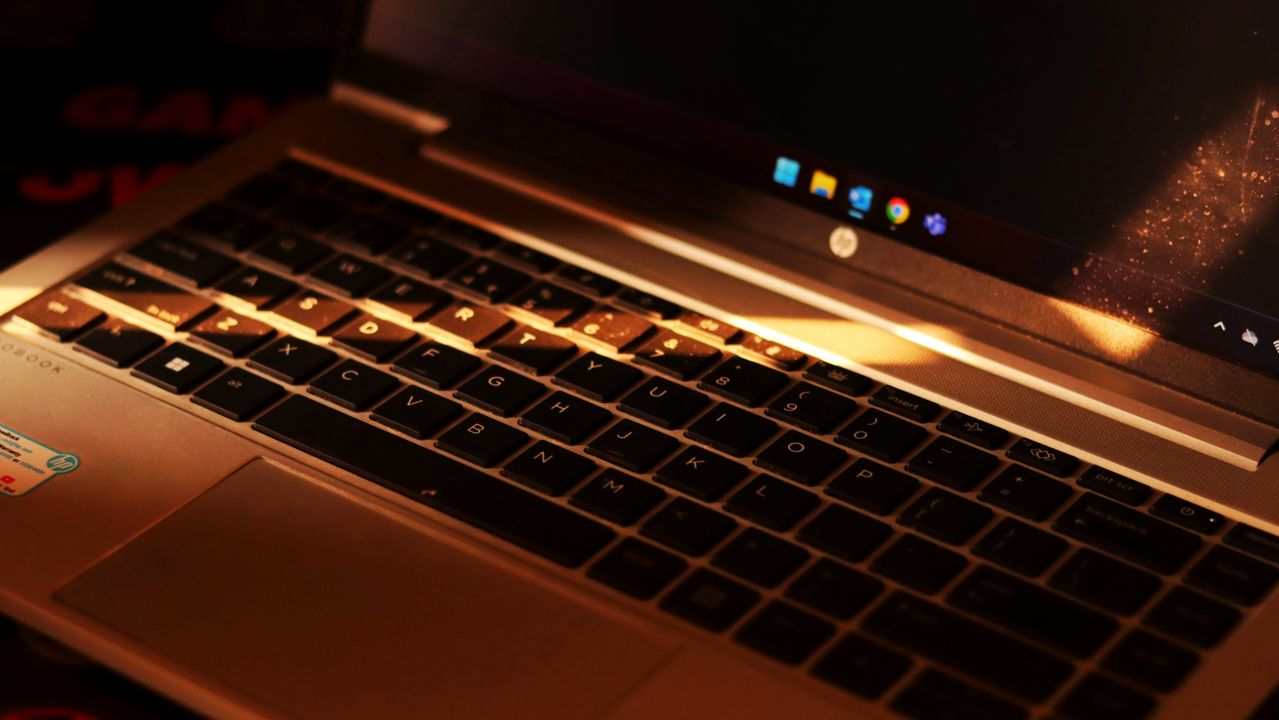
Fix keyboard not working in BIOS—switch USB ports, reset CMOS, enable legacy support & restore pre-boot access today.

Fix keyboard not working after sleep. Disable USB Selective Suspend, update drivers, enable wake permissions—restore instant responsiveness with step-by-step solutions.
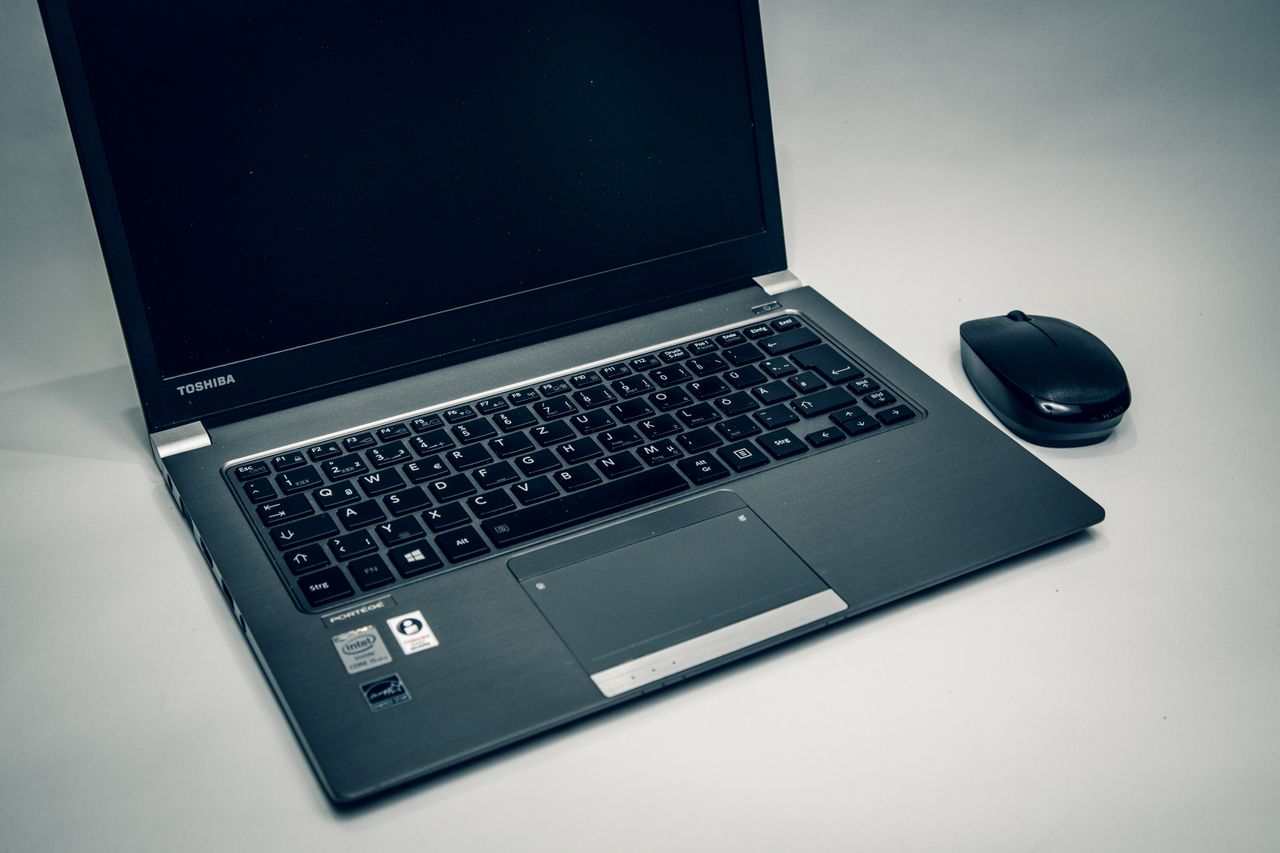
Fix keyboard not working after restart with 8 proven methods. Disable Fast Startup, update drivers, and adjust USB power settings to restore full functionality.

Keyboard anti-ghosting not working? Fix dropped inputs with 4 proven solutions: toggle NKRO mode, update drivers, switch USB ports, disable Sticky Keys. 90% success rate.

Keyboard ghosting causes missed inputs during gaming. Learn how matrix conflicts block key presses, test your keyboard, and find NKRO solutions.

Fix keyboard input lag on Windows 11 with proven solutions. Disable Filter Keys, update drivers, and optimize power settings to eliminate typing delay.

Fix keyboard delay when typing with proven solutions. Update drivers, disable accessibility features, scan for malware, and optimize system performance for instant response.

Fix keyboard lag with proven solutions: disable Filter Keys, update HID drivers, switch to 2.4 GHz dongles. Eliminate input delay in minutes.

Fix keyboard lights not working with simple Fn key fixes, driver updates, and power management solutions. Most issues resolve in minutes.