Keyboard Device Not Showing in Device Manager (Simple Method)
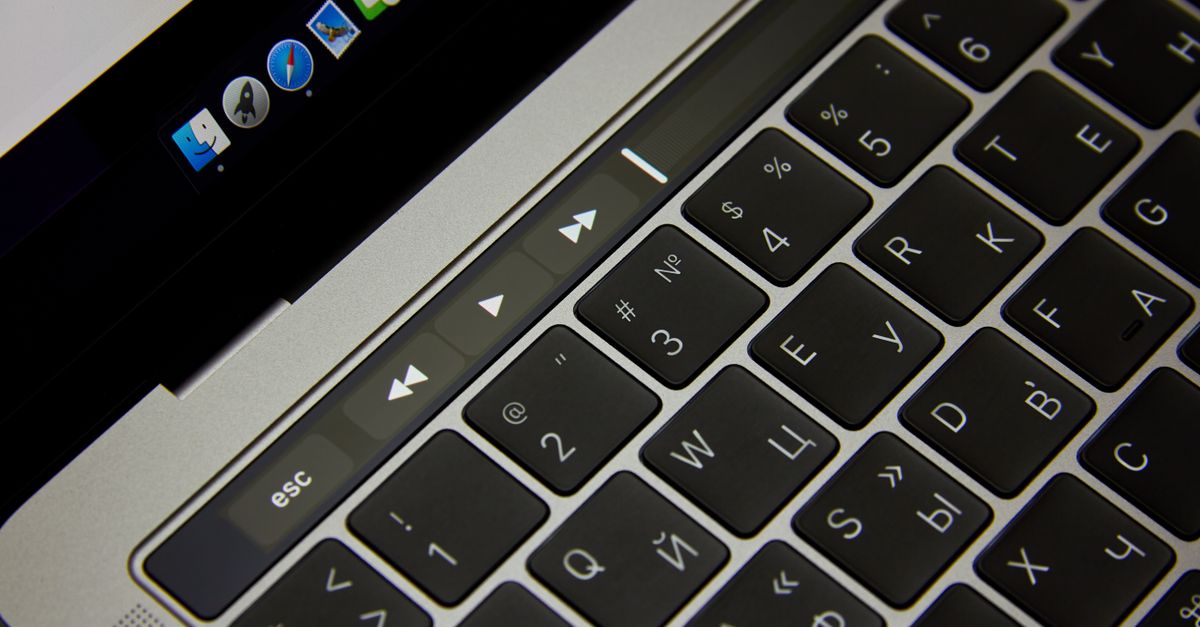
Keyboard not showing in Device Manager? Fix hidden devices, repair corrupted drivers, and scan for hardware changes with this complete troubleshooting guide.

Keyboard not showing in Device Manager? Fix hidden devices, repair corrupted drivers, and scan for hardware changes with this complete troubleshooting guide.

Bluetooth keyboard not showing up? Learn 9 expert fixes for discovery failures, from pairing mode resets to driver updates and compatibility checks.

Fix Bluetooth keyboard delay with targeted solutions. Learn why keys lag, clear interference, update drivers, and optimize power settings for faster typing.

Fix Bluetooth keyboard lag with 12 proven solutions: driver updates, power settings, interference removal & hardware swaps to restore typing speed.

Fix Bluetooth keyboard connection drops with proven interference solutions. Eliminate 2.4GHz conflicts, USB 3.0 noise, and metal obstructions for stable wireless.
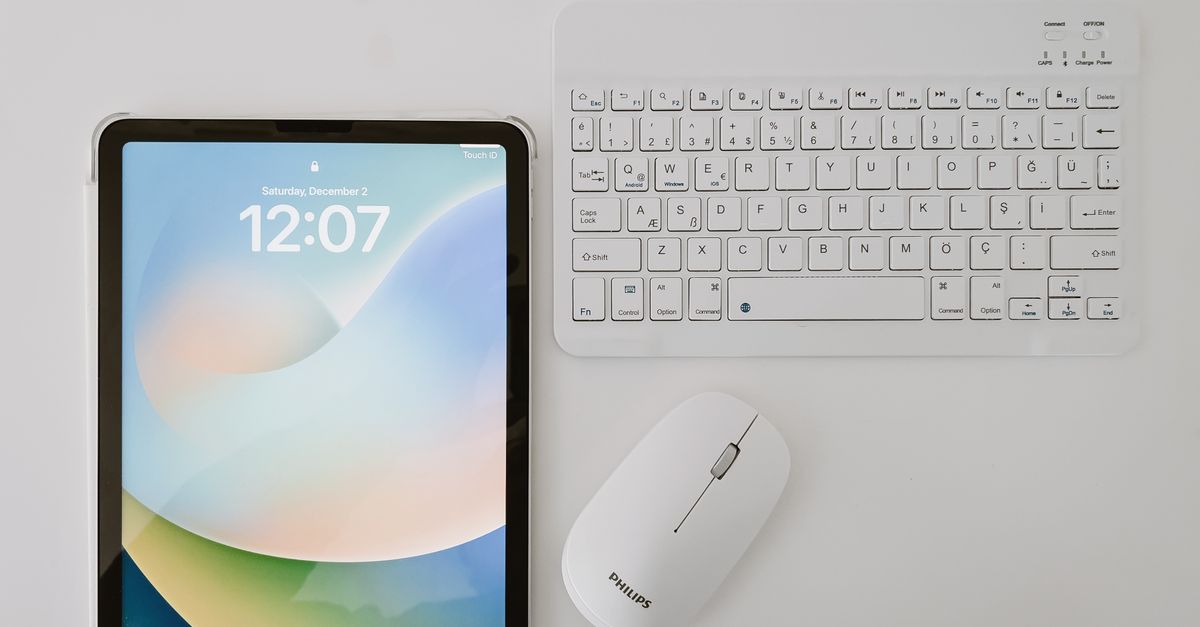
Fix Bluetooth keyboard disconnection issues with power management adjustments, driver updates, and battery checks. Stop random drops in minutes.

Bluetooth keyboard connected but not typing? Fix HID driver issues, remove duplicate entries, and restore input—step-by-step guide for Windows, Mac, and mobile.
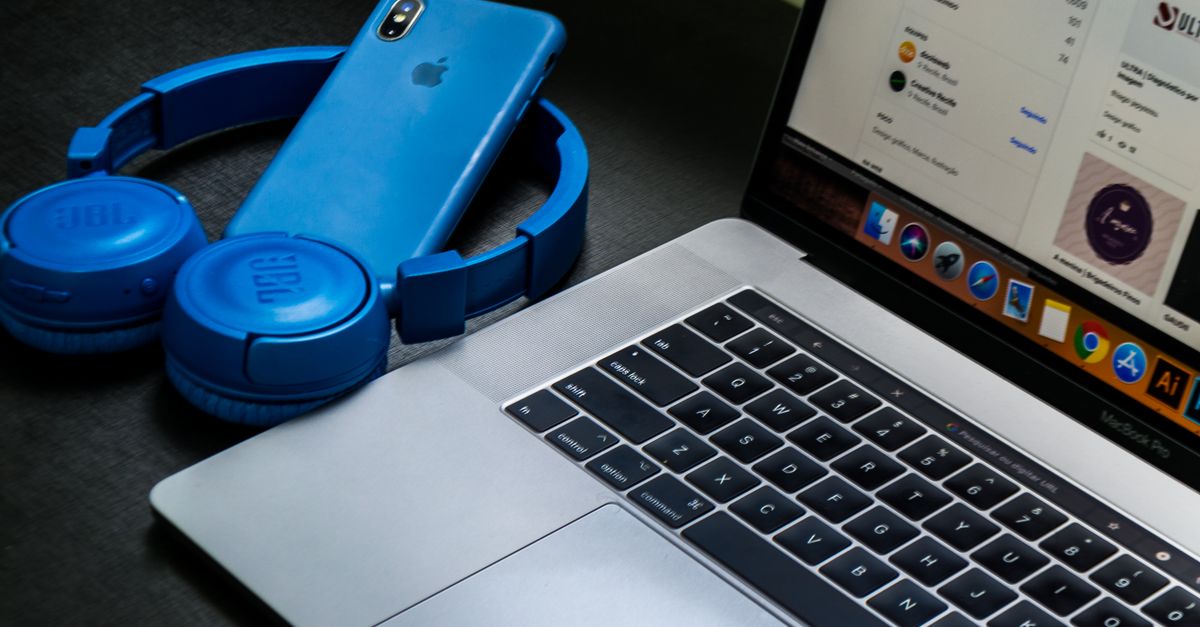
Fix Bluetooth keyboard connection issues with 7 expert troubleshooting steps. Clear pairing data, update drivers, reduce interference—fast solutions inside.
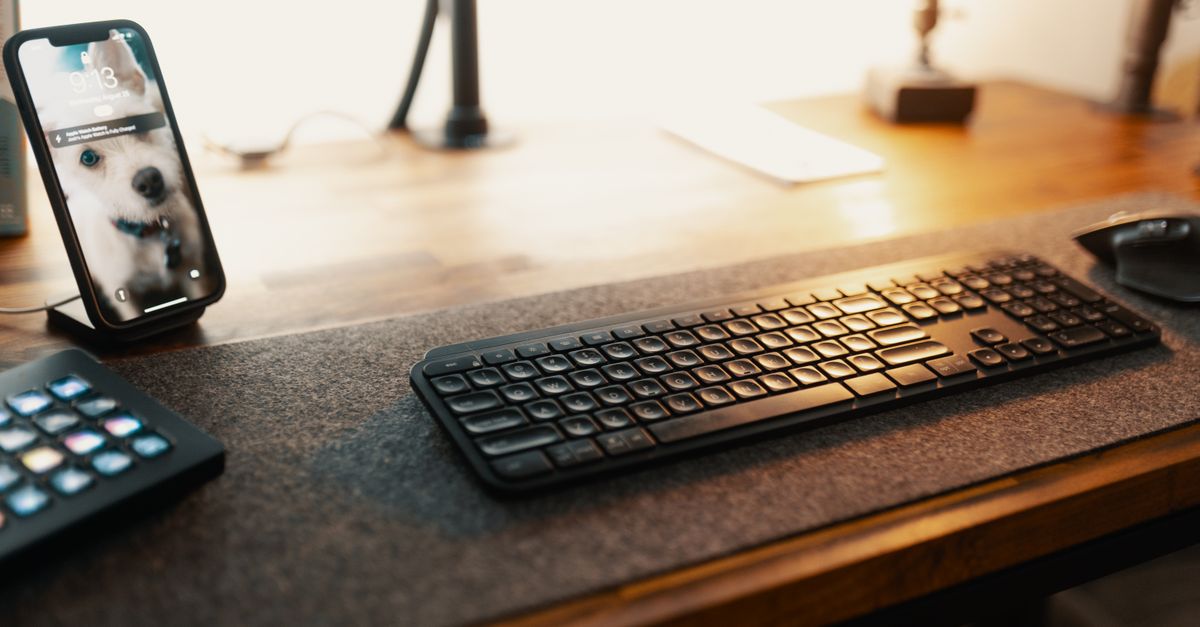
Fix your Bluetooth keyboard not working with proven troubleshooting steps. Check batteries, update drivers, clear cache & reset in minutes.

Keyboard not detected by Windows? Discover proven fixes: update drivers, disable USB power management, reset USB controllers & more to restore detection instantly.