MacBook Pro Keyboard Keys Not Working (Expert Repair Guide)

MacBook Pro keyboard keys not working? Try 70% successful fixes: compressed air cleaning, SMC reset, and software troubleshooting. Expert guide included.

MacBook Pro keyboard keys not working? Try 70% successful fixes: compressed air cleaning, SMC reset, and software troubleshooting. Expert guide included.

MacBook keyboard not working after sleep? Try SMC reset, NVRAM reset, disable Power Nap, or update macOS to fix this common power management bug.

MacBook keyboard backlight not working? Fix it with 9 simple steps. Reset SMC, adjust sensor settings, update macOS—most issues are software, not hardware failures.
MacBook keyboard not working after macOS update? Try power cycle, SMC reset, Safe Mode boot, and NVRAM reset—fix most issues yourself without data loss.
Fix MacBook keyboard double typing: adjust Key Repeat settings, use Unshaky, or claim Apple’s free repair program. Expert solutions inside.
MacBook typing wrong characters? Fix incorrect input source, stuck keys, and software glitches with our step-by-step diagnostic guide.

MacBook keyboard locked? Learn how to disable accessibility features, reset SMC, and fix keyboard input issues—no repair needed. Step-by-step guide inside.
MacBook keyboard not responding? Diagnose the cause with software fixes, SMC/NVRAM resets, and hardware troubleshooting steps to restore functionality.

MacBook keyboard keys not working? Learn diagnostic steps, cleaning techniques, and repair options for Butterfly and scissor switches to get typing again.
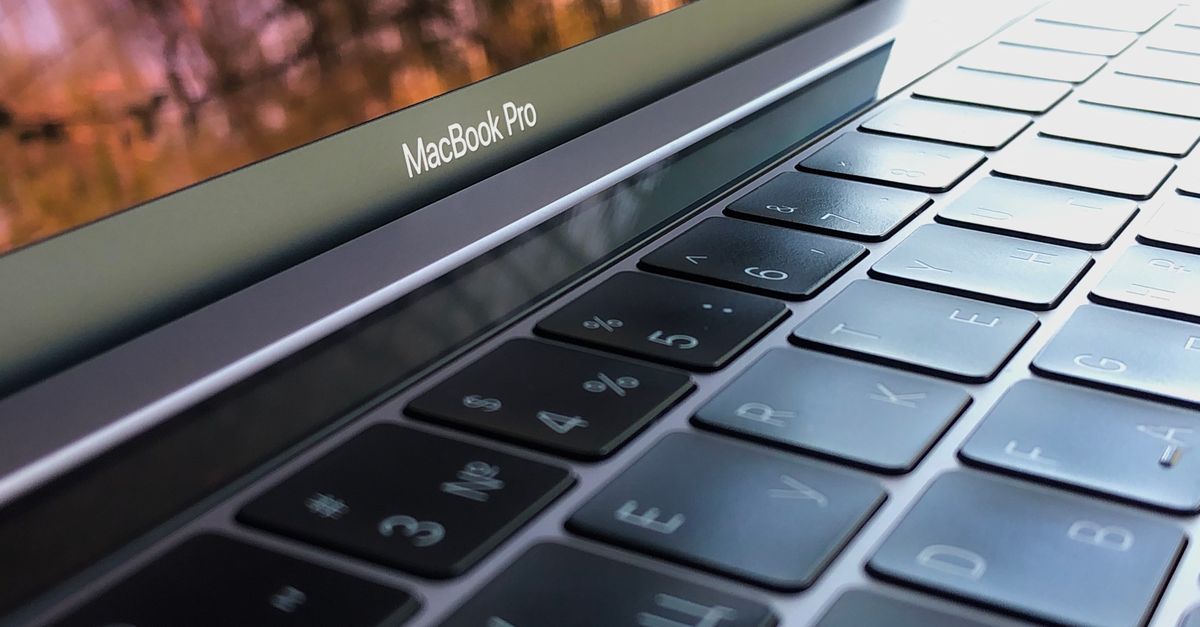
MacBook keyboard not working? Try SMC reset, Recovery mode, and cleaning. Step-by-step diagnostics and fixes to restore keyboard function or use external solutions.