Magic Keyboard Not Charging (Here’s How to Fix It in Minutes)

Magic Keyboard won’t charge? Learn why, from port contamination to battery failure. Troubleshooting steps: clean ports, test cables, reset controller & more.

Magic Keyboard won’t charge? Learn why, from port contamination to battery failure. Troubleshooting steps: clean ports, test cables, reset controller & more.
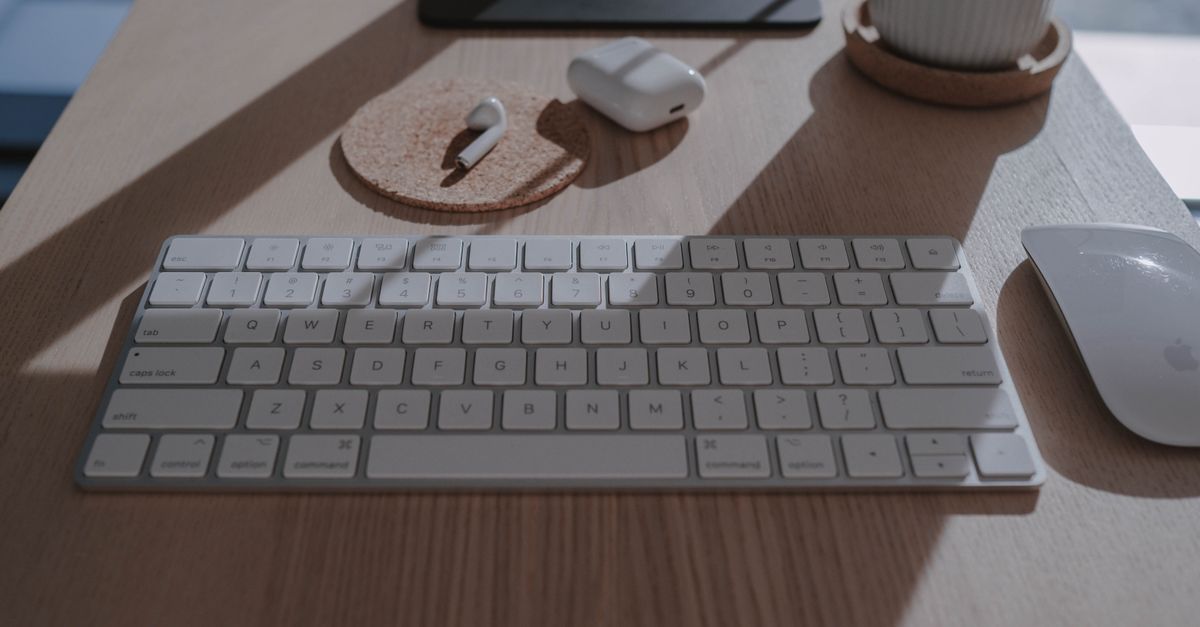
Fix Magic Keyboard disconnection issues with proven troubleshooting steps. Learn why your keyboard keeps dropping connection and restore stable wireless connectivity.

Fix Magic Keyboard connected but not typing with 12 proven solutions. Includes Bluetooth resets, Terminal commands, and troubleshooting steps.

Magic Keyboard not working? Learn quick fixes—power reset, battery check, Bluetooth pairing, and troubleshooting steps to restore your keyboard fast.
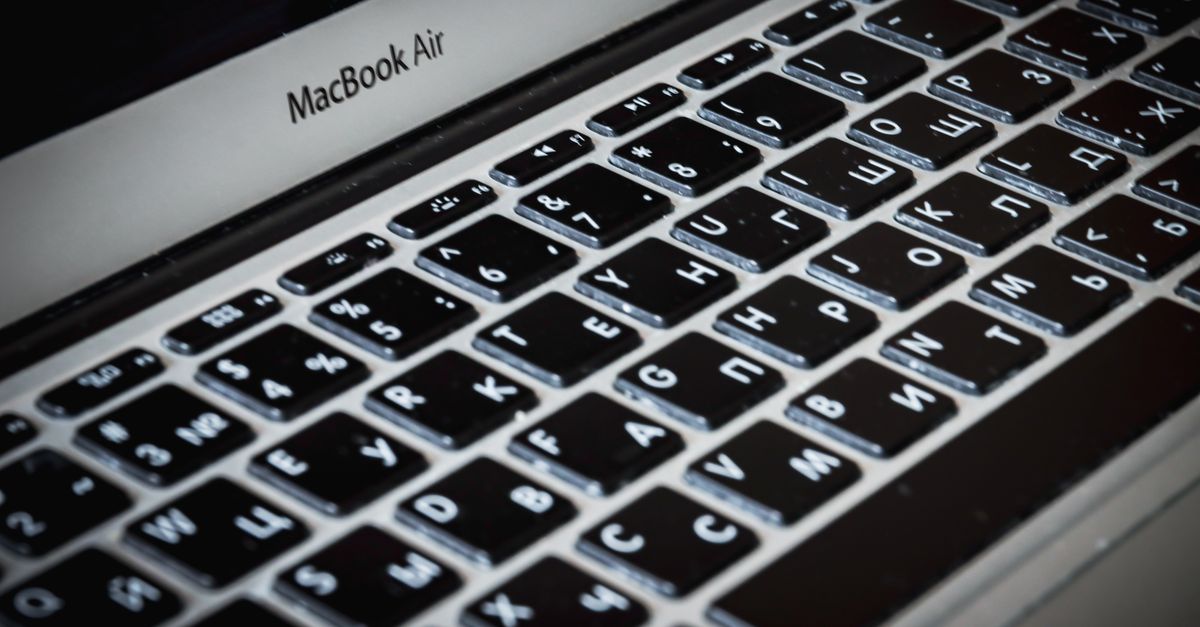
MacBook Air keyboard backlight not working? Try disabling Low Power Mode, SMC reset, or cleaning the ambient light sensor. Step-by-step fixes inside.
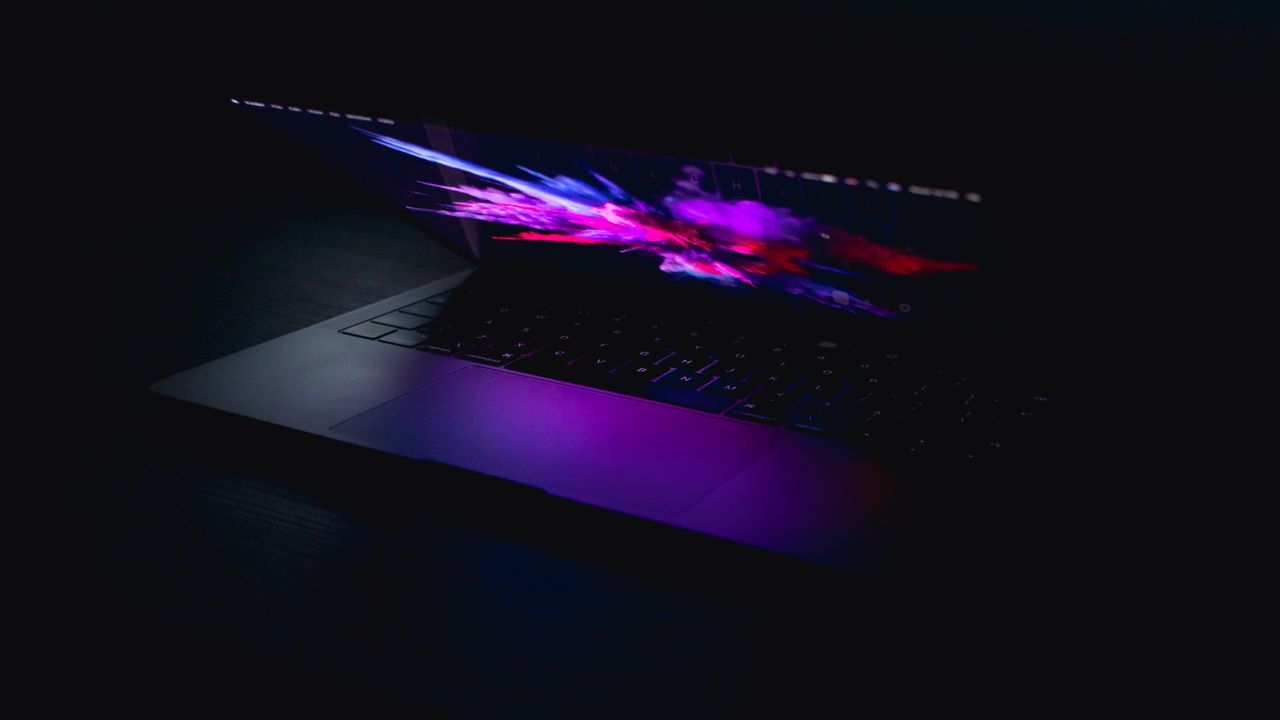
Fix MacBook Pro keyboard backlight not working: try F6 key, disable automatic brightness, reset SMC, or update macOS. Most issues resolve with simple software adjustments.
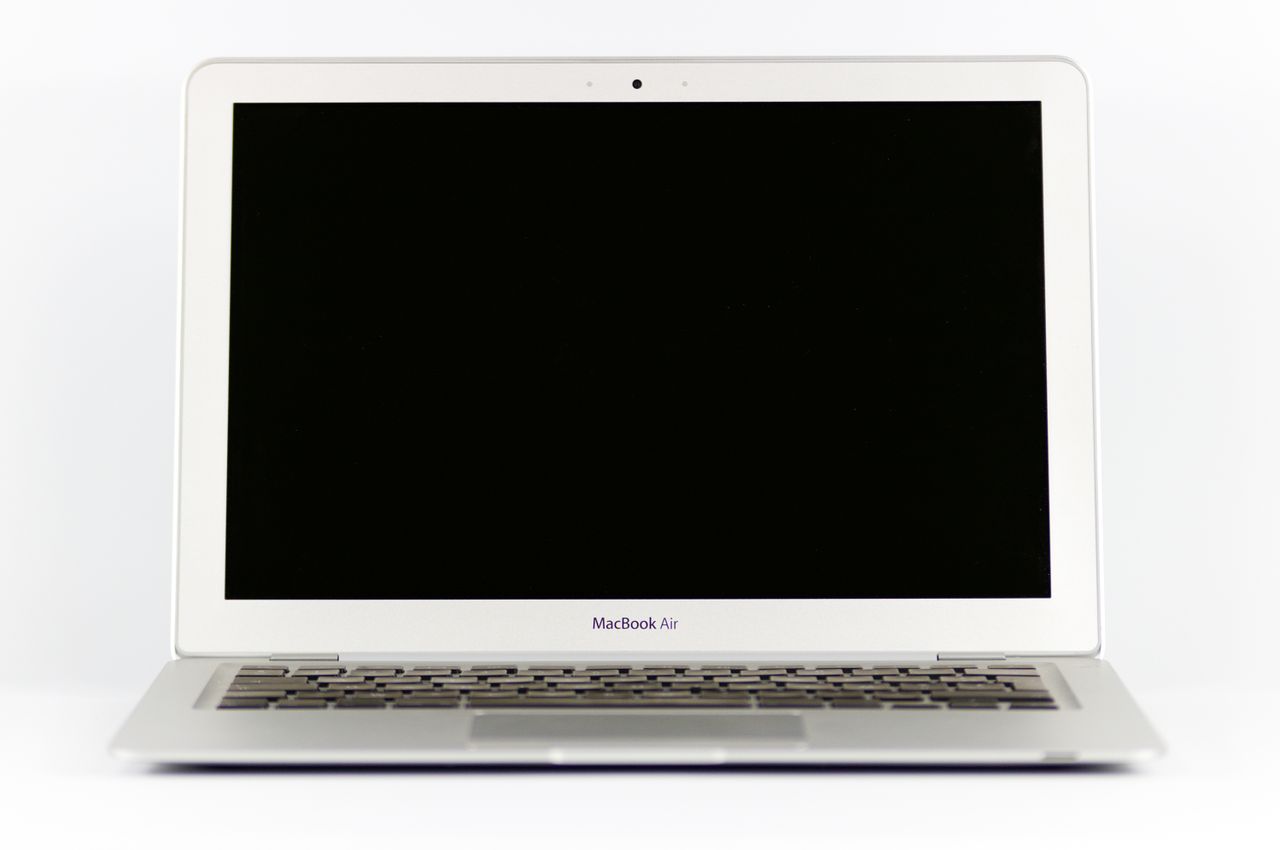
MacBook Air keyboard not working? Try SMC/NVRAM resets, Safe Mode tests, and accessibility checks before paying $300+ for repairs. Troubleshooting guide inside.
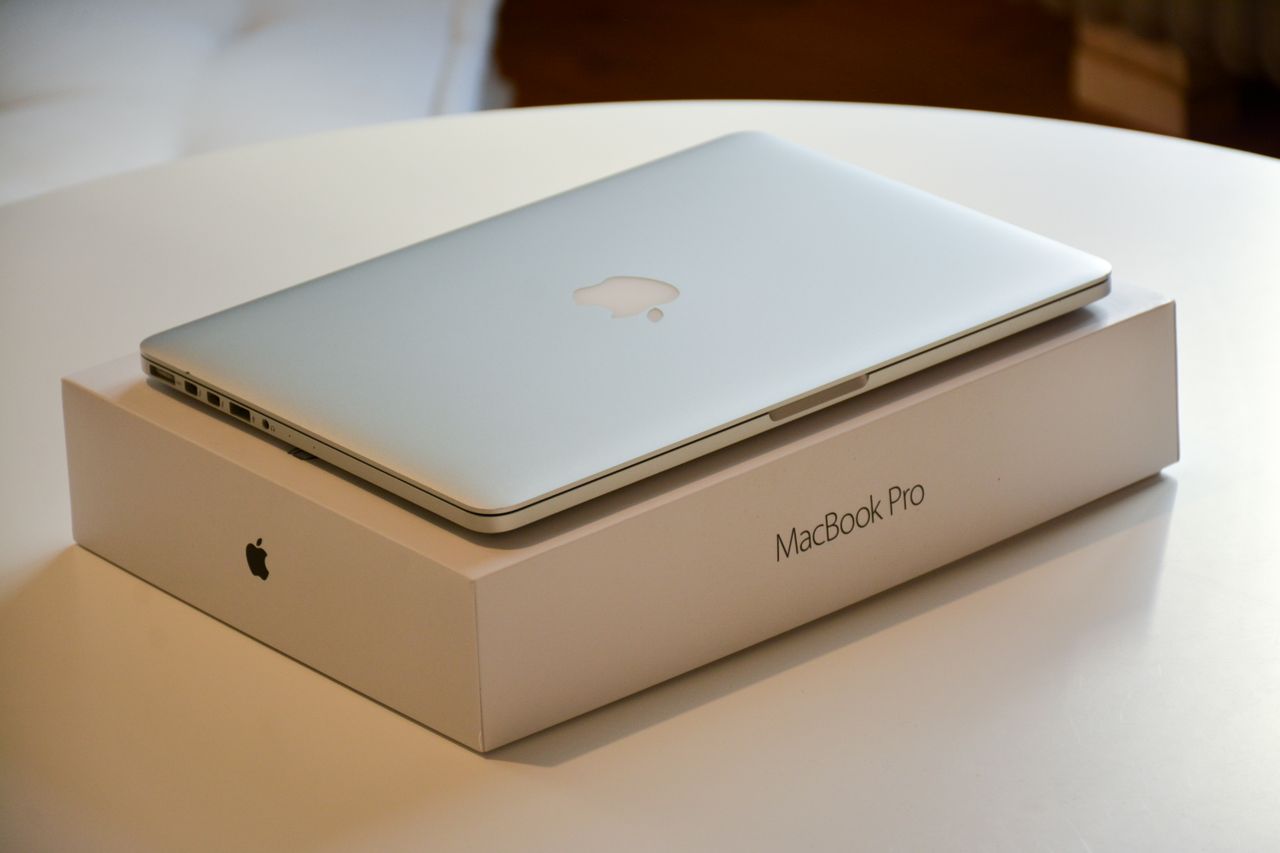
MacBook Pro keyboard not responding? Learn why your keyboard freezes while trackpad works, plus proven fixes from SMC resets to Safe Mode diagnostics.

MacBook Pro keyboard keys not working? Try 70% successful fixes: compressed air cleaning, SMC reset, and software troubleshooting. Expert guide included.

MacBook keyboard not working after sleep? Try SMC reset, NVRAM reset, disable Power Nap, or update macOS to fix this common power management bug.