Nissan Key Fob Not Working (Here’s the Easy Troubleshooting Guide)
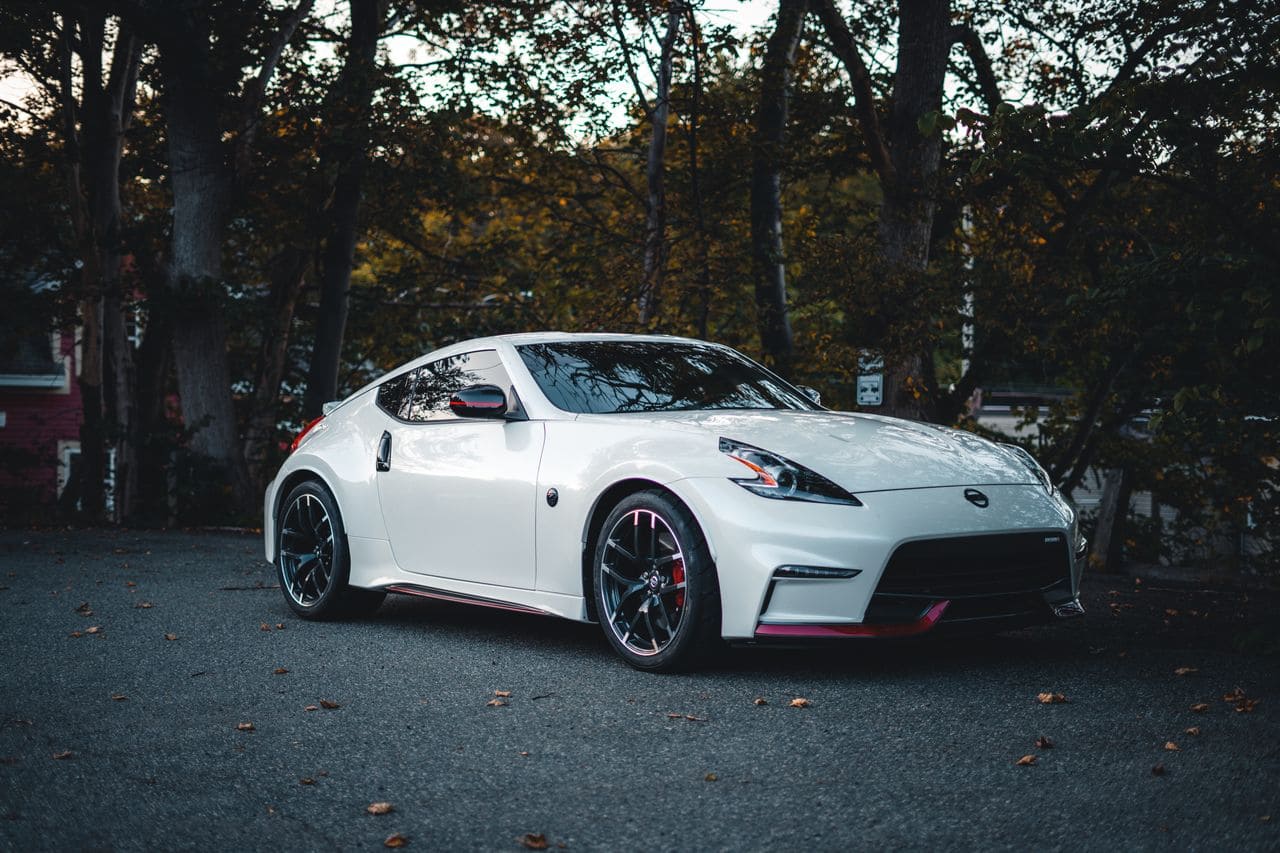
Nissan key fob not working? Learn why (dead battery, interference, damage), how to replace it in 3 minutes, reprogram it yourself, and when to call a dealer.

 Thomas Owen
 Nissan key fob not working? Learn why (dead battery, interference, damage), how to replace it in 3 minutes, reprogram it yourself, and when to call a dealer.
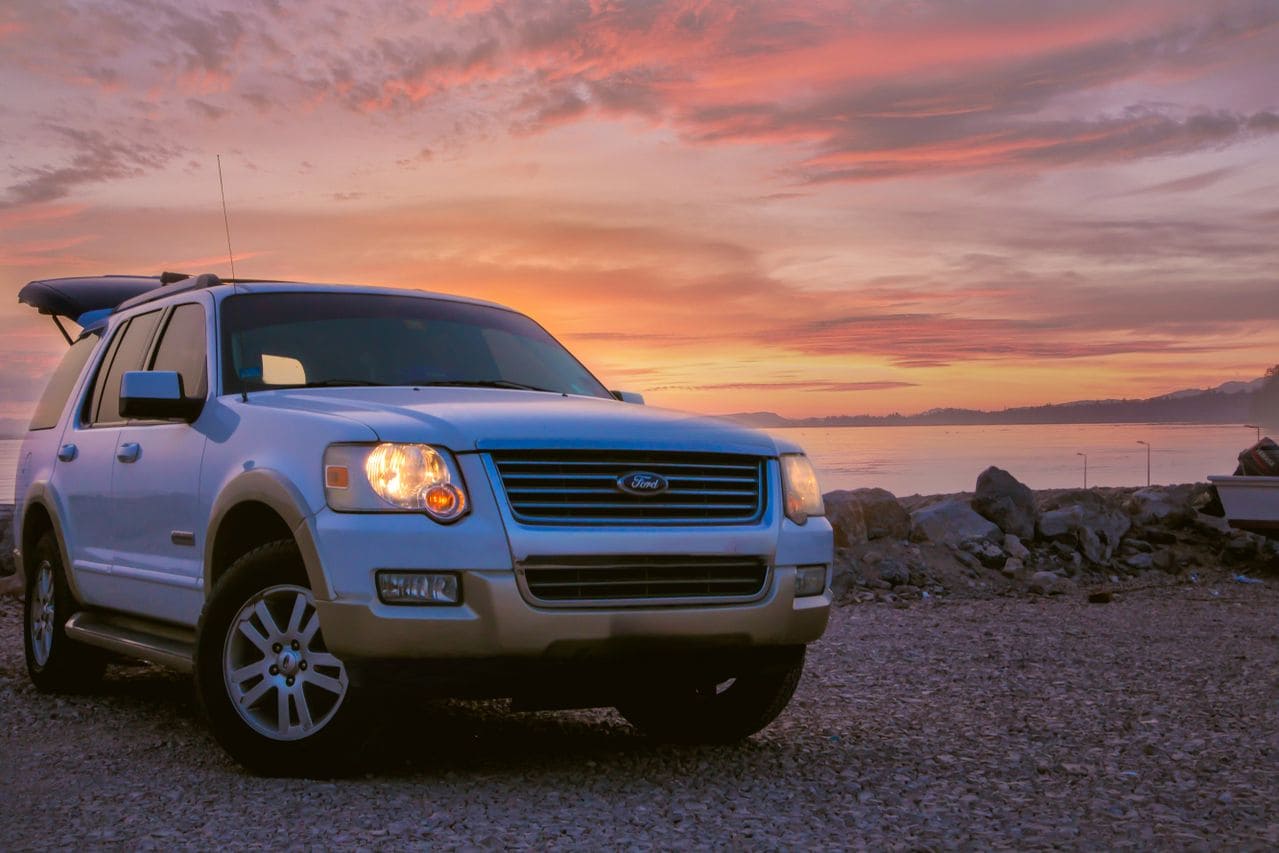
Ford Escape key fob replacement: Verify FCC ID compatibility, choose OEM or certified aftermarket, and program via dealer, locksmith, or DIY methods.
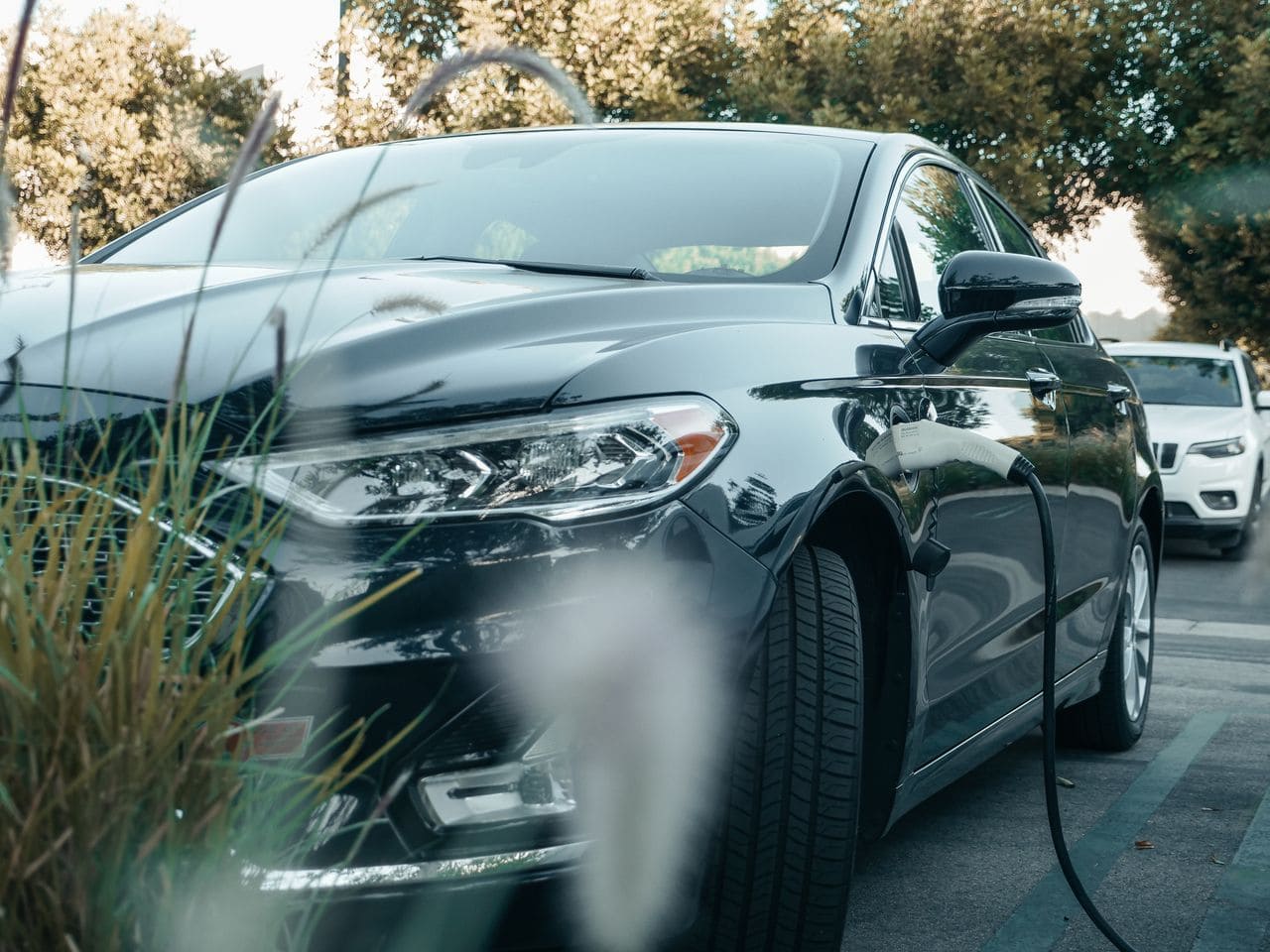
Ford Fusion key fob replacement guide: OEM vs. aftermarket options, FCC ID verification, DIY programming for older models, and professional setup for smart keys.
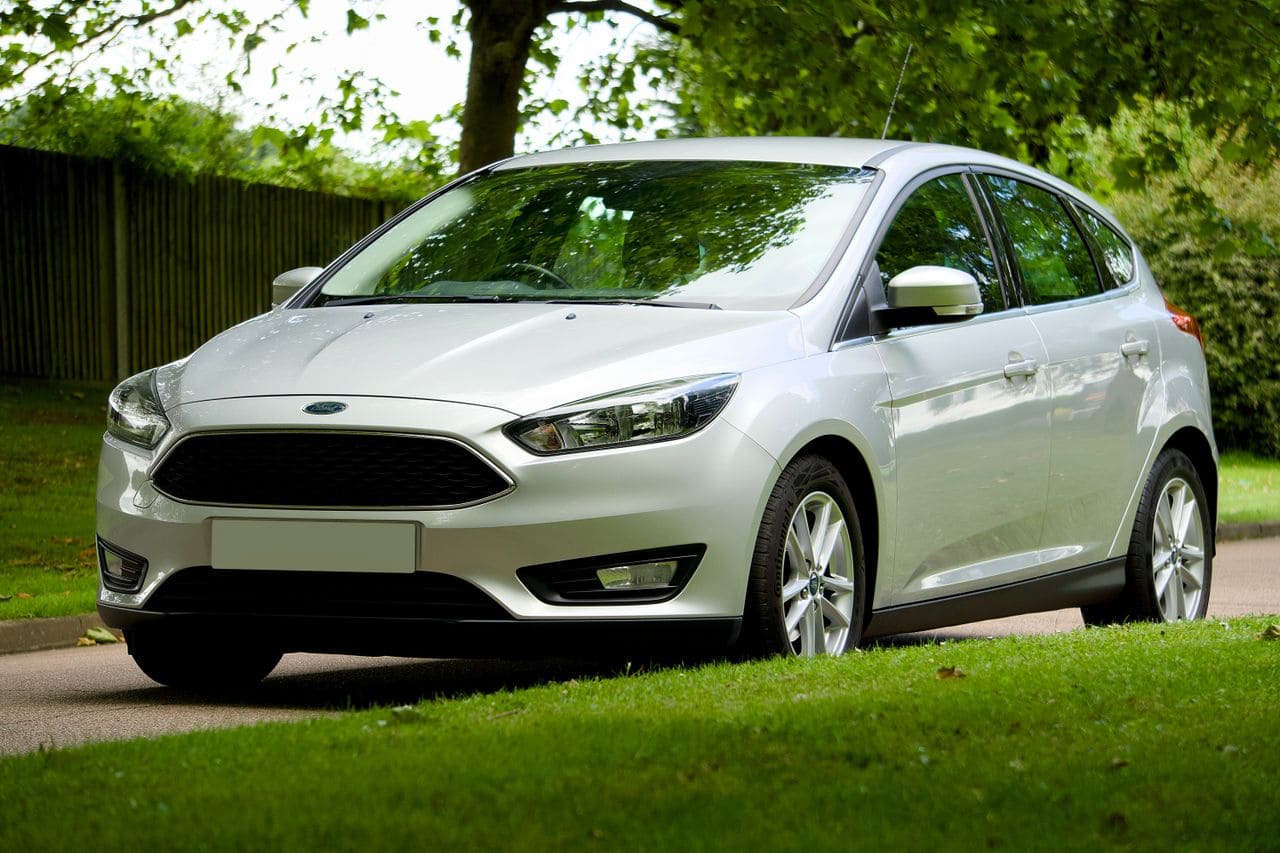
Ford Focus key fob replacement guide: identify your model, verify compatibility, and program securely. Expert tips to avoid counterfeits and maximize durability.
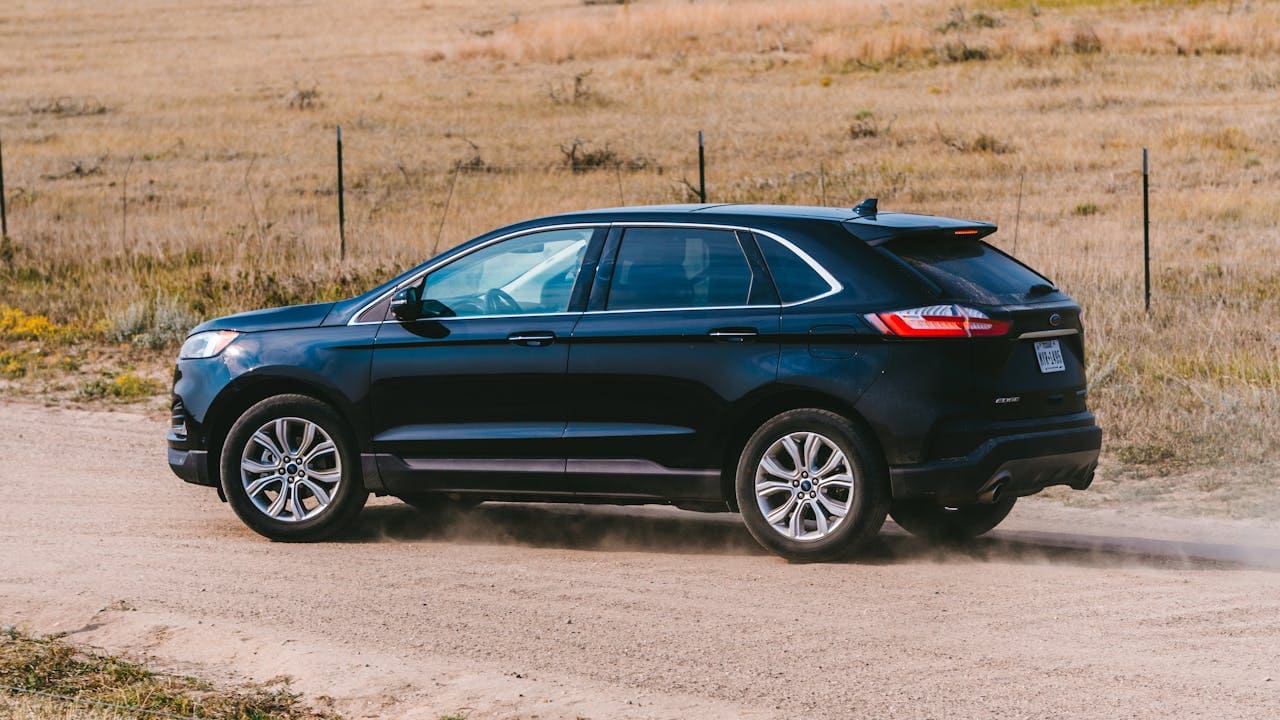
Ford Edge key fob replacement costs $50–$120 online. Learn DIY programming with 2 keys, professional options, and how to avoid incompatible aftermarket fobs.

Ford Fiesta key fob replacement guide: DIY programming steps, costs, and alternatives to dealer pricing.
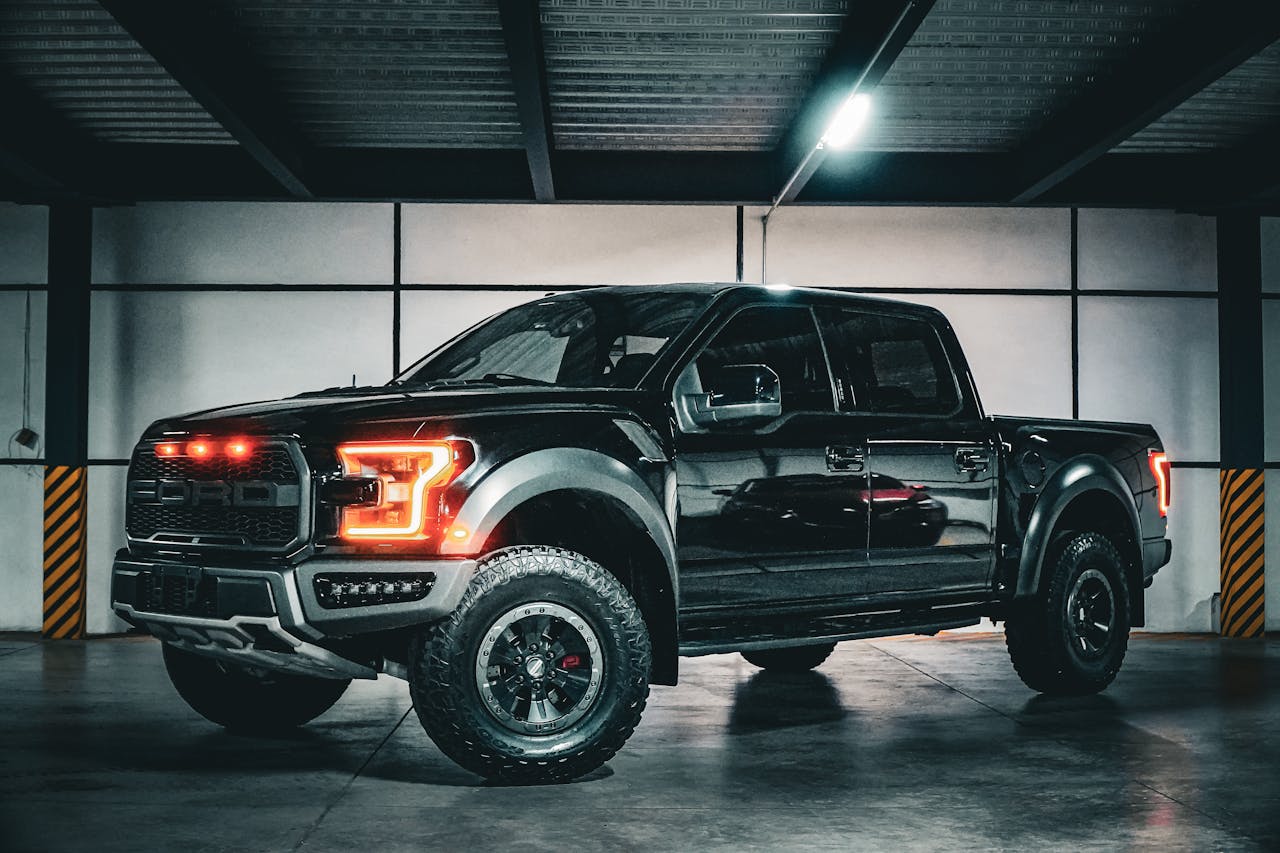
Ford F-150 key fob replacement guide: costs, programming steps, and DIY tips to save money vs dealership rates.

Fix laptop volume not working with step-by-step troubleshooting. Discover why your audio cut out and restore sound in minutes using built-in tools.
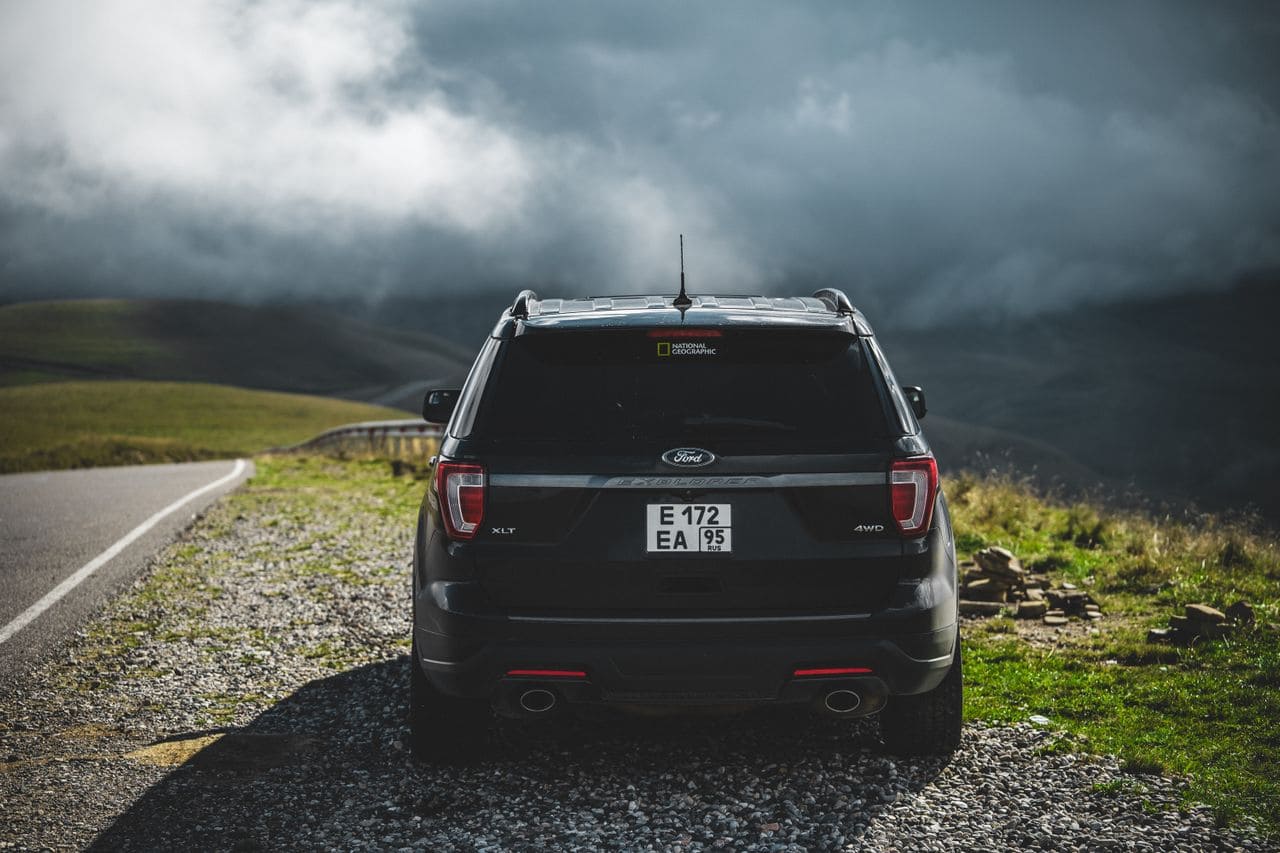
Ford key fob replacement guide: DIY programming for 2005–2025 models, costs $10–$500, and expert tips to save hundreds on transponder keys.
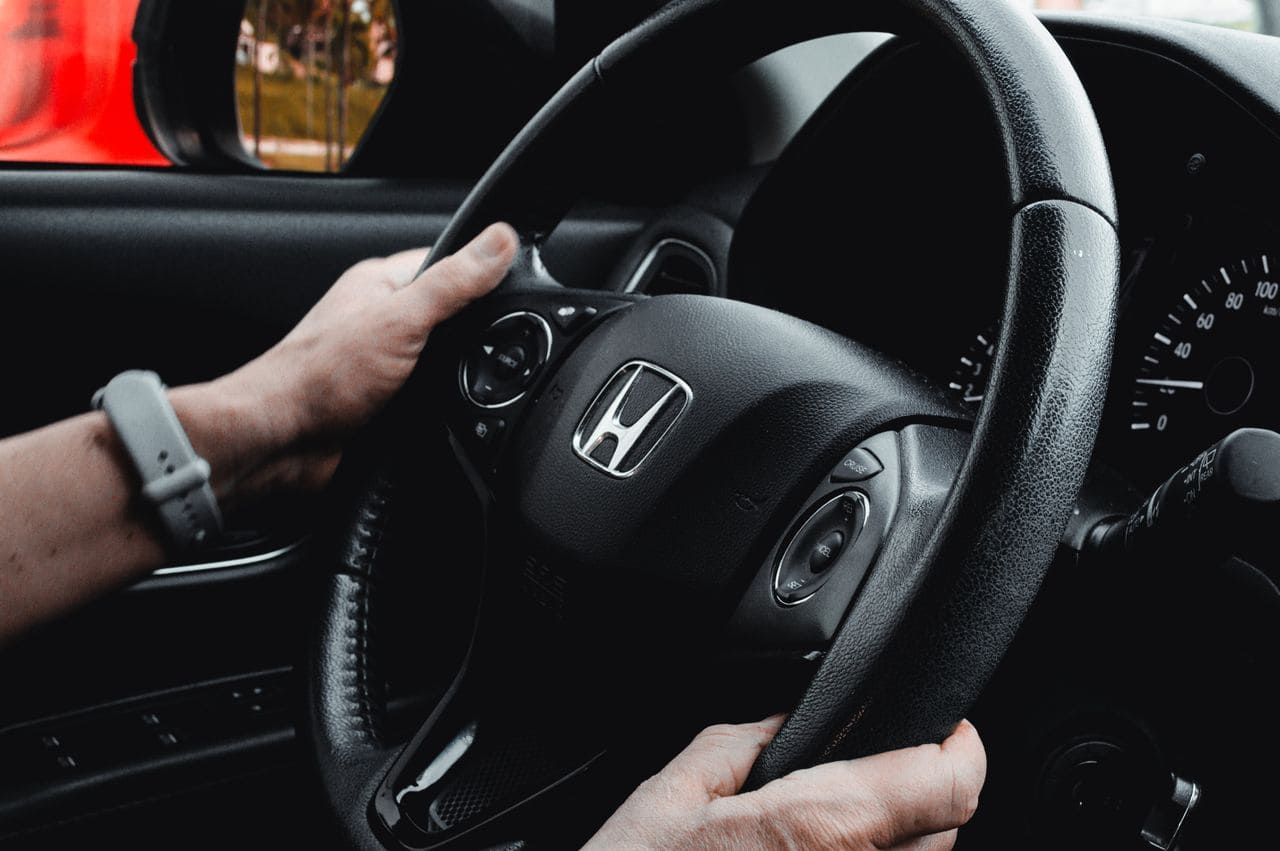
Replace your Honda Pilot key battery in 5 minutes with a CR2032. Step-by-step guide for 2016–2026 models, no dealership trip needed.