Function Keys on Dell Laptop Not Working (Quick and Simple DIY Fixes)

Fix Dell laptop function keys not working in under 10 minutes. Try Fn+Esc, update drivers, or adjust BIOS settings. 90% are software fixes.

Fix Dell laptop function keys not working in under 10 minutes. Try Fn+Esc, update drivers, or adjust BIOS settings. 90% are software fixes.
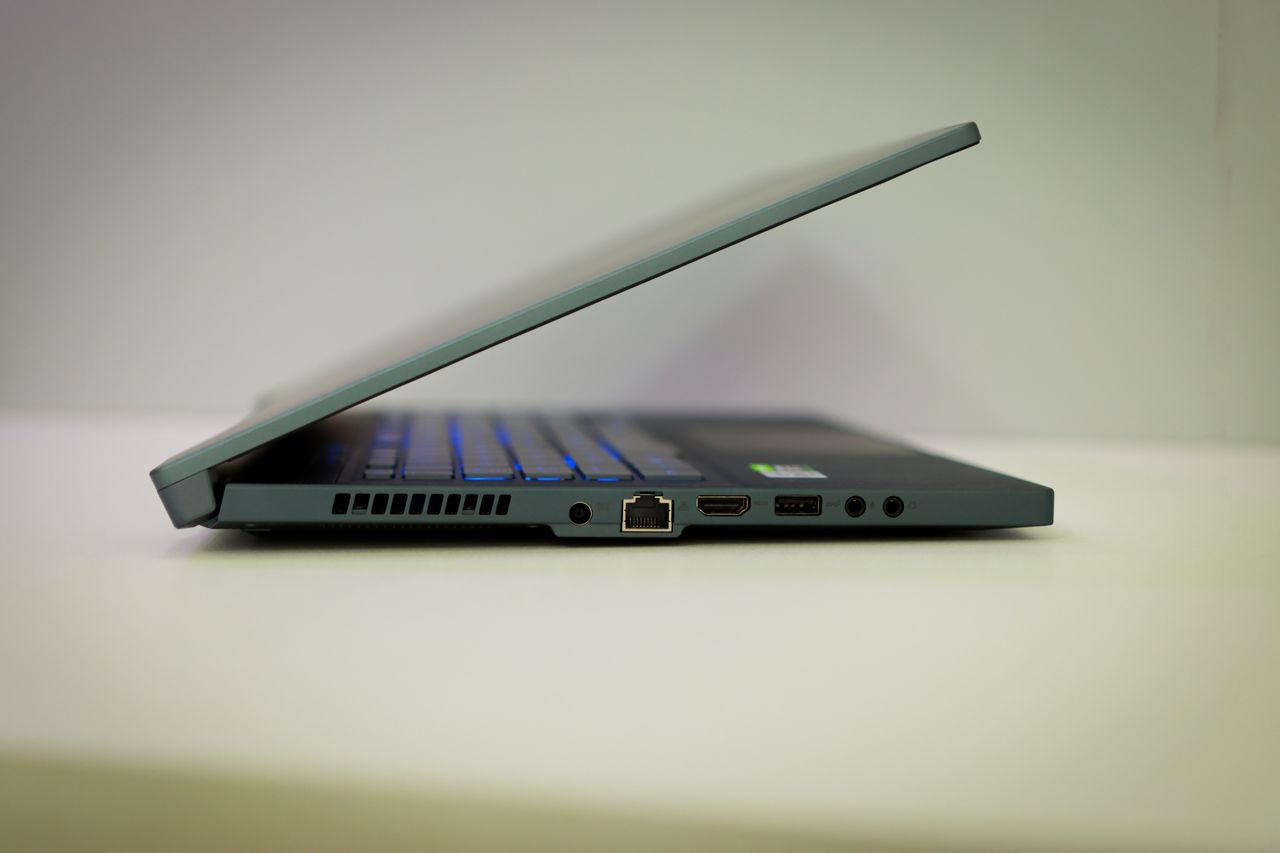
Fix your locked Alienware laptop keyboard with quick software fixes: disable Filter Keys, try Fn + F6, update drivers, and skip the repair shop.

Dell laptop keyboard locked? Try quick fixes: restart, disable Filter Keys, update drivers, or toggle Fn/NumLock. Unlock yours in minutes.

Dell laptops, including popular models like the XPS, Inspiron, and Latitude series, can experience keyboard problems for various reasons. Sometimes it’s a simple software glitch that appeared after a Windows update, while other times it might be a deeper hardware conflict or driver compatibility issue. The challenge lies in identifying the root cause and applying … Read more

If your Dell laptop keyboard is not working, it can slow down your work and cause frustration. The most common fixes involve restarting your laptop, updating or reinstalling keyboard drivers, and checking for physical issues like dust or loose connections. These simple steps often solve the problem without needing expert help. Sometimes, keyboard problems are … Read more
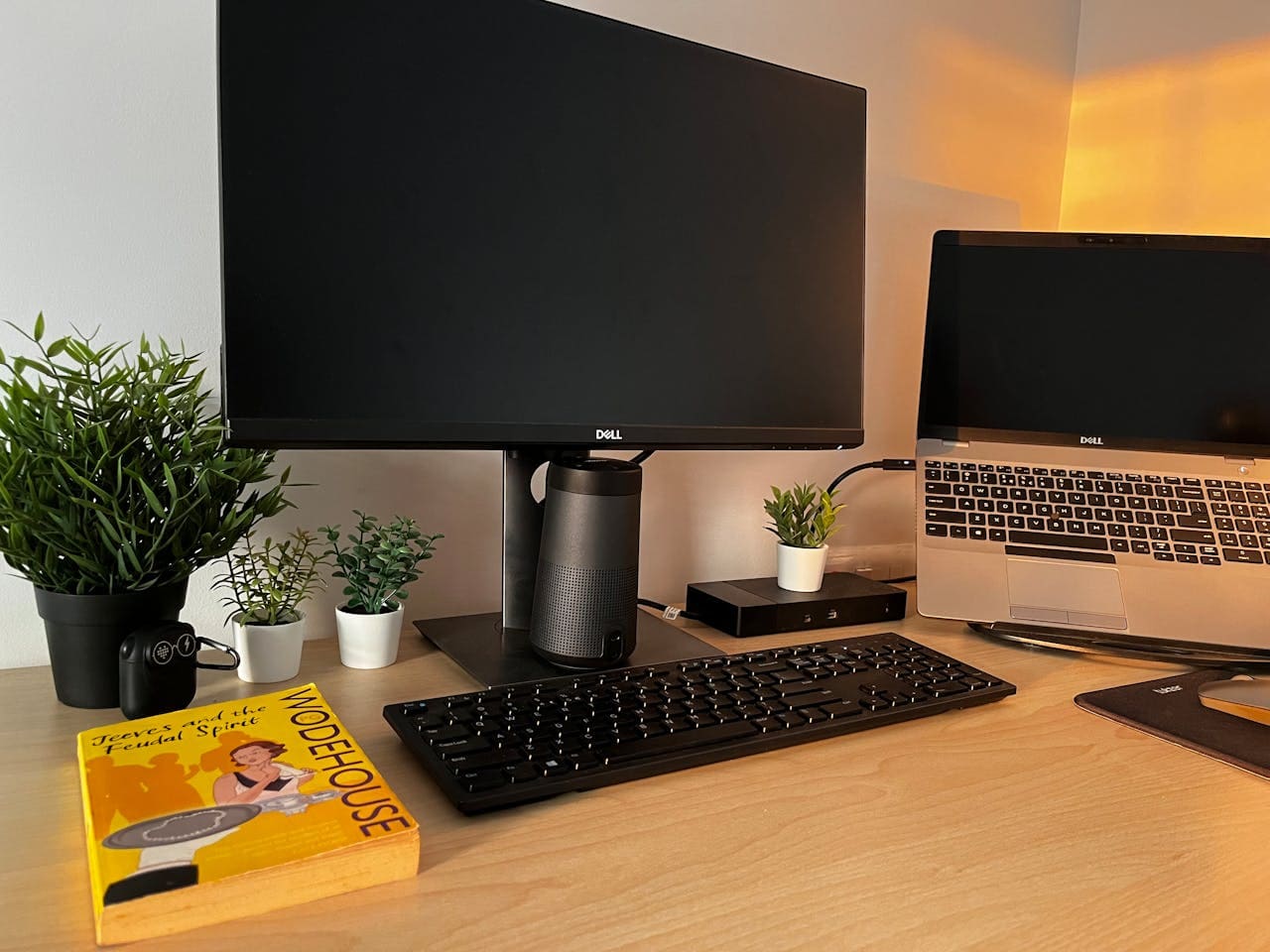
Your Dell XPS laptop keyboard suddenly stopped responding and you can’t access your premium ultrabook? This frustrating problem affects thousands of Dell XPS users worldwide, but most keyboard failures have quick solutions you can implement without expensive technical support or warranty claims. Your Dell XPS keyboard isn’t working due to Windows 11 driver conflicts, power … Read more
Your Dell Inspiron laptop keyboard suddenly stopped working and now you can’t log into Windows or type anything? This frustrating issue affects thousands of Dell Inspiron users daily, but most keyboard problems have straightforward solutions you can implement immediately without expensive repairs. Your Dell Inspiron keyboard isn’t working due to corrupted drivers, Windows 11 compatibility … Read more

Your Dell XPS laptop keyboard suddenly stops working, leaving you frustrated and unable to complete essential tasks. This premium ultrabook series isn’t immune to keyboard malfunctions that can disrupt your productivity instantly. Your Dell XPS keyboard stops working due to driver conflicts, Windows updates, power management issues, or hardware problems. Most failures stem from outdated … Read more