ASUS Laptop Keyboard Not Working on Startup (Here’s the Fix Guide)

Fix ASUS laptop keyboard not working at startup. Try hard reset, disable Fast Startup, reinstall drivers. Most fixes take under 5 minutes without opening your laptop.

Fix ASUS laptop keyboard not working at startup. Try hard reset, disable Fast Startup, reinstall drivers. Most fixes take under 5 minutes without opening your laptop.
ASUS keyboard not working? Fix driver issues, Filter Keys, and frozen controls in under 10 minutes. Step-by-step troubleshooting for all ASUS laptop models.

Fix ASUS keyboard locked issues in minutes with driver updates, accessibility settings, and tested troubleshooting steps—no repairs needed.

Fix ASUS laptop keyboard not working after sleep with 10-minute software fixes. Disable USB selective suspend, update drivers, and restore keyboard power settings.
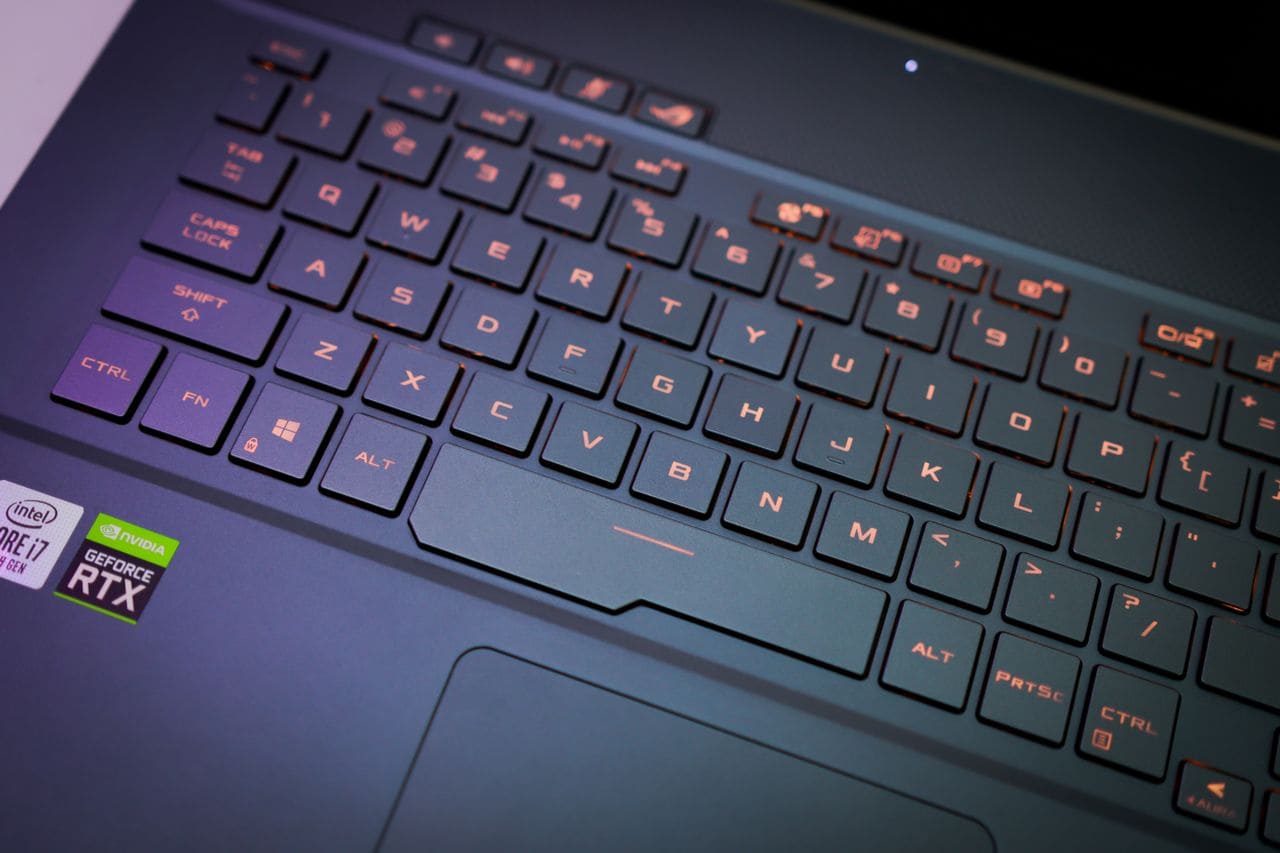
Fix ASUS ROG laptop keyboard not working with simple software fixes, driver updates, and hardware checks. Most issues resolve in under 15 minutes.

Fix ASUS VivoBook keyboard not working in 15 minutes. Try driver updates, disable accessibility settings, clean debris, or reseat cables. Software fixes work 60% of the time.

Fix ASUS laptop keyboard not working with simple software fixes & troubleshooting steps. Most issues solved in under 15 minutes—no repair bill required.

When your ASUS laptop or desktop suddenly loses its WiFi connection, it can stop your work or entertainment in its tracks. You might see no WiFi icon, get an exclamation mark in Device Manager, or find that your available networks list is completely empty. These problems are frustrating but usually fixable without professional help. Most … Read more

Fix mouse not working on Acer laptops with keyboard-only solutions. Troubleshoot touchpad, drivers, and USB issues step-by-step.

Fix Asus laptop keyboard not working with 40-second EC reset, driver reinstall, or Filter Keys fix. 70–80% software-solvable—skip repair bills.