ASUS Keyboard Flashing Red Light (Here’s the Quick Guide on How to Fix It)

ASUS keyboard flashing red? Learn the top causes—software conflicts, low battery, corrupted profiles—and fix it in minutes with step-by-step troubleshooting.

ASUS keyboard flashing red? Learn the top causes—software conflicts, low battery, corrupted profiles—and fix it in minutes with step-by-step troubleshooting.

ASUS keyboard power button not working? Try a 60-second power drain, EC reset, or ribbon cable reseat. 67% of cases resolve without parts replacement.
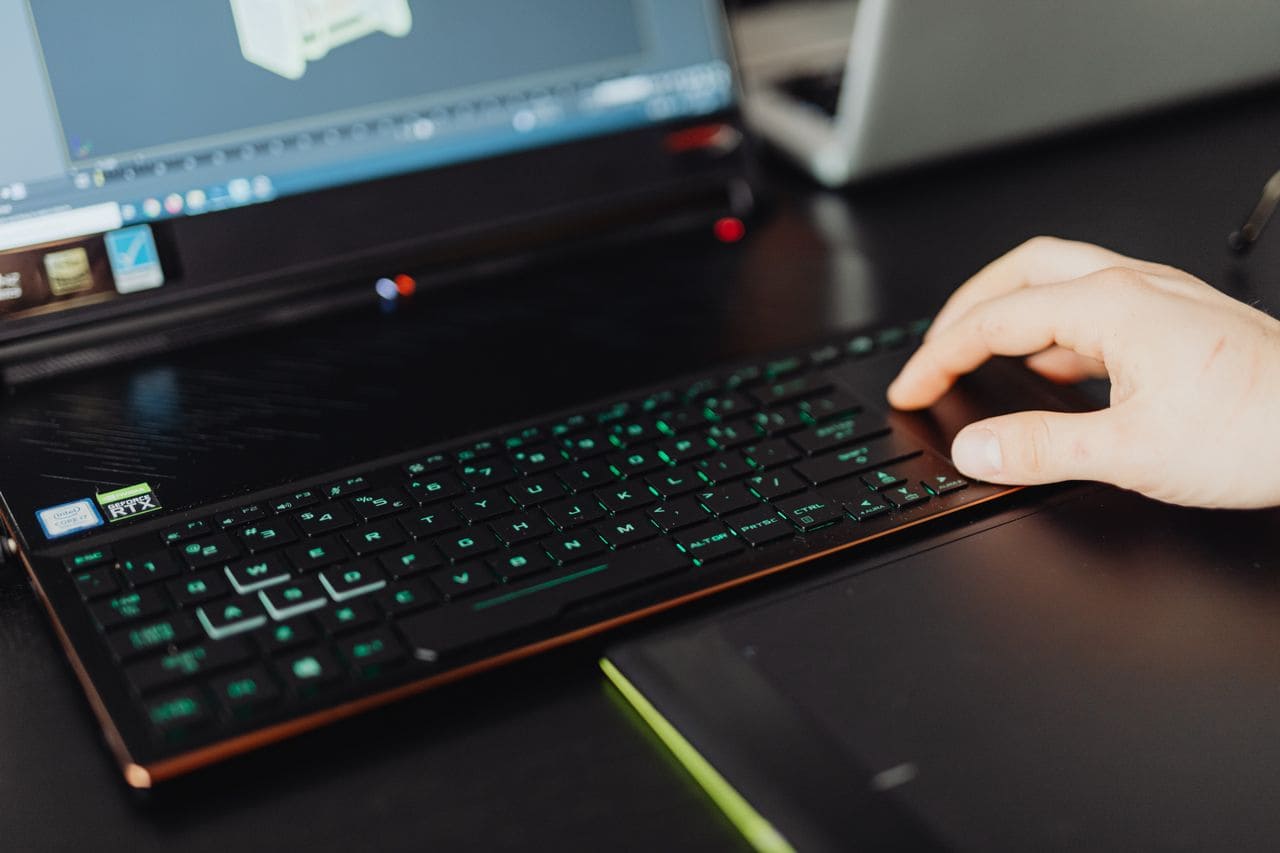
Fix ASUS laptop keyboard malfunction in 10 minutes. Diagnose software vs hardware issues, reinstall drivers, and know when repair is needed.

Fix ASUS keyboard backlight not working with proven software solutions. Reinstall drivers, reset EC, check hotkeys—85% of cases resolved without hardware repair.

Fix ASUS keyboard hotkeys not working: Restart ASUS Optimization service, reinstall ATK Package driver, disable Filter Keys. Step-by-step solutions in 5 minutes.
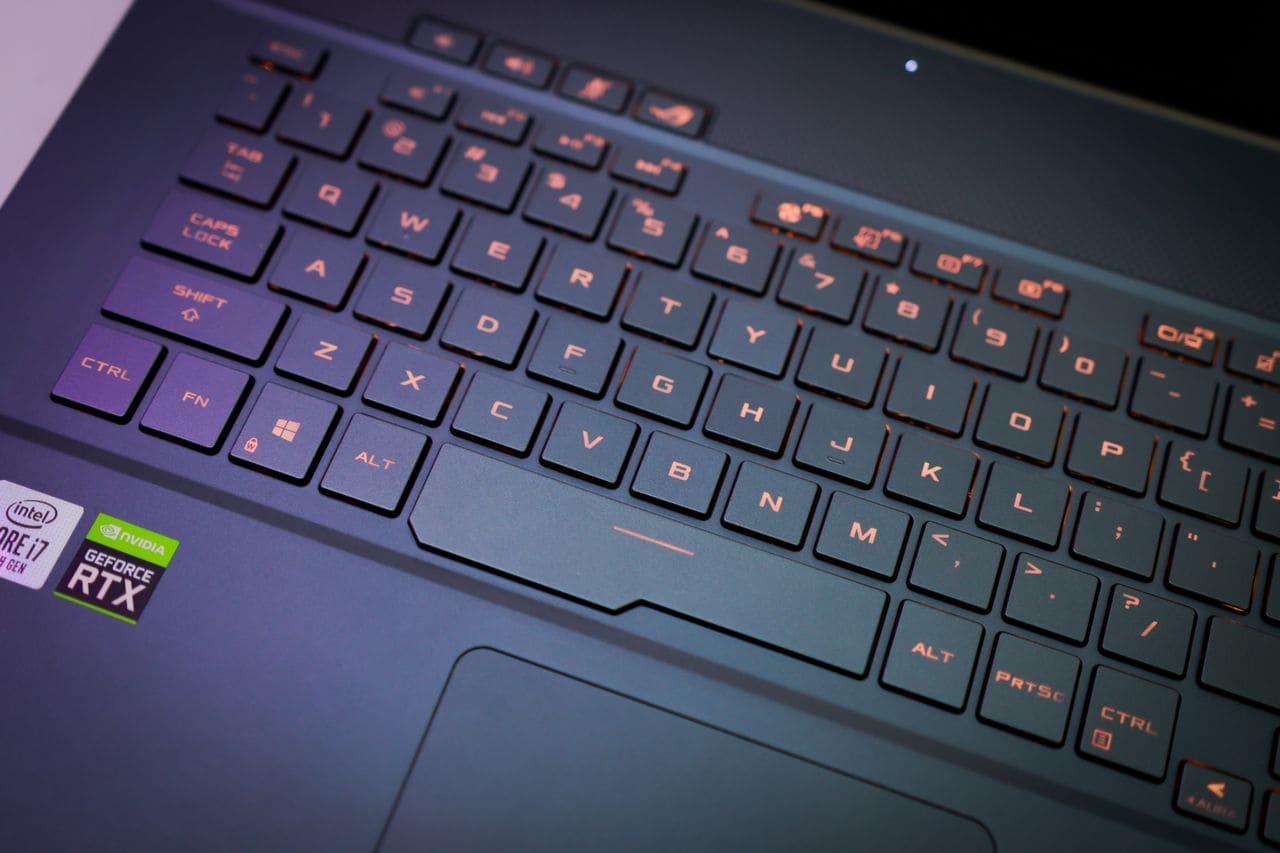
Fix ASUS keyboard and mouse not working with 9 proven solutions. Hard reset, driver fixes, and Safe Mode troubleshooting—most issues resolved in under 10 minutes.

Fix ASUS keyboard blinking in under 10 minutes with proven troubleshooting steps. Learn the causes and when to seek professional help.

Fix ASUS keyboard problems fast with proven troubleshooting steps. Identify software vs. hardware issues and get working again in minutes.

Asus keyboard volume control not working? Fix it in minutes with our step-by-step guide covering driver restarts, software fixes, and BIOS solutions.
Fix ASUS keyboard not working after Windows update in under 15 minutes. Driver reinstalls, BIOS checks, and EC resets—no hardware replacement needed.