Keyboard Problem (Complete Troubleshooting Guide that Always Work)
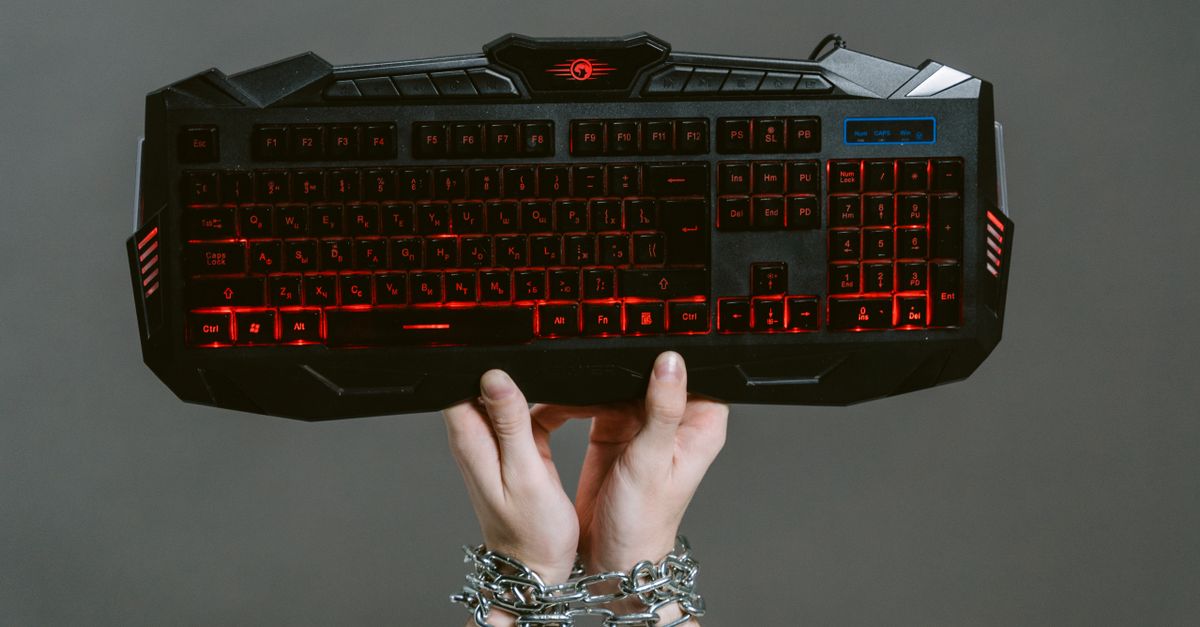
Keyboard not working? Fix unresponsive, stuck, or malfunctioning keys with 7 diagnostic steps—drivers, debris, settings, and hardware checks included.

Keyboard not working? Fix unresponsive, stuck, or malfunctioning keys with 7 diagnostic steps—drivers, debris, settings, and hardware checks included.

Fix keyboard function keys not working with quick diagnostics and driver updates. Fn Lock, BIOS, and manufacturer hotkey solutions included.

Keyboard Enter key not working? Try hardware checks, driver fixes, and accessibility toggles to restore function fast without replacing your keyboard.

Fix keyboard button not working with proven cleaning, driver, and software fixes. Step-by-step troubleshooting guide to restore full functionality.

Keyboard auto typing by itself? Fix stuck keys, drivers, malware & accessibility settings. Diagnose hardware vs. software—step-by-step guide.

Keyboard not working? Fix it fast with our step-by-step troubleshooting guide covering drivers, connections, BIOS tests, and hardware diagnostics for Windows and macOS.

Laptop keyboard typing by itself? Learn what causes ghost typing and fix it with driver updates, hardware inspection, and accessibility tweaks—no repair shop needed.
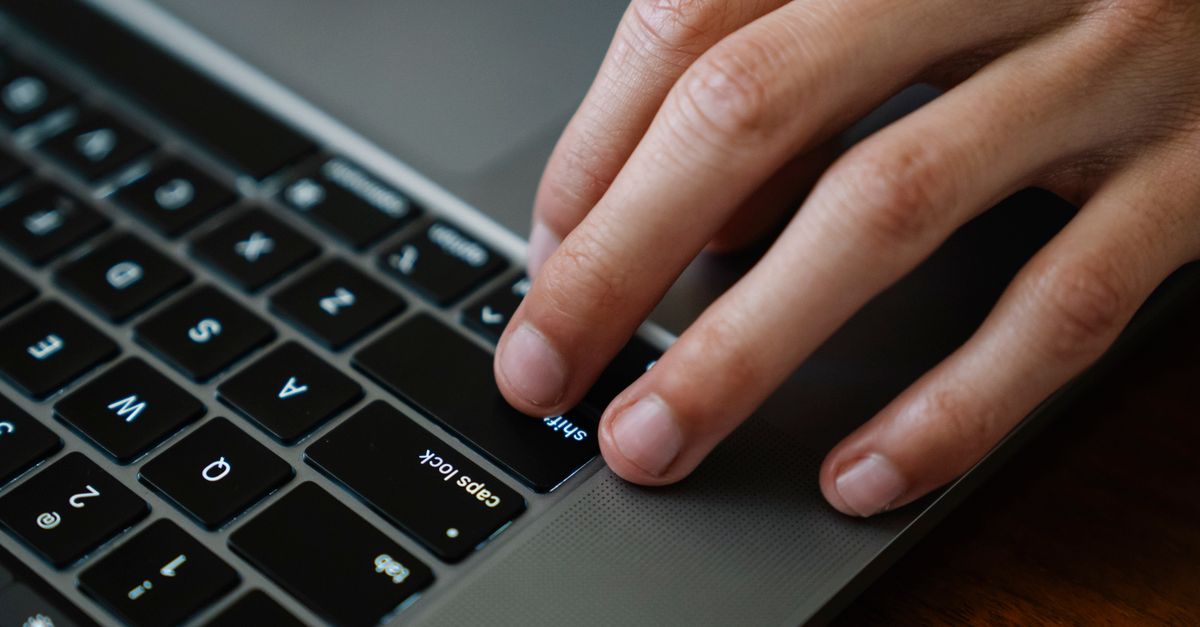
Fix laptop shift key not working: Hardware checks, driver updates & accessibility toggles. Restore functionality in under 10 minutes.

Reset your laptop keyboard with step-by-step solutions. Fix frozen keys, driver issues, and sticky settings without costly repairs.
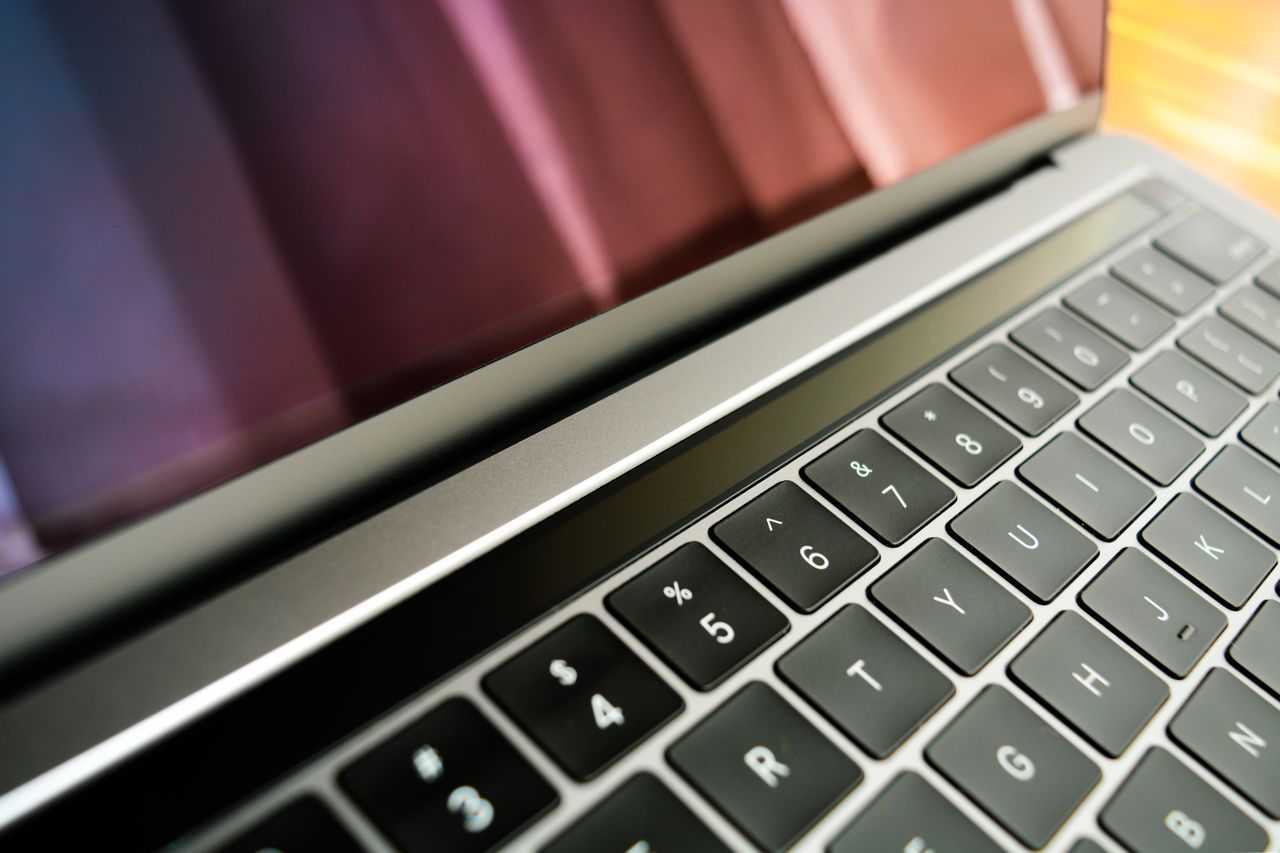
Laptop keyboard one key not working? Fix it fast with our diagnostic guide—clean debris, repair drivers, or remap the key in minutes.