Laptop Keyboard Jumps Around When Typing (Main Reason and How to Fix It)
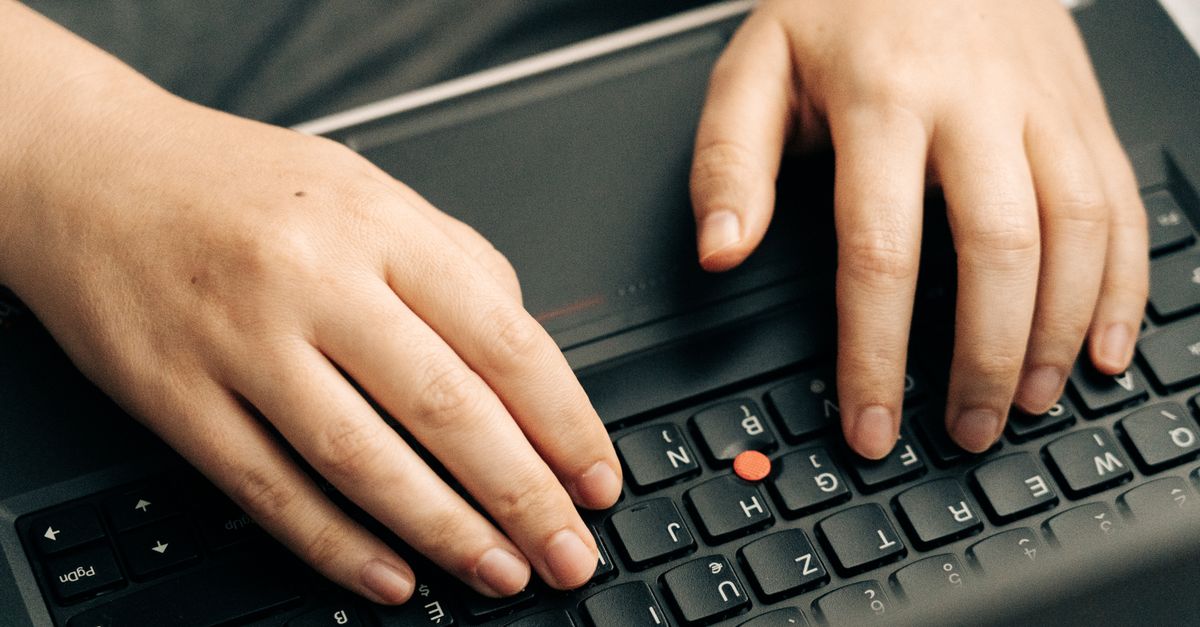
Laptop keyboard cursor jumping? Fix it instantly with touchpad sensitivity tweaks, driver updates, and proven troubleshooting steps. No hardware replacement needed.

Laptop keyboard cursor jumping? Fix it instantly with touchpad sensitivity tweaks, driver updates, and proven troubleshooting steps. No hardware replacement needed.
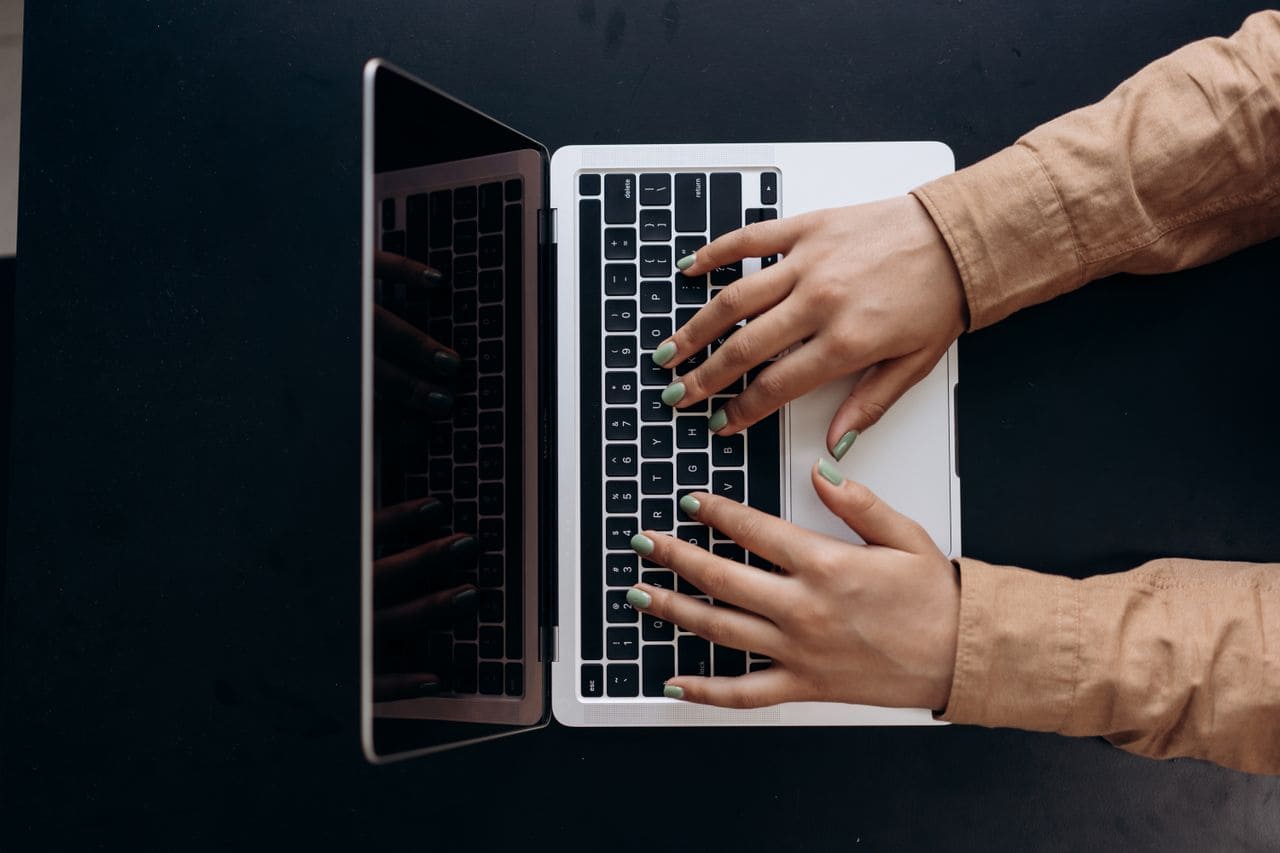
Fix a jammed laptop keyboard with step-by-step cleaning, software fixes, and when to replace. Expert guide for all laptop brands.

Laptop keyboard not working? Follow proven troubleshooting steps to diagnose software vs. hardware issues and fix your keyboard at home.

Laptop keyboard getting hot? Learn the top causes—dust, CPU usage, blocked vents—plus proven fixes to cool down your keyboard safely. Step-by-step troubleshooting guide.
Laptop keyboard frozen? Discover quick fixes—disable accessibility settings, update drivers, or try a hard restart. Step-by-step guide for Windows & Mac.
Fix your disabled laptop keyboard fast. Device Manager, keyboard shortcuts & driver solutions work 80% of the time. Step-by-step troubleshooting guide.
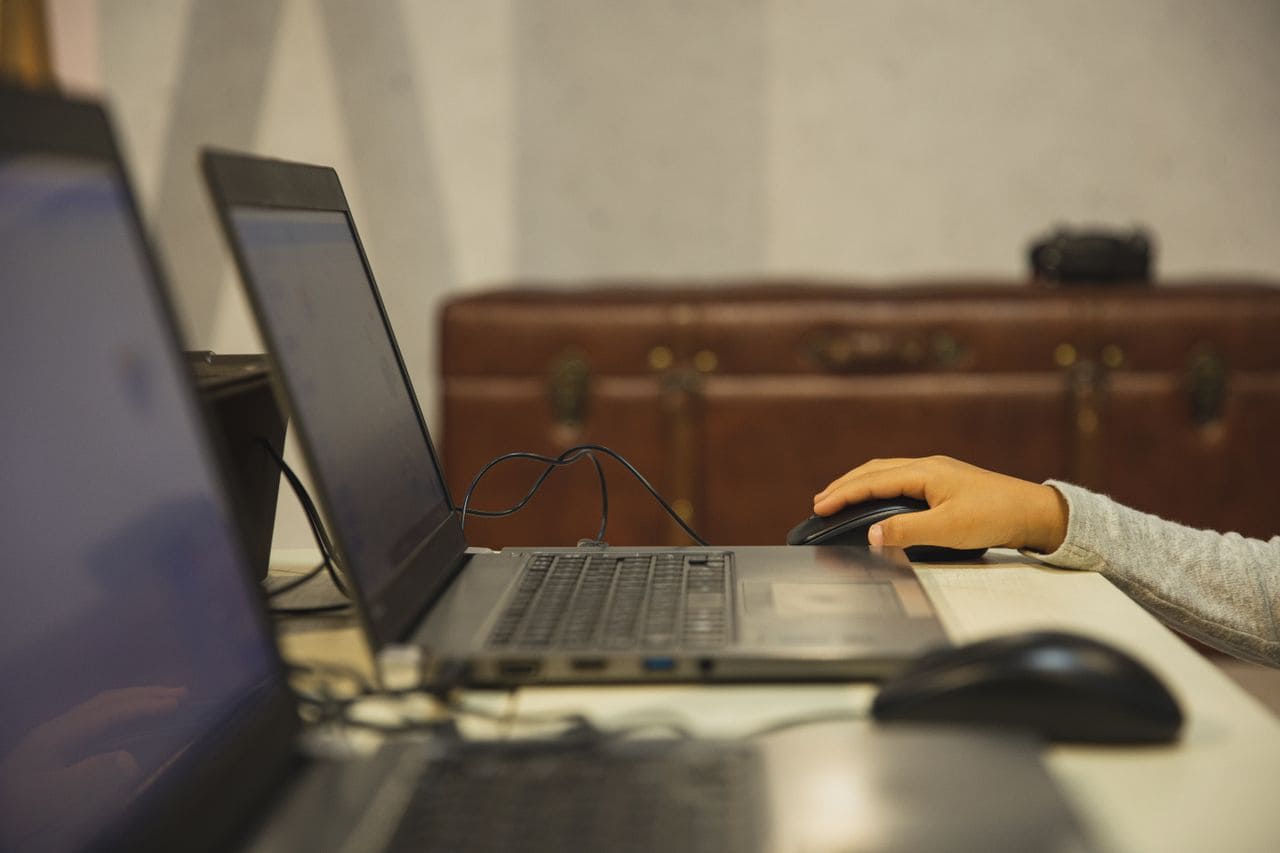
Fix laptop keyboard keys not working: diagnose hardware vs. software issues, clean debris, update drivers, and restore full functionality with expert troubleshooting.

Laptop keyboard backlight not working? Try function key shortcuts, driver updates, BIOS resets, and power settings. Step-by-step troubleshooting guide included.
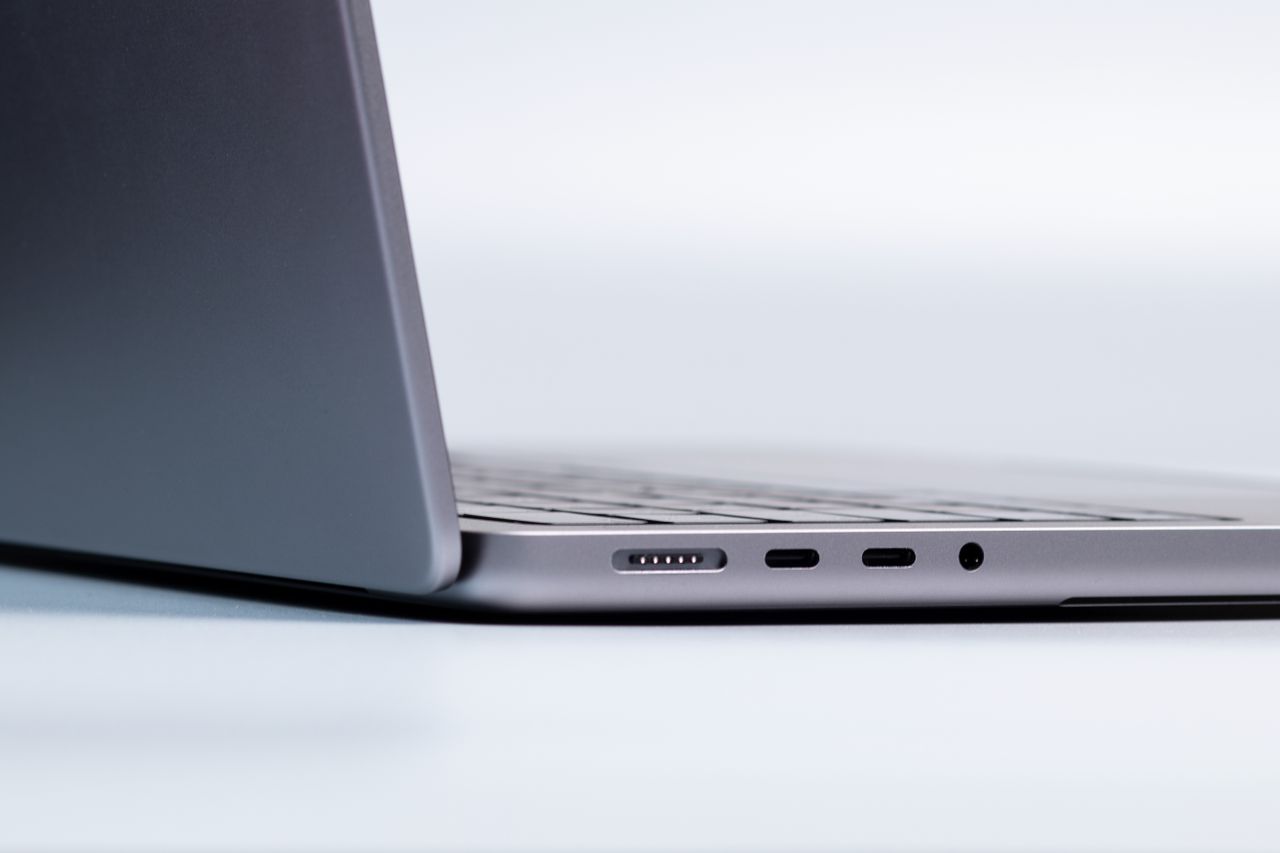
Laptop keyboard button not working? Learn why keys fail, how to clean them, update drivers, and fix the issue fast with proven troubleshooting steps.
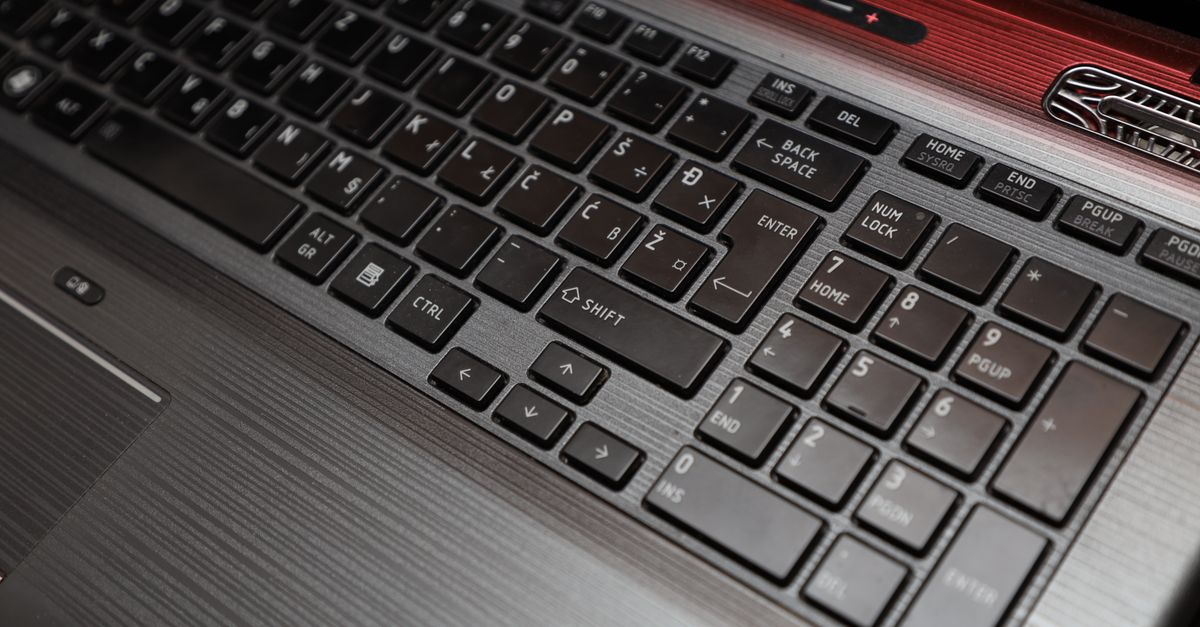
Fix laptop arrow keys not working with 7 proven solutions. Learn software toggles, driver updates, and hardware diagnostics to restore function.