Brightness on HP Laptop Not Working (Most Users Fix It With This Method)
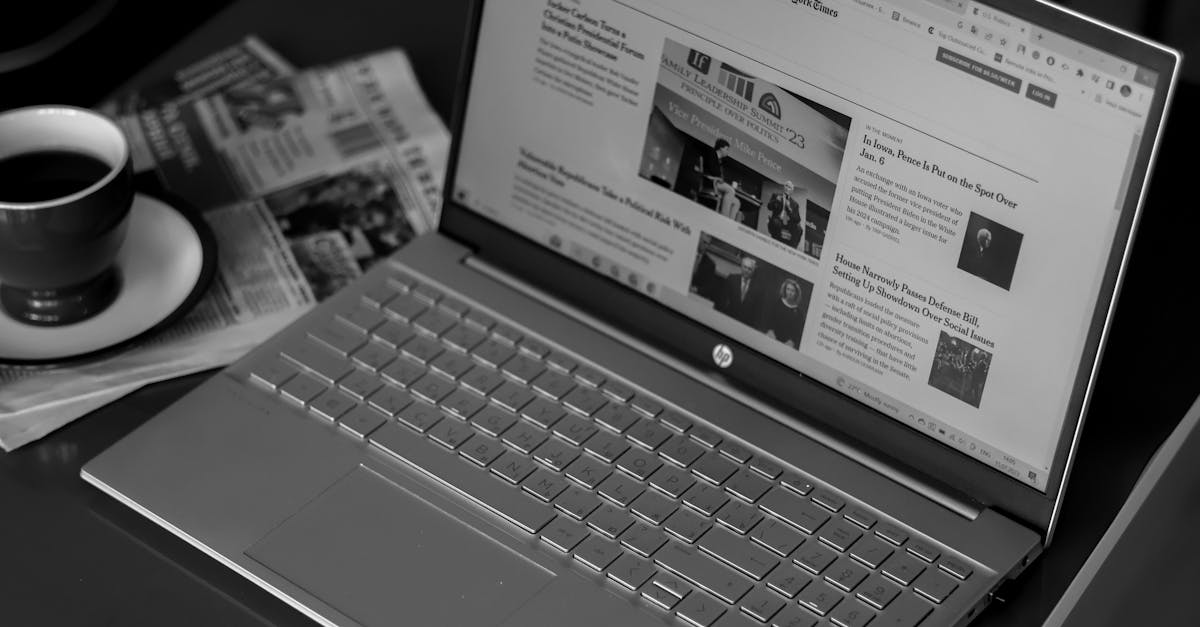
Fix brightness issues on HP laptops in under 10 minutes. Learn why your slider won’t work and get step-by-step driver, software, and settings solutions.

Fix brightness issues on HP laptops in under 10 minutes. Learn why your slider won’t work and get step-by-step driver, software, and settings solutions.
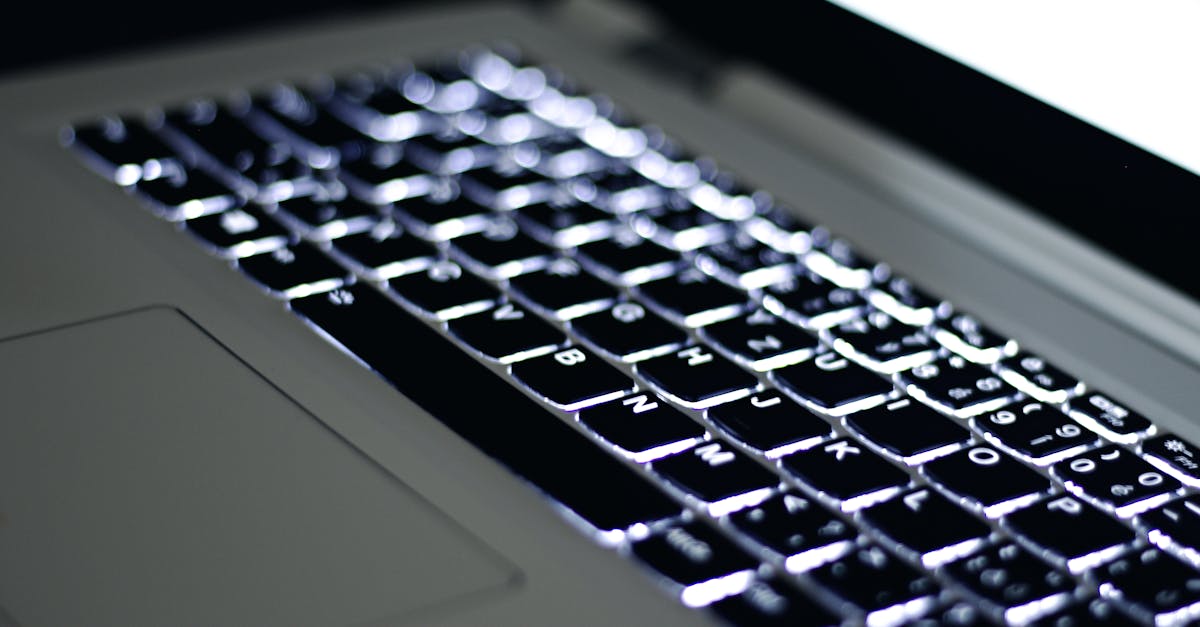
Laptop backlight not working? Fix dim or dark screens with brightness hotkeys, driver updates, and EC resets. Step-by-step guide to diagnose and repair.
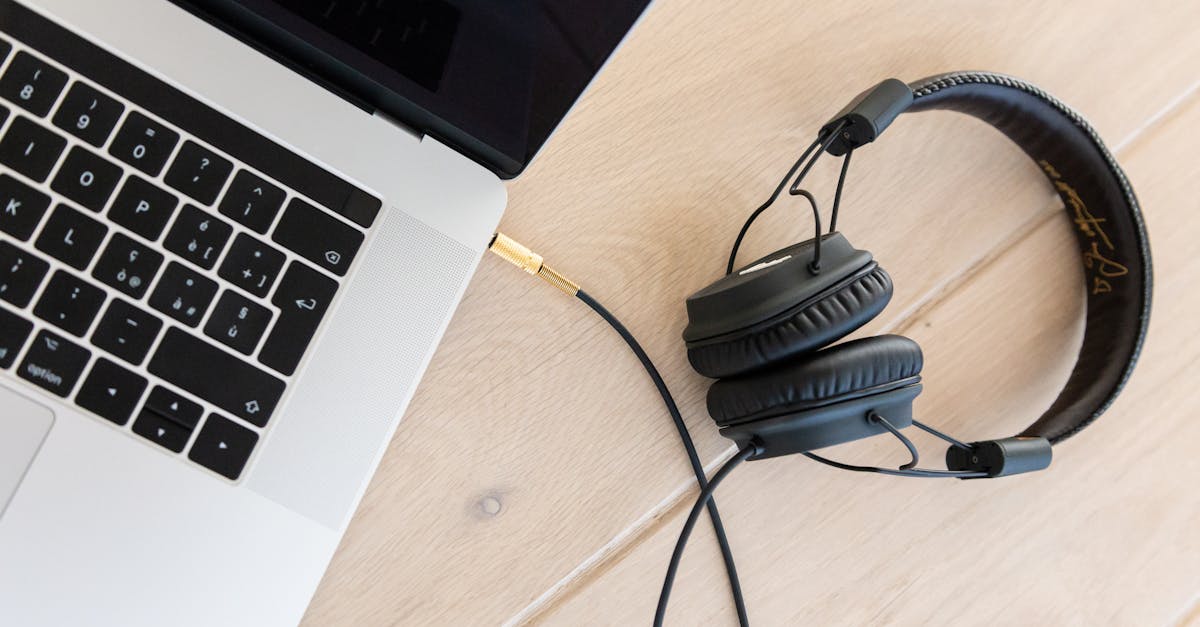
Fix your laptop’s audio jack in under 10 minutes. Troubleshoot software glitches, clean contacts, and update drivers with our step-by-step guide.
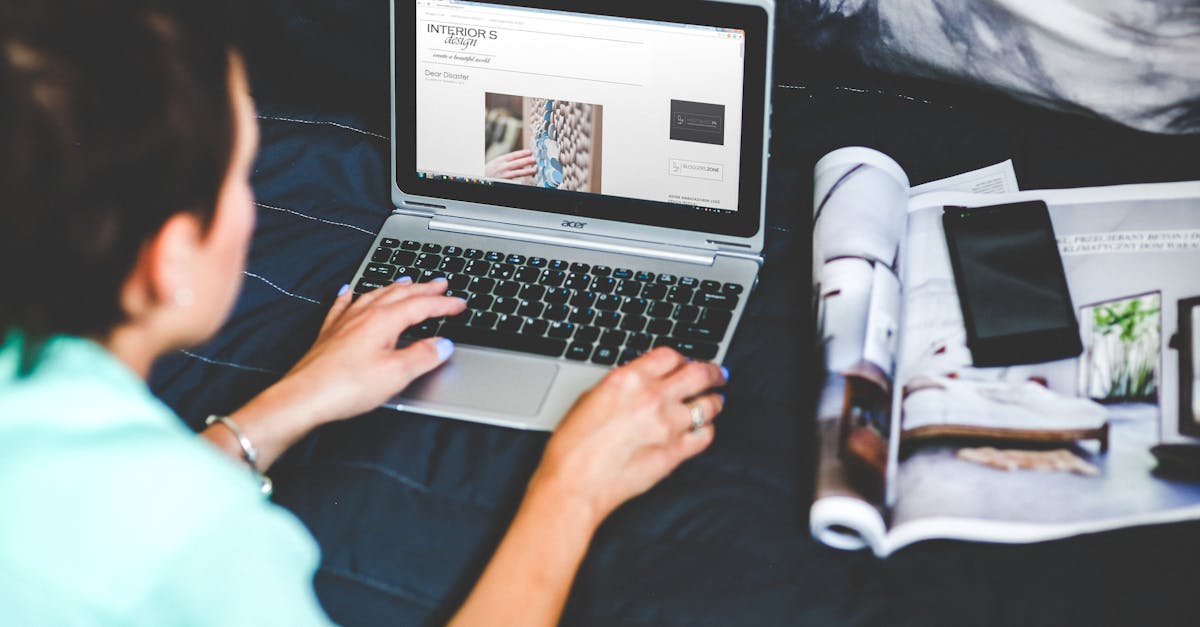
Acer touchscreen not responding? Fix it in 10 minutes with driver resets, power tweaks, and calibration steps. 80% of issues are software-fixable—no repairs needed.
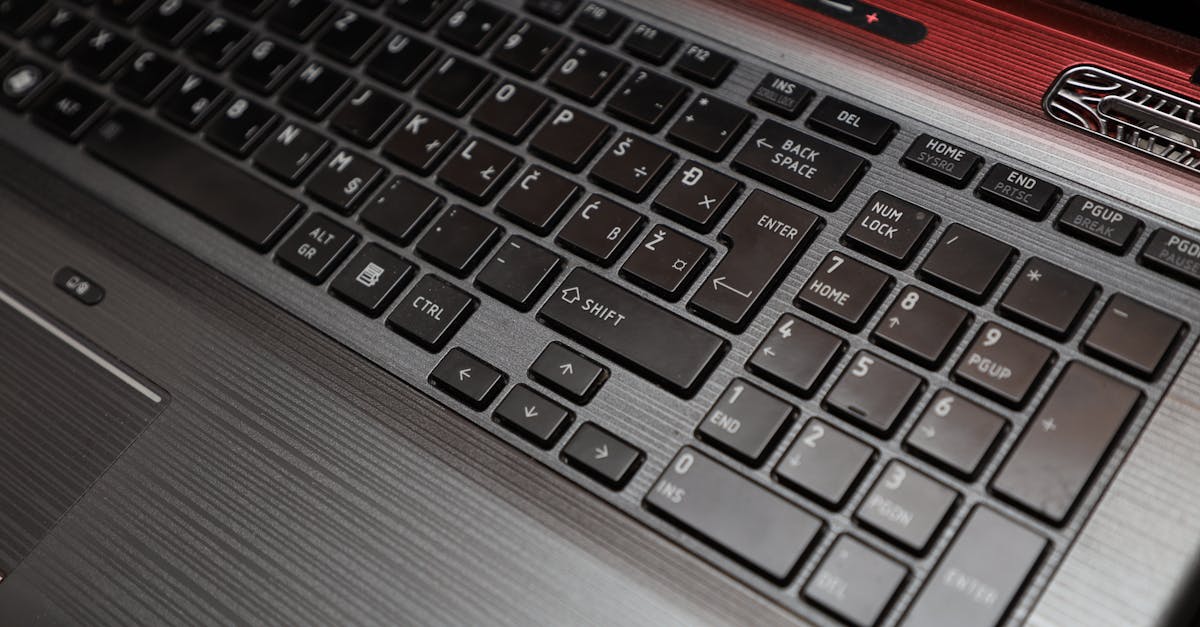
Fix arrow keys not working on your laptop in under 15 minutes. Quick DIY troubleshooting steps to solve driver, debris, and software conflicts.
Fix audio not working on your laptop in under 15 minutes. Troubleshoot drivers, settings, and services—no hardware repairs needed.
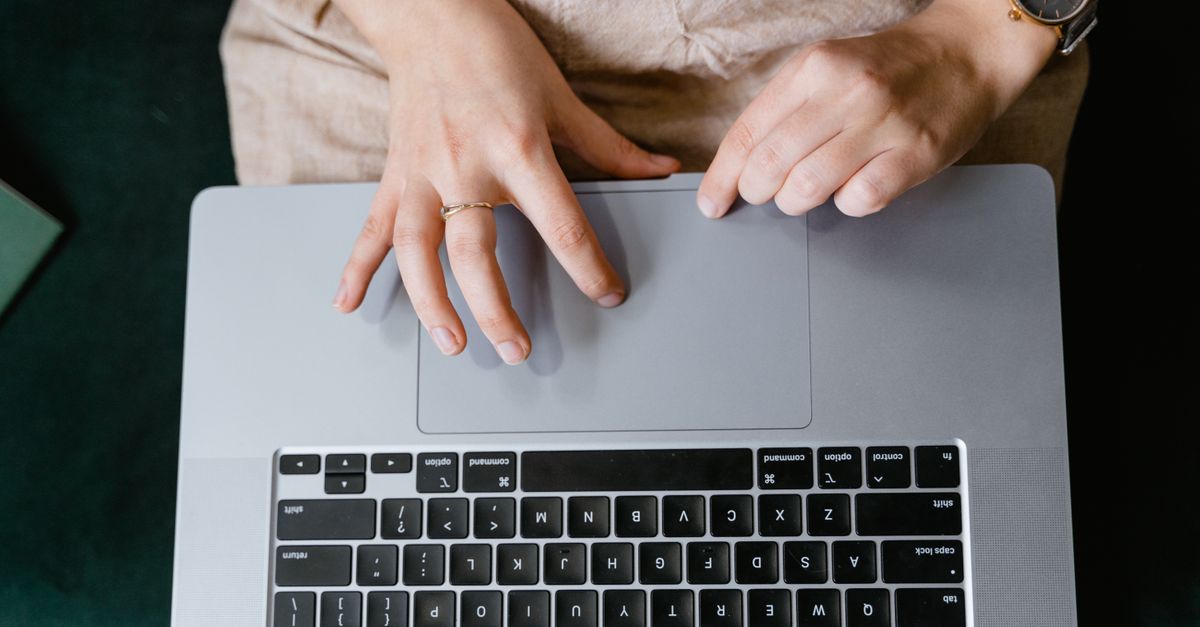
Laptop trackpad not working? Fix it in minutes with driver updates, keyboard shortcuts, or Device Manager resets. Most issues are software glitches, not hardware.
Fix your Corsair keyboard not working with 5 proven troubleshooting steps. Most issues solved in minutes without tools or warranty claims.
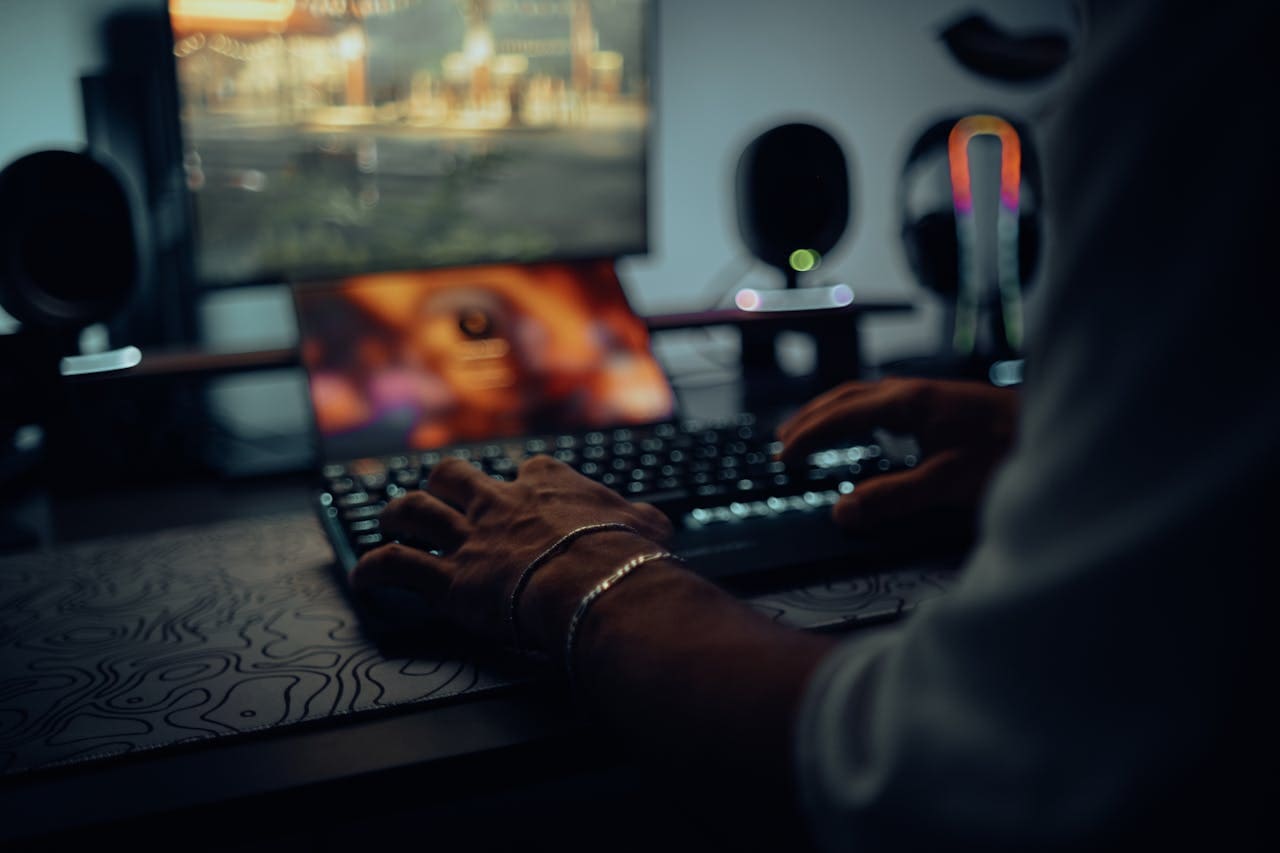
Fix a locked Corsair keyboard in minutes. Discover quick solutions for Win Lock, iCUE conflicts, and firmware issues—get your board working again.
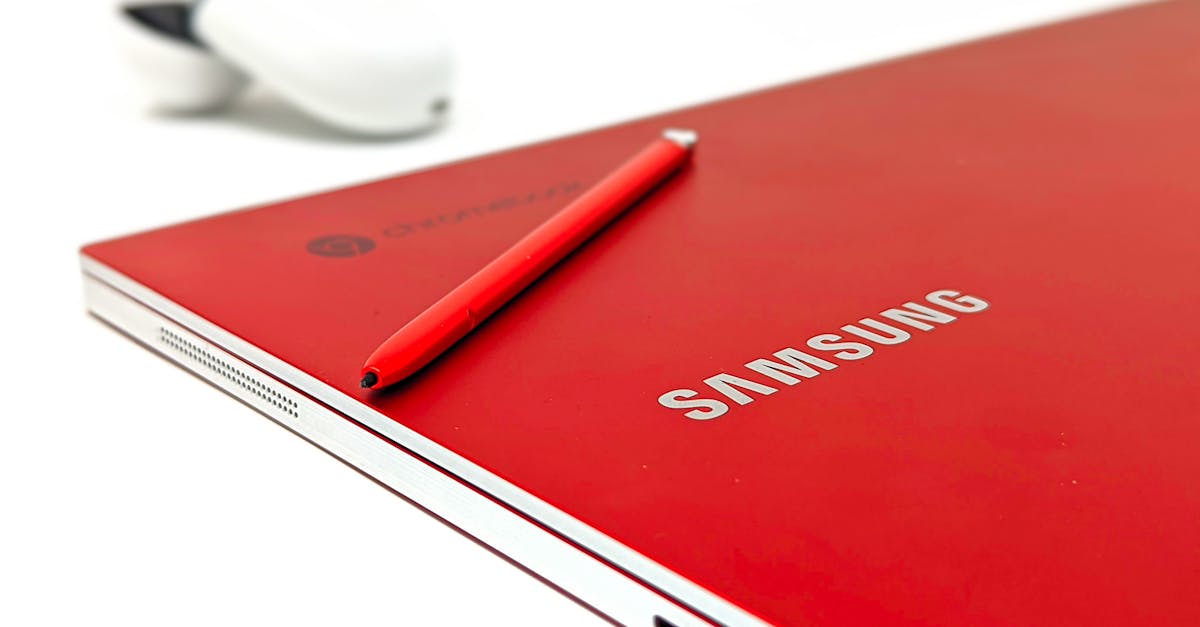
Fix your Chromebook keyboard in minutes with step-by-step troubleshooting. Check Sticky Keys, reset hardware, or test in Guest Mode—most issues are software-related.