Finger Pad on Laptop Not Working (Here’s the Simple DIY Fixes That Works)

Laptop finger pad not working? Try 9 expert fixes: keyboard shortcuts, driver updates, Windows settings. Most issues solved in minutes without repair.

Laptop finger pad not working? Try 9 expert fixes: keyboard shortcuts, driver updates, Windows settings. Most issues solved in minutes without repair.

Fix Dell laptop function keys not working in under 10 minutes. Try Fn+Esc, update drivers, or adjust BIOS settings. 90% are software fixes.
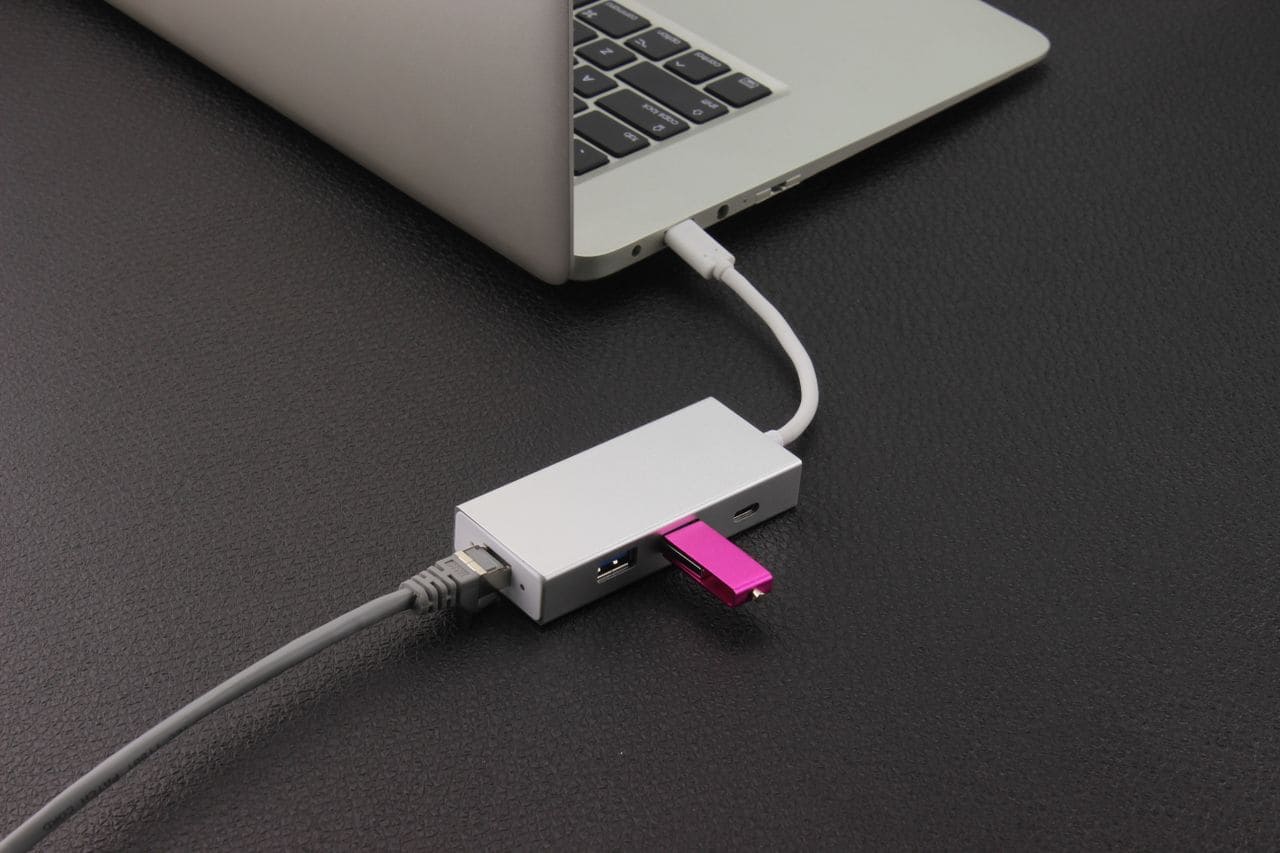
Ethernet port not working? Try 7 quick fixes: check cables, restart router, update drivers, run network reset. Most issues resolve in under 10 minutes.
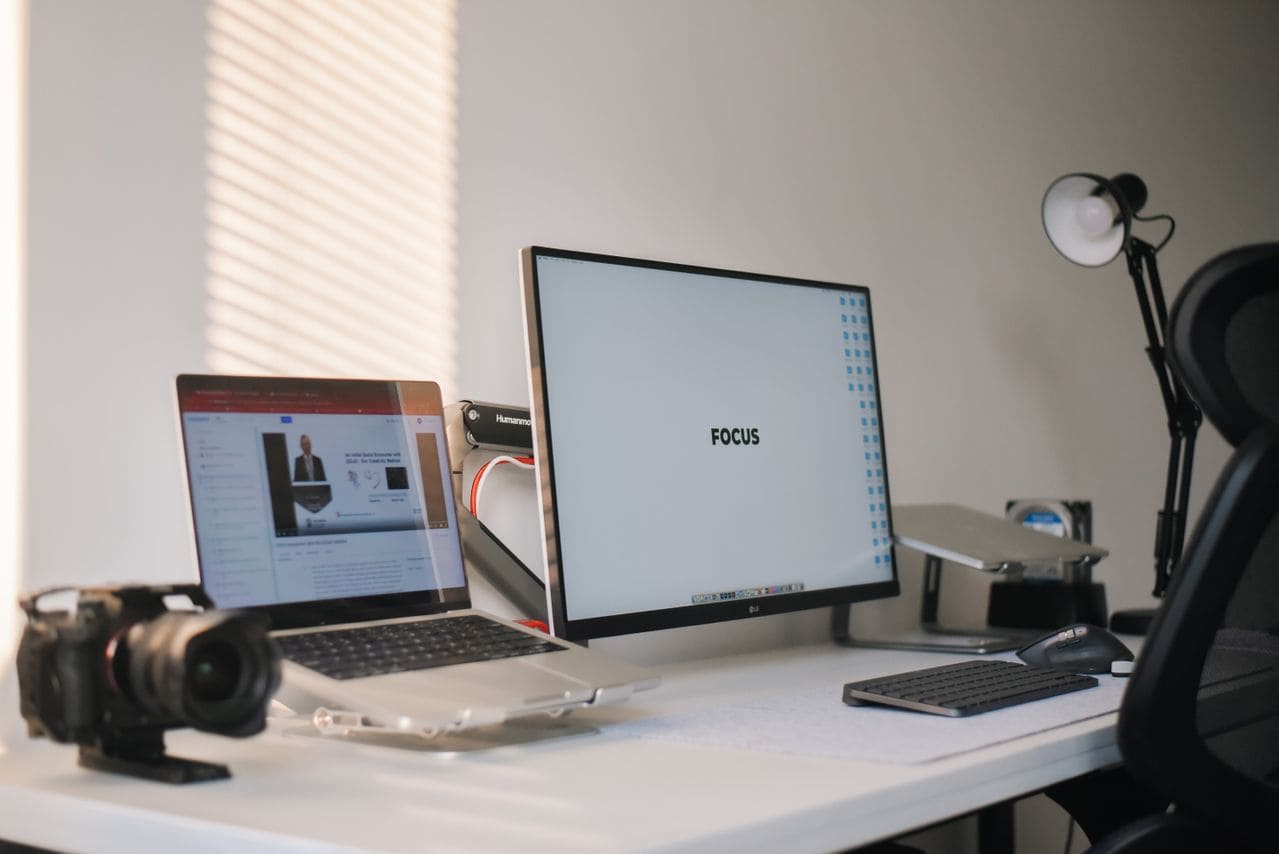
External monitor not working? Fix “No Signal” errors in under 10 minutes with cable, driver, and Windows settings troubleshooting.
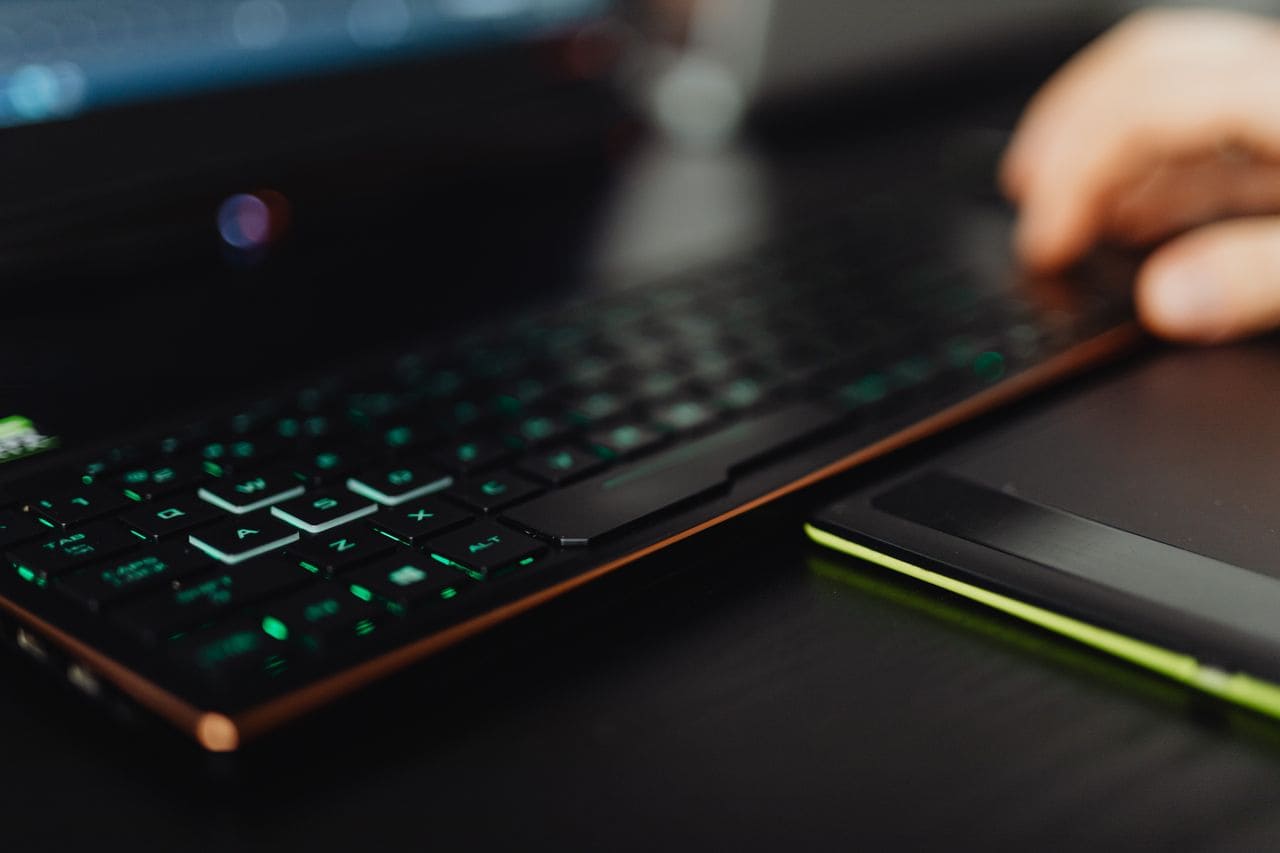
External keyboard for laptop not working? Try USB port swaps, driver reinstalls, and wireless fixes. Step-by-step troubleshooting to get typing back online.
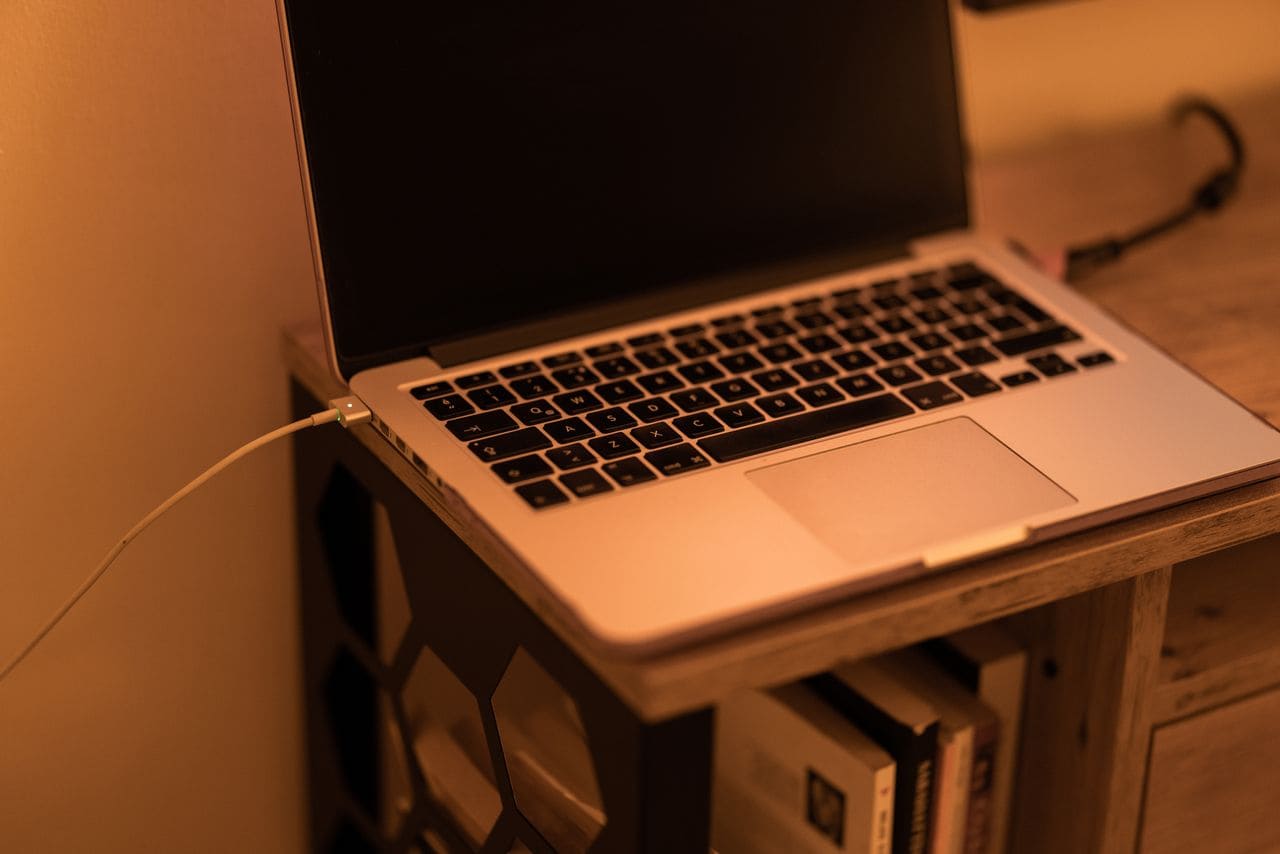
Laptop charger not working? Try these 7 quick fixes: test outlets, clean ports, update drivers & more. Troubleshoot before expensive repairs.
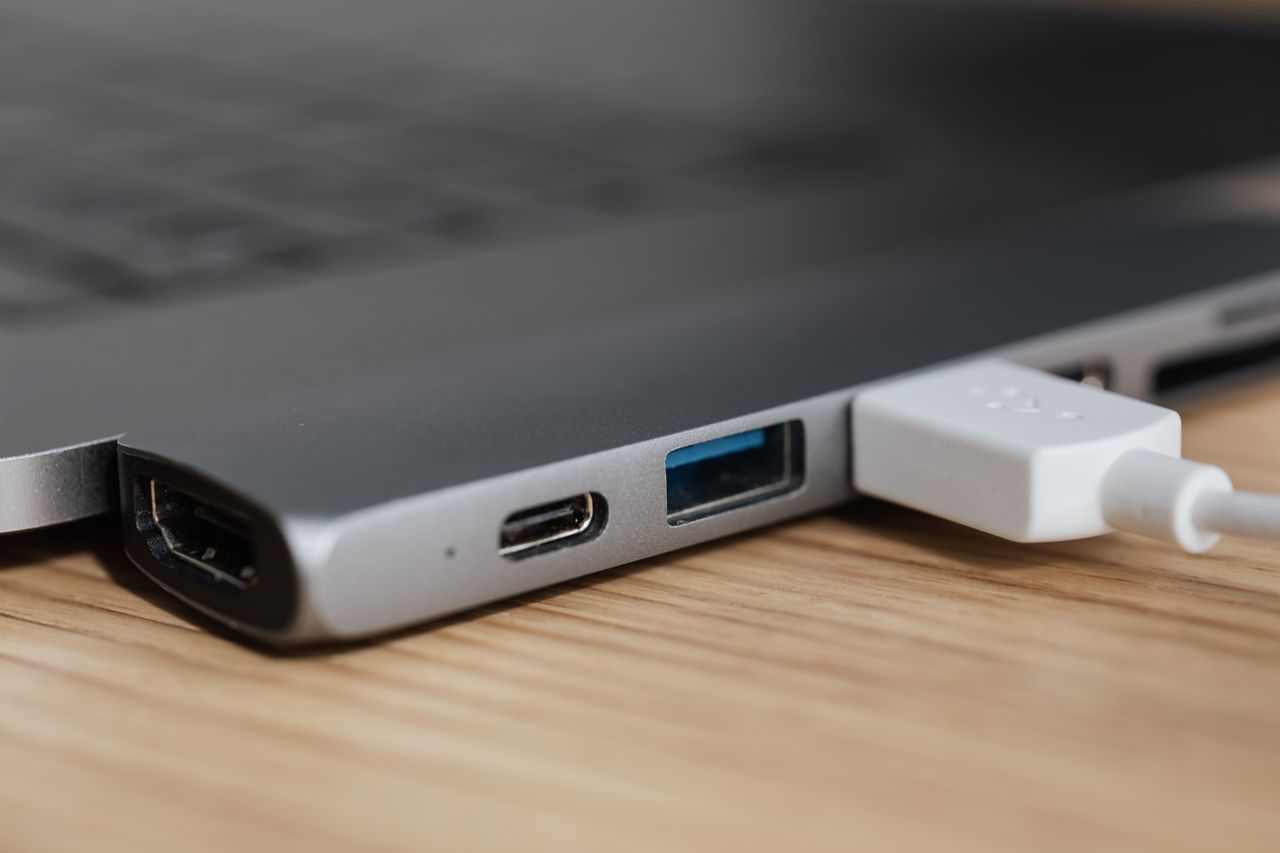
Docking station not working? Try these 6 quick fixes: cable checks, driver updates, power resets & more. Most issues resolve in under 15 minutes.
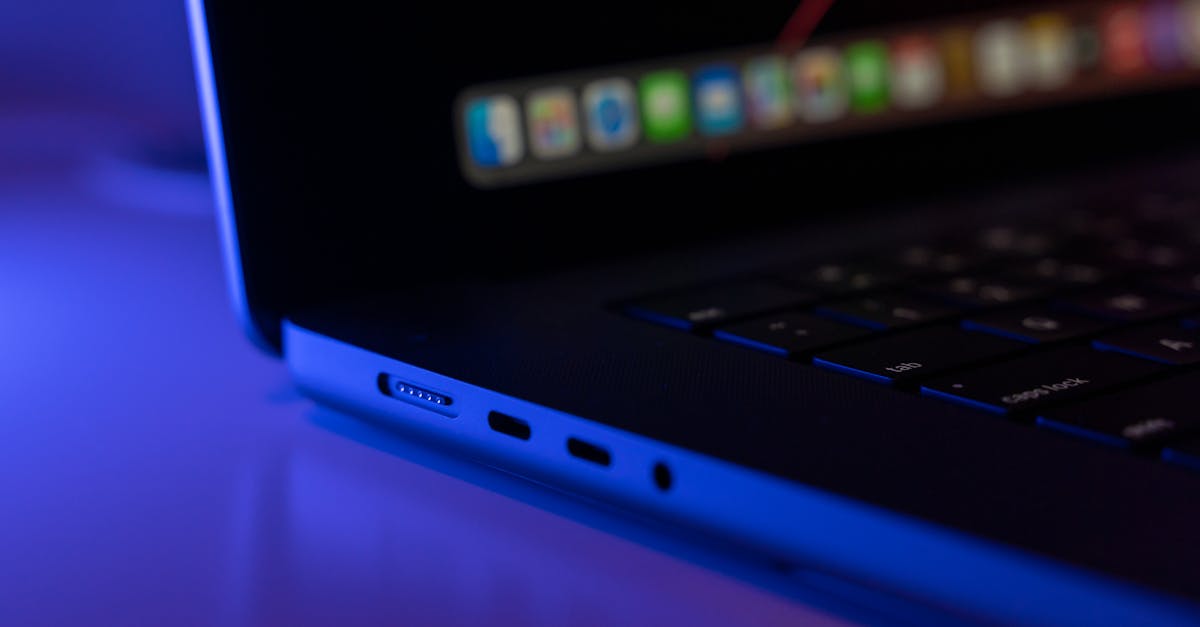
Fix laptop charging port issues with simple DIY troubleshooting: clean debris, update drivers, test alternate chargers, or reset power settings—no soldering required.
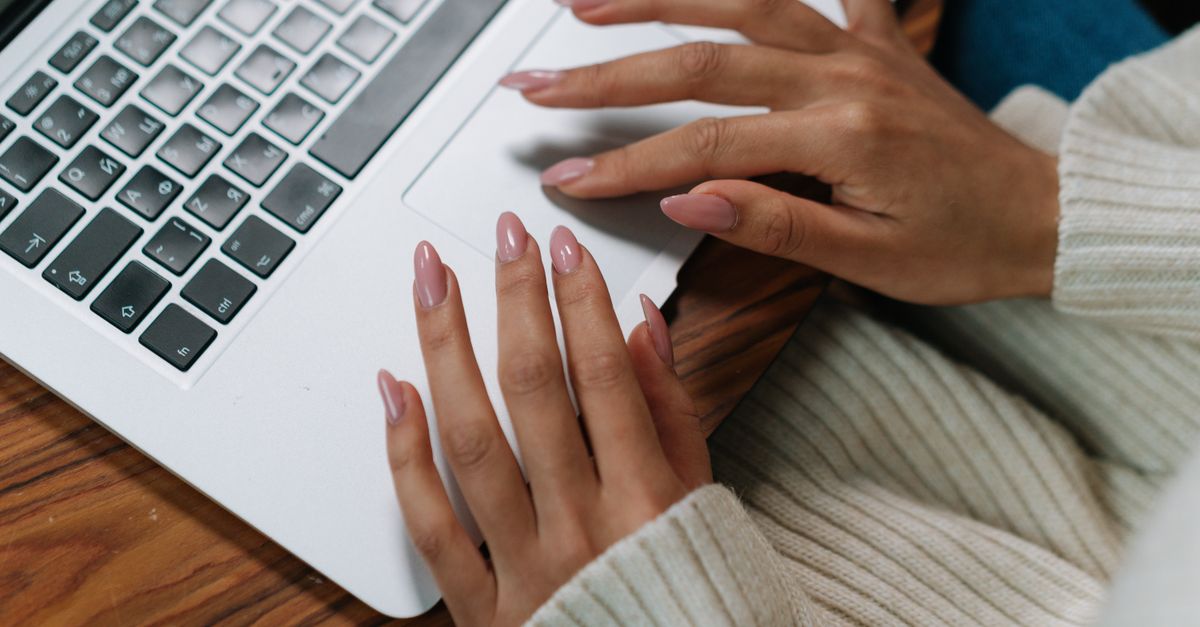
Cursor not working on your laptop? Try simple fixes: toggle touchpad hotkey, update drivers, restart, or clean the trackpad. Most issues resolve in minutes.

Camera not working on your laptop? Fix it in under 10 minutes with our step-by-step guide. Check settings, drivers, privacy modes, and more.