Keyboard Backlight Not Working (Here’s the Fast Fixes That Work)

Fix keyboard backlight not working in minutes. Try Fn-key shortcuts, driver updates, BIOS settings, and hardware checks. Step-by-step Windows & Mac solutions.

Fix keyboard backlight not working in minutes. Try Fn-key shortcuts, driver updates, BIOS settings, and hardware checks. Step-by-step Windows & Mac solutions.

Fix keyboard typing in wrong language with step-by-step guides for Windows, Mac, and mobile. Disable accidental toggles and remove unwanted layouts.
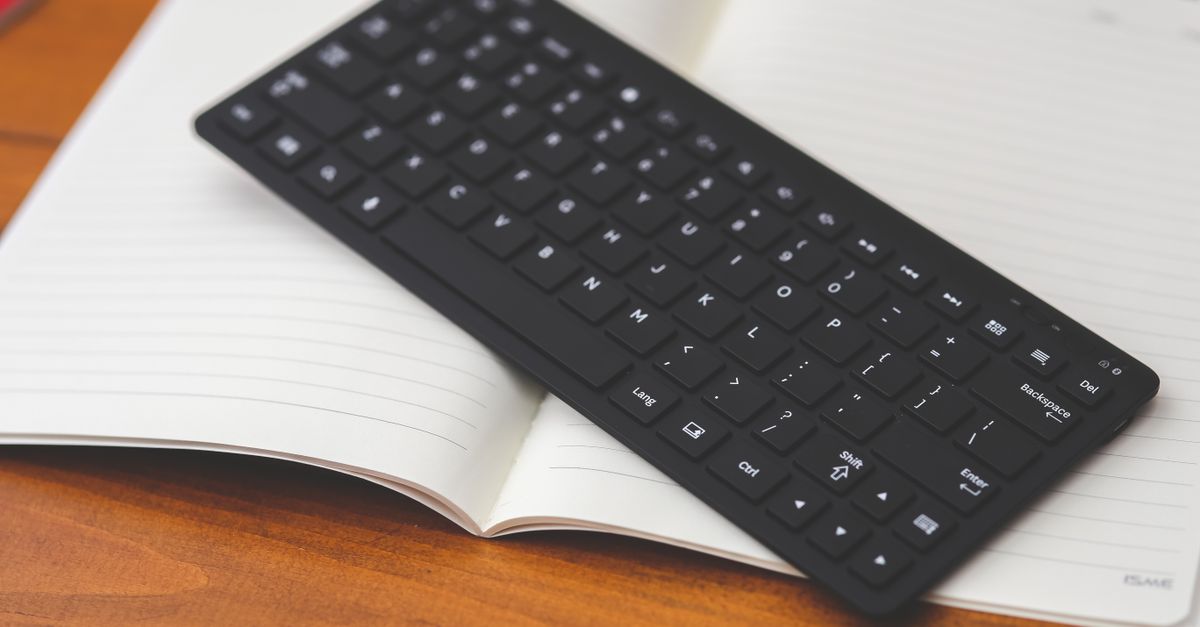
Fix keyboard layout changing automatically. Disable hotkeys, remove unwanted languages, and stop accidental switches in Windows and macOS.

Fix swapped keyboard keys with quick software fixes for Windows and Mac. Reset layout settings, disable shortcuts, update drivers—restore normal typing in minutes.

Fix keyboard typing letters instead of numbers: Num Lock toggle, driver updates, and quick diagnostics to restore numeric input instantly.

Fix keyboard typing numbers instead of letters. Learn why Num Lock is on, toggle it off in 2 minutes with Fn shortcuts, plus advanced driver and BIOS fixes.

Keyboard typing symbols instead of letters? Learn the causes—stuck modifier keys, wrong language settings, driver issues—and easy fixes to restore normal typing in minutes.
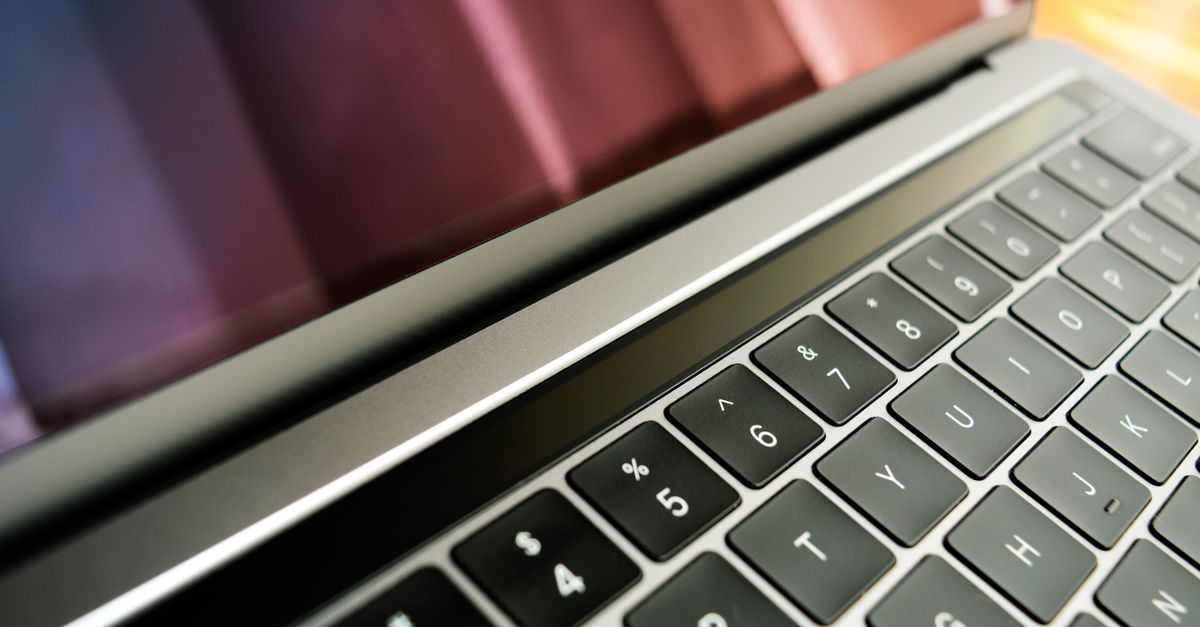
Keyboard typing symbols instead of numbers? Fix stuck Shift keys, toggle Num Lock, disable Sticky Keys, update drivers, and resolve keyboard issues fast.
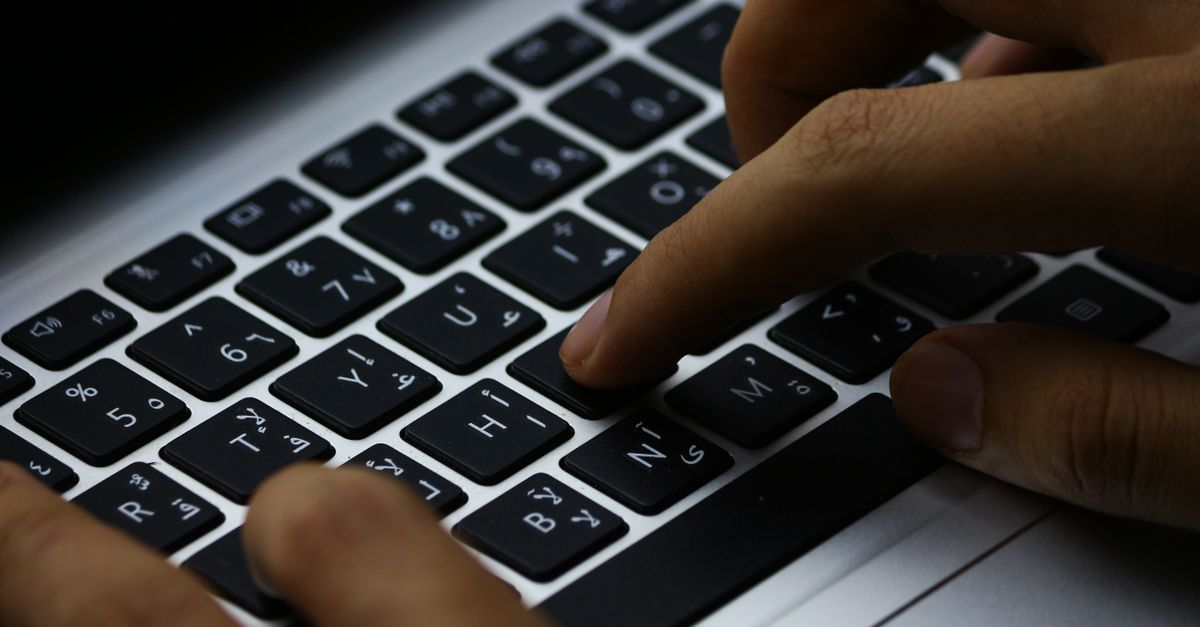
Keyboard typing wrong characters? Fix input language settings, update drivers, disable Sticky Keys, and clean switches. 8 troubleshooting methods inside.

Laptop not working without charger? Diagnose battery failure with our guide covering tests, quick fixes, driver updates, and replacement options.