

You’ve probably noticed the gap between headline specs and how a TV actually looks in your room. On paper, Samsung and Hisense both promise huge brightness, slick gaming features, and big-screen value. In practice, though, the day‑to‑day experience, from HDR punch to motion, app stability, and even resale value, can feel very different.
If you’re deciding between them, here’s a clear, no-nonsense breakdown of why you might choose Samsung over Hisense TVs, plus the scenarios where Hisense is the smarter buy.

At A Glance: Samsung Vs. Hisense
Where Each Brand Excels
- Samsung: Best-in-class anti-glare on premium models, refined local dimming on mini‑LED (Neo QLED) sets, excellent motion, deep gaming suite across more HDMI 2.1 ports, and standout industrial design. Samsung’s QD‑OLED panels remain reference-level for color volume and near‑black detail, while Neo QLED delivers some of the brightest, cleanest HDR in sunlit rooms.
- Hisense: Aggressively priced big screens, impressive peak brightness on flagships, Dolby Vision support across many models, and Google TV’s familiar app ecosystem. Hisense’s U series (like U8/U7) often overdelivers for the money, especially for casual viewers and secondary rooms.
Who Should Choose Which
- Choose Samsung if you want polished picture processing, better reflection handling, wider premium panel choices (QD‑OLED and mini‑LED), a smoother gaming experience with multiple 2.1 inputs, and cleaner design touches. You care about consistency across sizes, long-term software support, and better resale.
- Choose Hisense if budget is king, you want the largest screen per dollar, you prefer Dolby Vision in your streaming stack, or you’re outfitting a playroom/guest room where absolute best processing and design matter less than bright, punchy color at a great price.
The 10 Reasons Samsung Often Wins
Brighter HDR And Better Anti-Glare Performance
Samsung’s premium Neo QLED sets are engineered for bright rooms. They combine high native brightness with tight local dimming control and some of the best anti‑reflection coatings you’ll find. That means HDR highlights pop without washing out in daytime viewing, and you don’t see your windows mirrored in dark scenes.
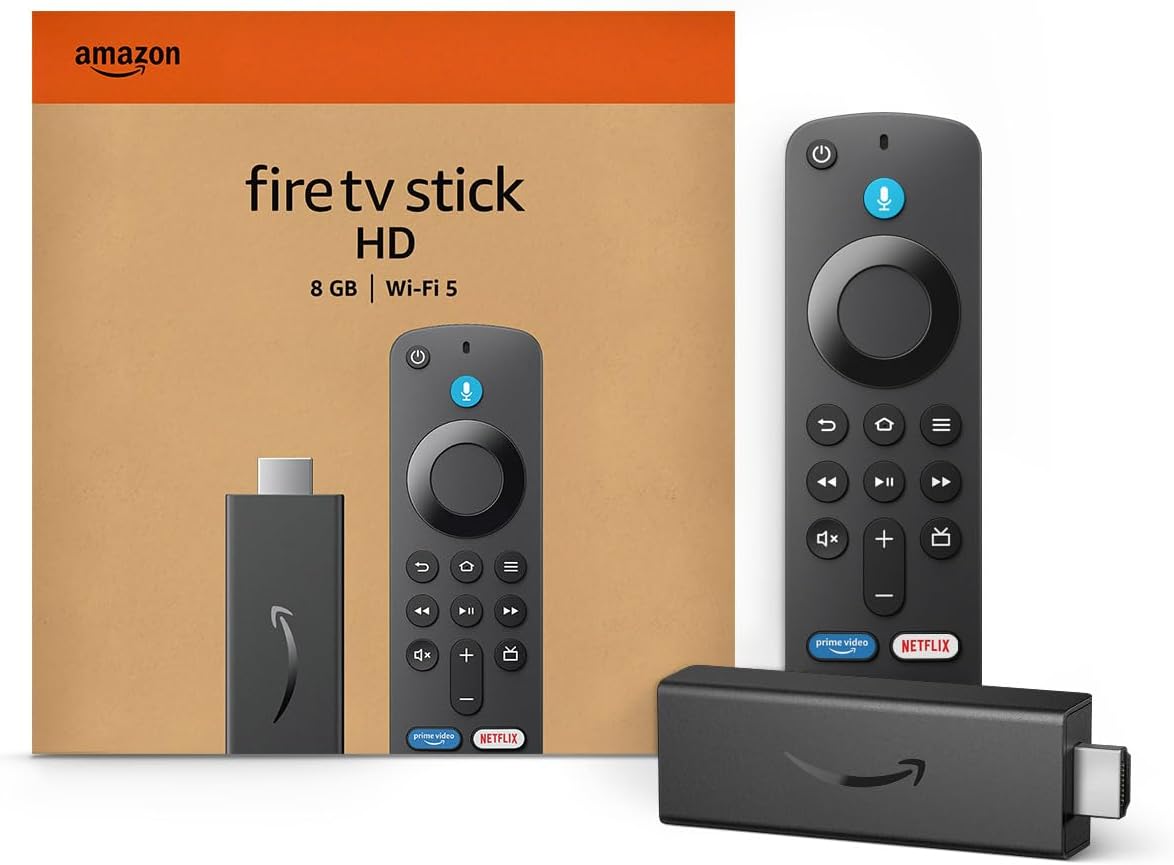
Amazon Fire TV Stick HD
Turn Any TV to a Smart TV. Stream Netflix, Prime Video & More. Alexa Voice Remote Included. Easy Plug & Play Setup.
Shop on AmazonHisense gets bright, too, no question. But Samsung typically maintains contrast and color accuracy as brightness climbs, so you’re not trading punch for precision.
More Mature Local Dimming And Upscaling Processing
You’ll notice it in the dark scenes: fewer halos around bright objects, more detail just above black, and cleaner gradients. Samsung’s dimming algorithms have been iterated for years across both mini‑LED and QD‑OLED lines.
Upscaling is also reliably crisp without over-sharpening, which helps with broadcast TV, sports, and older 1080p streams. Hisense’s local dimming has improved rapidly, but bloom control and gamma stability can vary by model and firmware.
Wider High-End Panel Choices (QD‑OLED And Neo QLED)
Samsung gives you two distinct premium paths. QD‑OLED if you want jaw-dropping color volume, inky blacks, and superb uniformity for cinema and gaming in controlled light. Neo QLED mini‑LED if you need near‑daylight brightness, strong HDR in living rooms, and worry‑free static content.
Hisense competes fiercely in mini‑LED value, but if you’re chasing a no‑compromise flagship, Samsung’s tiered lineup lets you match panel tech to your room and habits.
Smoother Motion And Deeper Gaming Feature Set
Sports and action movies look more natural on Samsung thanks to strong motion interpolation options that don’t force a soapy look when you don’t want it. For gaming, Samsung’s Game Mode unlocks 4K/120 (and on select models 144Hz with PC), VRR including FreeSync Premium Pro, ALLM, ultra‑low input lag, and a handy Game Bar overlay.
Crucially, more Samsung models give you four full‑bandwidth HDMI 2.1 ports, so you can plug in a PS5, Xbox Series X, gaming PC, and an AVR without compromises. Some Hisense sets offer 2.1 and even 144Hz PC support, but port count and bandwidth can be more limited depending on size/series.
Smarter Tizen Platform And Robust App Support
Tizen’s come a long way. Launching apps is quick, search is fast, and Samsung’s app catalog is deep, including all the majors in 4K HDR. You also get native support for AirPlay, SmartThings integration, and a clean content-first home screen.
Hisense’s Google TV is excellent, and if you live in the Google ecosystem, that’s a plus, but Samsung’s platform tends to feel more cohesive on Samsung hardware, with fewer surprise hiccups after updates and a consistent remote/UI across the lineup.
Cleaner Design Touches And Cable Management
Small things add up. Samsung’s ultra‑thin bezels, refined stand options, and Slim One Connect box on select models mean your setup looks tidy even before you wall‑mount. Cable routing is better thought out, and the overall fit and finish, materials, tolerances, the way panels meet the frame, tend to look premium.
Hisense has improved designs year over year, but Samsung still leads on the little details that make your living room feel curated.
More Consistent Quality Control Across Sizes
Panel uniformity, color matching from the factory, and component consistency typically vary less across Samsung sizes in the same series. You’re less likely to encounter panel type swaps (like different subpixel structures between 55 and 65 inches) that can affect viewing angles and uniformity.
Hisense can offer exceptional value, yet unit‑to‑unit variance and cross‑size differences crop up more often, which can matter if you’re picky about DSE (dirty screen effect) or off‑axis color.
Longer Software Support And Meaningful Feature Updates
Samsung routinely ships feature updates and security patches for several years, often adding refinements like new Game Bar controls, broader HDR10+ support, or Tizen UX tweaks. TVs last long past the honeymoon period: continued polish and bug fixes make a difference in year two and three.
Google TV on Hisense benefits from Google’s ecosystem, but the cadence and depth of post‑launch improvements can feel less tailored to each specific Hisense model.
Stronger Built-In Sound Options And Object Tracking Audio
Samsung’s Object Tracking Sound (OTS) uses multiple drivers across the chassis to anchor audio to the action on screen, dialog feels centered, effects pan more convincingly, and you get usable spatial cues without a soundbar. Add Q‑Symphony with a compatible Samsung soundbar and the TV’s speakers join in rather than turning off, which fills the room better.
Hisense has upped its audio game, yet Samsung’s tuning, speaker placement, and ecosystem integration usually sound more composed out of the box.
Better Resale Value And Accessory Ecosystem
If you upgrade every few years, resale matters. Samsung TVs, especially QD‑OLED and Neo QLED models, tend to hold value better because shoppers recognize the brand’s premium tiers and design.
You’ll also find a deeper accessory ecosystem: slim-fit wall mounts designed specifically for Samsung, stands, camera accessories for video calls on Tizen, and a wide network of calibration/support pros familiar with the platform.
Hisense is catching up, but the installed base and third‑party support around Samsung are simply larger.
Real-World Use Cases
Bright Living Rooms And Daytime Sports
If your TV sits opposite a bay window or you love Sunday games with the curtains open, Samsung’s anti‑glare coatings and high full‑screen brightness are worth it. Football fields stay green instead of faded, and you won’t see your sofa reflected in night games.
Motion settings can be dialed so panning shots look smooth without turning into a soap opera.
Gaming Setups With Multiple HDMI 2.1 Sources
Got a PS5, Xbox Series X, and a gaming PC with a 4090? Grab a Samsung with four HDMI 2.1 ports so you don’t juggle cables or sacrifice 4K/120. Game Bar’s quick overlay for FPS, VRR status, and aspect controls is underrated, it saves menu diving and keeps you in the flow.
Hisense can be great for a single console setup, but once you add more sources and a receiver, Samsung’s I/O flexibility and stable VRR implementation shine.
Movie Nights In Mixed Lighting
In a dark room, Samsung’s QD‑OLED brings out shadow texture and color saturation that make streaming feel cinematic. If you often watch with lamps on or during sunset, Neo QLED keeps HDR highlights intense without crushing dark detail.
Either way, black bars stay dark, and you’ll see less blooming around bright subtitles, an area budget mini‑LEDs sometimes struggle with.
When Hisense Might Be The Better Buy
Value-First Budgets And Big-Screen Deals
If your top priority is screen size per dollar, Hisense is a powerhouse. The U8/U7 lines routinely punch above their price with big peak brightness, Dolby Vision support, and gaming-friendly features. For casual streaming, cable, and the occasional movie night, you can save hundreds without feeling shortchanged.
Smaller Rooms Or Secondary TVs
For a bedroom, dorm, or playroom, Hisense often makes more sense. You’re not chasing perfect local dimming or the very best motion. You want a solid, bright picture and Google TV’s app selection at a wallet-friendly price.
Also worth noting: if you’re a Dolby Vision diehard and your streaming library leans heavily on DV titles, many Hisense sets support it natively, while Samsung focuses on HDR10/HDR10+.
How To Pick The Right Samsung For Your Budget
Mini‑LED Vs. QD‑OLED: Which To Choose
- Choose Neo QLED mini‑LED if your room gets a lot of sunlight, you watch varied content (including cable and sports) for long stretches, or you want worry‑free static elements like news tickers or HUDs. You’ll get excellent brightness, strong anti‑glare, and very good black levels with well‑tuned local dimming.
- Choose QD‑OLED if you prioritize cinema and gaming quality in dim to moderate light. You’ll see richer colors at high brightness, cleaner near‑black detail, and superb uniformity. Modern OLED protections are robust, but be mindful with static logos and leave pixel shift/logo dimming engaged.
Key Specs To Prioritize (Brightness, Dimming Zones, HDMI 2.1)
- Peak and sustained brightness: Look for high real‑scene brightness, not just inflated 10% window numbers. It impacts HDR specular detail and daytime clarity.
- Local dimming zones and algorithm: More zones help, but equally important is how the TV drives them. Samsung’s mid‑high tiers typically balance black level and highlight control well.
- HDMI 2.1 ports: If you own or plan multiple next‑gen sources, aim for four 2.1 ports. Confirm support for 4K/120 (or 144Hz on PC), VRR, and ALLM.
- Anti‑reflection layer: If you have windows or lights facing the screen, pick models with Samsung’s higher-grade anti‑glare coatings.
- Audio features: OTS and Q‑Symphony can delay the need for a soundbar. If you’ll buy a bar, consider matching a Samsung bar to unlock Q‑Symphony.
Setup, Calibration, And Care Tips
Essential Picture Settings To Tweak
- Start in Movie or Filmmaker Mode for the most accurate baseline. It reduces blue push and excessive edge enhancement.
- Turn off Eco/Power Saving features that dim the panel unpredictably. You want consistent APL for stable HDR.
- Set Color Tone to Warm 1 or Warm 2. It’ll look reddish for a day, then your eyes adjust, and skin tones snap into place.
- Adjust Local Dimming to High on Neo QLED for deeper blacks with controlled blooming: Medium if you see black crush.
- Motion: Use Blur Reduction ~8–10 and Judder ~1–3 for sports. For films, try Judder 0–1 to avoid soap‑opera effect.
- Game Mode: Enable VRR, set Input Signal Plus (HDMI Enhanced), and check Game Bar for 120/144Hz status.
Preventing Burn‑In And Preserving Panel Life
- For QD‑OLED: Leave pixel shift/logo dimming on, vary content, and avoid leaving static UIs paused for hours. Modern panels are resilient, but habits matter.
- For all TVs: Don’t max out OLED Light/Brightness for long marathons in a dark room: use ambient light or lower settings.
- Run the panel refresh/compensation cycle when prompted after long sessions.
- Keep ventilation clear. Heat is the enemy of LEDs and OLEDs alike.
- Clean with a soft, dry microfiber cloth, no glass cleaner or ammonia-based sprays.
Frequently Asked Questions
What are the top reasons to choose Samsung over Hisense TVs for bright rooms?
Samsung’s Neo QLED models pair very high real‑scene brightness with mature local dimming and industry‑leading anti‑glare coatings. HDR highlights stay punchy without washing out, reflections are minimized, and color accuracy holds at high luminance.
Hisense can get bright, but contrast and gamma stability tend to be more consistent on Samsung.
How does gaming performance compare on Samsung vs Hisense TVs?
Samsung offers a deeper gaming suite: 4K/120 (and up to 144Hz on select models), VRR including FreeSync Premium Pro, ultra‑low input lag, ALLM, and a Game Bar overlay.
Crucially, many Samsung sets provide four full‑bandwidth HDMI 2.1 ports. Some Hisense models deliver VRR/144Hz, but port count and bandwidth vary.
Is Tizen better than Google TV on Hisense for apps and updates?
Samsung’s Tizen feels cohesive on Samsung hardware, with quick app launches, robust 4K HDR app coverage, AirPlay support, SmartThings integration, and consistent remote/UI. The brand also pushes meaningful feature and security updates for years.
Hisense’s Google TV is strong, but update cadence and polish can vary by model.
Are Samsung’s QD‑OLED and Neo QLED better than Hisense’s mini‑LED for mixed use?
For cinema and gaming in controlled light, Samsung’s QD‑OLED delivers superb uniformity, near‑black detail, and high color volume. For sunlit living rooms, Neo QLED maintains bright, clean HDR with tight blooming control.
Hisense offers excellent value mini‑LED, but Samsung’s tiered lineup lets you match tech precisely to room and habits.
Do Samsung TVs support Dolby Vision, and will I miss it compared to Hisense?
Samsung prioritizes HDR10 and HDR10+, not Dolby Vision. Many Hisense models include Dolby Vision across price tiers. In practice, Samsung’s tone‑mapping and high brightness can make HDR10/HDR10+ look excellent. If your library leans heavily on Dolby Vision and you want native DV, Hisense may suit that specific preference.
What warranty and long‑term support can I expect from Samsung vs Hisense TVs?
In the US, both brands typically include a 1‑year limited hardware warranty, with optional retailer or manufacturer extended plans. Software support differs: Samsung routinely provides multi‑year feature refinements and security patches tailored to its TVs.
Hisense benefits from Google TV updates, though cadence and per‑model depth may vary.
- Hisense vs Samsung (Which Is the Best TV for Gaming)
- Is Samsung TV Better Than Hisense? In-Depth Brand Comparison
- Is Hisense TV Better Than Samsung in Picture Quality?