One Key on Laptop Not Working (Pro Fixes that Solve the Issue in Minutes)
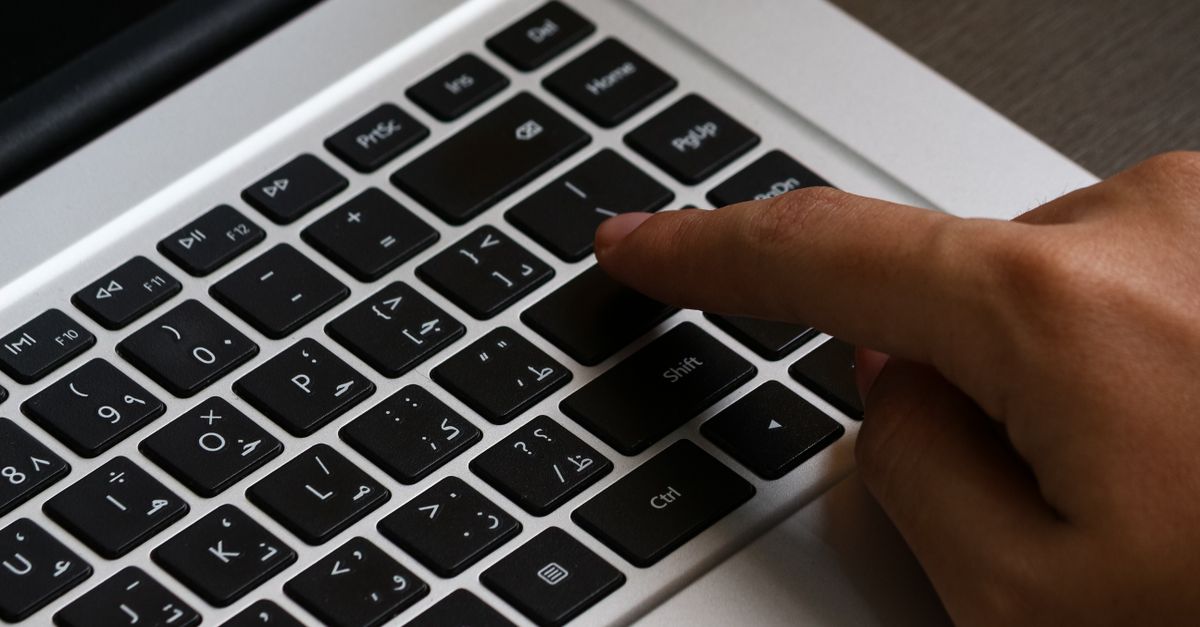
Fix a single laptop key not working with proven troubleshooting steps. Clean, update drivers, and diagnose hardware vs. software issues in minutes.

 Thomas Owen
 Fix a single laptop key not working with proven troubleshooting steps. Clean, update drivers, and diagnose hardware vs. software issues in minutes.

Internet not working on your laptop? Try these quick fixes: restart your router, run Windows Troubleshooter, update drivers, and reset network settings.

Fix headphones not working on laptop with easy troubleshooting steps. Update drivers, check default playback device, and resolve audio issues in minutes.
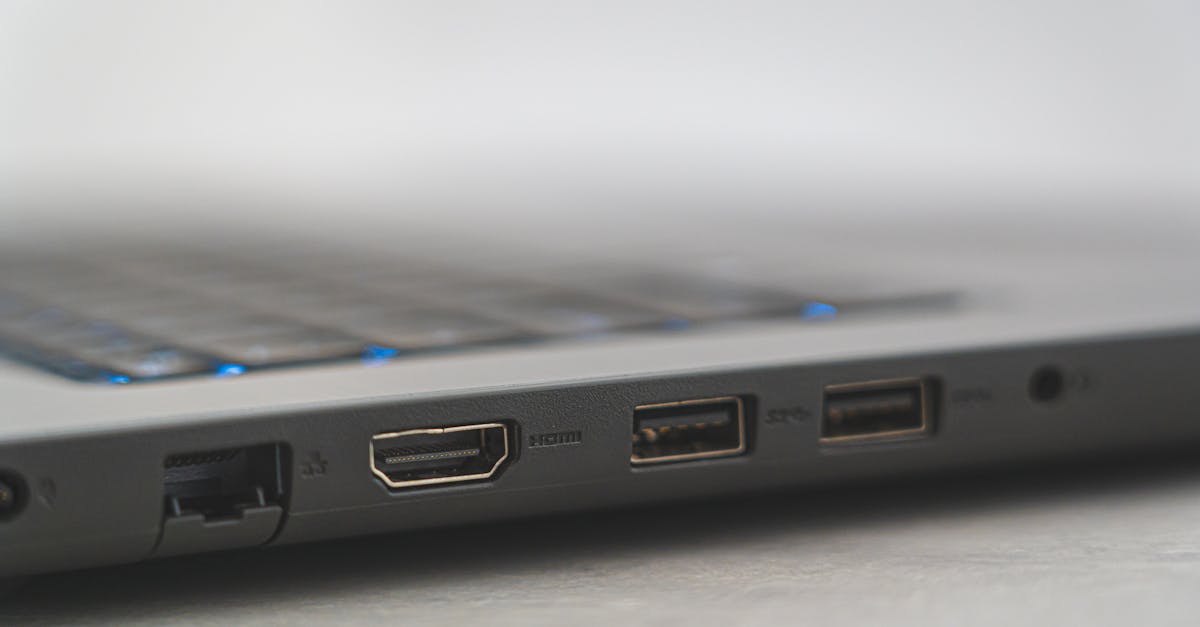
HDMI port not working on your laptop? Try simple fixes: reseat cables, toggle projection modes, update drivers, and clean the port. 80% resolve in minutes.

Laptop finger pad not working? Try 9 expert fixes: keyboard shortcuts, driver updates, Windows settings. Most issues solved in minutes without repair.

Fix Dell laptop function keys not working in under 10 minutes. Try Fn+Esc, update drivers, or adjust BIOS settings. 90% are software fixes.
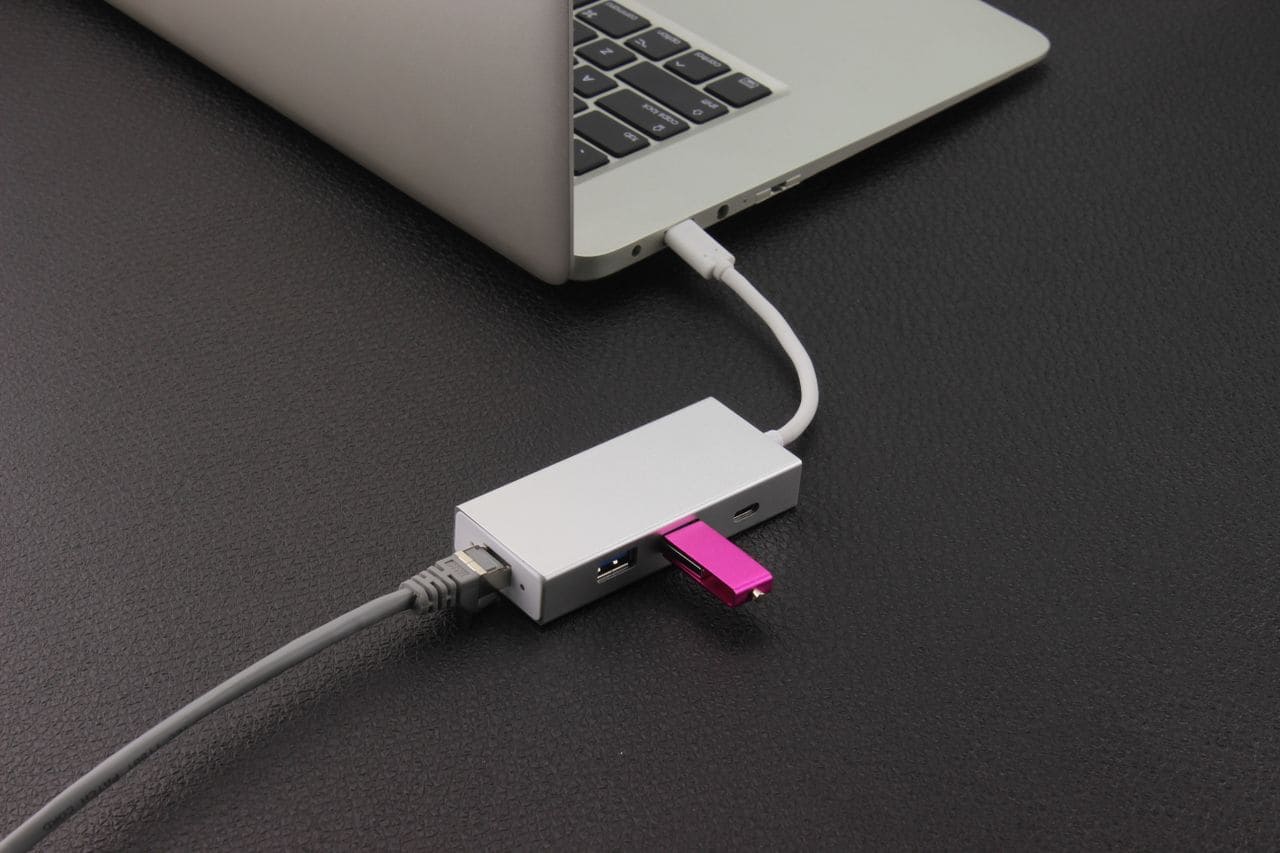
Ethernet port not working? Try 7 quick fixes: check cables, restart router, update drivers, run network reset. Most issues resolve in under 10 minutes.
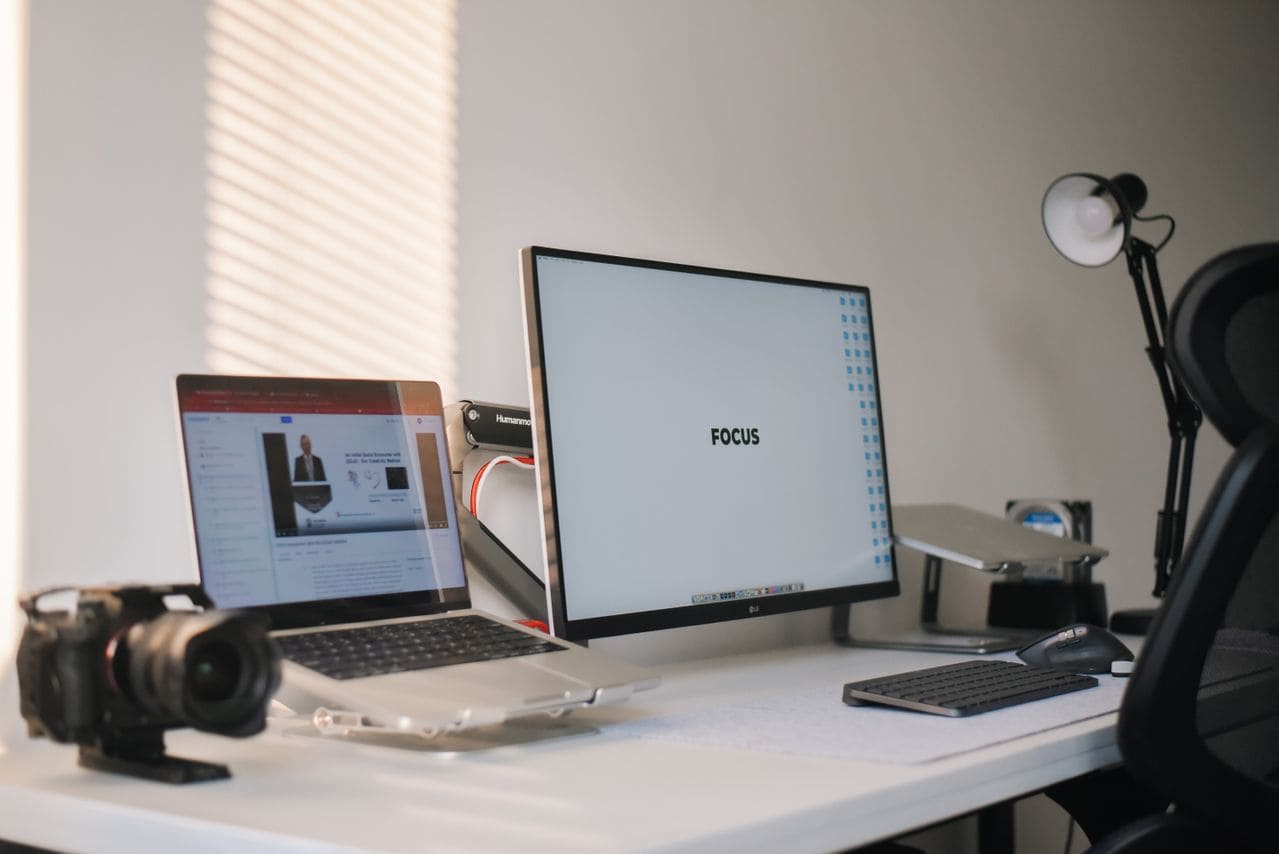
External monitor not working? Fix “No Signal” errors in under 10 minutes with cable, driver, and Windows settings troubleshooting.
External keyboard for laptop not working? Try USB port swaps, driver reinstalls, and wireless fixes. Step-by-step troubleshooting to get typing back online.
Laptop charger not working? Try these 7 quick fixes: test outlets, clean ports, update drivers & more. Troubleshoot before expensive repairs.