Docking Station for Laptop Not Working (Here’s How to Fix It Fast)
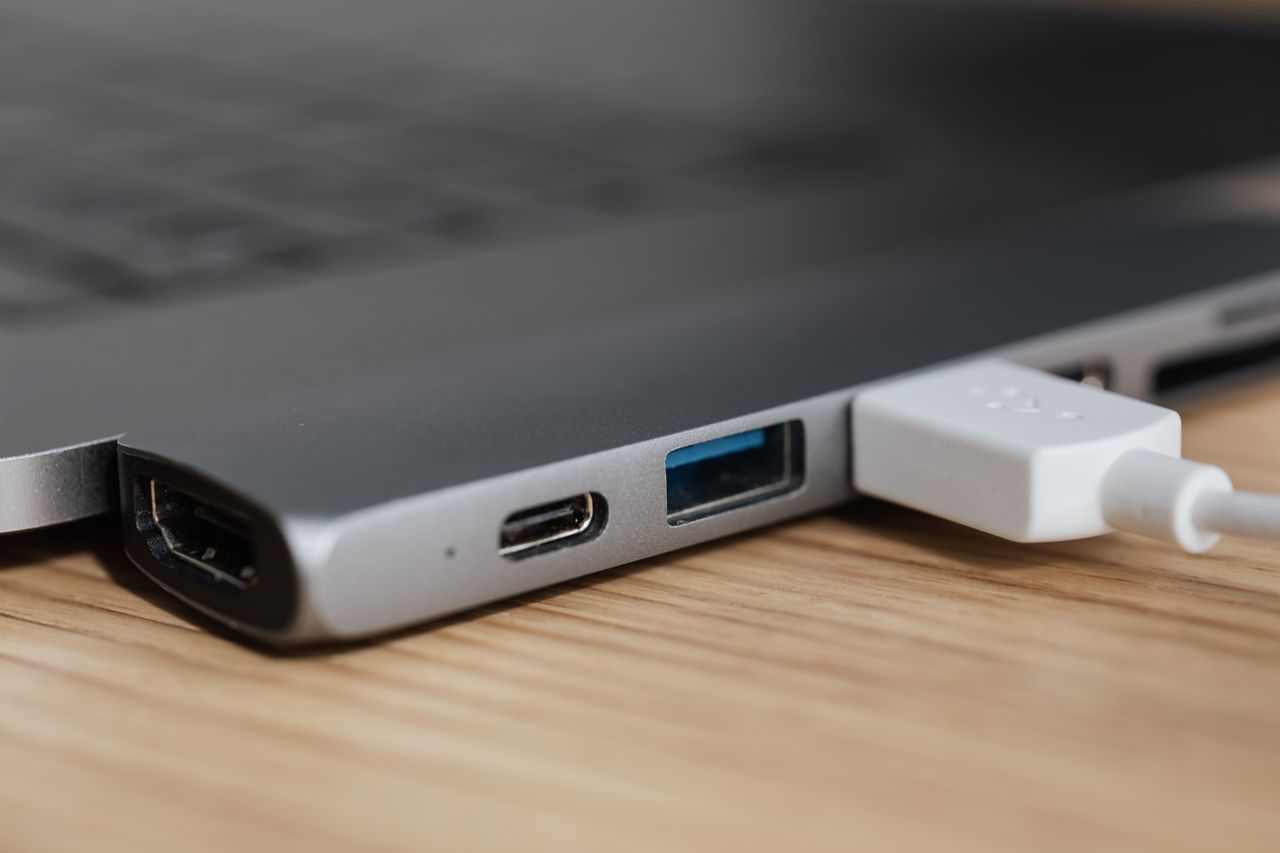
Docking station not working? Try these 6 quick fixes: cable checks, driver updates, power resets & more. Most issues resolve in under 15 minutes.

 Thomas Owen
 Docking station not working? Try these 6 quick fixes: cable checks, driver updates, power resets & more. Most issues resolve in under 15 minutes.
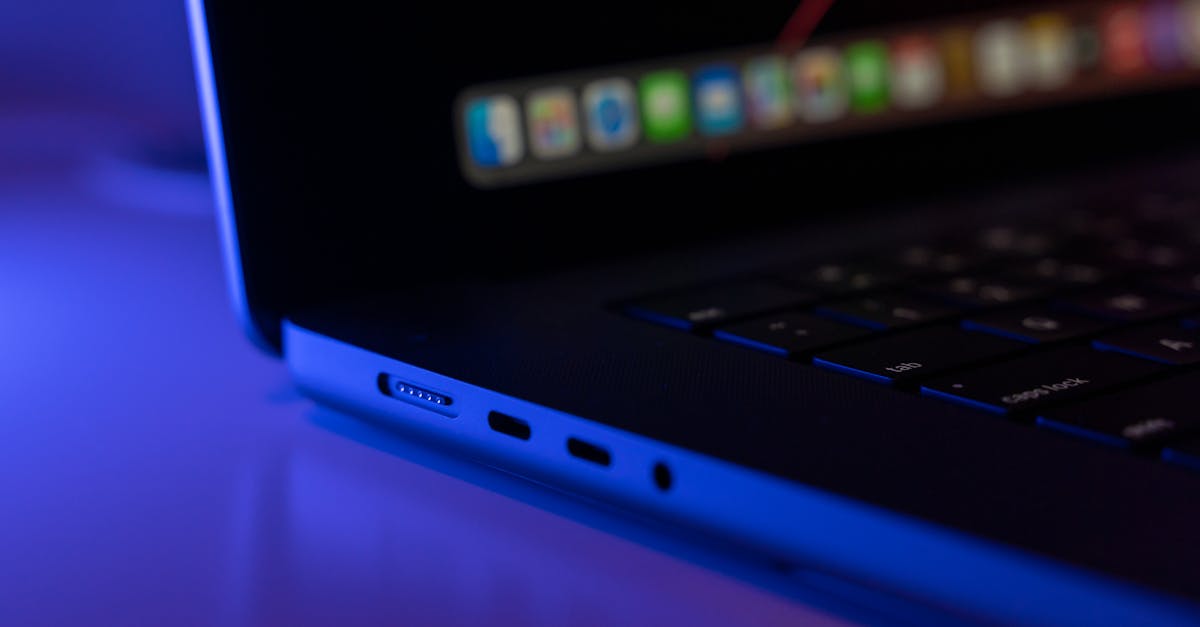
Fix laptop charging port issues with simple DIY troubleshooting: clean debris, update drivers, test alternate chargers, or reset power settings—no soldering required.

Cursor not working on your laptop? Try simple fixes: toggle touchpad hotkey, update drivers, restart, or clean the trackpad. Most issues resolve in minutes.

Camera not working on your laptop? Fix it in under 10 minutes with our step-by-step guide. Check settings, drivers, privacy modes, and more.
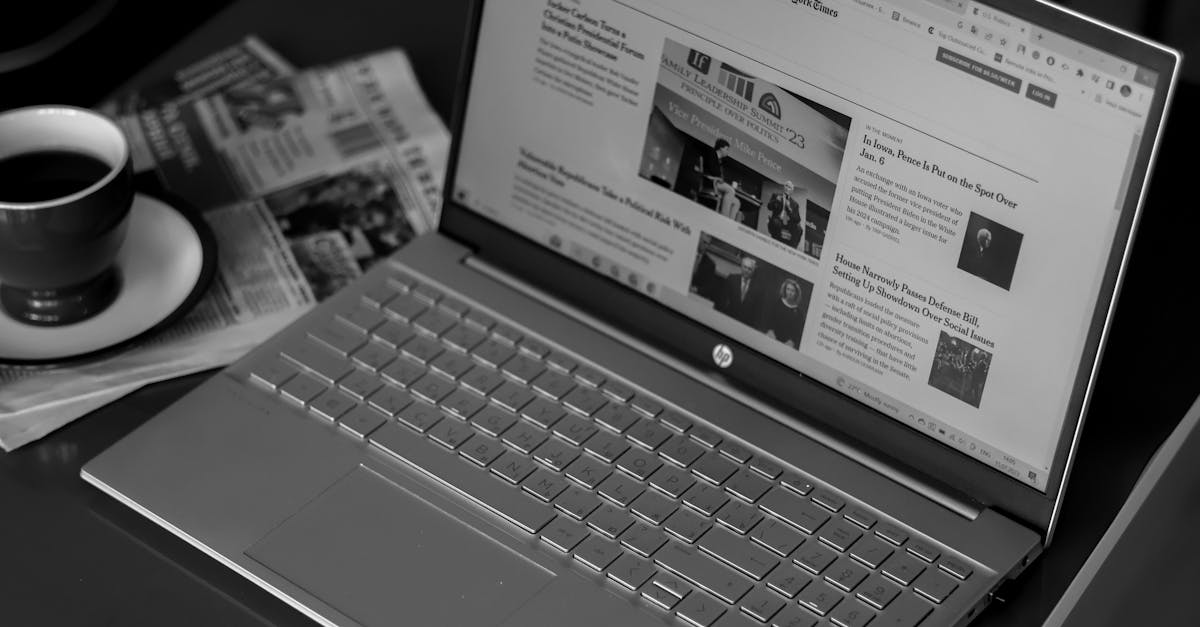
Fix brightness issues on HP laptops in under 10 minutes. Learn why your slider won’t work and get step-by-step driver, software, and settings solutions.

Laptop backlight not working? Fix dim or dark screens with brightness hotkeys, driver updates, and EC resets. Step-by-step guide to diagnose and repair.
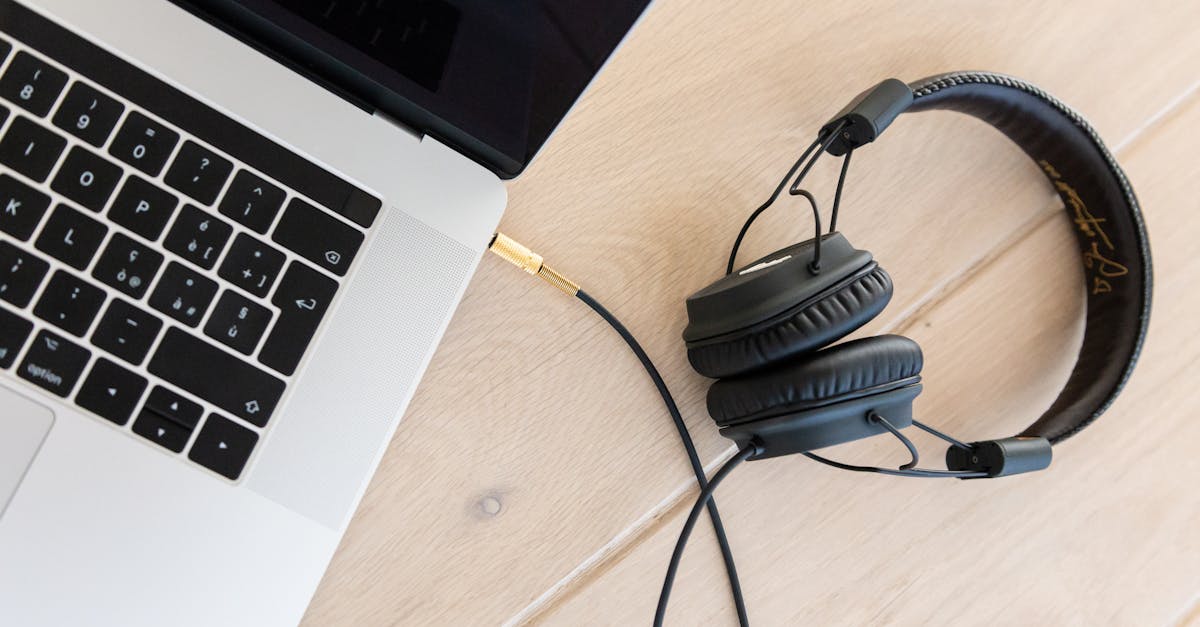
Fix your laptop’s audio jack in under 10 minutes. Troubleshoot software glitches, clean contacts, and update drivers with our step-by-step guide.

Acer touchscreen not responding? Fix it in 10 minutes with driver resets, power tweaks, and calibration steps. 80% of issues are software-fixable—no repairs needed.
Ford Transit Key Fob Replacement: OEM vs Aftermarket, Programming, Costs & Compatibility Guide
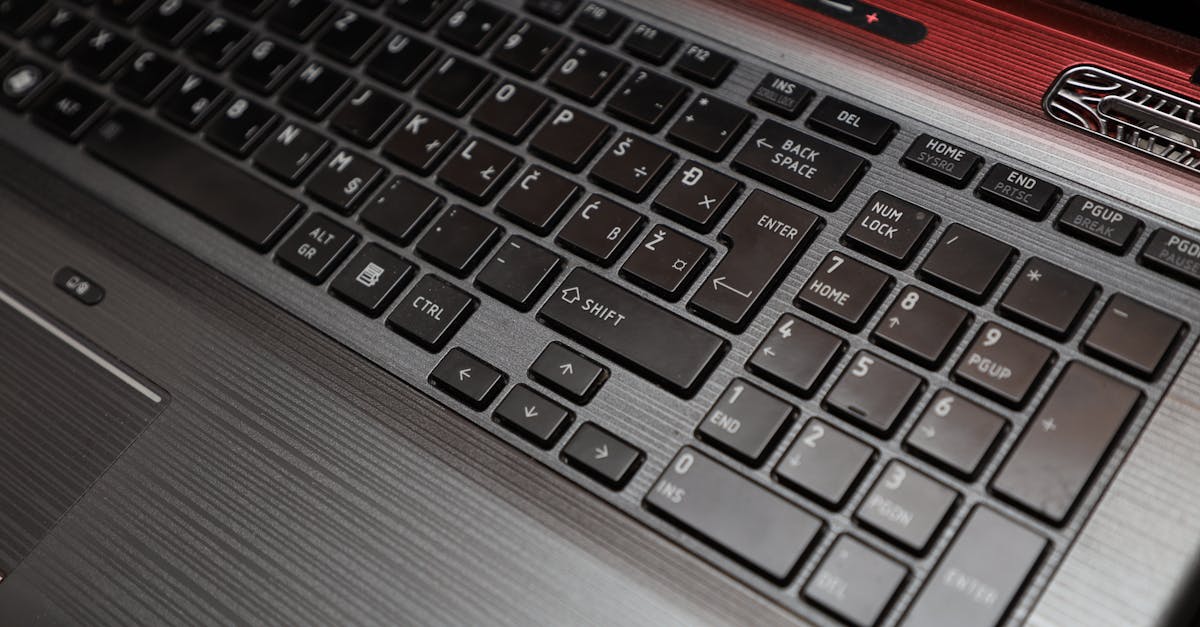
Fix arrow keys not working on your laptop in under 15 minutes. Quick DIY troubleshooting steps to solve driver, debris, and software conflicts.