HP Wireless Keyboard Not Working? 9 Proven Fixes to Get It Typing Again
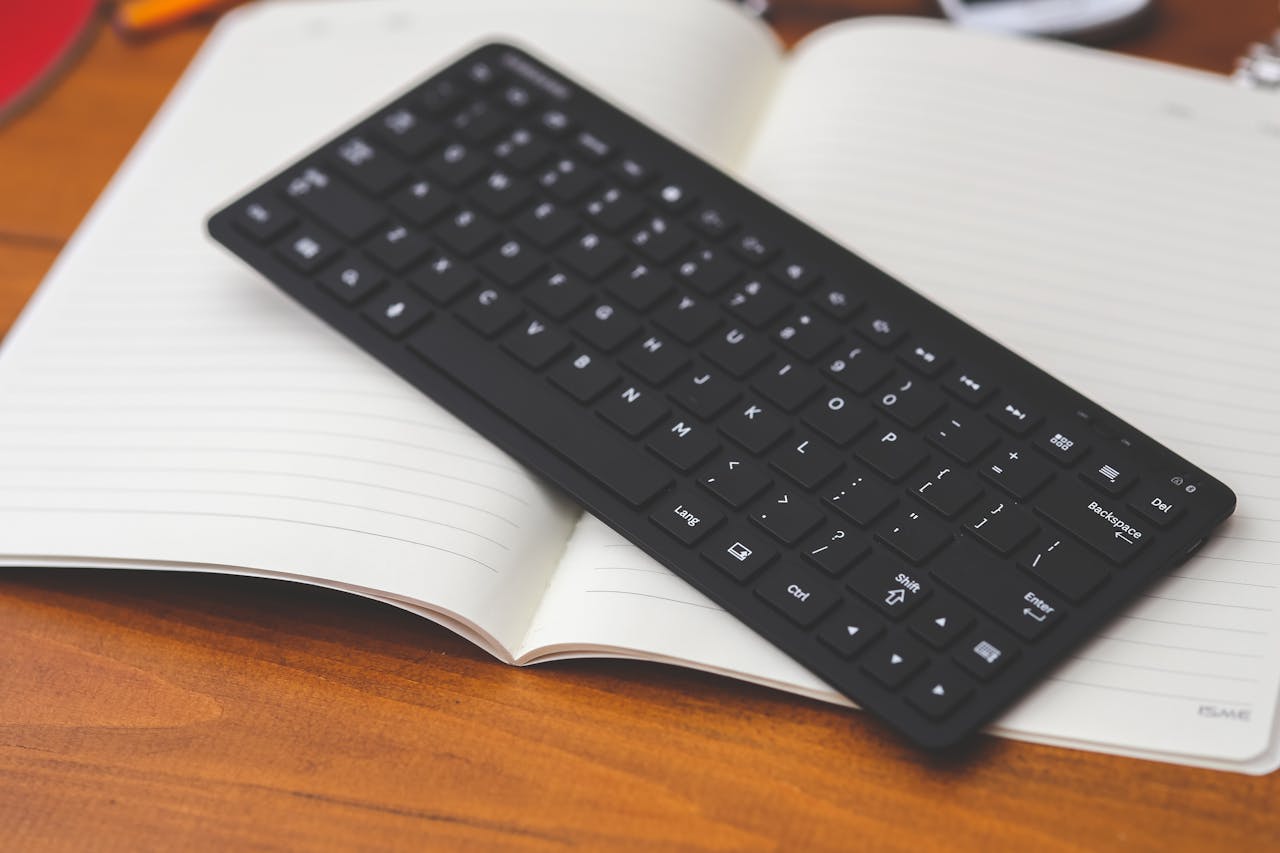
HP wireless keyboard not working? Try 7 proven fixes: replace batteries, reconnect USB receiver, re-pair Bluetooth, update drivers & more. Get typing again fast.

 Thomas Owen
 HP wireless keyboard not working? Try 7 proven fixes: replace batteries, reconnect USB receiver, re-pair Bluetooth, update drivers & more. Get typing again fast.
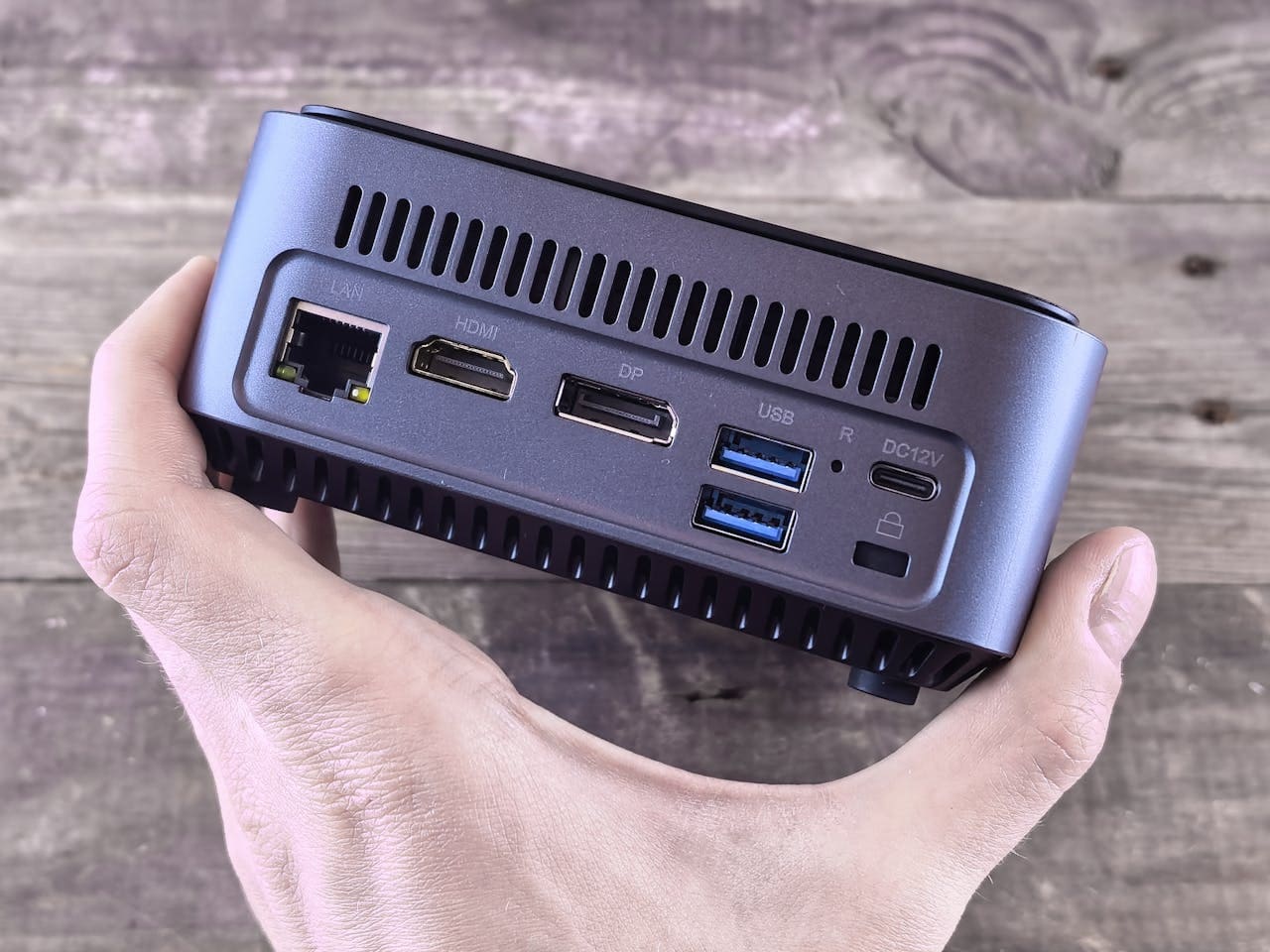
Your WiFi adapter suddenly stops working on Windows 11, and you’re left without internet access right when you need it most. This problem affects many Windows 11 users and can stem from outdated drivers, incorrect settings, or software conflicts after system updates. Most WiFi adapter issues in Windows 11 can be fixed through simple solutions … Read more
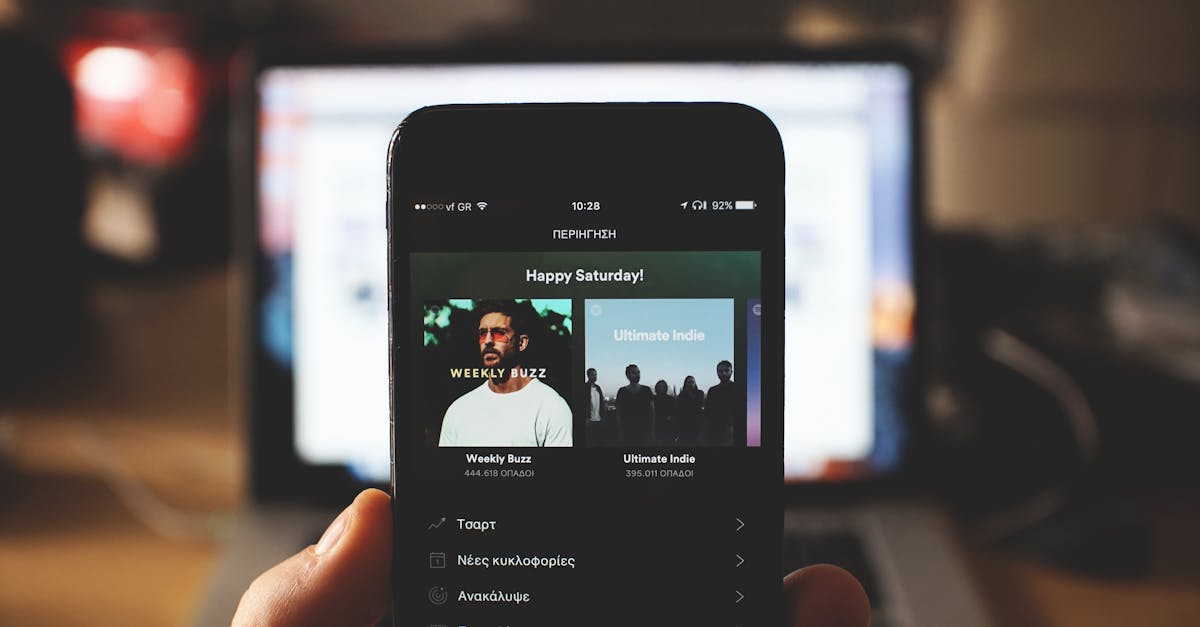
Fix Spotify not working on CarPlay: fast solutions for black screens, connection errors, and freezing. Try these 7 fixes in under 5 minutes.
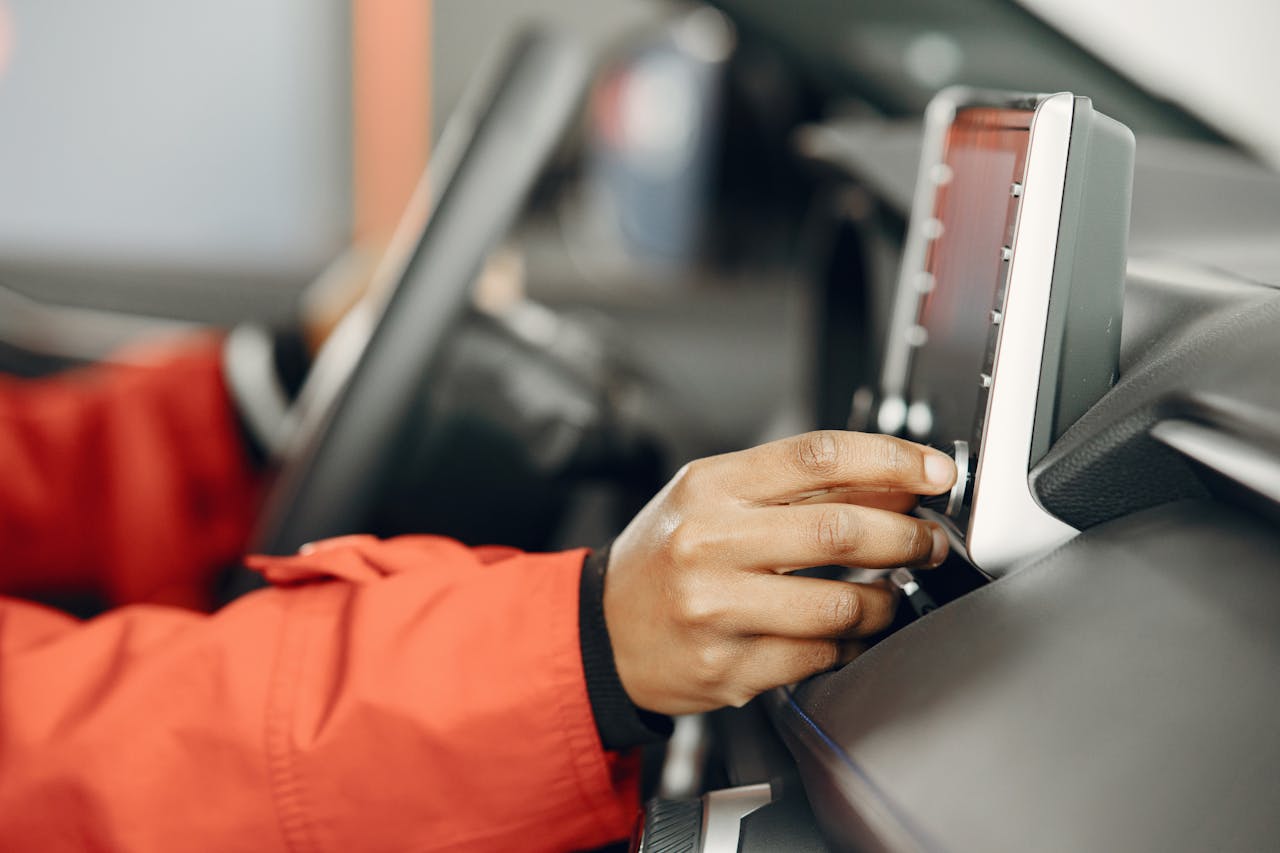
CarPlay not showing up? Try these 3 quick fixes: check your USB cable, enable Siri, and update firmware. Most issues resolved in minutes.

Fix on-screen keyboard not working in Windows 10/11. Enable services, run SFC scans, and resolve hardware conflicts with step-by-step solutions.
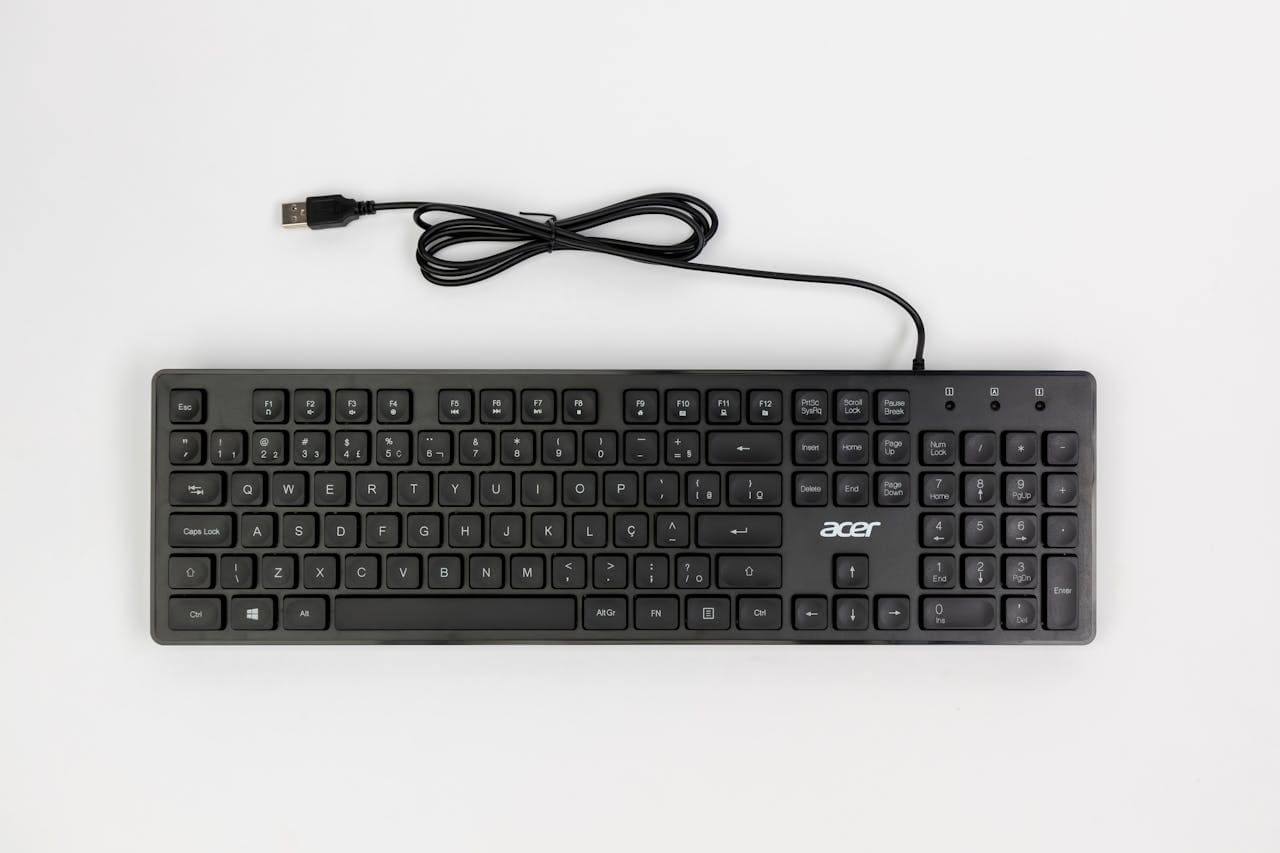
Fix USB keyboard not working with our step-by-step guide. Driver reinstalls, power settings & BIOS solutions get you typing again in minutes.

When your ASUS laptop or desktop suddenly loses its WiFi connection, it can stop your work or entertainment in its tracks. You might see no WiFi icon, get an exclamation mark in Device Manager, or find that your available networks list is completely empty. These problems are frustrating but usually fixable without professional help. Most … Read more
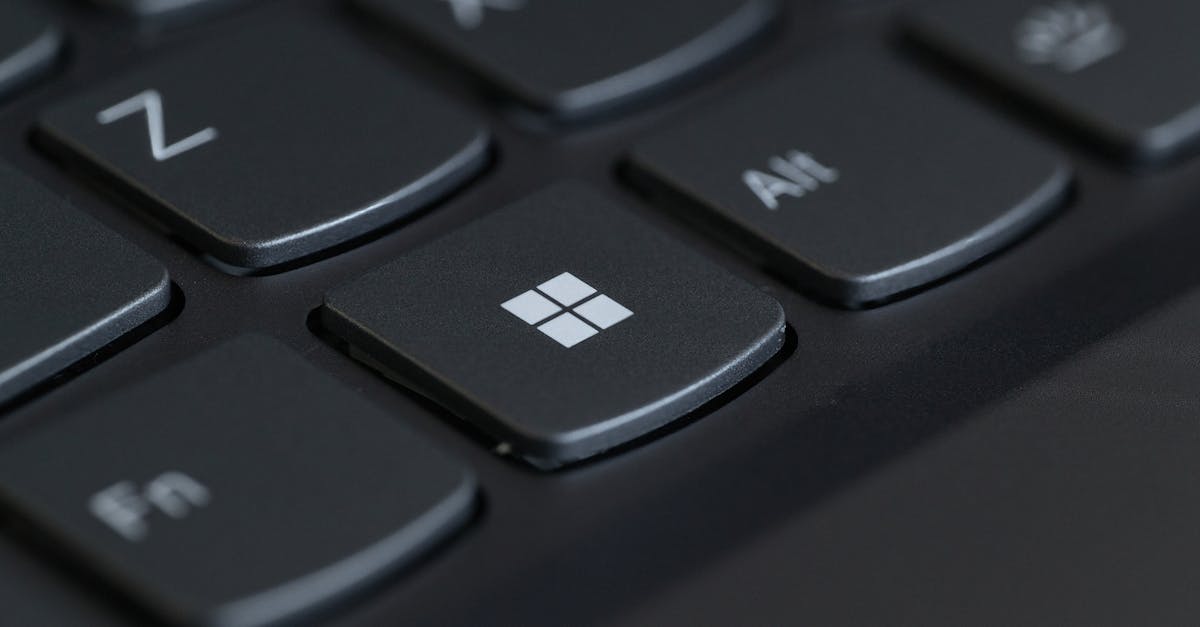
Fix keyboard volume button not working with 5 quick solutions. Troubleshoot HID Service, Fn Lock, drivers, and software conflicts in minutes.
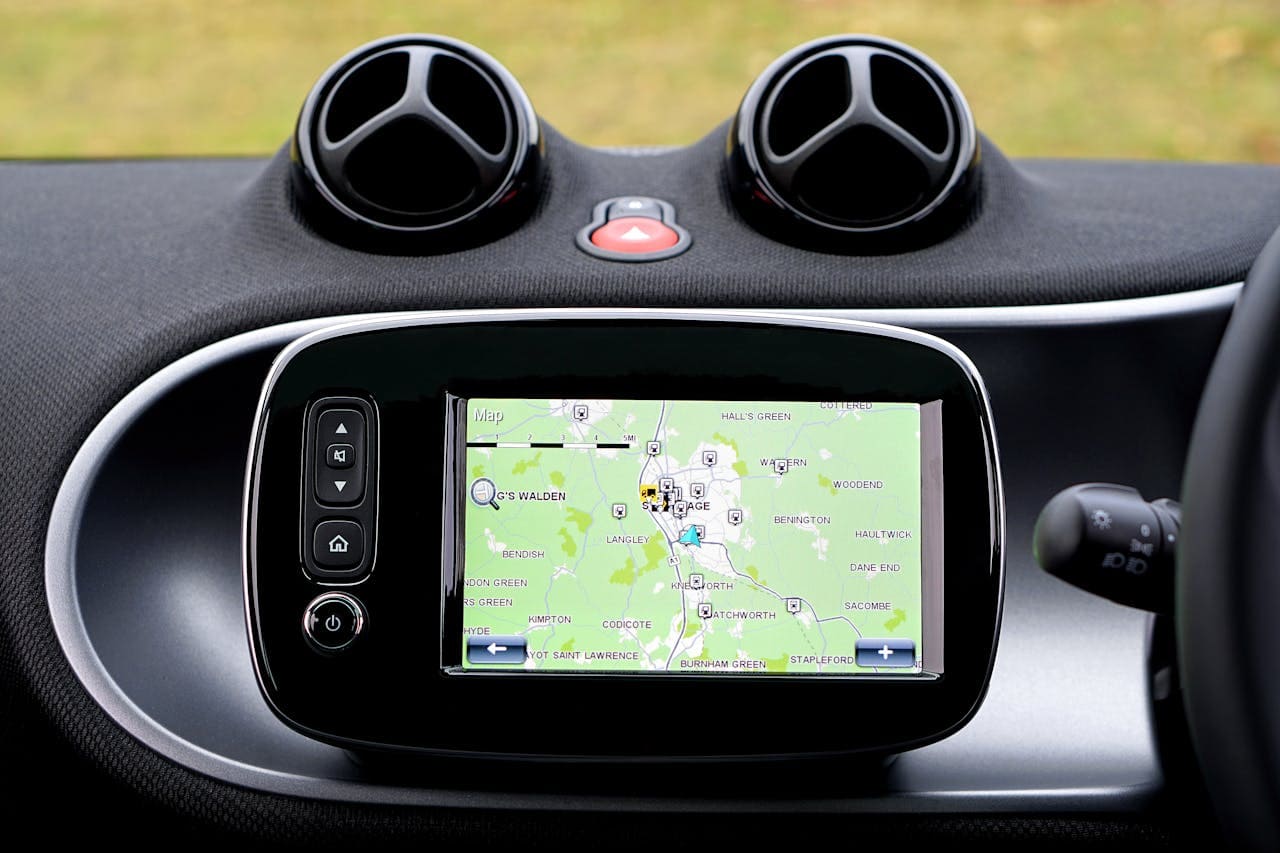
Apple CarPlay drops out while driving? Fix wired & wireless disconnects with proven troubleshooting steps, from cable checks to network resets.
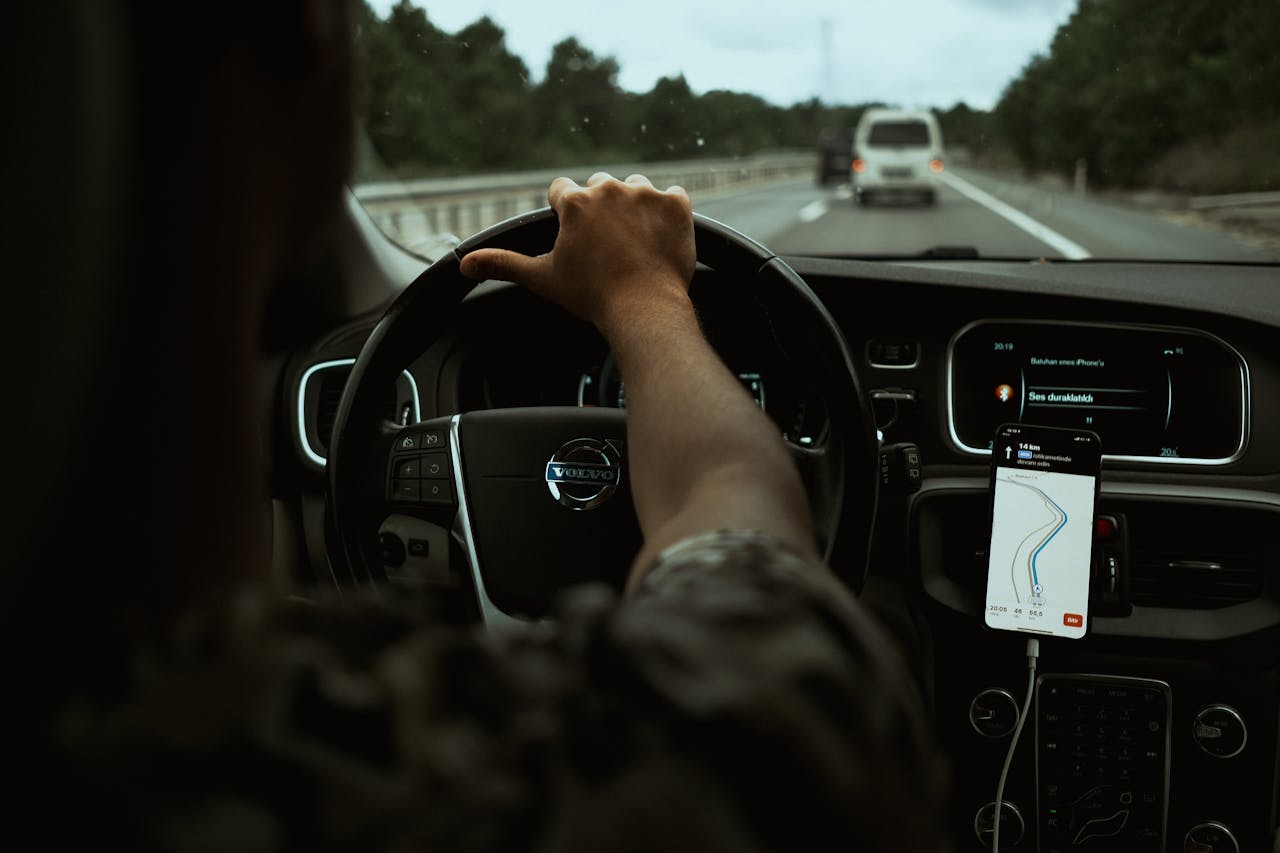
Waze not working on CarPlay? Fix black screens, GPS errors & audio issues in minutes with step-by-step troubleshooting. Force close, reset settings & update apps.