ASUS Laptop Keyboard Not Working (Here’s the Quick and Simple DIY Fixes)

Fix ASUS laptop keyboard not working with simple software fixes & troubleshooting steps. Most issues solved in under 15 minutes—no repair bill required.

Fix ASUS laptop keyboard not working with simple software fixes & troubleshooting steps. Most issues solved in under 15 minutes—no repair bill required.

Fix laptop volume not working with step-by-step troubleshooting. Discover why your audio cut out and restore sound in minutes using built-in tools.

Fix a Gateway laptop keyboard not working with 6 easy troubleshooting steps. Driver updates, Filter Keys, & hardware diagnostics—most issues solved without repair.

Fix Lenovo ThinkPad keyboard not working with 5 proven steps—from static reset to driver updates. Most issues resolve for free.
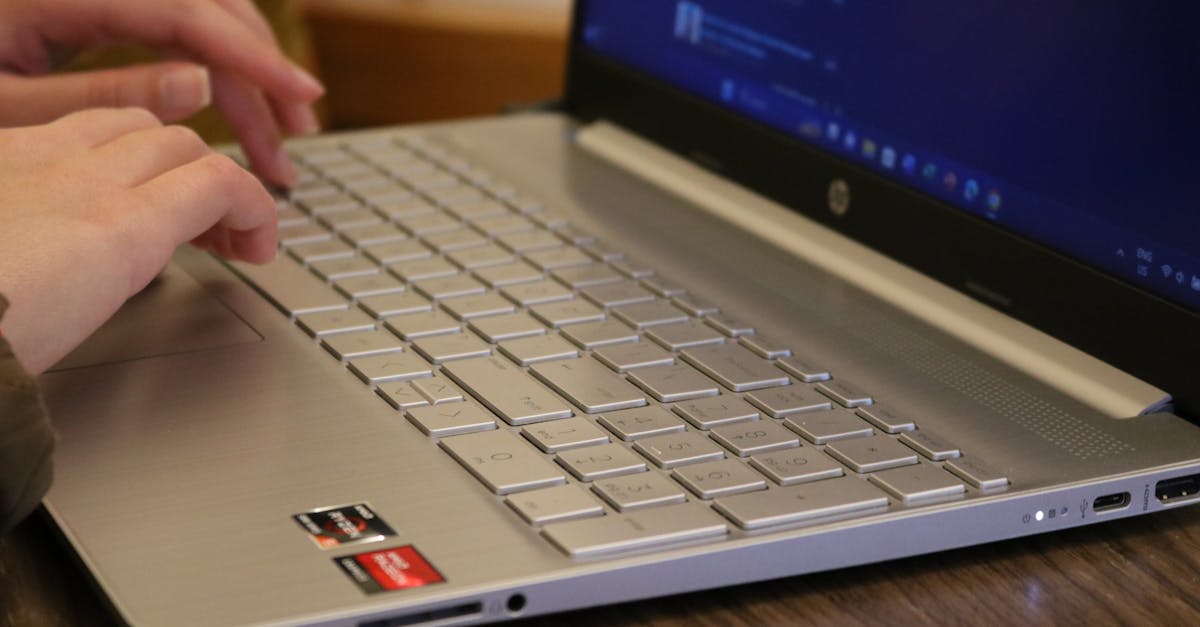
HP EliteBook keyboard not working? Troubleshoot driver issues, Filter Keys, and ribbon cable problems with step-by-step fixes tested on G6–G10 models.

When your ASUS laptop or desktop suddenly loses its WiFi connection, it can stop your work or entertainment in its tracks. You might see no WiFi icon, get an exclamation mark in Device Manager, or find that your available networks list is completely empty. These problems are frustrating but usually fixable without professional help. Most … Read more

HP keyboard not working? Fix it in minutes. USB connection, drivers, Filter Keys, battery, or Windows update—all solutions here.
HP laptop keyboard not working after Windows 11 update? Fix driver conflicts, rollback updates, disable Filter Keys—restore typing in minutes.

Fix HP Chromebook keyboard issues fast. Try hard reset, EC reset, and keyboard settings—most problems are software, not hardware.
Fix your Chromebook keyboard with EC reset, software troubleshooting, and step-by-step hardware diagnostics—no external keyboard required.