USB Keyboard Not Working? 7 Fast Fixes That Skip the Repair Shop
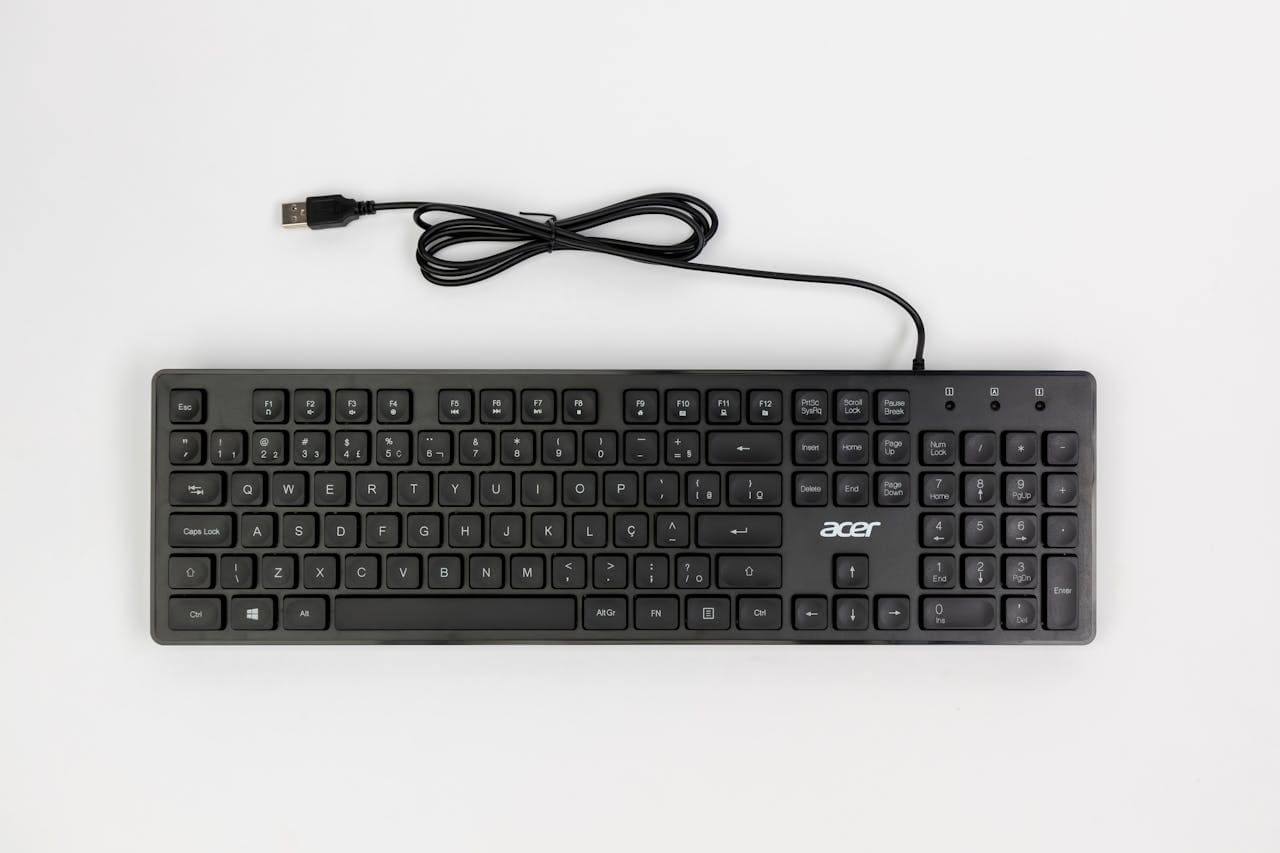
Fix USB keyboard not working with our step-by-step guide. Driver reinstalls, power settings & BIOS solutions get you typing again in minutes.

Fix USB keyboard not working with our step-by-step guide. Driver reinstalls, power settings & BIOS solutions get you typing again in minutes.
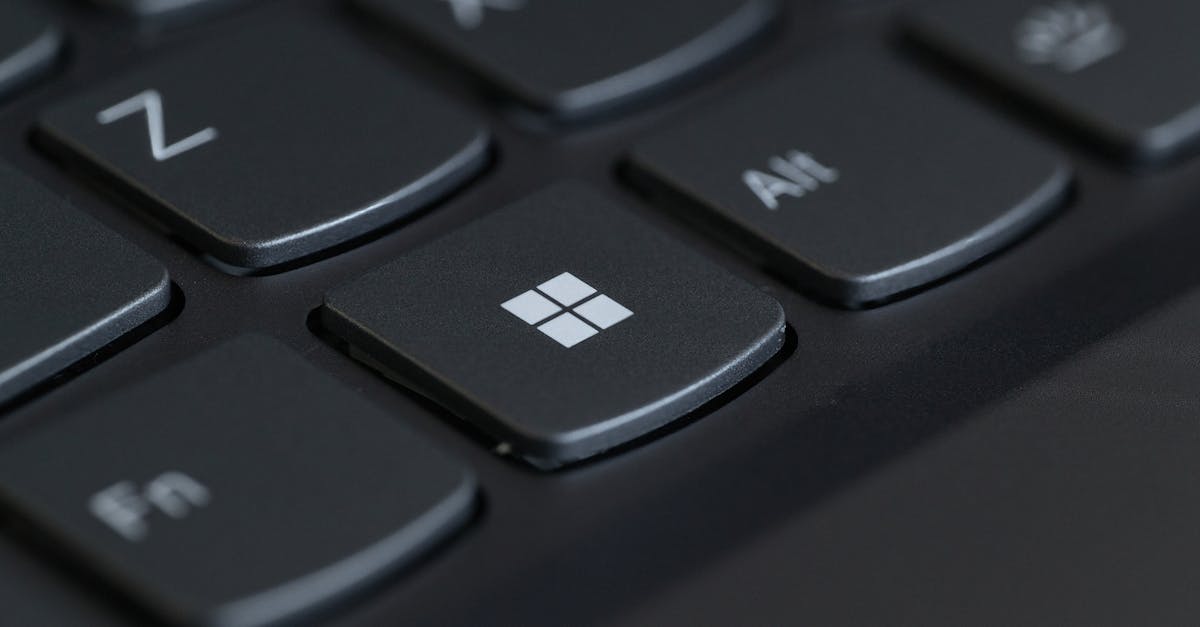
Fix keyboard volume button not working with 5 quick solutions. Troubleshoot HID Service, Fn Lock, drivers, and software conflicts in minutes.
HP keyboard not working? Fix it in minutes. USB connection, drivers, Filter Keys, battery, or Windows update—all solutions here.
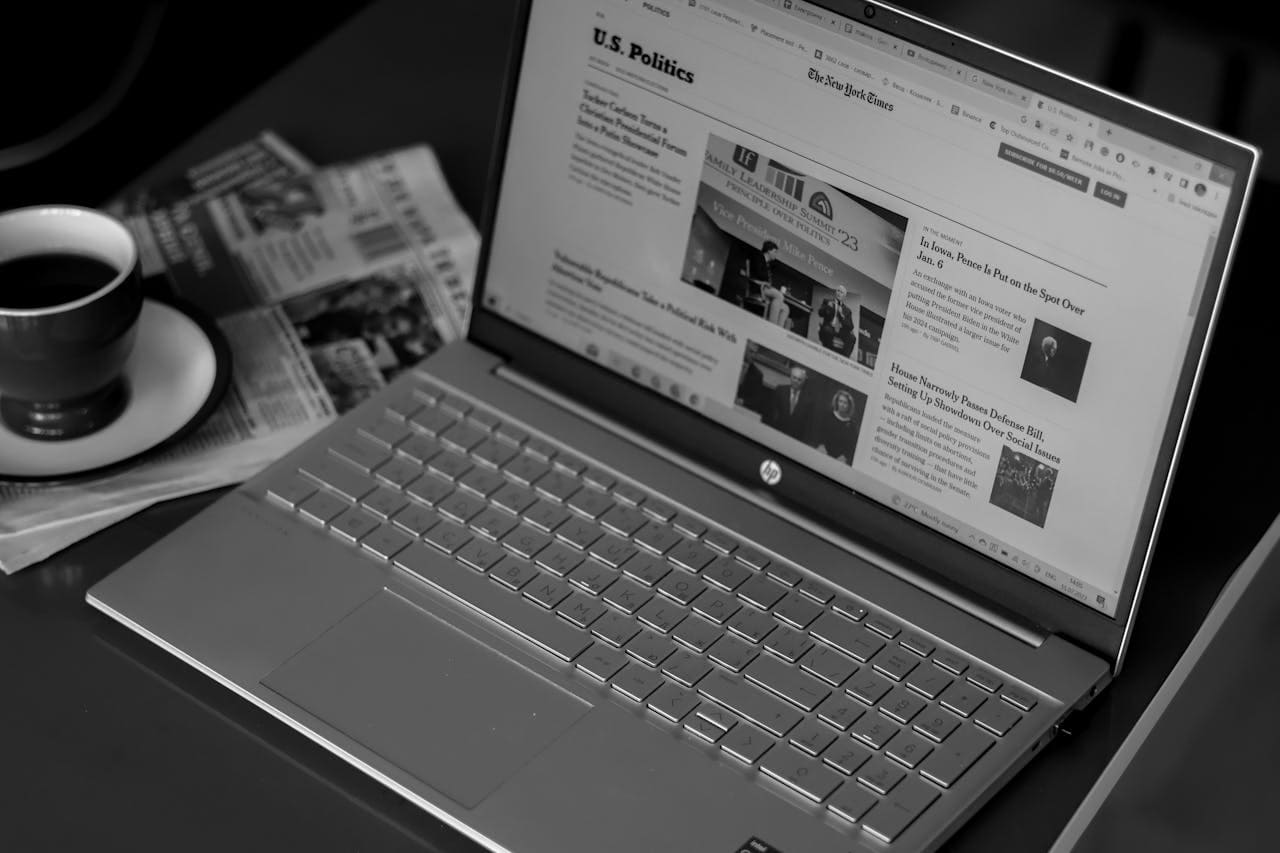
HP laptop keyboard not working after Windows 11 update? Fix driver conflicts, rollback updates, disable Filter Keys—restore typing in minutes.
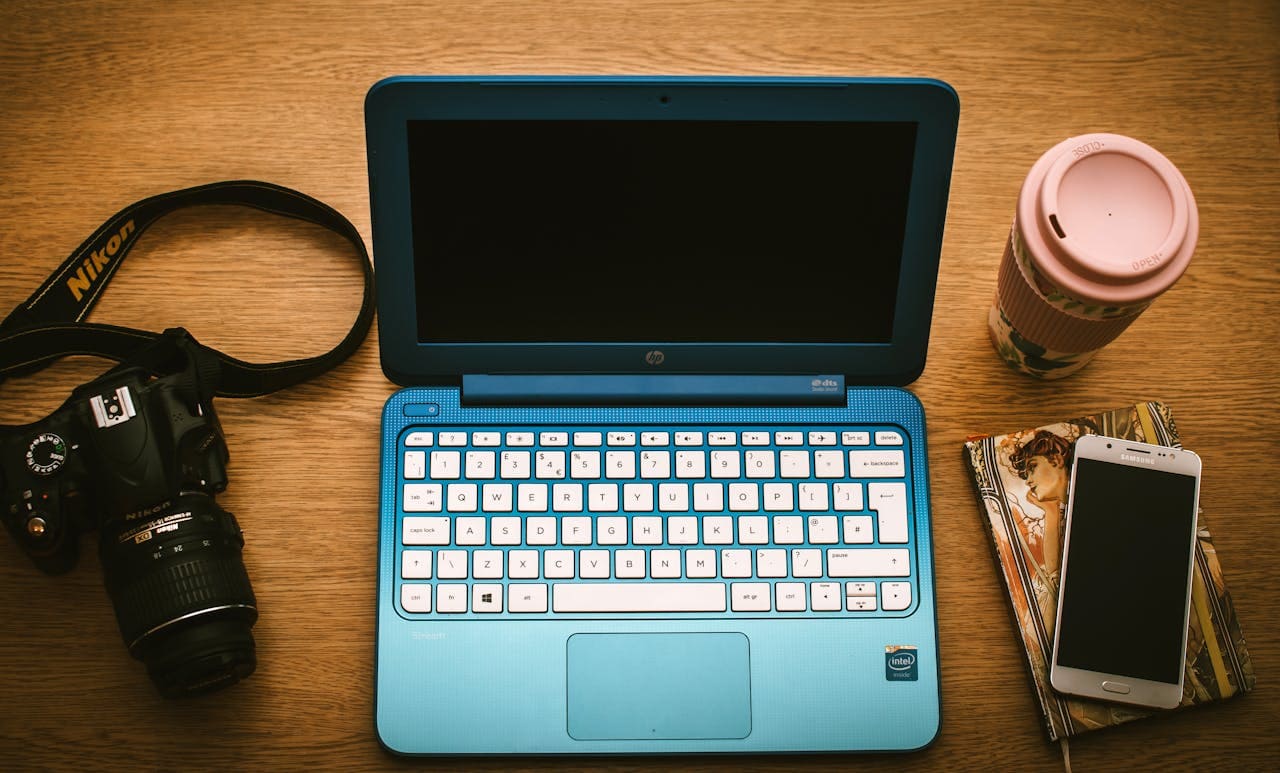
Fix HP Chromebook keyboard issues fast. Try hard reset, EC reset, and keyboard settings—most problems are software, not hardware.
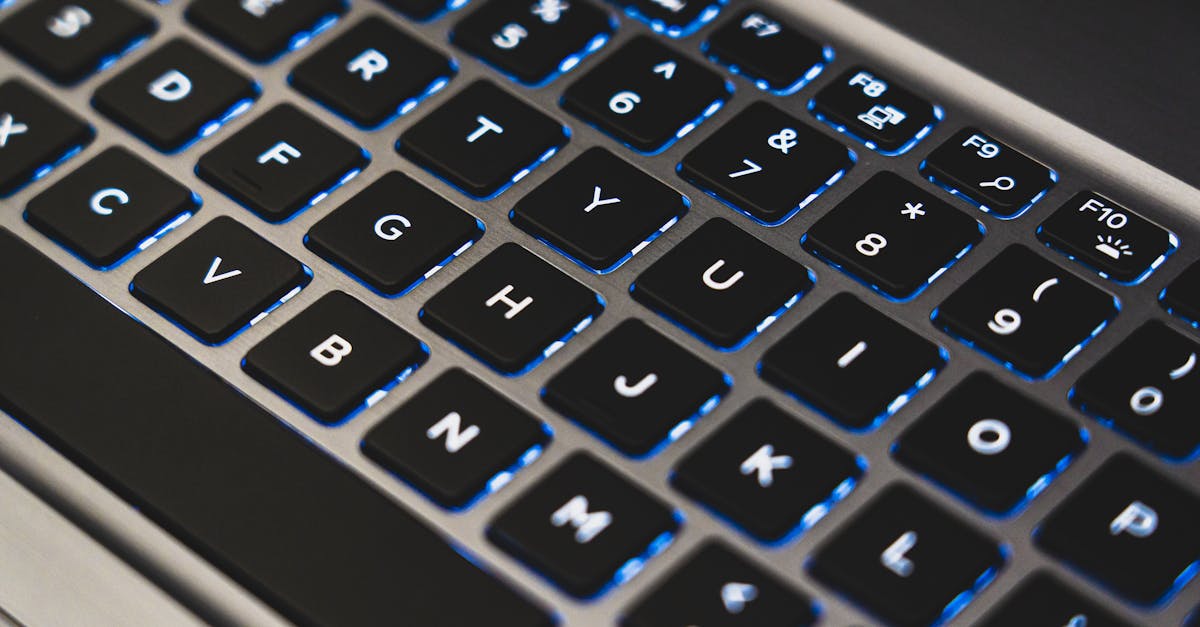
Fix keyboard number keys not working with Num Lock, driver updates, and troubleshooting steps. Most issues resolve in under 2 minutes.
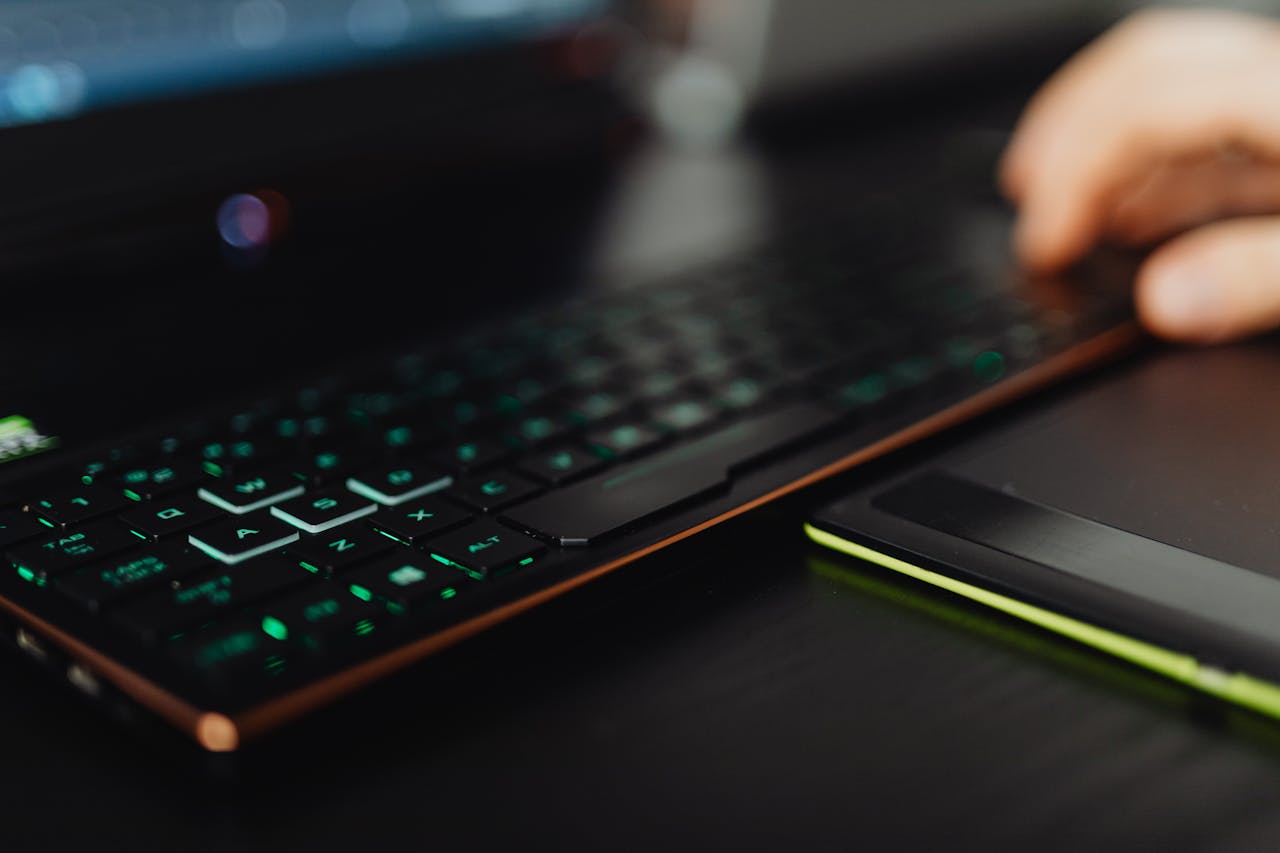
Fix letter keys not working on Windows, Mac, and laptops. Quick software fixes under 5 minutes, plus hardware diagnostics and replacement options.
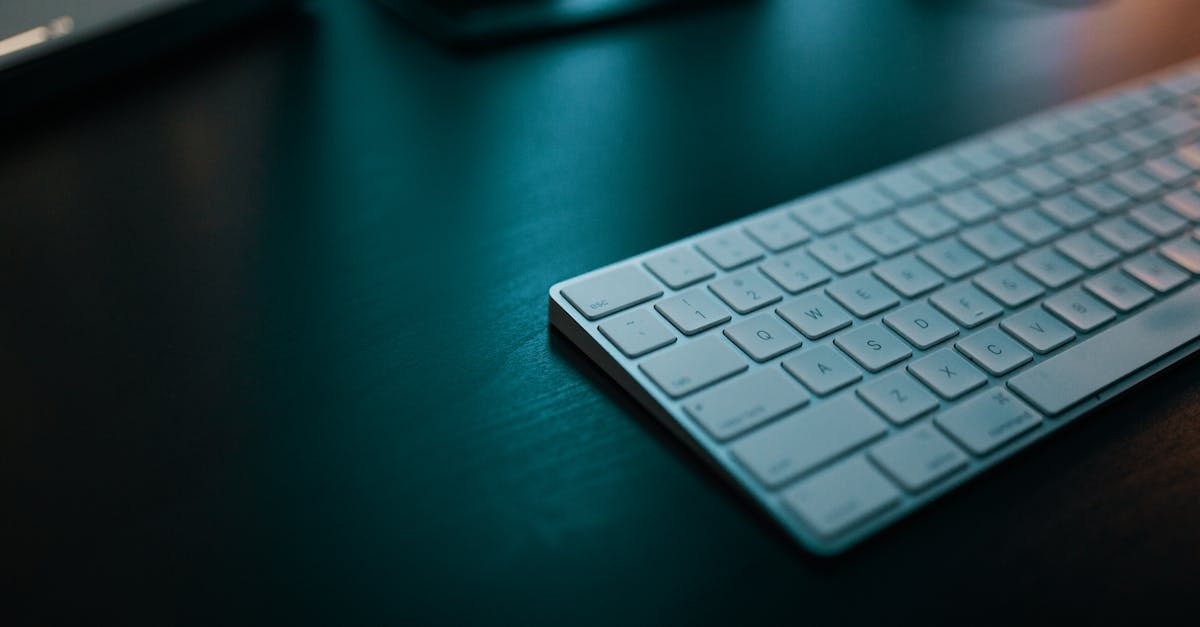
Fix your external keyboard not working with proven solutions. Disable USB Selective Suspend, update drivers, or reset wireless dongles—80% of cases resolved.
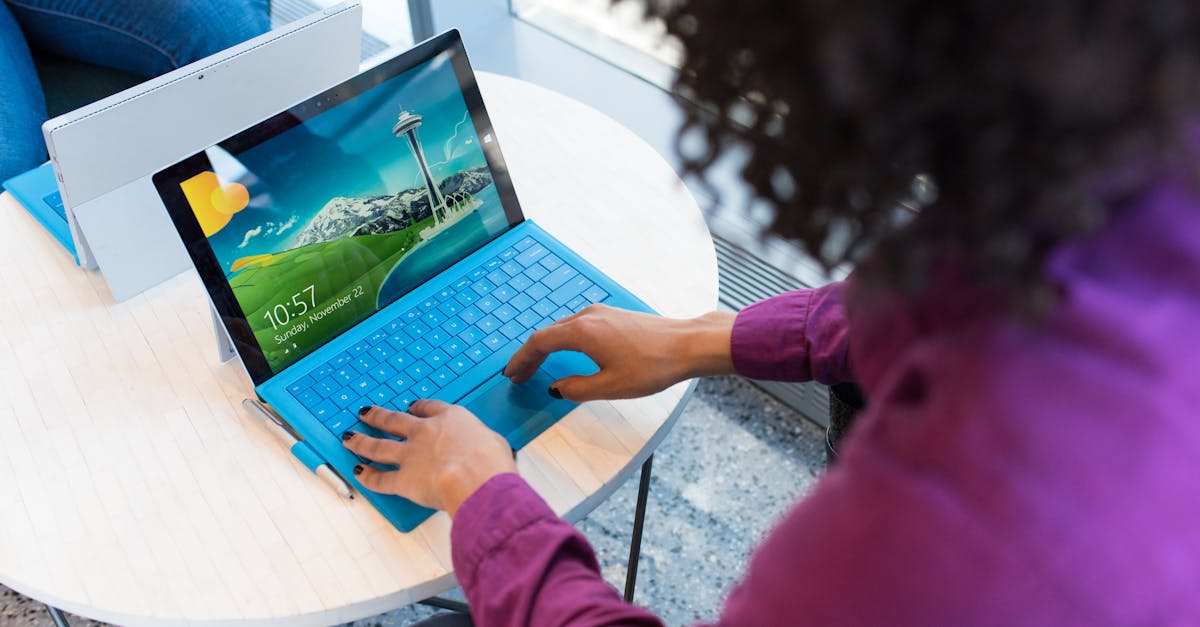
Fix your Chromebook keyboard with EC reset, software troubleshooting, and step-by-step hardware diagnostics—no external keyboard required.
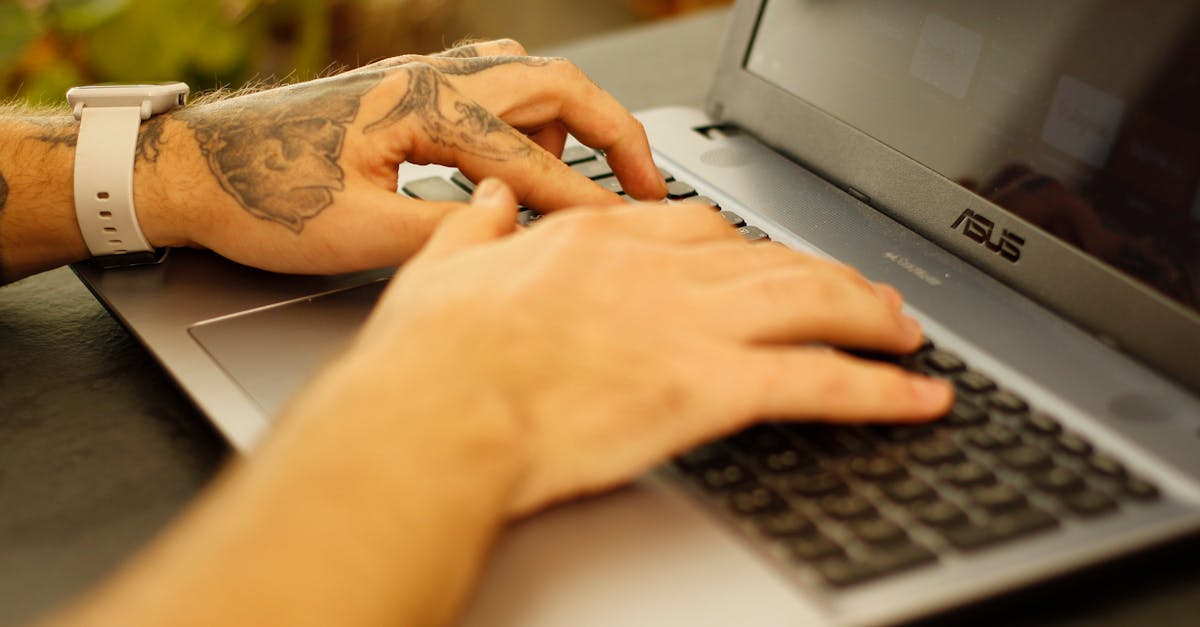
Fix Asus laptop keyboard not working with 40-second EC reset, driver reinstall, or Filter Keys fix. 70–80% software-solvable—skip repair bills.