Laptop Not Responding (Why It Happen and How to Fix It Fast)
Laptop not responding? Try Win+Ctrl+Shift+B, Task Manager, or Safe Mode. Learn quick fixes for frozen screens, 100% disk usage, overheating, and malware.

Laptop not responding? Try Win+Ctrl+Shift+B, Task Manager, or Safe Mode. Learn quick fixes for frozen screens, 100% disk usage, overheating, and malware.
Laptop not shutting down? Fix frozen shutdown screens with proven driver updates, Fast Startup disable, and power-setting tweaks. Step-by-step troubleshooting guide.
Laptop won’t charge? Try 12 proven fixes: test cables, update drivers, check ports & power settings. Includes battery health checks and when to replace.
Laptop not connecting to Wi-Fi? Learn 8 proven fixes: update drivers, reset network settings, check router firmware, and eliminate authentication errors in minutes.
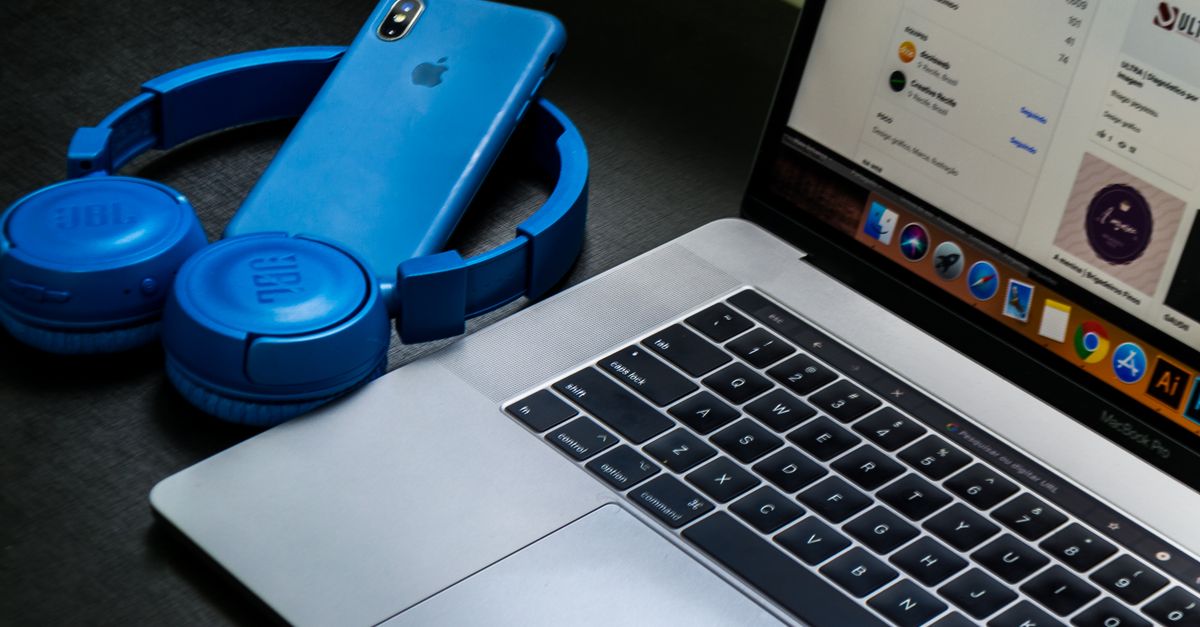
Laptop not detecting headphones? Try driver updates, disable audio enhancements, reset Bluetooth, clean the jack, and fix Sound settings. Full guide.
Laptop not detecting Wi-Fi? Fix disabled adapters, update drivers, and restore connectivity with step-by-step troubleshooting and hardware checks.
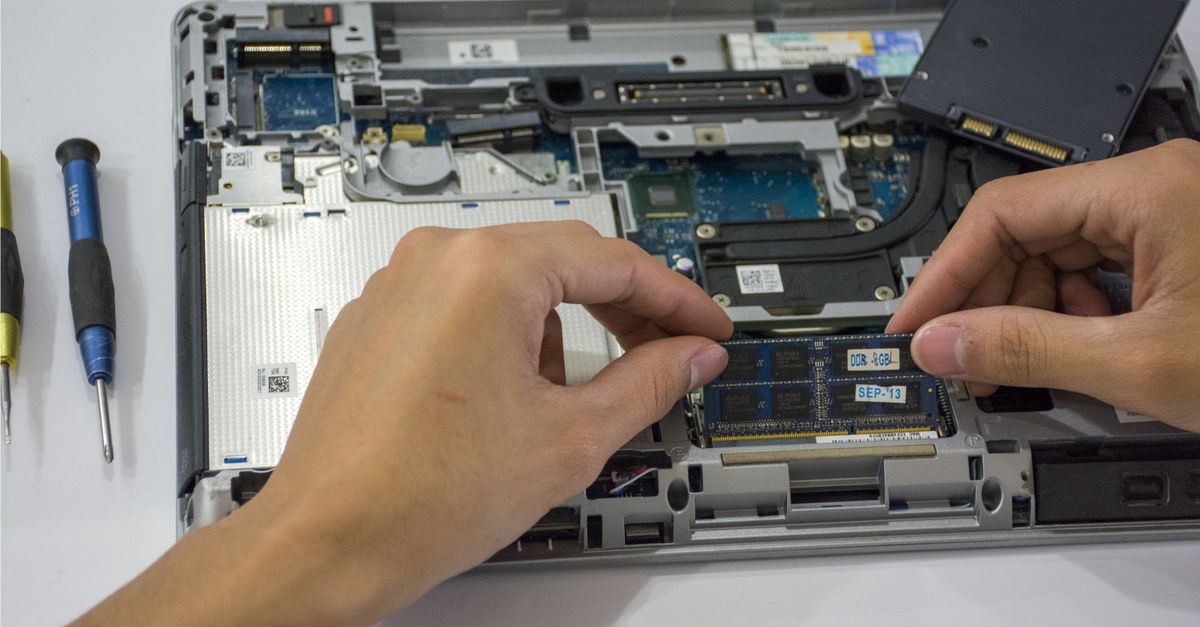
Laptop not detecting SSD? Fix boot device errors with proven steps: reseat drives, update drivers, adjust BIOS/UEFI settings, and recover access to your files.
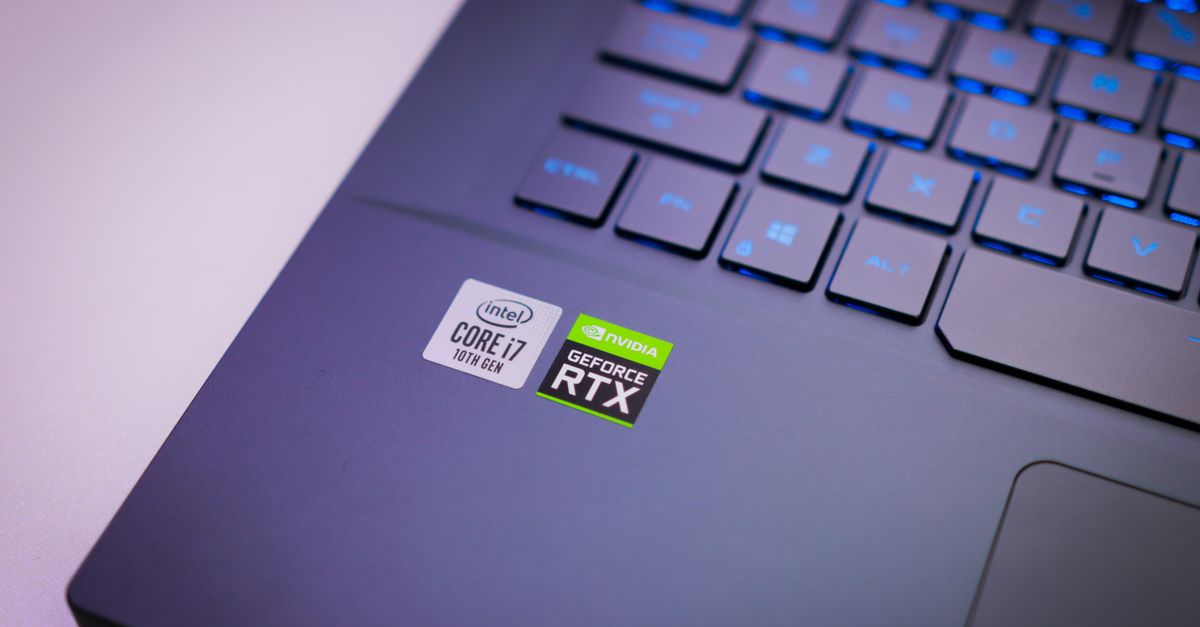
Your gaming laptop freezes mid-match. Your rendering software crashes. You open Device Manager, no dedicated GPU in sight, just integrated Intel or AMD graphics. Your laptop is defaulting to weak onboard video, gutting performance in games, 3D modeling, and video editing. It’s a frustrating hardware nightmare, but often fixable. The laptop-not-detecting-GPU problem stems from driver … Read more
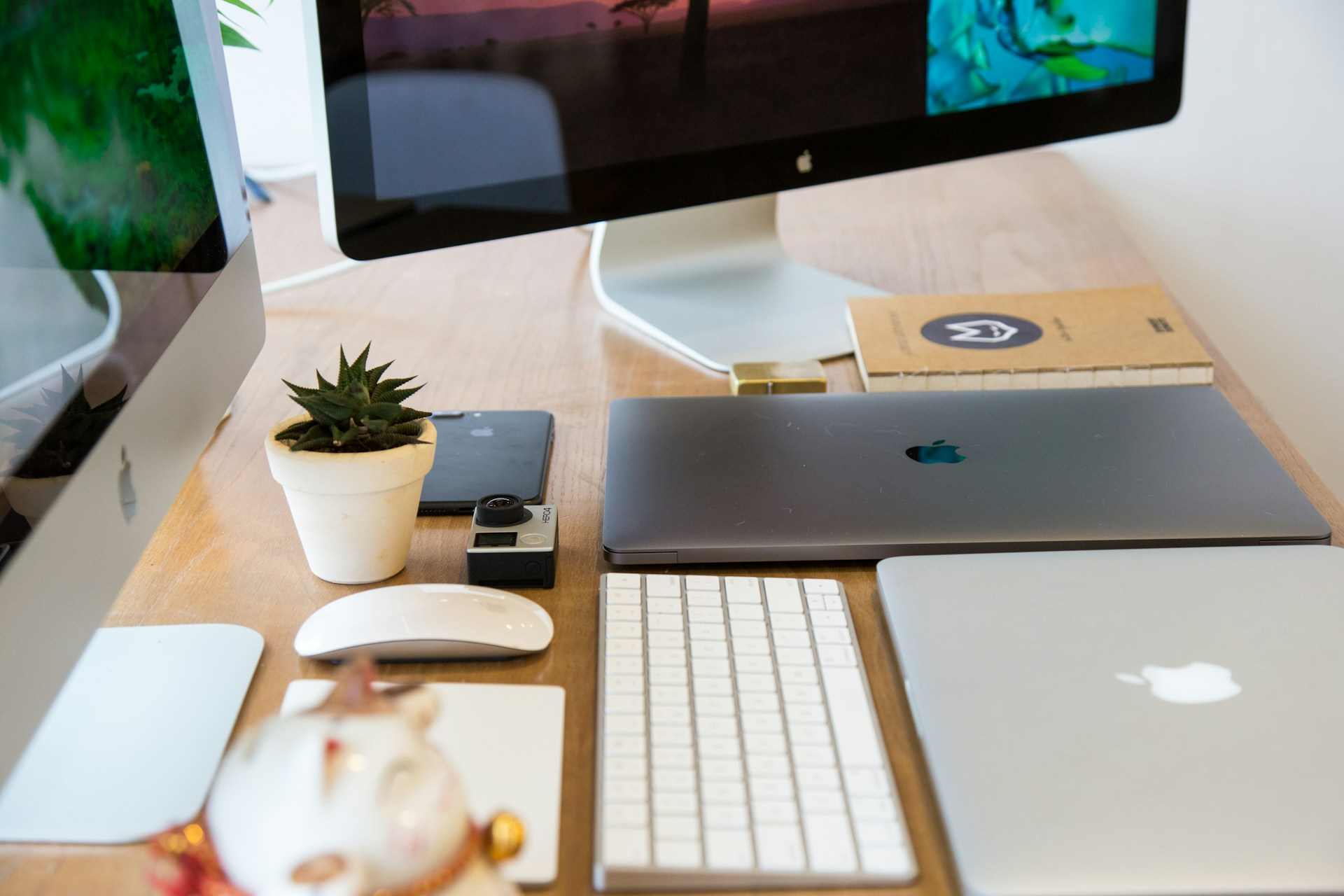
Laptop not detecting monitor? Try these 7 fixes: check cables, update GPU drivers, use Win+P, adjust resolution settings, and more. Restore dual-screen setup fast.
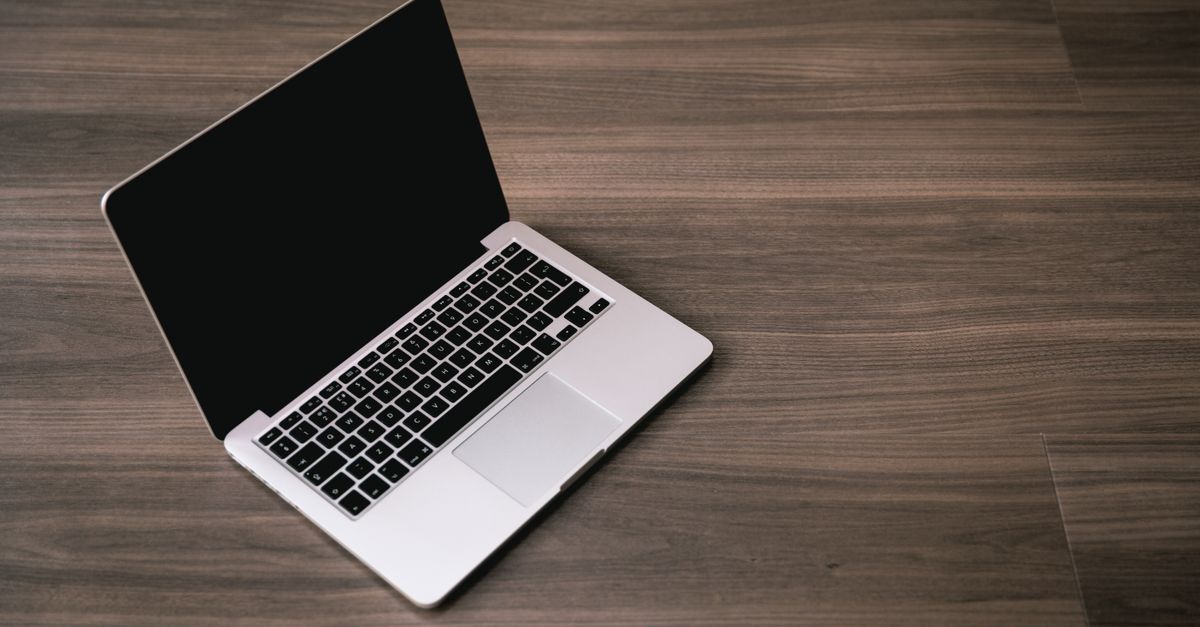
Laptop not turning on? Try a hard power reset, check your AC adapter, reseat RAM, and test your display. Comprehensive diagnostic steps inside.