

You want clear sound that fits your budget and room. For straight-up audio performance, Samsung generally delivers fuller, clearer sound while Hisense gives solid value if you need decent audio on a tighter budget.
This piece compares their sound quality directly, then looks at picture, smart features, and overall value so you can pick the best match for your setup.
Expect plain comparisons of dialogue clarity, bass, and stereo imaging so you know which brand will make movies and music sound better in your space. You’ll also see how each brand’s features and design affect the listening experience and which option makes the most sense for your priorities.
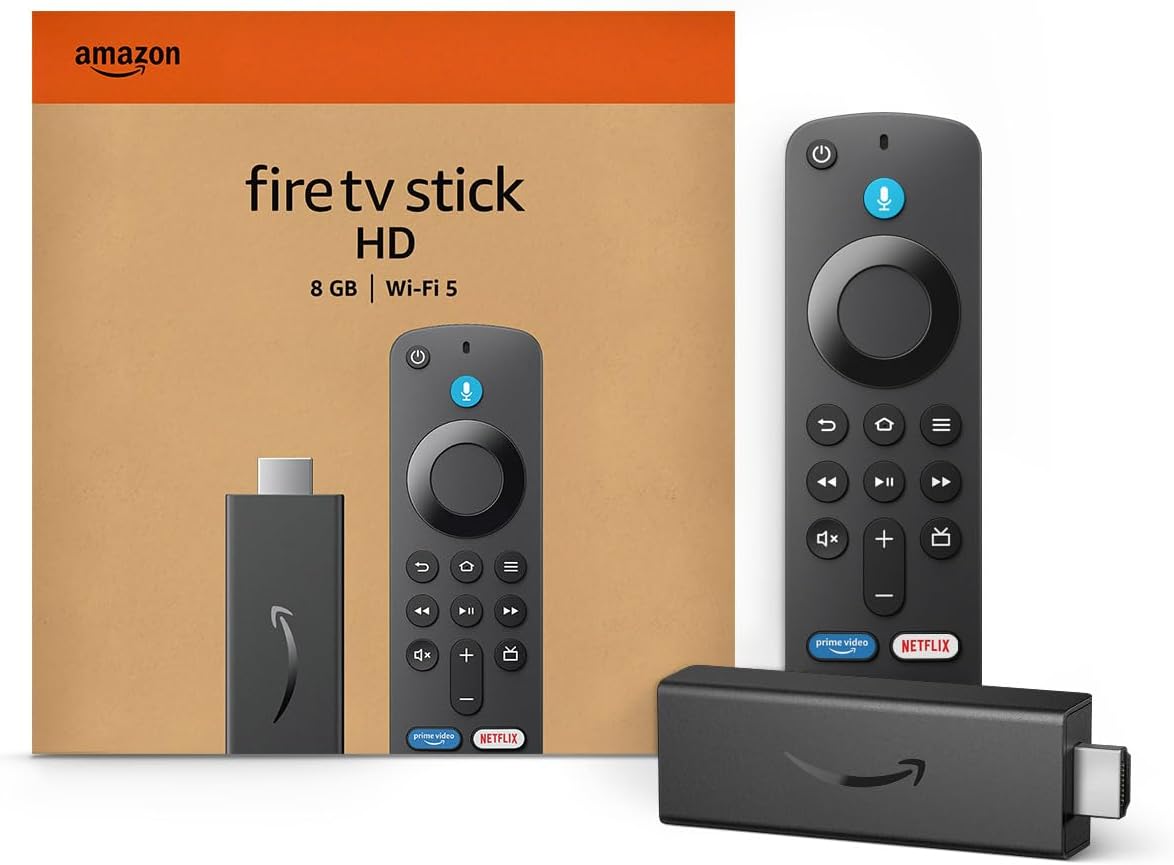
Amazon Fire TV Stick HD
Turn Any TV to a Smart TV. Stream Netflix, Prime Video & More. Alexa Voice Remote Included. Easy Plug & Play Setup.
Shop on Amazon
Sound Quality: How Hisense and Samsung Compare
You’ll find differences in built-in speaker hardware, support for immersive formats, and how well each TV pairs with external soundbars. These affect dialogue clarity, bass response, and how realistic surround effects feel.
Built-In Speaker Technologies
Samsung often uses multi-driver arrays with a discrete center channel and upward-firing drivers on higher-end models. That gives clearer dialogue and more headroom for bass.
Samsung’s TVs also sometimes include software tuning like Object Tracking Sound to move audio across drivers for a sense of motion.
Hisense frequently focuses on value: expect stereo or 2.1 setups on mid-range models and more elaborate driver arrays only on premium sets. Built-in speakers on Hisense generally offer clean midrange and acceptable clarity for shows, but they can lack deep bass and the same center-channel presence as Samsung.
Key specs to check:
- Number and placement of drivers (center channel helps dialogue).
- Presence of upward-firing or side-firing drivers (adds height/width).
- Audio tuning features (EQ, dialogue enhancement).
Immersive Audio Features
Samsung supports Dolby Atmos on many models and enhances object-based audio with features like Object Tracking Sound and Q-Symphony when paired with compatible Samsung soundbars. This produces more precise placement of sounds and a wider soundstage in supported content.
Hisense also threads Dolby Atmos into several TVs and soundbars. Some models use third-party tuning techs like dbx total surround or dbx total sonics on audio products.
These aim to widen the soundstage and boost perceived loudness, but effectiveness depends on driver count and physical speaker layout.
When evaluating immersive audio, focus on:
- Native Dolby Atmos decoding vs. passthrough.
- Whether up-firing drivers or virtualization tech are present.
- How the TV handles object-based mixes in real viewing conditions.
External Soundbars and Integration
Samsung integrates tightly with its own soundbars. Features like Q-Symphony let the TV speakers and Samsung soundbar play together, improving center-channel clarity and surround feel.
Samsung soundbars also often include dedicated center channels and dedicated subwoofers for deeper bass.
Hisense sells soundbars designed to pair with its TVs and third-party bars commonly work via HDMI ARC/eARC or Bluetooth. Higher-end Hisense soundbars (like 5.1.4 or 9.1.2 setups) can deliver Dolby Atmos and stronger bass than TV speakers alone, but you won’t get brand-specific features like Q-Symphony.
Things to check when pairing:
- HDMI eARC support for full Dolby Atmos passthrough.
- Whether the TV supports simultaneous TV+bar playback.
- Wireless options (Bluetooth, Wi‑Fi) and subwoofer connections.
For a direct model comparison, see a hands‑on review comparing the Samsung HW-B650 to the Hisense HS2100 for specific performance differences (dialogue clarity, bass, and price trade-offs).
Picture Quality and Display Technologies
You should expect clear differences in panels, color handling, and HDR performance that affect blacks, highlights, and overall realism. These factors determine how well a TV will render movies, games, and bright-room content.
Panel Types and Technologies
Samsung mainly uses QLED and QD‑OLED in its higher-end sets and VA LCD panels with mini‑LED backlights in mid to high tiers. QLED models use quantum dot technology to boost color and brightness, while QD‑OLED mixes self‑emissive color with quantum dots for deeper blacks and wide viewing angles.
Hisense offers ULED (a branded mix of HDR processing, local dimming, and quantum dot-like filters), OLED panels on some premium models, and VA LCDs with full‑array local dimming and mini‑LED backlights in its top lines.
If you care about black depth, choose OLED or QD‑OLED for true blacks and minimal blooming. For bright rooms and strong HDR highlights, QLED and ULED with mini‑LED local dimming can reach higher peak brightness.
Color Accuracy and Contrast
Color accuracy depends on panel type, calibration, and processing. QLED and QD‑OLED models from Samsung usually hit wider color gamuts and more consistent calibration out of the box, thanks to strong image processing and quantum dot filters.
Hisense ULED and higher-tier miniLED sets also support wide color gamuts and can achieve excellent color when calibrated, though out‑of‑box accuracy varies more by model.
Contrast ratio drives perceived depth. OLED and QD‑OLED offer near-infinite contrast because pixels turn off completely, giving the best black levels.
VA LCDs with full‑array local dimming (used by both brands) improve contrast over edge‑lit designs but can show haloing around bright objects. Check reviews for measured contrast and color gamut coverage before buying.
HDR and Brightness Performance
HDR performance ties to peak brightness, tone mapping, and supported formats. Samsung favors HDR10, HDR10+, and HLG, with many high-end models reaching strong peak brightness for impactful HDR highlights.
Samsung’s processing also handles tone mapping well on bright scenes. Hisense supports HDR10, Dolby Vision on many models, and HLG; some ULED and mini‑LED models deliver high peak brightness that competes with Samsung for HDR pop.
Dolby Vision on Hisense can give better dynamic metadata handling on compatible content and devices. HDR10+ on Samsung provides similar dynamic metadata without Dolby licensing.
For HDR you should look at measured peak brightness, local dimming zones, and whether the TV maintains color saturation at high brightness to judge real-world HDR effect.
Smart Features and User Experience
Samsung gives a more polished smart platform and tighter device linking. Hisense focuses on value, simpler menus, and key streaming apps.
Operating Systems Compared
Samsung uses the Tizen operating system, which runs smoothly and has a large app library. Tizen handles multitasking well and keeps apps like Netflix and YouTube quick to open.
You also get better system updates and more frequent security patches on many Samsung smart TV models. Hisense mostly uses VIDAA OS on its smart TVs. VIDAA is clean and simple.
It lists your installed apps and inputs on a single row, which makes navigation fast if you prefer fewer menu layers. Some Hisense sets use Google TV or Android TV builds; those models give you the Google Play app library and broader third-party support.
If you want advanced picture features that rely on the OS—like AI upscaling or automatic source detection—Samsung models typically integrate those directly into Tizen. On Hisense you may see comparable upscaling, but it often depends on the specific model and whether the TV uses VIDAA or Google TV.
Voice Assistant and AI Integration
Samsung bundles Bixby on many sets but also supports Amazon Alexa and Google Assistant on newer models. You can control volume, inputs, and basic smart home actions through Bixby or switch to Alexa/Google for wider third‑party device control.
Integration with SmartThings gives you smart home control if you already use Samsung hubs and devices.
Hisense offers built‑in support for Alexa and Google Assistant on many models, or it relies on external assistants via HDMI/connected devices. VIDAA has basic voice search and commands, but it leans on Google or Alexa when you need routines or broad smart home control.
Hisense advertises AI features like automatic sound tuning or voice‑activated quick search, though capabilities vary by model.
For hands‑free control, choose Samsung if you want deeper SmartThings linking. Pick Hisense if you want straightforward voice search and compatibility with Alexa or Google for basic smart home tasks.
Streaming and App Support
Tizen usually has a larger app library and better support for streaming apps like Netflix, Disney+, Hulu, and YouTube. Apps update frequently on Samsung, and DRM support for 4K HDR streams is reliable.
Samsung TVs often include multiple USB ports and several HDMI inputs with eARC, which helps connect streaming sticks, game consoles, and soundbars.
VIDAA supports the major streaming services you use daily—Netflix, Prime Video, YouTube—and keeps the interface uncluttered. If you choose a Hisense model running Google TV or Android TV, you gain access to the full Google Play app library, Chromecast built‑in, and more niche streaming apps.
If you need advanced app features (4K DRM, profile switching, or fast app switching), Samsung’s Tizen models handle them better. For basic streaming and easy menu navigation, Hisense with VIDAA or Google TV covers the essentials at lower cost.
Design, Value, and Choosing the Right Brand
You’ll find trade-offs between looks, materials, and price. Some TVs aim to blend with your room while others push top-tier fit and finish for a premium look.
Build Quality and Aesthetics
Samsung TVs often use higher-grade materials and slimmer bezels that create a more premium design. You’ll notice tighter seams, metal trims on higher-end models, and stands that look like furniture pieces.
That matters if your TV sits in a living room where design and durability are important.
Hisense TVs focus on practical, clean designs but use more plastic in many mid- and lower-tier models. You still get thin bezels on ULED and premium Hisense models, but overall fit and finish usually trail Samsung.
For wall-mounting or hiding cables, both brands offer low-profile mounts and cable management, though Samsung’s higher-end sets handle this with sleeker covers.
Price Points and Value Proposition
Hisense televisions target budget and midrange buyers. You get advanced TV features like ULED, local dimming, HDR10+, and smart apps for less money.
That makes Hisense a strong value proposition if you want good picture and sound without paying premium prices.
Samsung TVs cover a wide price range but price their cutting-edge tech—QLED, Neo QLED, and OLED—at a premium. You pay more for better speakers, more refined software, and stronger long-term support.
If you want the best HDR peak brightness and integrated audio features, Samsung commands a higher price but delivers more polished hardware and software.
Which Should You Choose?
If design and long-term build quality matter to your living room or home decor, pick Samsung for premium designs and sturdier materials.
Samsung also includes stronger native audio features on many models, which helps if you won’t add a soundbar.
If you want the best value and features for the money, choose Hisense. You’ll get competitive picture quality and useful gaming features—low input lag, Auto Low Latency Mode, and HDMI 2.1 on select models—without the higher price tag.
For serious gaming performance, compare specific model input lag numbers, but Hisense can match many Samsung midrange sets on responsiveness.
If aesthetics and built-in sound matter, lean Samsung. If price and gaming value matter more, lean Hisense.
For wall-mounting, room fit, and cable routing, check each model’s measurements and stand or VESA specs before buying.
Read More:
- Is Samsung TV Better Than Hisense? In-Depth Brand Comparison
- Hisense vs Samsung (Which TV Has Better Build Quality)
- Hisense vs Samsung (Which TV Is Better for Watching Sports)