ASUS Keyboard Backlight Not Working (Main Causes and Fix Guide that Works)

Fix ASUS keyboard backlight not working with proven software solutions. Reinstall drivers, reset EC, check hotkeys—85% of cases resolved without hardware repair.

Fix ASUS keyboard backlight not working with proven software solutions. Reinstall drivers, reset EC, check hotkeys—85% of cases resolved without hardware repair.

Fix ASUS keyboard hotkeys not working: Restart ASUS Optimization service, reinstall ATK Package driver, disable Filter Keys. Step-by-step solutions in 5 minutes.
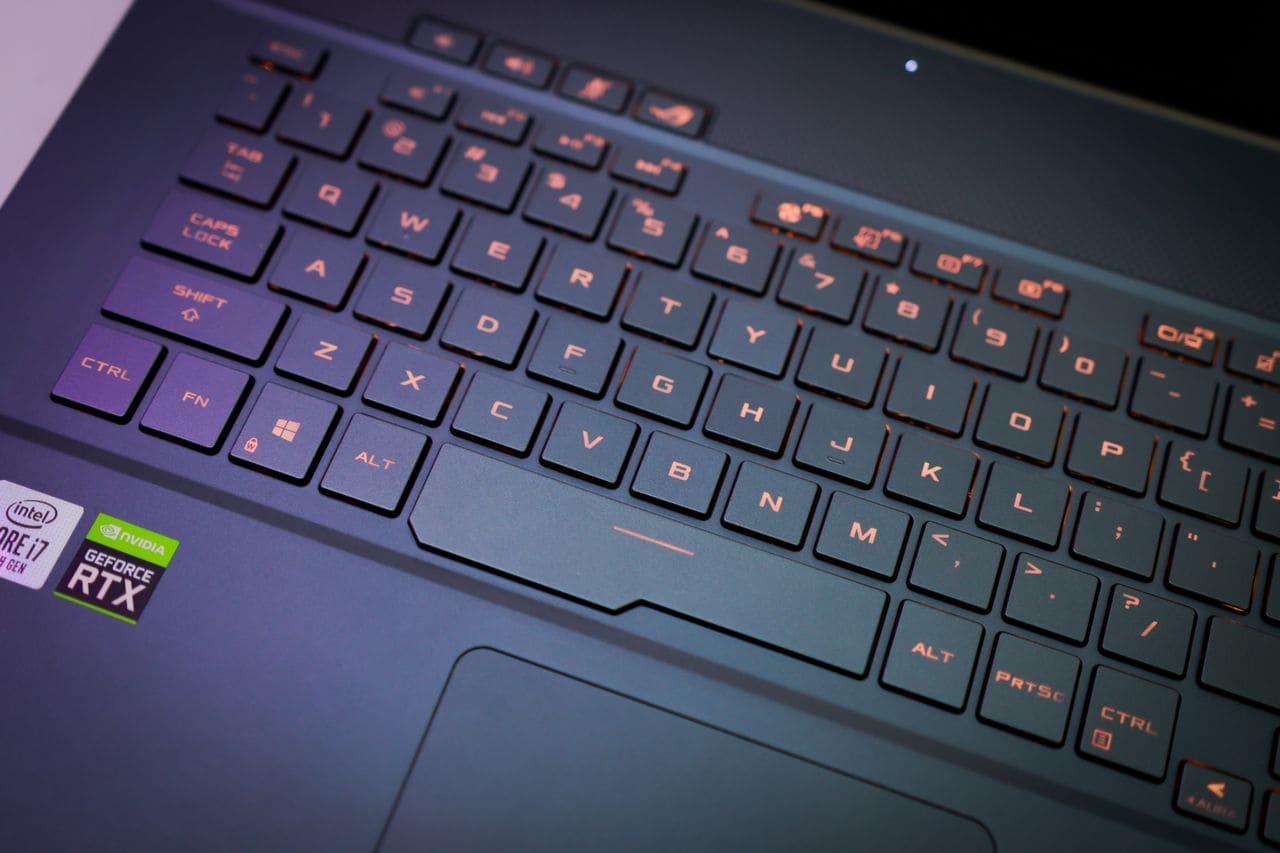
Fix ASUS keyboard and mouse not working with 9 proven solutions. Hard reset, driver fixes, and Safe Mode troubleshooting—most issues resolved in under 10 minutes.

Fix ASUS keyboard blinking in under 10 minutes with proven troubleshooting steps. Learn the causes and when to seek professional help.

Fix ASUS keyboard problems fast with proven troubleshooting steps. Identify software vs. hardware issues and get working again in minutes.

Asus keyboard volume control not working? Fix it in minutes with our step-by-step guide covering driver restarts, software fixes, and BIOS solutions.
Fix ASUS keyboard not working after Windows update in under 15 minutes. Driver reinstalls, BIOS checks, and EC resets—no hardware replacement needed.

Fix ASUS laptop keyboard not working at startup. Try hard reset, disable Fast Startup, reinstall drivers. Most fixes take under 5 minutes without opening your laptop.
ASUS keyboard not working? Fix driver issues, Filter Keys, and frozen controls in under 10 minutes. Step-by-step troubleshooting for all ASUS laptop models.

Laptop audio not working? Fix muted speakers, driver issues & Windows settings in under 15 minutes. Step-by-step troubleshooting guide with expert tips.