Laptop Not Going to Sleep (Here’s the Reasons and How to Fix It)
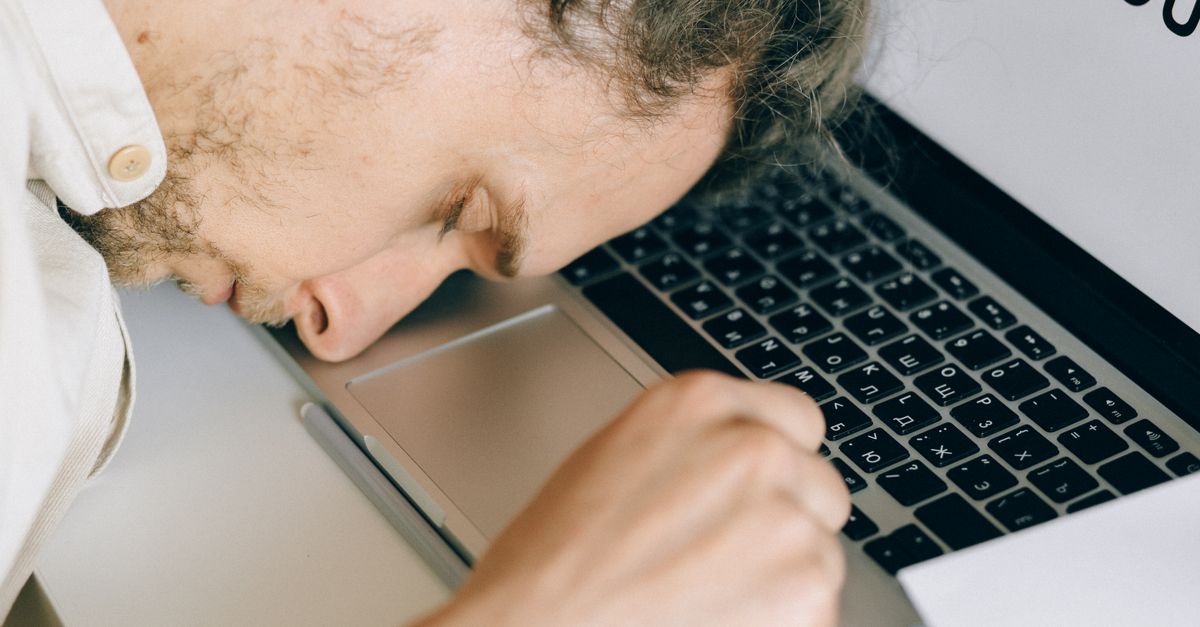
Your laptop won’t sleep? Learn why drivers, wake timers, and USB devices block sleep mode, plus step-by-step fixes for Windows & Mac to stop battery drain.

Your laptop won’t sleep? Learn why drivers, wake timers, and USB devices block sleep mode, plus step-by-step fixes for Windows & Mac to stop battery drain.
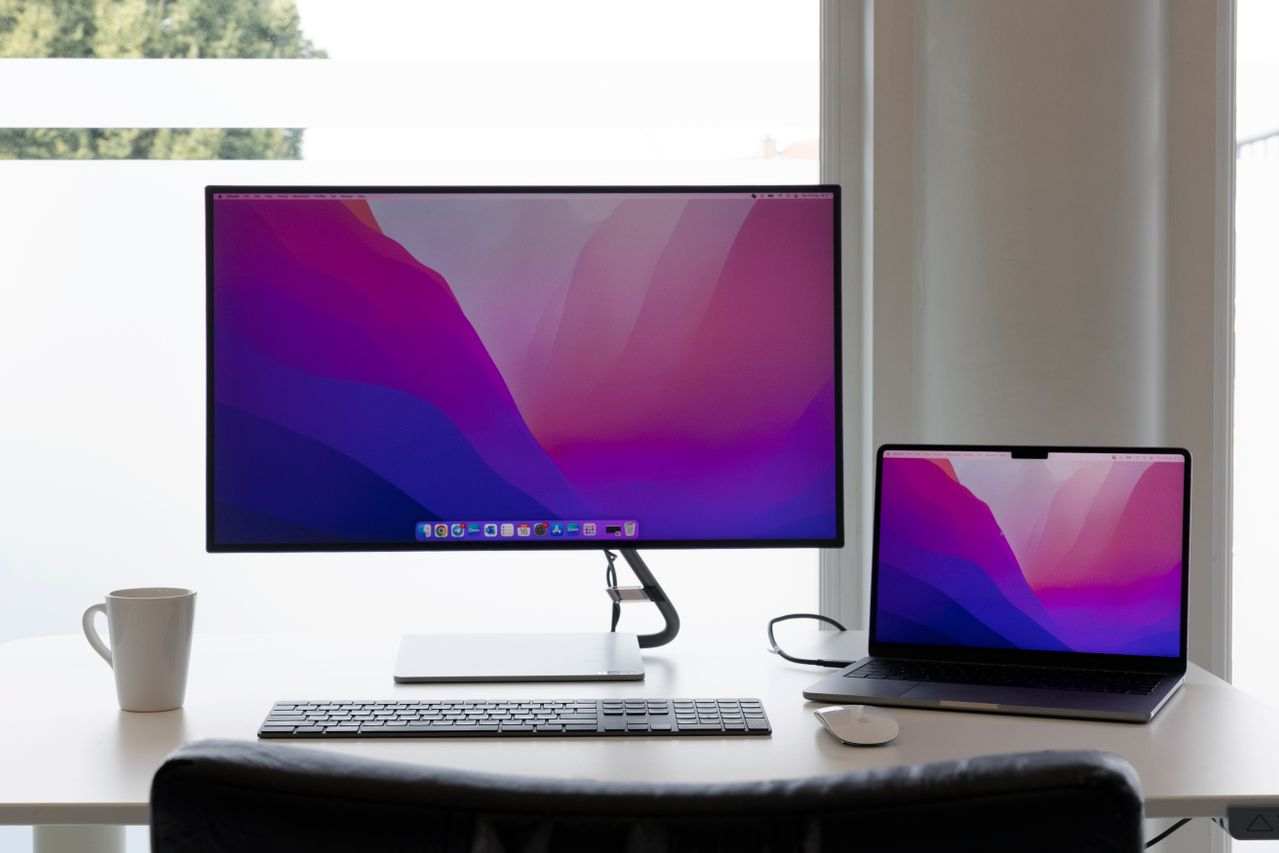
Laptop not detecting external monitor? Fix with cable reseating, driver updates, Windows/macOS detection tools, and hardware troubleshooting steps.
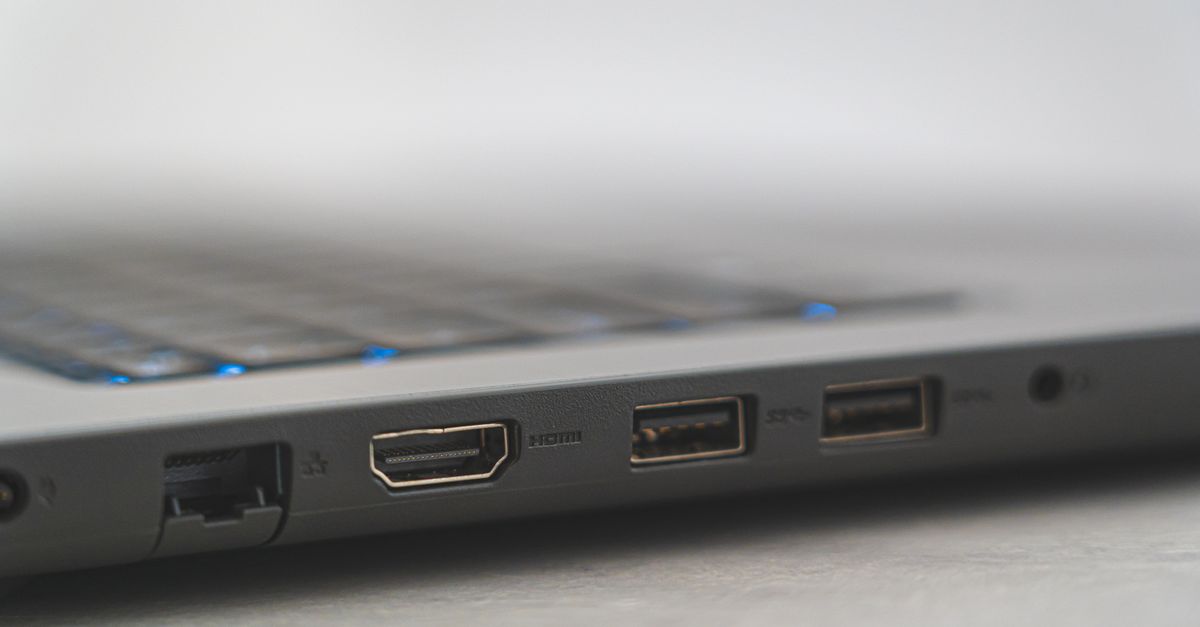
Laptop not detecting your HDMI monitor? Try these 7 proven fixes: reseat cables, update drivers, change ports, and adjust display settings. Step-by-step troubleshooting guide.
Fix your laptop hotspot connection issues with proven troubleshooting steps for Windows and Mac. Reset drivers, toggle frequency bands, and restore mobile internet access.
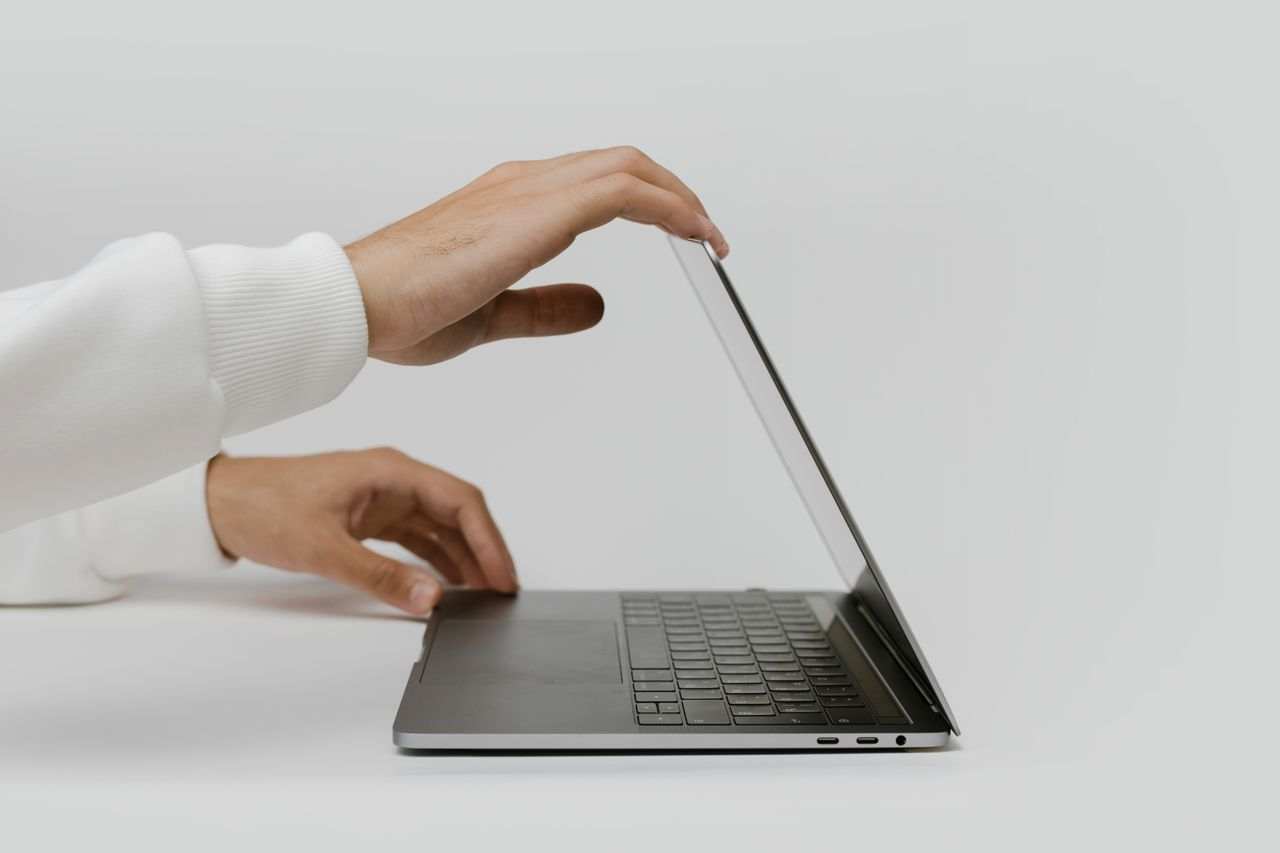
Laptop not connecting to internet? Fix DNS cache, network drivers, and router issues with step-by-step diagnostics. Most problems resolve in under 10 minutes.
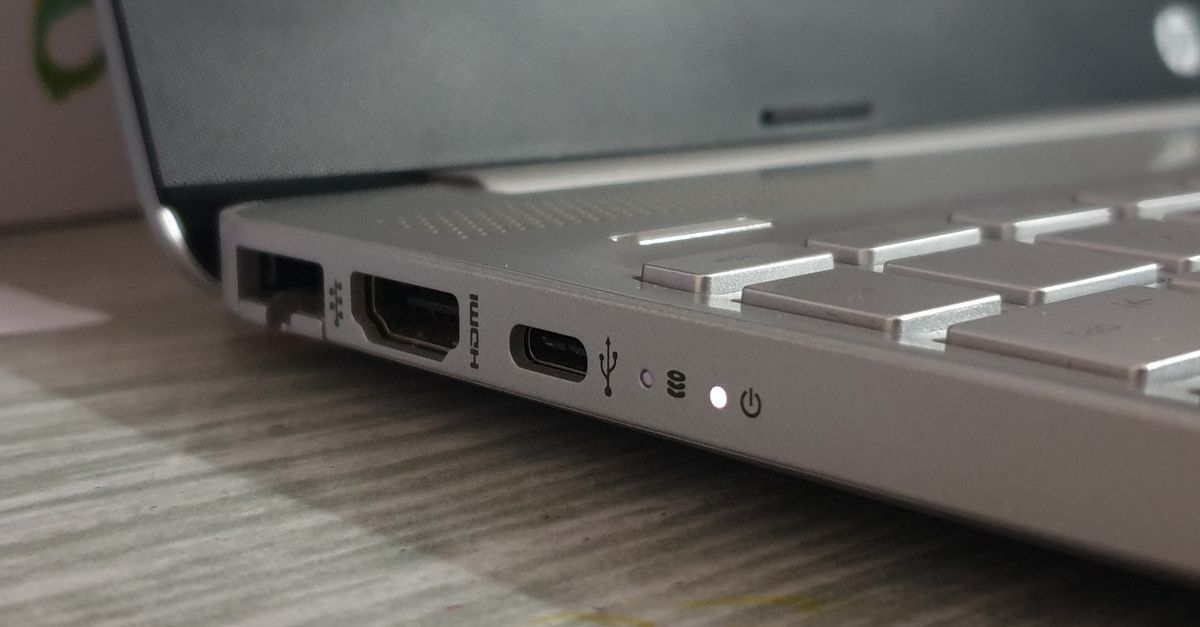
Laptop not charging when plugged in? Diagnose the issue with our expert guide covering power adapters, ports, drivers, and battery fixes.
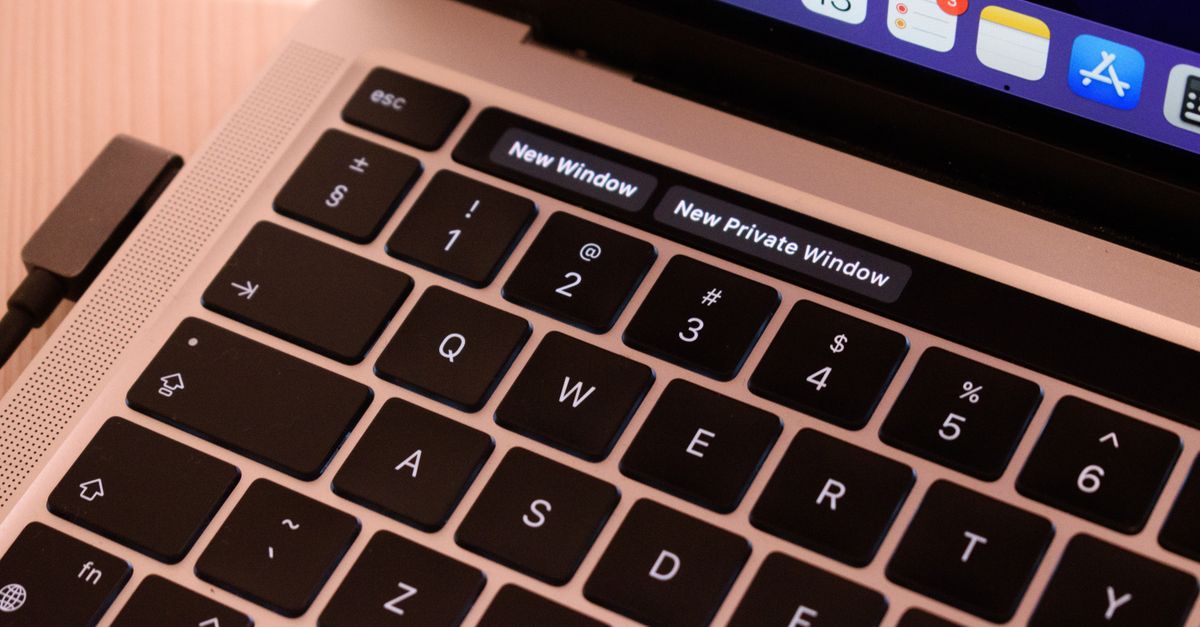
Laptop keyboard not working? Discover 7 proven fixes for stuck keys, disabled settings, and driver issues. Get typing again in minutes.
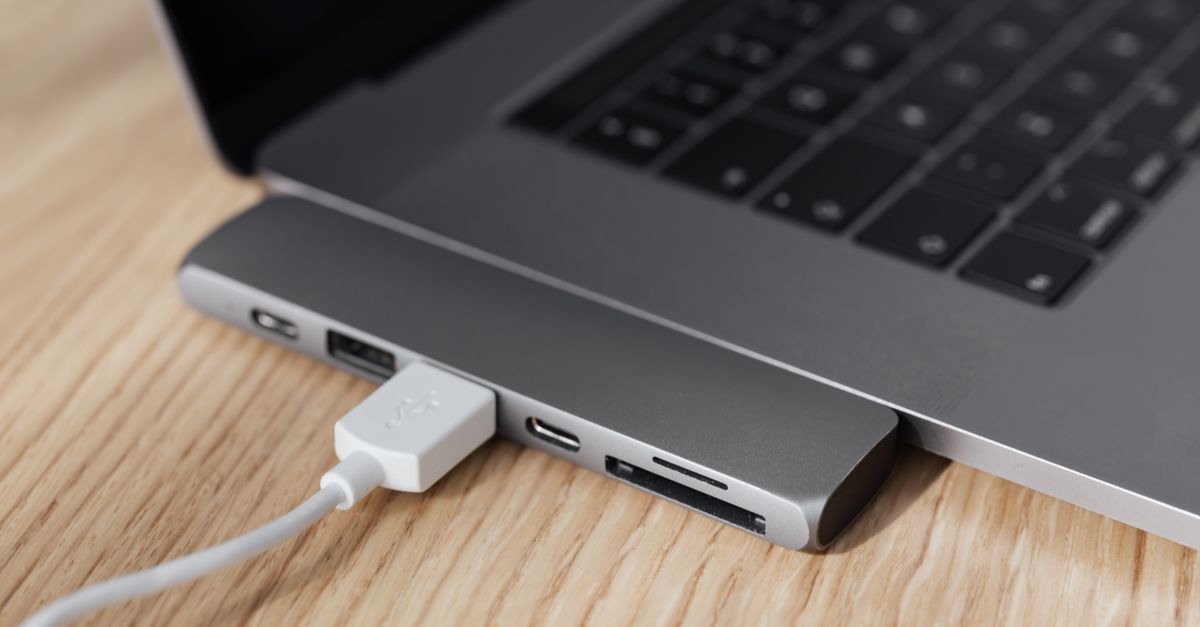
Laptop not booting from USB? Fix BIOS boot order, disable Secure Boot, recreate bootable media, and troubleshoot with proven steps.
Laptop won’t boot? Diagnose and fix boot failures in minutes with expert troubleshooting steps covering software corruption, hardware issues, and data recovery options.
Laptop not responding? Try Win+Ctrl+Shift+B, Task Manager, or Safe Mode. Learn quick fixes for frozen screens, 100% disk usage, overheating, and malware.