Alexa Blue and Green Light Keeps Spinning? What It Means and How to Fix It
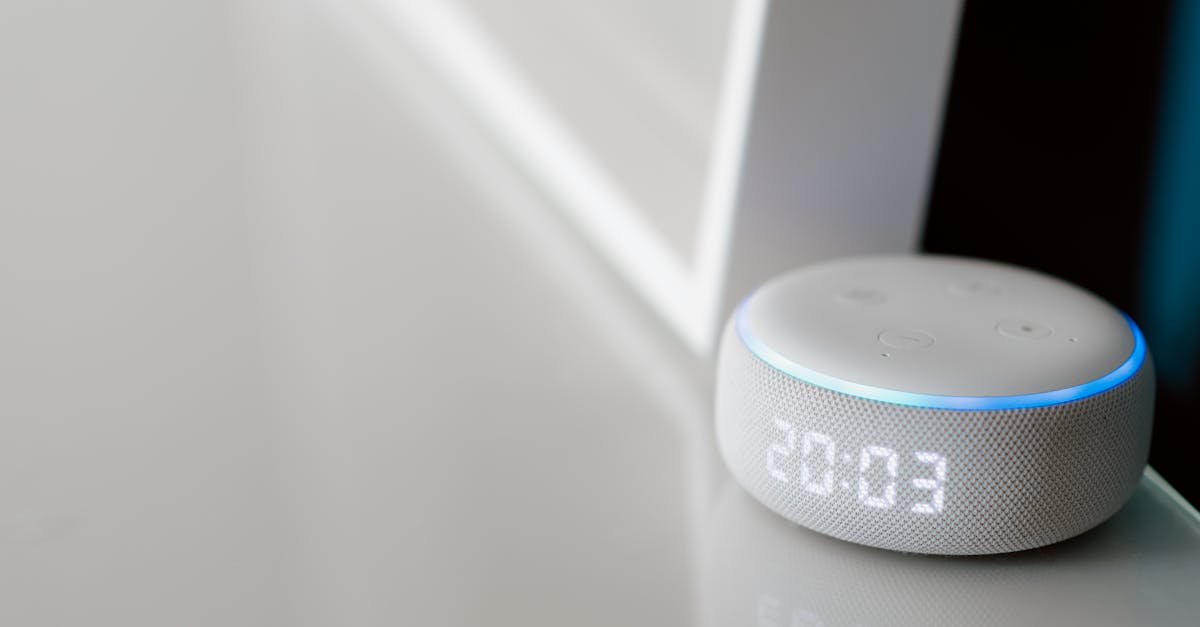
Alexa blue and green light spinning? Learn what each light means, why it happens, and 4 proven fixes to stop it in minutes.

Alexa blue and green light spinning? Learn what each light means, why it happens, and 4 proven fixes to stop it in minutes.
If your Alexa microphone is not working, it can stop the device from hearing your commands properly. The most common reasons are muted microphones, Wi-Fi connection problems, or the device not being placed well. Fixing these usually takes only a few simple steps. You might need to check if the mute button is on, restart … Read more
If Alexa is not working on your LG TV, the issue usually comes down to connection problems between the TV, the Alexa app, and the LG ThinQ app. The key to fixing this is making sure your TV is properly linked through the LG ThinQ app and that both the Alexa and LG ThinQ accounts … Read more
If your Alexa speaker is not working, it can be frustrating when it won’t respond or play sound as expected. The most common fixes include restarting the device, checking your Wi-Fi connection, and making sure Alexa isn’t muted. These simple steps often bring your smart speaker back to normal without needing technical help. Sometimes Alexa … Read more

If your Alexa remote is not working, the cause is usually simple to fix. Common problems include dead batteries, the remote not being paired properly, or the Fire TV device needing a restart. Checking these basic issues often gets your remote working again quickly. Sometimes the remote might enter a troubleshooting mode that signals specific … Read more
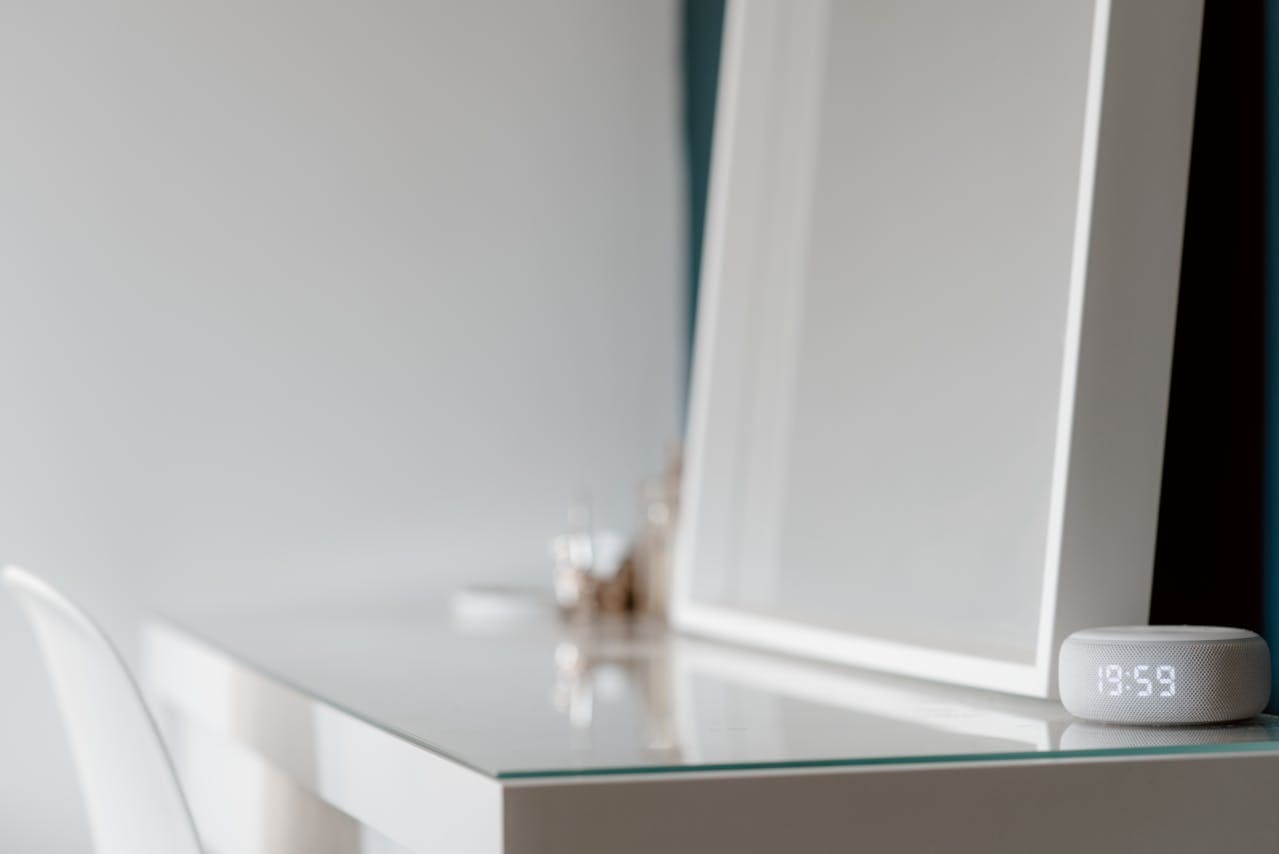
If your Alexa alarm is not working, the issue often comes down to simple settings like the correct time, internet connection, or app updates. The most common fix is to check your alarm time in the Alexa app, ensure your device is connected to a stable Wi-Fi network, and restart your Alexa device. This can … Read more
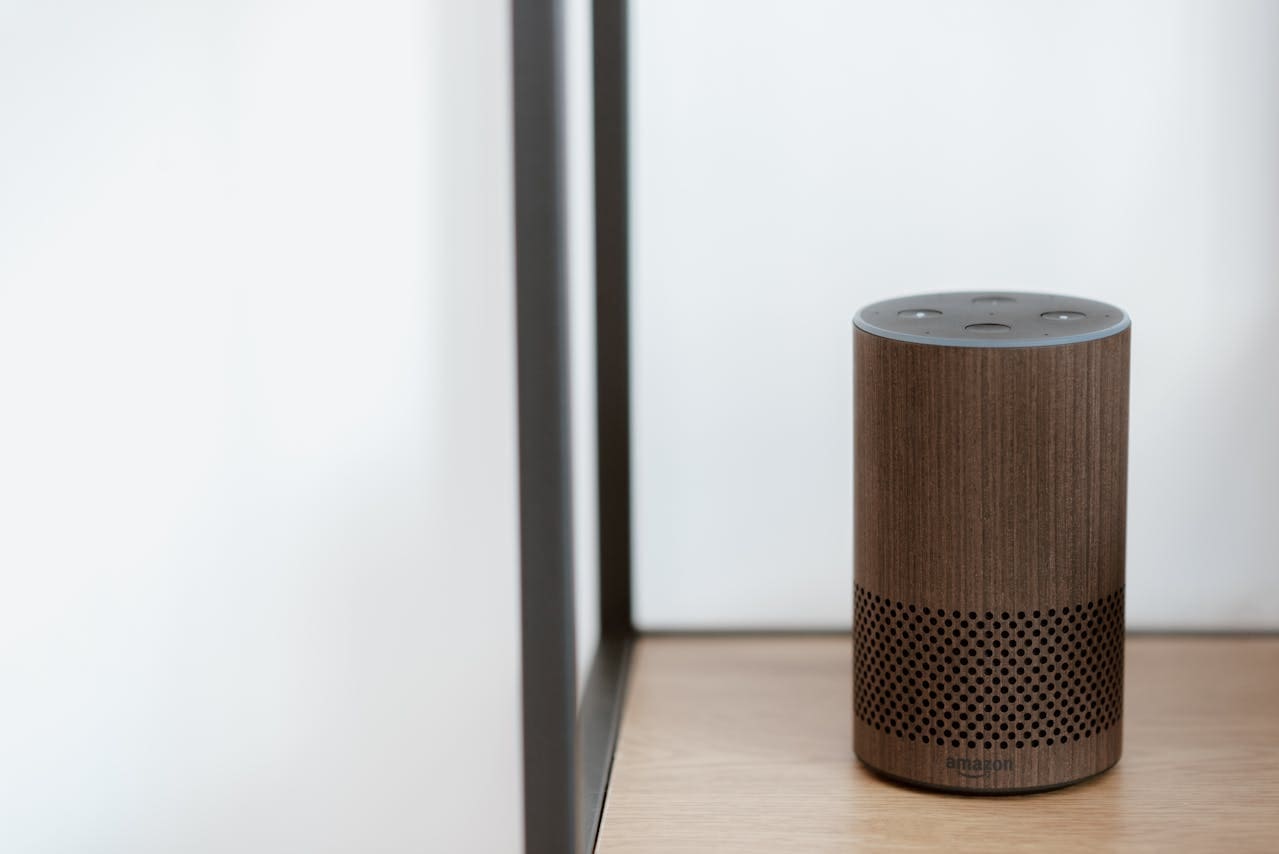
If your Alexa Echo is not working, the most common causes are connectivity problems, muted microphone, or software issues. The quickest way to fix your Echo is to check if the microphone is off, reconnect it to Wi-Fi, and restart the device. These simple steps often solve most problems where Alexa won’t respond. Sometimes Alexa … Read more
If your Alexa voice remote is not working, it can be frustrating, but the issue is often simple to fix. Most problems can be solved by replacing the batteries, restarting your Fire TV device, or re-pairing the remote with the device. These steps usually get your remote responding to voice commands again. Sometimes, your remote … Read more
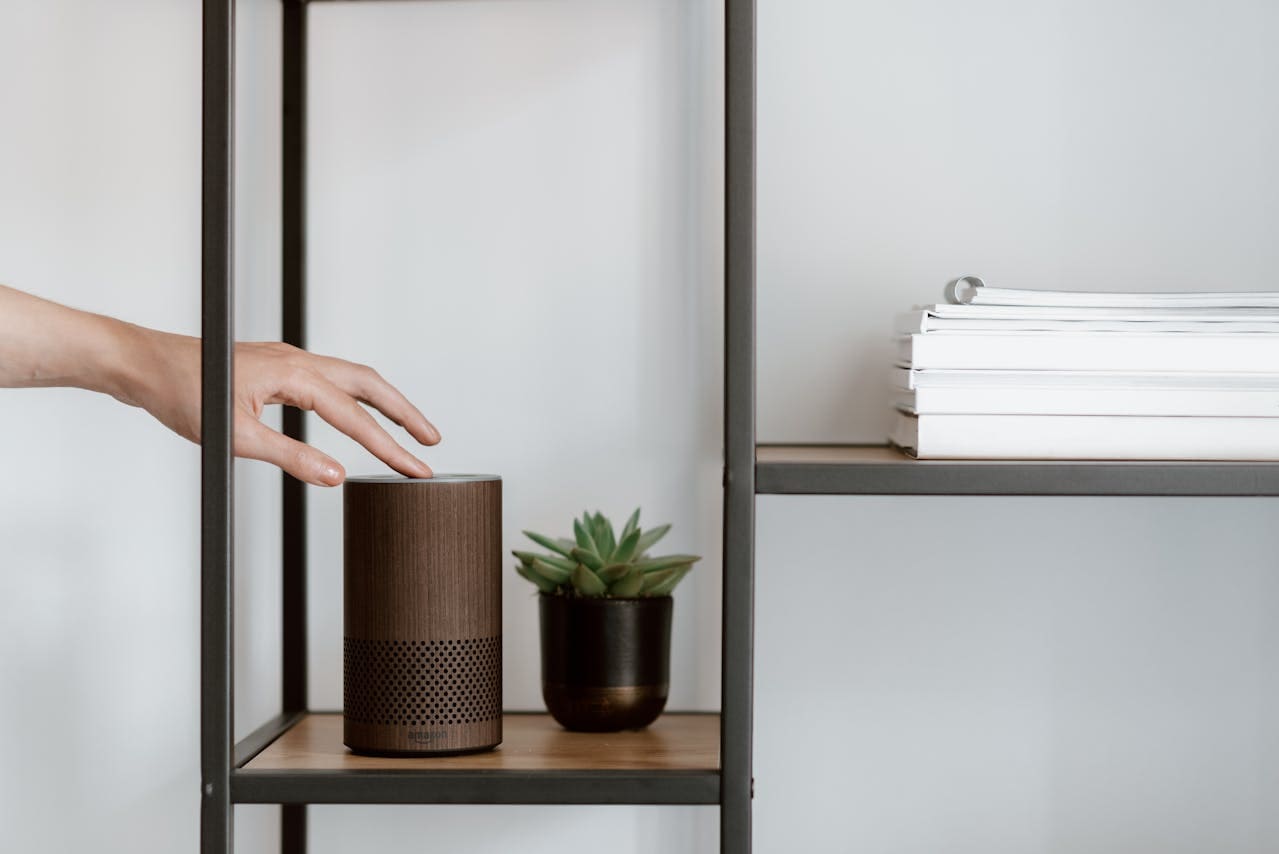
If your Alexa announcements are not working, it usually means there is an issue with device settings, connectivity, or ongoing calls blocking the feature. The most common fix is to check that announcements are enabled in your Alexa app and make sure no Echo device is in Do Not Disturb mode. Restarting your device and … Read more
If your Alexa clock is not working, it can be frustrating when it stops showing the time or responding correctly. The most common fix is to check the power connection, make sure the display is turned on, and adjust the brightness through the Alexa app. Sometimes, simply restarting your device or toggling the display settings … Read more