CarPlay Microphone Not Working? Fix the “They Can’t Hear Me” Problem Fast
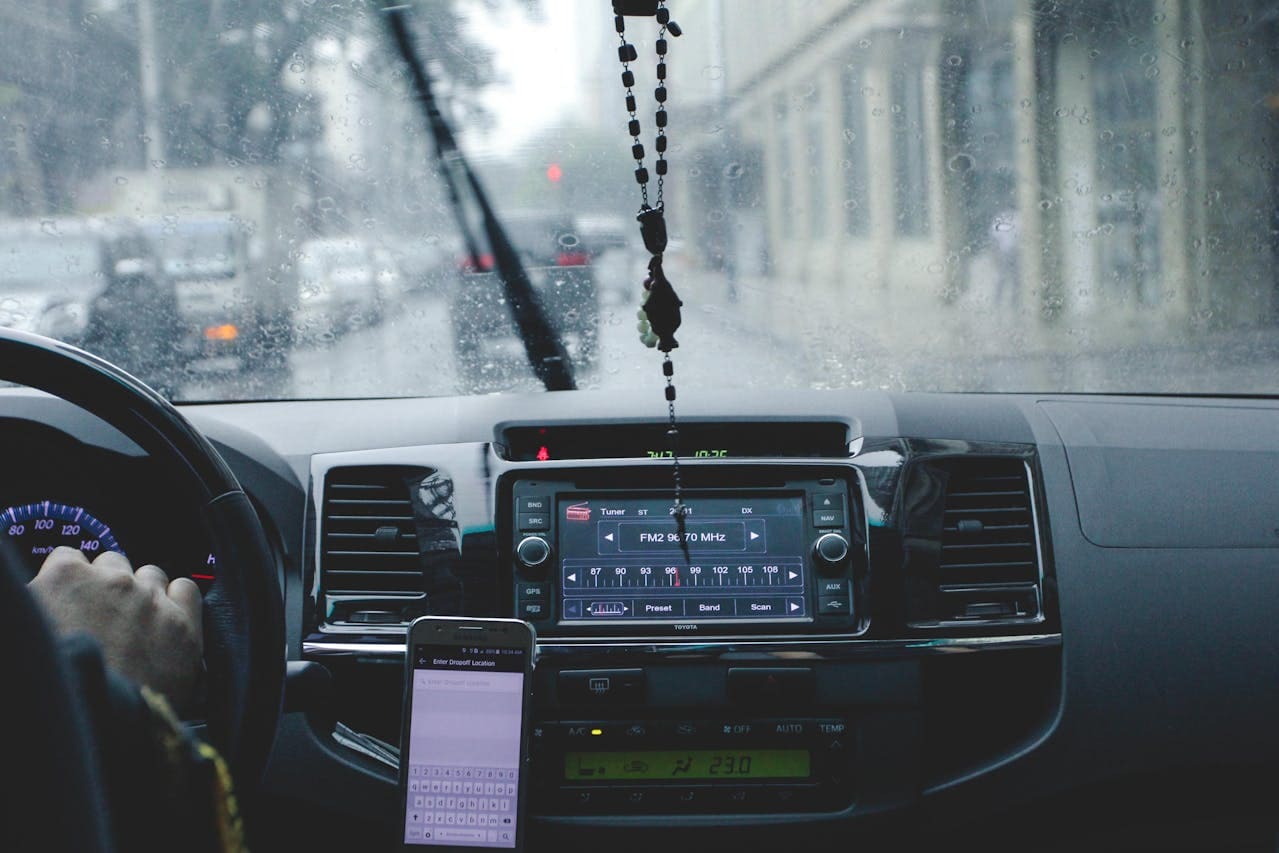
Fix CarPlay microphone not working with our complete diagnostic guide. Troubleshoot software, hardware, and connection issues to restore hands-free calling.

Fix CarPlay microphone not working with our complete diagnostic guide. Troubleshoot software, hardware, and connection issues to restore hands-free calling.
Wireless CarPlay adapter not working? Follow these proven diagnostic steps to fix Wi-Fi interference, firmware mismatches, and connection drops in under 10 minutes.

Nissan X-Trail CarPlay not working? Try these proven fixes: check cables, update software, restart systems, reset settings, and troubleshoot hardware issues quickly.

BMW X1 CarPlay not working? Learn proven fixes for connection issues. Restart, update software, pair correctly & reset infotainment in minutes.

Troubleshoot Toyota Vios CarPlay not working with easy fixes. Restart, update software, reset Bluetooth—most issues solved in minutes.

Fix Toyota Corolla Cross CarPlay not working with step-by-step solutions for connection issues, software updates, and cable problems.

Kia Sportage CarPlay not working? Try proven fixes like USB cable checks, software updates, and system resets. Most issues resolved in minutes—no dealership needed.

Honda HR-V CarPlay not working? Follow our step-by-step fix guide covering USB connections, software updates, and factory resets to restore functionality.

Mazda CX-5 CarPlay not working? Try these proven troubleshooting steps: update software, inspect USB cables, reset settings & more. Get CarPlay working today.

If Apple CarPlay stops working, you can usually fix it fast by checking the cable or wireless link, making sure Siri and CarPlay permissions are on, and restarting your iPhone and the car’s infotainment system. Try a certified Lightning cable or confirm Bluetooth and Wi‑Fi are both active for wireless CarPlay, these steps solve most … Read more