

If you’re trying to decide between a Samsung TV and a Vizio, it helps to know what sets them apart.
Samsung generally offers better picture quality, smarter features, and a more premium design, but it comes at a higher price.
If budget is your main concern, Vizio provides solid performance and good value, especially for casual viewing.
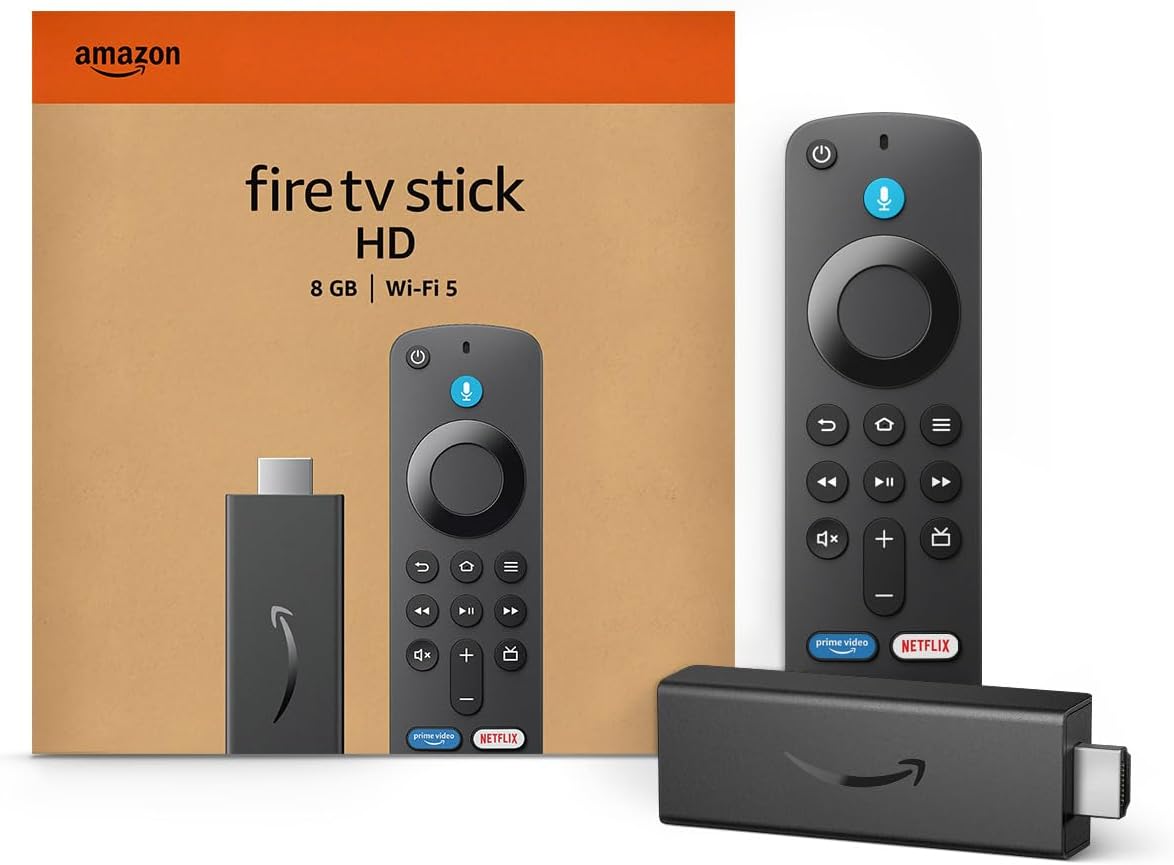
Amazon Fire TV Stick HD
Turn Any TV to a Smart TV. Stream Netflix, Prime Video & More. Alexa Voice Remote Included. Easy Plug & Play Setup.
Shop on AmazonYou’ll find Samsung TVs with advanced display technologies like QLED and Neo QLED, outstanding smart TV interfaces, and stronger audio options.
Vizio focuses on affordability while still delivering good colors and HDR support, but its software can be less intuitive and includes more ads.

Core Differences Between Samsung and Vizio TVs
When choosing between Samsung and Vizio TVs, understanding differences in brand background, available models, and pricing will help clarify which fits your needs.
These factors influence not only performance but also your overall satisfaction and long-term value.
Brand Reputation and Industry History
Samsung is a global electronics leader with over 50 years of experience in television innovation.
Known for pioneering technologies like QLED and Neo QLED, Samsung TVs often lead in picture quality, brightness, and advanced smart features.
Their consistent investment in research gives you access to cutting-edge hardware and a polished smart TV operating system, Tizen OS, which integrates well with other smart home devices.
Vizio, while younger and U.S.-based since 2002, focuses mainly on making affordable TVs that offer solid 4K performance for budget-conscious buyers.
Its reputation centers on value and competitive pricing rather than premium innovation.
Vizio TVs tend to use VA panels and emphasize features like full-array local dimming to enhance contrast, though they don’t match Samsung’s full range of premium technologies.
Model Range and Display Options
Samsung offers a broad spectrum of TVs, from mid-range LED models to high-end QLEDs and Neo QLEDs, with some OLED offerings.
This extensive lineup covers versatile display options including Mini-LED backlighting and 8K resolution models.
You can expect superior brightness, wide viewing angles, and better HDR performance with Samsung’s premium sets.
Vizio’s lineup is narrower but still diverse, focusing on the V-Series, M-Series, and P-Series.
These models mainly target the budget and mid-range segments, utilizing 4K VA panels with quantum dot technology and full-array local dimming to boost picture quality affordably.
Unlike Samsung, Vizio does not offer OLED or 8K displays, so you won’t find the same brightness or color vibrancy at the high end.
| Feature | Samsung TVs | Vizio TVs |
|---|---|---|
| Display Types | LED, QLED, Neo QLED, OLED, 8K | LED, Quantum Dot 4K |
| HDR Support | HDR10+, Dolby Vision (selected) | HDR10, Dolby Vision |
| Panel Technology | IPS, VA, Mini-LED | VA panels |
| Viewing Angles | Wide | Narrower |
Pricing and Value Assessment
Vizio TVs generally come at significantly lower price points, making them attractive if you need an affordable 4K TV with decent performance.
Their budget models often retail below $500, with mid-tier options offering features close to Samsung’s lower-mid models but at a fraction of the price.
However, lower cost means compromises like heavier use of plastic in design and more intrusive ads on SmartCast OS.
Samsung TVs are priced higher, reflecting premium build quality, sophisticated features, and superior performance.
Expect to pay more for QLED and Neo QLED models, with prices ranging broadly up to several thousand dollars depending on size and resolution.
The higher upfront cost often includes better after-sale support and a more refined user experience.
If budget is your primary concern, Vizio offers high value for casual viewing.
If you prioritize advanced gaming features, brightness, and longevity, Samsung’s investment may serve you better over time.
For a detailed comparison of these price and feature distinctions, you can refer to this Samsung vs Vizio TV comparison.
Picture Quality and Display Technologies
When choosing between Samsung and Vizio, consider how each handles color accuracy, brightness, contrast, and detail.
The technology behind their displays impacts how lifelike and sharp images appear.
You’ll see differences in their panel types, HDR support, and how well they manage blacks and brightness in varied lighting.
QLED vs Quantum Dot Technology
Samsung’s TVs primarily use QLED technology, which enhances brightness and color vibrancy through Quantum Dot layers.
This technology allows Samsung screens to produce more accurate and intense colors, especially in bright rooms.
Vizio also employs Quantum Dot technology in some models like the M-Series and P-Series, which provides good color performance at a lower price point.
However, Samsung’s QLED panels usually offer higher peak brightness levels, improving HDR effects and outdoor viewing.
Key differences:
- Samsung QLED uses advanced Quantum Dot layers + Mini-LED backlighting on higher models.
- Vizio’s Quantum Dot panels focus on affordability with solid but less bright output.
QLED TVs in Samsung’s lineup often deliver sharper images with better saturation compared to most Vizio Quantum Dot options.
Screen Resolution and HDR Standards
Both Samsung and Vizio offer 4K TVs, but Samsung frequently pushes higher-end resolutions with Neo QLED and 8K models.
In terms of HDR, Samsung supports HDR10+ widely, which improves dynamic metadata for scenes, resulting in richer contrast and improved detail in highlights and shadows.
Samsung’s HDR performance also benefits from higher peak brightness, often surpassing 1500 nits on premium models.
Vizio supports HDR10 and Dolby Vision and has respectable peak brightness (typically 600-1000 nits).
However, its HDR experience isn’t as dynamic or bright as Samsung’s higher-tier options.
Samsung’s AI upscaling technology refines lower-resolution content better, giving you clearer images even when the source isn’t native 4K.
Local Dimming and Viewing Angles
Local dimming enhances contrast by dimming dark screen areas while keeping bright parts illuminated.
Samsung’s Neo QLED models use Mini-LEDs with precise local dimming that dramatically improves black levels and overall contrast.
This results in deep blacks without significant blooming.
Vizio’s full-array local dimming (FALD) also boosts contrast in mid-to-high-end TVs but can be less precise than Samsung’s Mini-LED implementation.
You may notice more halo effects around bright objects on dark backgrounds in Vizio models.
Viewing angles differ as well.
Samsung frequently uses IPS or OLED panels that maintain color accuracy and brightness from wider angles.
Vizio’s VA panels offer deeper blacks but have narrower viewing angles, which may cause color shifting if you’re not watching from directly in front.
| Feature | Samsung QLED / Neo QLED | Vizio Quantum Dot / LED |
|---|---|---|
| Peak Brightness | Up to 1500+ nits | 600-1000 nits |
| HDR Support | HDR10, HDR10+, Dolby Vision (OLED) | HDR10, Dolby Vision |
| Local Dimming | Mini-LED precise dimming | Full-array local dimming |
| Viewing Angles | Wide (IPS, OLED options) | Narrower (VA panels) |
| AI Upscaling | Advanced AI upscaler | Basic upscaling |
Your choice will impact how vibrant and lifelike your 4K content appears, especially in varying room lighting and viewing positions.
Smart Features and Connectivity
When choosing between Samsung and Vizio TVs, your smart platform and connectivity options play a crucial role in the overall experience.
These factors affect how easily you navigate the TV, access streaming services, and connect external devices, especially for gaming or media consumption.
Smartcast OS vs Tizen OS
Samsung uses the Tizen OS, known for its smooth interface, quick loading times, and broad app support.
You’ll find popular apps like Netflix, Hulu, and Amazon Prime Video pre-installed, with frequent updates that improve stability.
Tizen also supports Apple AirPlay and Chromecast, making it easy to stream content from your phone or tablet directly to the TV.
Vizio’s SmartCast OS is simpler and straightforward but can feel less refined.
It includes built-in Chromecast, so casting is seamless, but app navigation may lag compared to Tizen.
The selection of apps is good but can be slower to update.
SmartCast’s integration with smart home ecosystems like Google Assistant and Alexa is solid but less extensive than Samsung’s broader voice support.
Streaming Services and Voice Assistants
Both Samsung and Vizio cover the essential streaming platforms you’ll need, including Netflix, Hulu, Disney+, and YouTube.
Samsung’s Tizen OS provides faster and more responsive app switching, enhancing your streaming experience.
For voice control, Samsung supports Bixby, Alexa, and Google Assistant, either integrated or through connected devices.
This lets you control your TV and smart home gadgets efficiently.
Vizio supports Alexa and Google Assistant, but voice commands can sometimes be less responsive, and its remote lacks built-in microphone support.
Input Lag and HDMI Capabilities
If you use your TV for gaming, input lag and HDMI specs need attention.
Samsung TVs generally offer lower input lag, often below 15ms in Game Mode, which benefits fast-paced gaming.
Samsung models typically include multiple HDMI 2.1 ports with support for features like 120Hz refresh rates, Auto Low Latency Mode (ALLM), and Variable Refresh Rate (VRR).
These improve gaming performance significantly on next-gen consoles.
Vizio also offers low input lag on many models but tends to have fewer HDMI 2.1 ports and limited support for the latest gaming features.
If gaming is a priority, Samsung usually delivers better consistency in both input lag and HDMI connectivity.
For detailed comparisons of Samsung and Vizio smart TV features, explore the full review.
Sound, Build Quality, and After-Sales Support
When choosing between Samsung and Vizio, understanding differences in sound quality, build durability, and customer service helps clarify value beyond just image.
These aspects affect daily use, longevity, and post-purchase satisfaction.
Audio Performance and Soundbar Integration
Samsung TVs generally offer superior built-in audio compared to Vizio.
Many Samsung models feature advanced sound technologies like Object Tracking Sound (OTS), which follows on-screen action for immersive audio.
Some also support Dolby Atmos for a more dynamic soundstage.
Samsung’s Q-Symphony feature allows compatible Samsung soundbars to work in sync with TV speakers, enhancing overall audio without muting internal speakers.
This is useful if you want better home theater sound without complex setups.
Vizio TVs provide decent built-in speakers, especially in higher-end models with integrated soundbars, but they typically require external sound systems for premium audio experiences.
If you prefer a solid all-in-one TV audio setup, Samsung’s offerings tend to be more satisfying.
Design Aesthetics and Durability
Samsung invests heavily in sleek designs and premium finishes.
Their TVs often feature ultra-thin bezels and sturdy materials that feel solid to the touch.
Higher-tier models may have unique aesthetics, like the Infinity Screen, which can elevate any room’s look.
Vizio takes a more functional approach.
Their TVs prioritize cost efficiency, so while generally well-built, they may lack the refined finishes and slim profiles of Samsung sets.
Vizio’s build quality meets everyday needs but can feel less polished in direct comparison.
If appearance and material quality are important for your space, Samsung’s premium construction usually stands out.
Vizio works best if you want durability without a high-end design focus.
Warranty and Customer Support Experience
Samsung offers a standard one-year limited warranty, supplemented by extensive customer support including online chat, phone service, and in-person options at service centers. Their support reputation is generally strong, known for responsiveness and multiple assistance channels.
Vizio also provides a one-year warranty but has a more mixed support reputation. Some users report difficulty reaching help and longer wait times.
Vizio has been improving support services, but inconsistency remains a consideration.
For more details on warranty and support differences, you can explore this Vizio vs Samsung customer service comparison.