

If your LG TV is not turning on, the issue is often related to power supply problems, such as faulty cables, power outlet issues, or a distant remote sensor. The most effective way to start solving this problem is to check if the standby light is on and ensure the TV is properly connected to a working power source.
This simple step helps determine whether the TV is receiving power or if the problem lies elsewhere. You should also consider resetting your TV by unplugging it and holding down the power button for about 20 seconds to discharge any residual electricity.
Sometimes, blocked sensors or remote control malfunctions prevent the TV from responding, so using the physical power button on the TV instead of the remote can help isolate the issue. Ambient temperature can also affect functionality, so avoid placing your TV near heat sources.
If these quick checks don’t resolve the problem, it might indicate more serious hardware faults, like malfunctioning capacitors or a faulty power board.
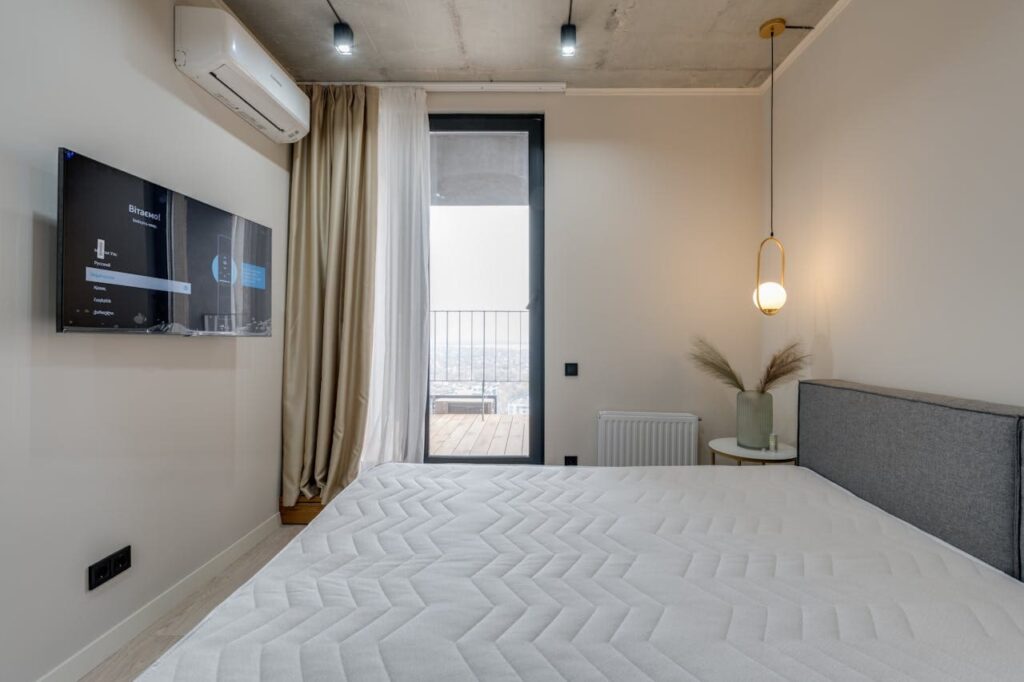
Common Reasons Your LG TV Is Not Turning On
When your LG TV doesn’t power up, it’s usually linked to issues with the electrical supply, control devices, or internal hardware. Identifying which area is causing the problem can help you address it efficiently.
Power Supply Failures
The most frequent reason your LG TV won’t turn on is a power supply problem. Start by confirming that the power cord is firmly plugged into both the TV and a working outlet.
Sometimes, outlets or surge protectors fail, so try plugging your TV directly into a different wall socket to isolate the issue. Check the power cord for any visible damage like fraying or cuts, which can interrupt electric flow.
Also, power surges or outages may have triggered safety mechanisms inside the TV, requiring a power cycle. To do this, unplug your TV and wait about 30 seconds before plugging it back in.
If you notice a red standby light blinking, it might indicate the TV is in standby mode but not receiving stable power. In such cases, further inspection of the power board or internal components might be necessary.
Remote Control Malfunctions
If your LG TV’s screen remains dark even though it’s plugged in correctly, the remote control might be the culprit. Start by replacing the remote’s batteries with fresh ones.
Dead or weak batteries often prevent the remote from sending signals. Make sure there are no obstructions between your remote and the TV’s infrared sensor.
Dust or physical blockages can cause reception problems. You can also try turning on the TV manually using the power button on the unit itself.
If the TV powers on this way, the remote likely needs repair or replacement. Additionally, ensure that the remote is compatible with your specific LG model.
Some replacement remotes may lack full functionality, leading to unresponsiveness.
Internal Component Issues
When power supply and remote control checks don’t resolve the problem, your LG TV might have an internal hardware failure. Common issues include a malfunctioning power board, faulty backlight, or damaged capacitors.
A broken backlight can result in a black screen despite the TV being powered on. To test this, shine a flashlight close to the screen—if you faintly see images, the backlight might be failing.
Internal component failures are more complex and often require professional repair. Attempting to open and fix internal boards yourself can void warranties or cause further damage.
If you suspect such issues after basic troubleshooting, contacting LG support or a certified technician is advisable.
Initial Troubleshooting Steps
Before diving into complex fixes, focus on ensuring your LG TV is properly connected to power and that the controls are working correctly. Checking these basic elements can often resolve the “LG TV won’t turn on” problem quickly.
Check the Power Outlet and Cables
Start by confirming that your TV’s power cord is securely plugged into a functioning power outlet. Try plugging another device into the same outlet to verify it supplies power.
If that device doesn’t work, switch to a different outlet. Inspect the power cable for any visible damage such as cuts or frays.
Damaged cables can prevent your LG TV from receiving adequate power and need to be replaced. If you have an extra compatible power cord, testing it can help isolate the issue.
Keep the connections tight and avoid loose plugs. Sometimes, simply reseating the cable can fix power interruptions.
Bypass Surge Protectors
If your LG TV is plugged into a surge protector or power strip, unplug it and connect your TV directly to the wall outlet. Surge protectors can fail or degrade over time, causing intermittent or no power to your TV.
Bypassing this intermediary device eliminates it as a potential cause for your LG TV not turning on. If the TV powers on when plugged directly, consider replacing the surge protector or power strip with a new, reliable one.
Verify the Remote and Batteries
A common cause for power issues is a non-functioning remote control. Start by replacing the batteries in your remote with fresh ones.
Make sure there are no obstacles blocking the infrared sensor on the TV. If you have another remote compatible with your LG TV, test with that to rule out remote failure.
If your TV turns on using the remote only occasionally or not at all, resetting or replacing the remote might be necessary.
Test the TV’s Physical Power Button
Use the physical power button located on the TV itself, usually found on the side, bottom, or under the LG logo, to turn your TV on. This step helps determine whether the issue lies with the remote or the TV’s internal power system.
If the TV turns on with the physical button, focus on remote control troubleshooting. If it still won’t power on, the issue may be internal, such as with the power board or circuitry.
Press and hold the button for about 5-10 seconds if a simple press doesn’t work initially. This can sometimes reset the TV’s power state.
Advanced Fixes for Persistent Power Problems
When basic troubleshooting fails, more thorough inspections and resets can help resolve power issues with your LG TV. These methods focus on hardware integrity, power management, and internal settings that commonly cause persistent problems.
Inspect and Replace Damaged Wires
Start by examining all cables powering and connecting your LG TV. Look closely for frayed insulation, exposed wires, bent connectors, or any signs of physical damage.
Damaged cables can interrupt power delivery or the signal needed for the TV to turn on. Test the power cord by unplugging it from the wall and TV, then plugging it directly into a known working outlet.
Avoid using extension cords or power strips temporarily to rule out connection issues. If you identify any damage or suspect internal wiring faults, replace the cables immediately.
Using original or manufacturer-approved cables ensures compatibility and safety. Faulty wiring is a common cause when your LG TV is not turning on despite appearing to have power.
Power Cycle and Soft Reset Your LG TV
Performing a power cycle helps clear temporary glitches in your LG TV’s circuitry and memory. To do this, unplug your TV from the power outlet.
While unplugged, press and hold the TV’s physical power button for at least 20 seconds. This drains residual charge from internal capacitors.
Leave the TV unplugged for about 5 minutes before plugging it back in. Once reconnected, turn it on using the TV’s power button, not the remote.
A soft reset will not erase your settings but can resolve minor firmware bugs or freezes. This step is especially useful if your TV shows a blank screen with the standby light on but doesn’t fully power up.
Check for Backlight Issues
If your LG TV powers on but shows a black or very dim screen, the backlight might be faulty. To confirm this, darken the room and shine a flashlight at an angle across the screen when the TV is turned on.
If you can see faint images or menus illuminated by the flashlight, the backlight is likely malfunctioning. This issue prevents the screen from displaying images properly even though the TV is technically on.
Backlight problems usually require professional repair or replacement of the LED or CCFL components inside the screen. Attempting a DIY fix without experience can cause further damage.
If your LG TV backlight is defective, checking your warranty terms before proceeding is advisable.
Reset to Factory Settings
If hardware checks don’t resolve the power issues and your TV turns on intermittently or behaves erratically, restoring factory settings can help. This erases all custom configurations and software glitches that may be preventing startup.
To reset, access the LG TV’s menu using the remote or the physical buttons. Navigate to:
Settings > All Settings > General > Reset to Initial Settings.
You may need to enter your PIN; the default is often “0000”. This process returns the TV to its original software state.
Be aware that this step deletes all apps, preferences, and network settings. Ensure you back up important information or note down login credentials before proceeding.
When to Seek Professional Help and Prevention Tips
Knowing when to call a technician can save you time and prevent further damage to your LG TV. Following simple preventive steps can reduce the chances of power-related problems and extend your TV’s lifespan.
Signs You Need Professional Repair
If your LG TV doesn’t respond to usual fixes like checking power cables, trying different outlets, or resetting the device, it may be time to seek professional help. Watch for persistent symptoms such as:
- No power or standby light
- Flickering or sudden shutdowns
- Unusual noises like buzzing or clicking from inside the TV
- Power light blinking repeatedly
These often indicate deeper hardware issues like a faulty power board or internal component failures that require expert diagnosis and repair.
Avoid opening your TV if you’re not trained, as this risks further damage or voiding warranties. Instead, reach out to certified LG repair services for safe and reliable assistance.
Tips to Prevent Power Issues
To protect your LG TV from power problems, start with these essentials:
- Use a high-quality surge protector to guard against voltage spikes caused by storms or electrical fluctuations.
- Keep your power cables secure.
- Check regularly for damage or loose connections.
- Unplug your TV during severe storms to avoid damage from power surges.
- Clean your TV’s vents and casing often to prevent overheating.
- Dust buildup can cause internal parts to malfunction.
- Set your TV to update software automatically.
- This reduces bugs and performance glitches.
