Laptop Not Going to Sleep When Lid Is Closed (Quick and Proven Fixes)
Laptop not going to sleep when lid is closed? Fix sleep mode issues, disable wake timers, update drivers, and resolve power plan conflicts.

Laptop not going to sleep when lid is closed? Fix sleep mode issues, disable wake timers, update drivers, and resolve power plan conflicts.
Laptop won’t fully charge? Discover why it stops at 80% and quick fixes—check battery software caps, drivers, ports, and when replacement is needed.
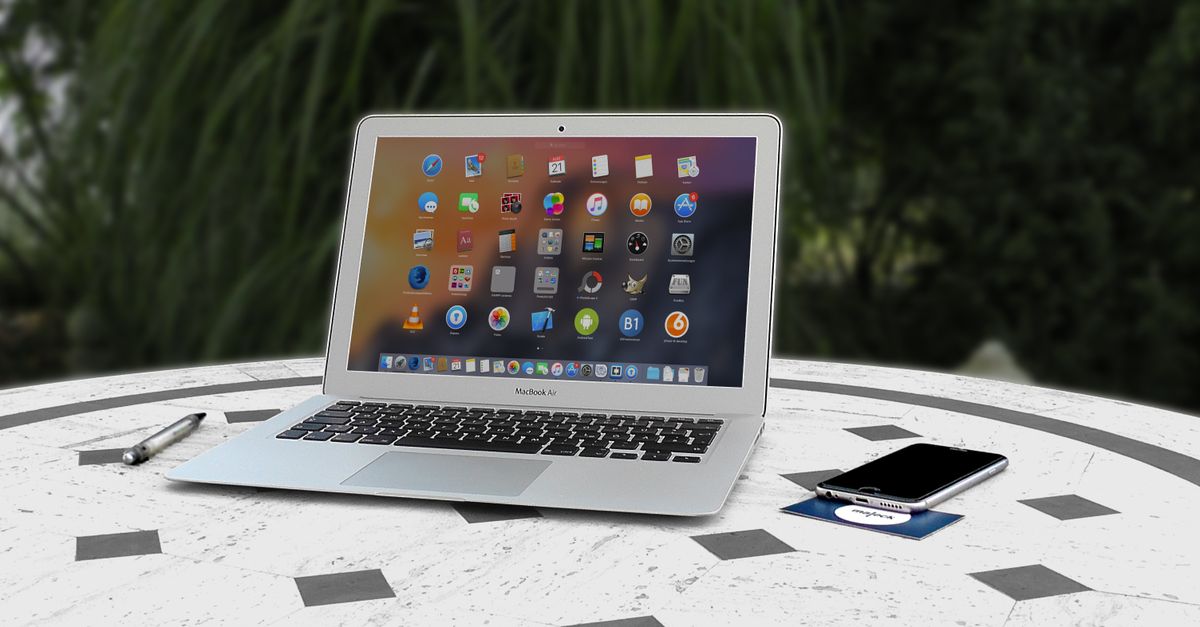
Laptop won’t find iPhone hotspot? Try Maximize Compatibility, update drivers, rename your iPhone, or use USB tethering. Quick fixes inside.
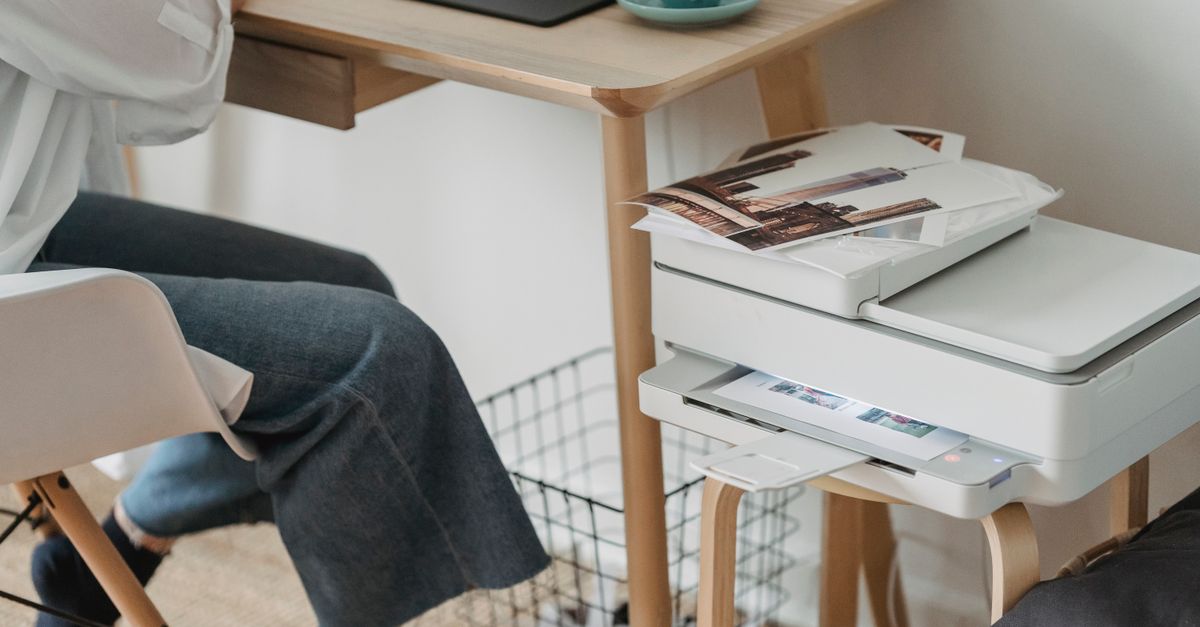
Fix “printer not found” on your laptop. Learn driver updates, Print Spooler fixes, and troubleshooting steps for USB, Wi-Fi & network printers.
Laptop not emitting sound? Fix muted audio, wrong output device, disabled drivers, or stopped services. Step-by-step troubleshooting guide inside.
Fix laptop memory issues with proven solutions. Learn to diagnose RAM problems, clear unnecessary files, and decide if an upgrade to 8GB, 16GB, or 32GB is needed.
Laptop running out of space? Free up 10–50 GB instantly with Windows Disk Cleanup, clear temp files, and cloud storage tips. Simple steps to reclaim storage.

Fix laptop WiFi not connecting while other devices work. Try driver updates, network resets, and router settings to restore connectivity fast.
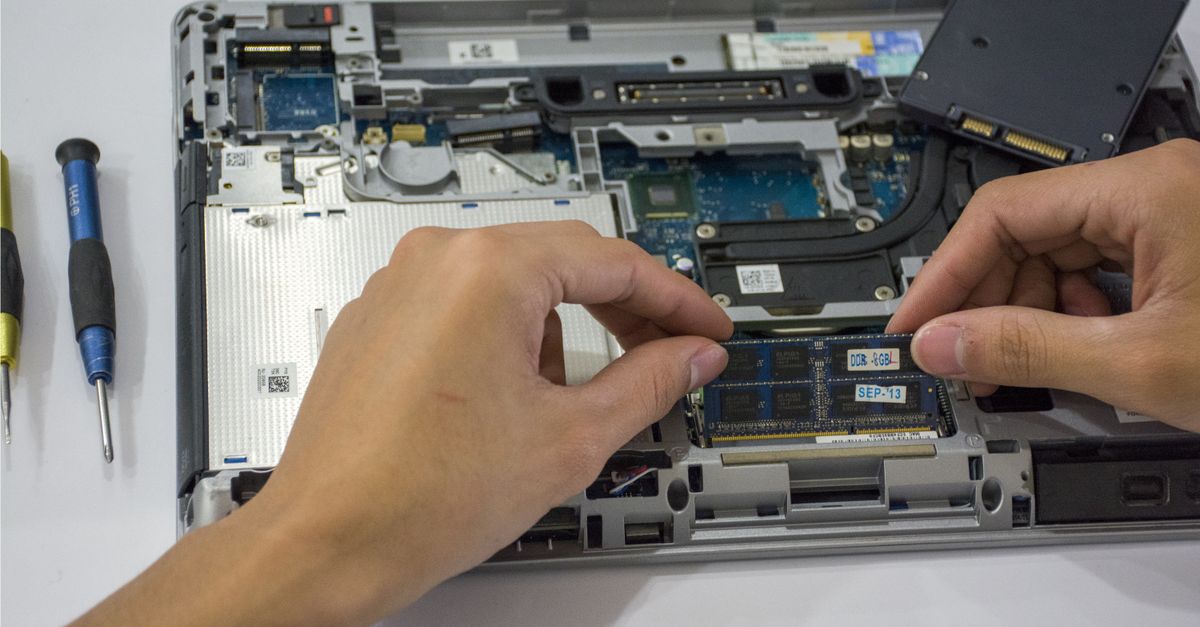
Laptop won’t boot after RAM upgrade? Reseat modules, clear CMOS, verify compatibility. Fix 90% of boot failures with our step-by-step troubleshooting guide.

Laptop screen dim at 100%? Fix it in 5 minutes by disabling adaptive brightness, updating drivers, and checking power settings.