Function Keys on Dell Laptop Not Working (Quick and Simple DIY Fixes)

Fix Dell laptop function keys not working in under 10 minutes. Try Fn+Esc, update drivers, or adjust BIOS settings. 90% are software fixes.

Fix Dell laptop function keys not working in under 10 minutes. Try Fn+Esc, update drivers, or adjust BIOS settings. 90% are software fixes.
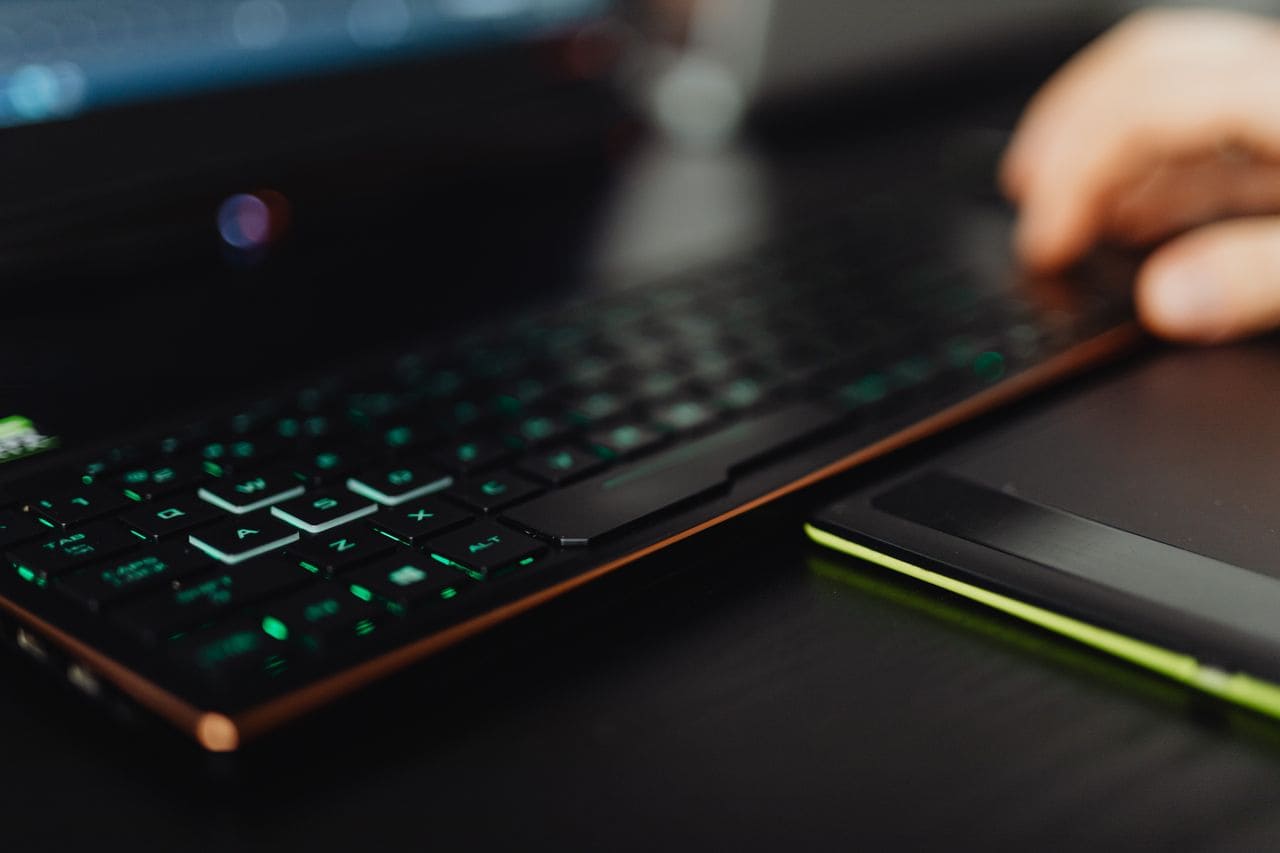
External keyboard for laptop not working? Try USB port swaps, driver reinstalls, and wireless fixes. Step-by-step troubleshooting to get typing back online.

Fix your Corsair keyboard not working with 5 proven troubleshooting steps. Most issues solved in minutes without tools or warranty claims.

Fix a locked Corsair keyboard in minutes. Discover quick solutions for Win Lock, iCUE conflicts, and firmware issues—get your board working again.
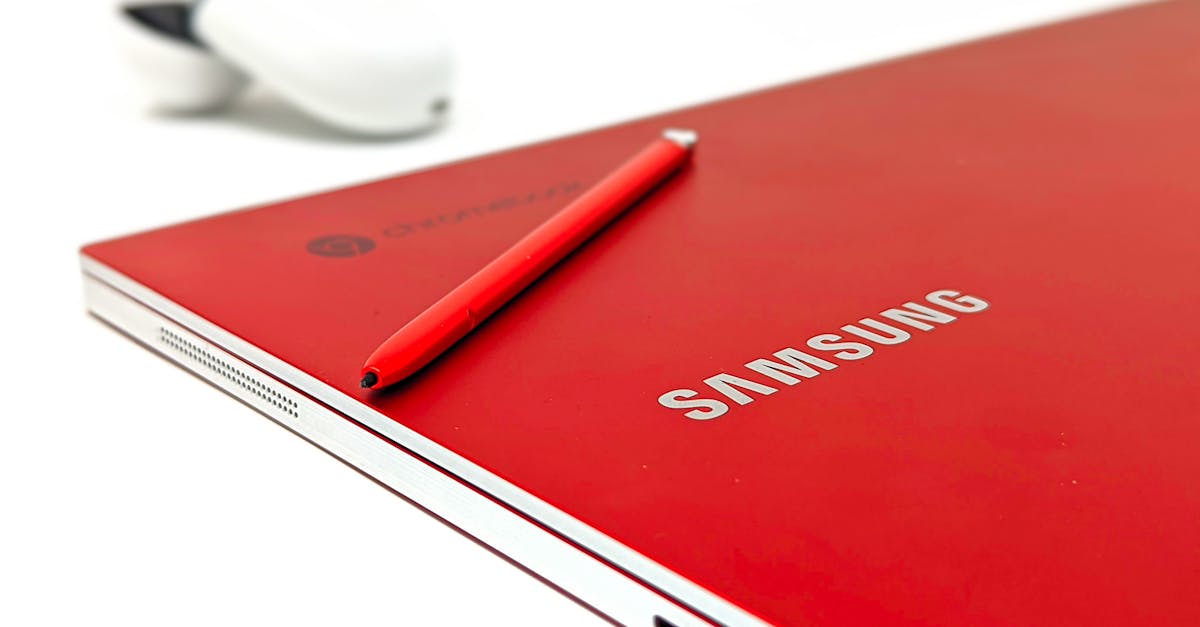
Fix your Chromebook keyboard in minutes with step-by-step troubleshooting. Check Sticky Keys, reset hardware, or test in Guest Mode—most issues are software-related.
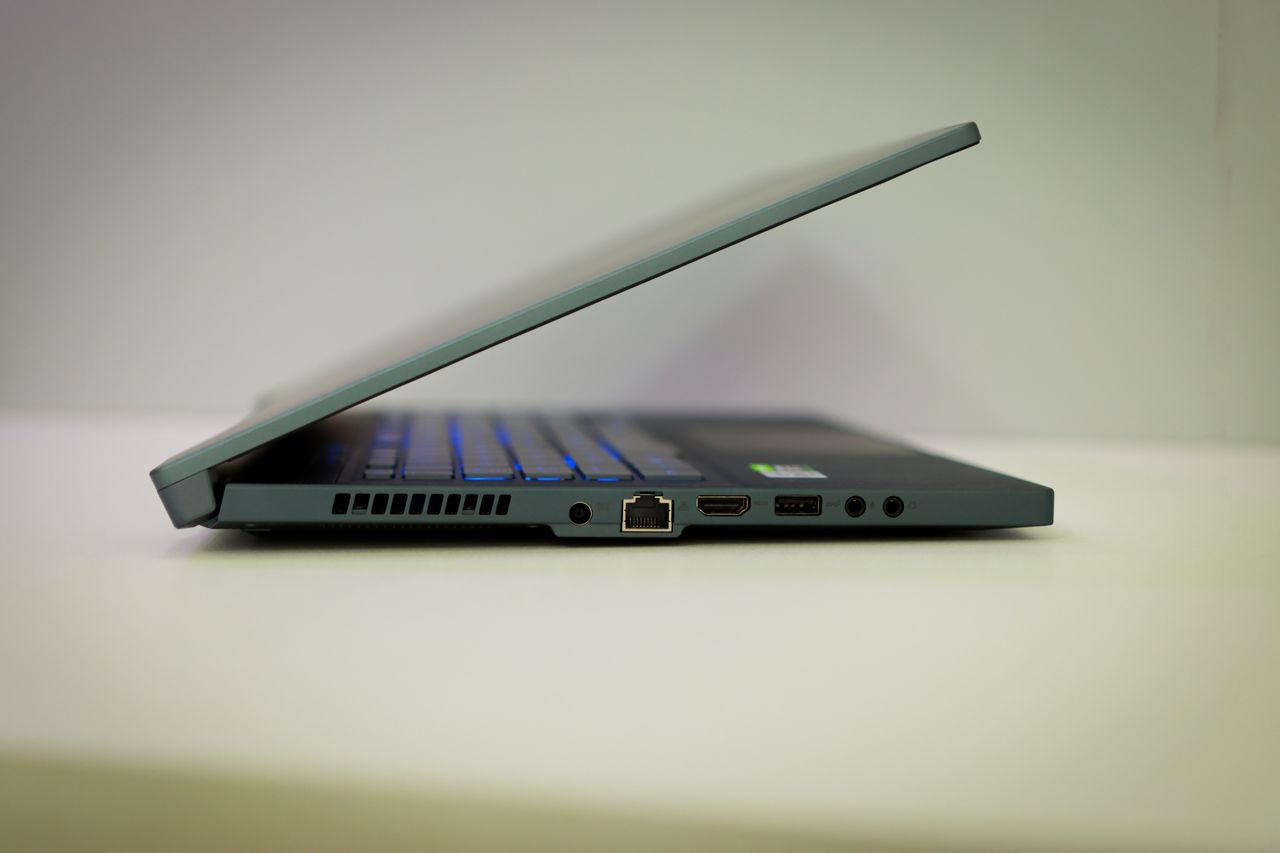
Fix your locked Alienware laptop keyboard with quick software fixes: disable Filter Keys, try Fn + F6, update drivers, and skip the repair shop.

Fix your Acer keyboard lock issues in under 10 minutes. Learn function key shortcuts, driver fixes, and accessibility settings to restore typing instantly.

Keyboard backlight not working? Try simple software fixes, driver updates, and shortcut keys to restore your laptop’s illumination in under 5 minutes—no repairs needed.
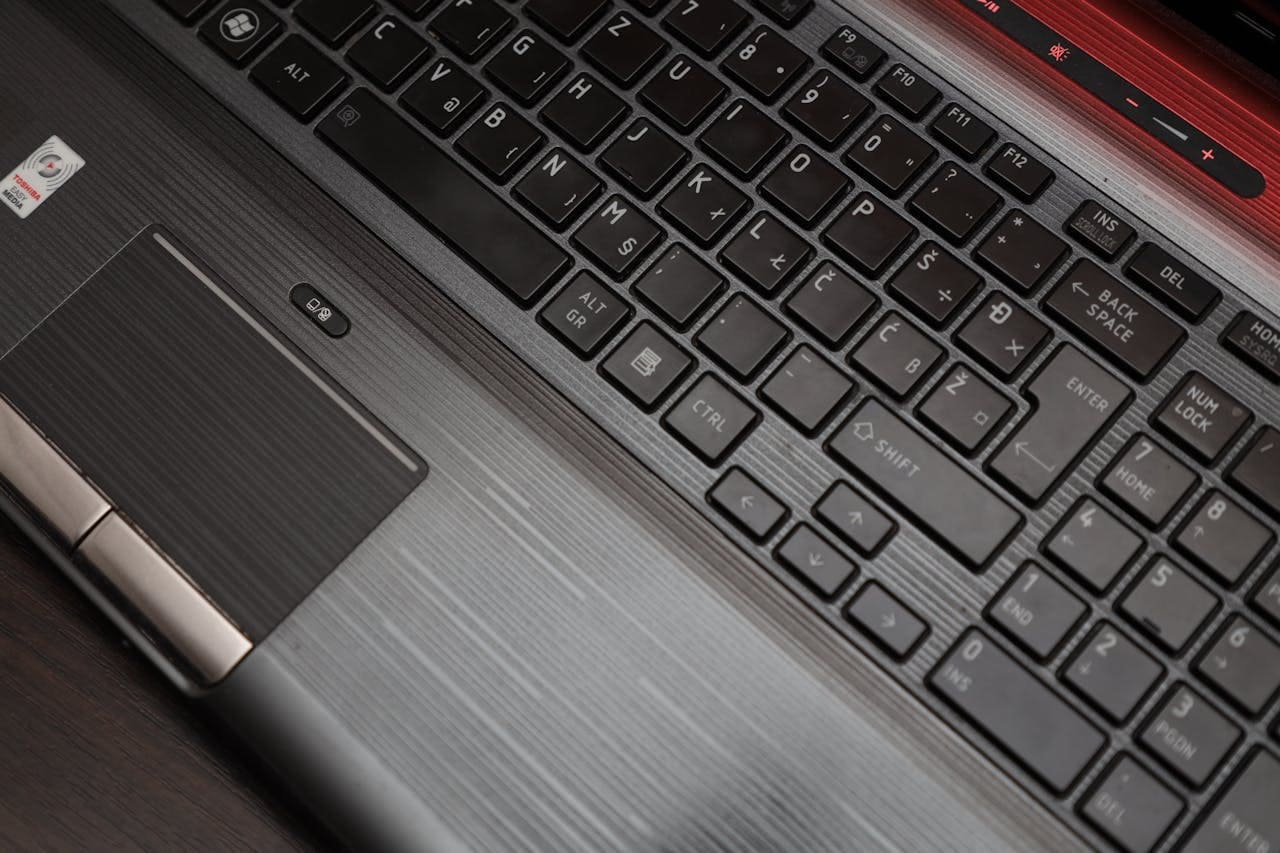
Fix a single button on laptop keyboard not working with our step-by-step guide. Learn quick software fixes, safe cleaning, and when to replace.

Dell laptop keyboard locked? Try quick fixes: restart, disable Filter Keys, update drivers, or toggle Fn/NumLock. Unlock yours in minutes.