Chromebook Keyboard Not Working but Touchscreen Works?
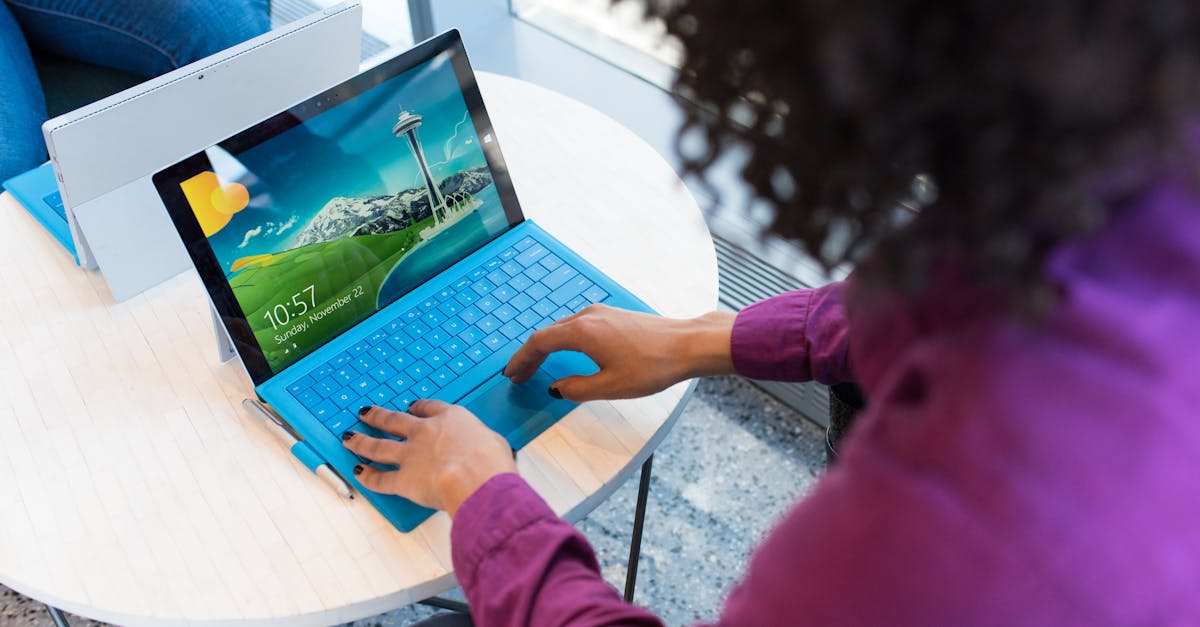
Fix your Chromebook keyboard with EC reset, software troubleshooting, and step-by-step hardware diagnostics—no external keyboard required.

 Thomas Owen
 Fix your Chromebook keyboard with EC reset, software troubleshooting, and step-by-step hardware diagnostics—no external keyboard required.
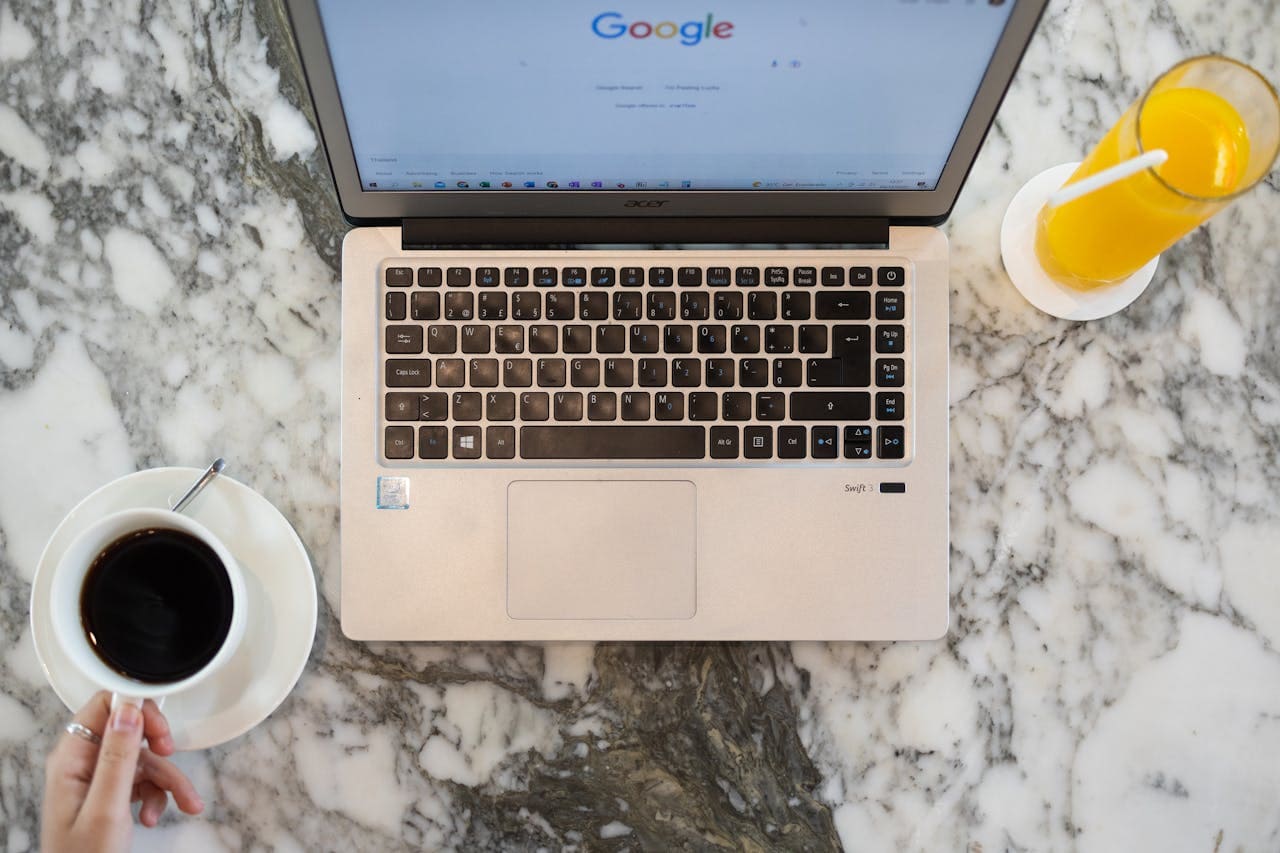
Fix mouse not working on Acer laptops with keyboard-only solutions. Troubleshoot touchpad, drivers, and USB issues step-by-step.
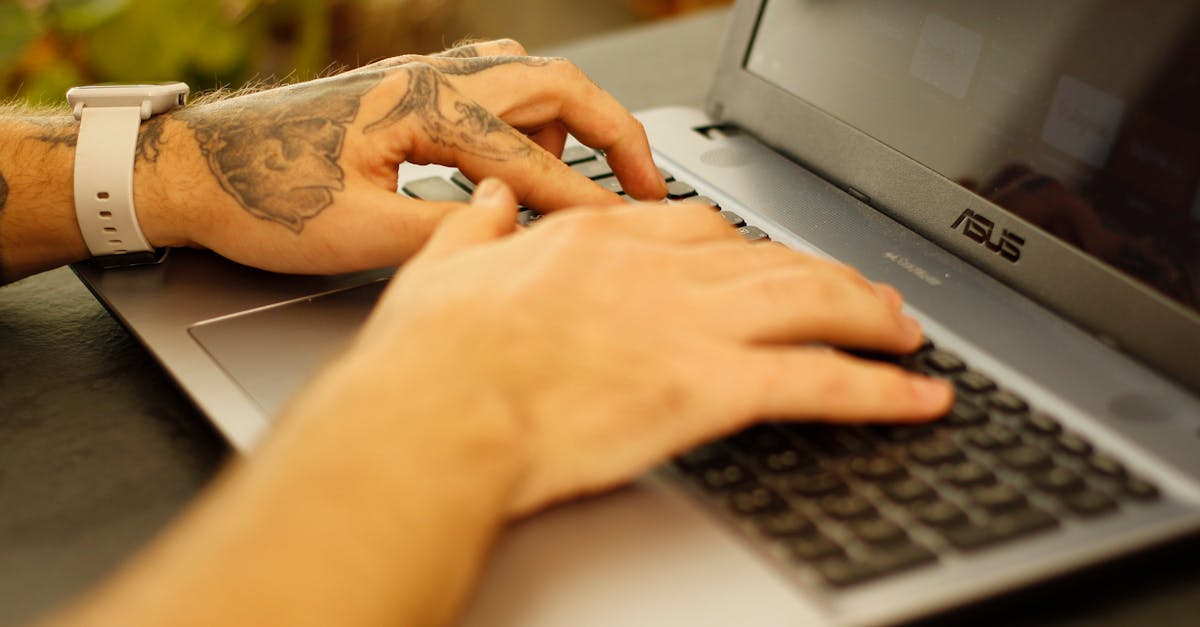
Fix Asus laptop keyboard not working with 40-second EC reset, driver reinstall, or Filter Keys fix. 70–80% software-solvable—skip repair bills.
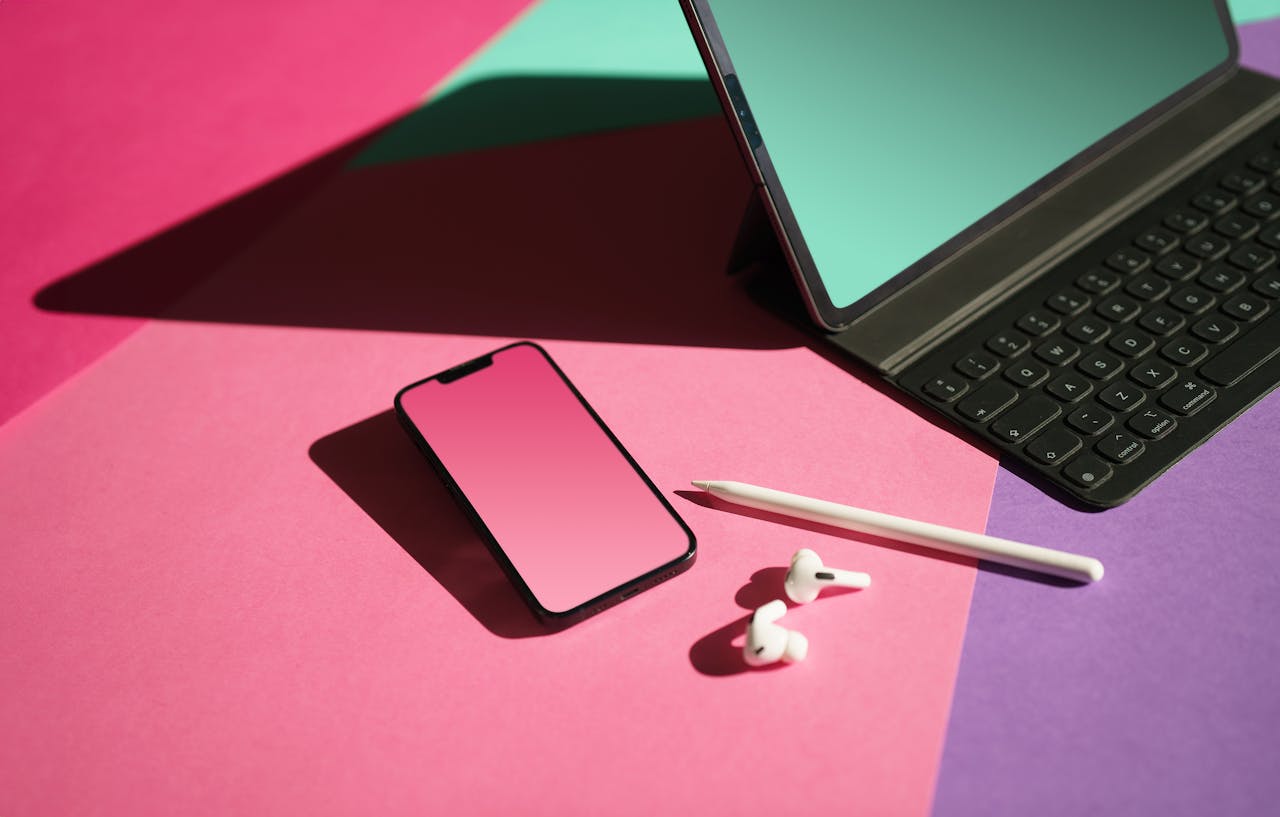
Fix Logitech Folio Touch not working: Clean Smart Connector pins, force restart, verify software. 60–70% of issues resolve with these simple steps.
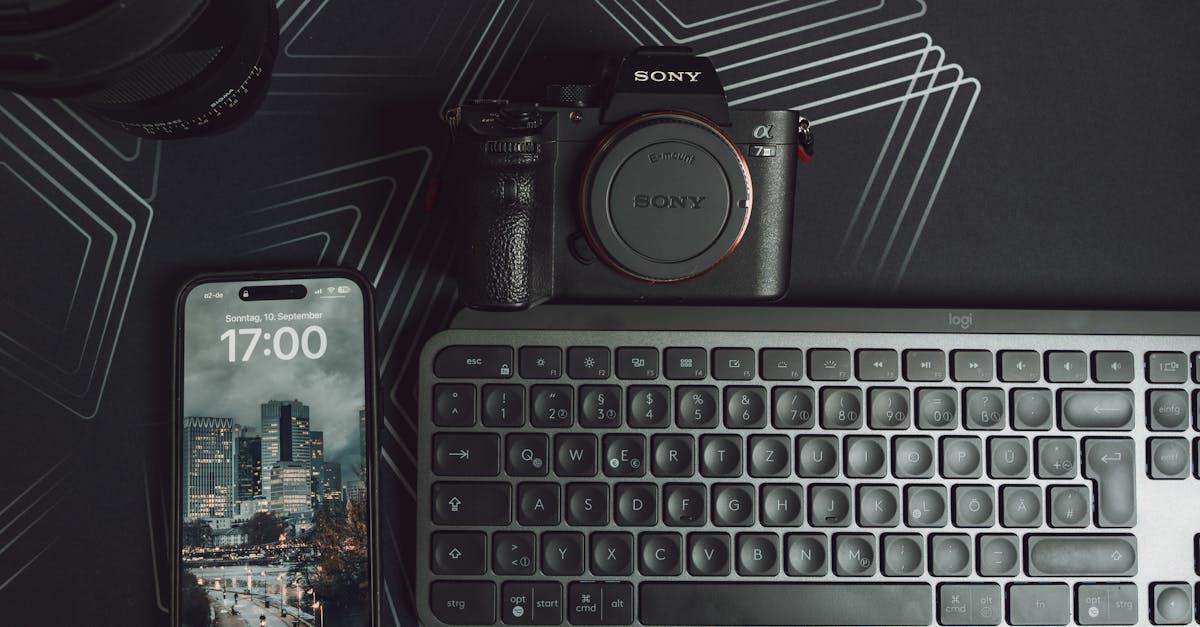
Fix Logitech iPad keyboard connection issues: re-pair Bluetooth, clean Smart Connector pins, update firmware. Most issues resolve in minutes—no support call needed.
Samsung TV no picture but has sound? Follow these step-by-step fixes — from power cycling to the flashlight test — to diagnose backlight, HDMI, or software issues fast.
Roku TV keeps restarting? Learn the top causes—power issues, overheating, firmware bugs—and step-by-step fixes that resolve 70% of boot loops in minutes.
TCL TV volume keeps going up by itself? Learn the 3 main causes and field-tested fixes — from remote resets to CEC settings — to stop phantom volume spikes for good.
Wireless CarPlay adapter not working? Follow these proven diagnostic steps to fix Wi-Fi interference, firmware mismatches, and connection drops in under 10 minutes.

Fix your Skyworth TV keyboard not working with 8 proven troubleshooting steps. Restore functionality fast without professional help.